
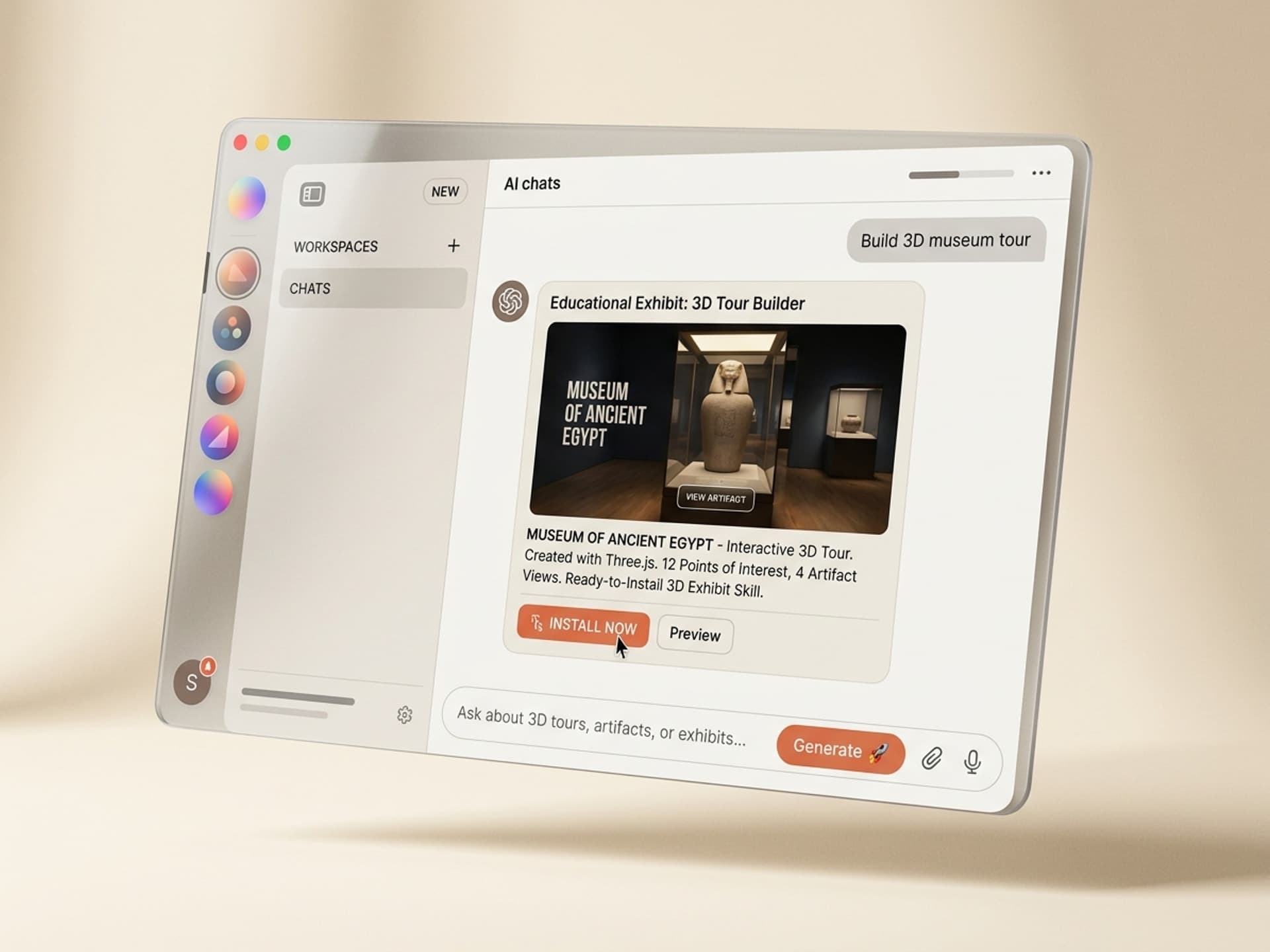

Browse hundreds of ready-made skills for Claude, Cursor, and more.
AI Skills for 3D Museum Exhibits Are Now Within Indie Budgets
A custom interactive 3D museum exhibit used to cost $20,000 to $100,000 in agency dev time. The Smithsonian, the Met, and the British Museum can absorb that. A regional science center, a university gallery, or a solo science communicator on YouTube cannot. AI skills change the math. With a Vibe Skills subscription and a Three.js skill, a small museum team can ship an interactive 3D artifact viewer, a narrated virtual museum tour, or a timeline scene in under a week. This guide covers the 5 best AI skills for 3D museum exhibits on Vibe Skills, the anatomy of a working educational 3D experience, and the workflow that gets your first exhibit live in 7 days. Browse the Interactive 3D category to see live previews.
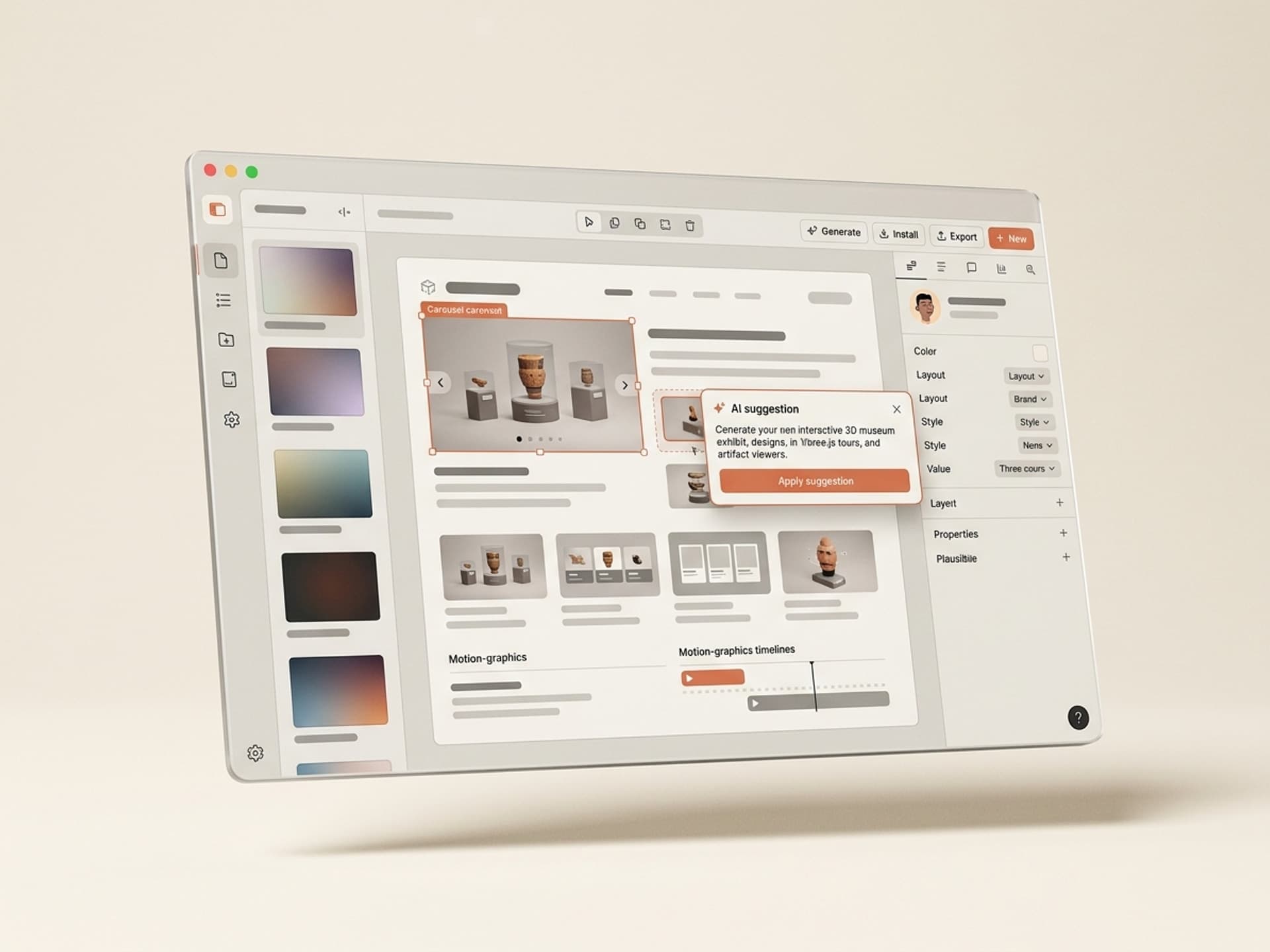
Browse hundreds of ready-made skills for Claude, Cursor, and more.
Why 3D Museum Experiences Beat the Static Online Catalog
Most museum websites in 2026 still show artifacts as flat JPEGs in a grid. That treats a 4,000-year-old vessel like a stock photo. Interactive 3D changes the engagement profile.
- Dwell time: the Smithsonian's 3D viewers report 3 to 5x longer session times than equivalent gallery pages with static images.
- Reach: a virtual museum tour serves visitors who cannot afford the flight, the ticket, or the accessibility accommodation. Your audience grows by an order of magnitude overnight.
- Education retention: spatial 3D learning beats text-only by a wide margin in K-12 retention studies. Students remember what they rotated and zoomed.
- SEO and AI citation: a page with an embedded 3D scene gets cited by Perplexity and ChatGPT as a primary source, not a pass-through. AI engines reward unique interactive content.
The catch was always cost. A working interactive 3D museum exhibit needs Three.js setup, GLB asset optimization, lighting, camera paths, hotspots, narration sync, and mobile fallback. That is a 3 to 6 week dev sprint at $150 to $250/hour. AI skills compress that into a few days because the entire scaffolding ships with the skill - you replace the placeholder artifact with your scan and rewrite the hotspot copy.
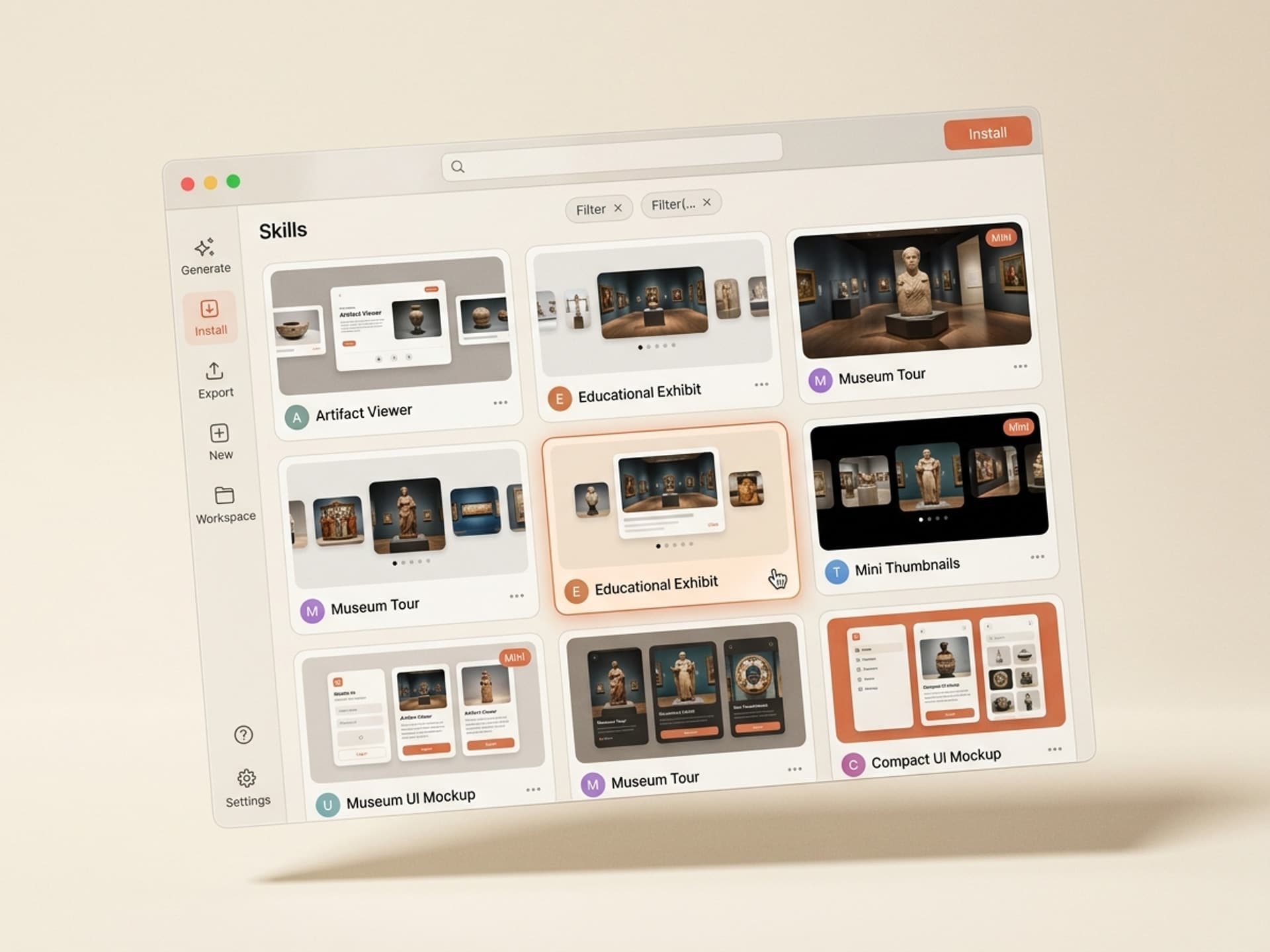
Browse hundreds of ready-made skills for Claude, Cursor, and more.
Anatomy of a Working Educational 3D Exhibit
Every great interactive 3D museum experience contains the same five layers. AI skills on Vibe Skills are pre-built around exactly this anatomy.
| Layer | What it does | Why it matters |
|---|---|---|
| 3D artifact viewer | Rotatable, zoomable GLB or USDZ model | The core "wow" - users touch the object |
| Narrated tour mode | Auto-flythrough with voiceover and synced camera path | Lets passive visitors learn without needing to drive |
| Hotspot info layer | Click pins on the artifact reveal text, image, or audio context | Curatorial depth without cluttering the scene |
| Timeline / context scene | Surrounding 3D environment showing era, location, related artifacts | Anchors the artifact in history |
| AR / VR / mobile mode | Falls back to AR Quick Look on iOS, WebXR on Quest, simple canvas on low-end Android | Accessibility and reach |
Skip any one of these and the exhibit feels broken. A naked GLB viewer with no hotspots is a Sketchfab embed. Hotspots without a narrated mode loses passive viewers. A great exhibit hits all five.
This is the layer breakdown every Vibe Skills 3D museum skill follows, so you do not have to engineer the anatomy yourself - you just plug in the artifact and the curatorial copy.
5 AI 3D Museum Exhibit Skills on Vibe Skills
These are the most-installed skills in the Interactive 3D category for educational and museum use cases. Each ships as a complete Three.js project that exports to a static site (Vercel, Netlify, or your own server).
1. Artifact Viewer Pro
A single-artifact deep-dive viewer. Loads a GLB or glTF, sets up cinematic lighting, ships rotation, zoom, and a 3-spot lighting toggle so curators can show the object under "exhibit", "raking", and "UV" light. Includes a hotspot editor.
- Best for: vessels, sculptures, scrolls, fossils, single-object deep dives
- Output: embeddable iframe or full-page route
- Mobile: AR Quick Look on iOS, fallback canvas on Android
- Browse: Interactive 3D on Vibe Skills
2. Virtual Museum Tour Builder
A walkthrough-style scene. The visitor moves room to room with WASD keys or auto-flythrough. Each room hosts up to 12 artifacts. Includes narration sync, camera path waypoints, and an exit-anywhere navigation HUD.
- Best for: full gallery rooms, special exhibitions, donor-funded virtual tours
- Output: standalone web app
- Mobile: touch-drag camera, tap-to-teleport
- Browse: Interactive 3D on Vibe Skills
3. Edu Timeline 3D
A horizontal time-axis where 3D artifacts float at their date in history. Users scrub a timeline at the bottom, the 3D scene reorganizes around the active era. Built for "evolution of X" exhibits - chairs through the centuries, microscopes from 1660 to today, currency across empires.
- Best for: science museums, historical surveys, university teaching collections
- Output: full-page route with scrubbable timeline
- Browse: Interactive 3D on Vibe Skills
4. Hotspot Storyteller
A guided narrative that rides on top of any GLB. The artifact rotates automatically through 6 to 10 hotspots with voiceover, captions, and sync'd UI cards. Designed for visitors who do not want to "drive" - they hit play and learn.
- Best for: elementary education, accessibility-first exhibits, kiosk mode
- Output: embeddable scene with auto-narration
- Browse: Interactive 3D on Vibe Skills
5. Site Reconstruction Scene
A small environment. Reconstructs an archaeological site, a temple interior, or an extinct ecosystem in low-poly Three.js. Visitors walk through, hotspots reveal what we know vs what is reconstructed. Built specifically for museums that want to show "what it actually looked like" without committing to a million-dollar 4K cinematic.
- Best for: archaeology, paleontology, history of architecture, lost ecosystems
- Output: WebGL scene with WASD navigation and AR fallback
- Browse: Interactive 3D on Vibe Skills
Over 30 interactive 3D skills total in the category. Every one is included in a Vibe Skills subscription - no per-skill fees, no commercial license upcharges.
Browse the Interactive 3D category on Vibe Skills →
Ship Your First 3D Museum Exhibit in a Week
Seven days from "we want to try this" to a live URL the marketing team can share. Realistic if you follow this order.
Step 1 - Pick the right skill on Vibe Skills
Map the exhibit you want to one of the 5 skills above. Single artifact = Artifact Viewer Pro. Full room = Virtual Museum Tour Builder. Educational sequence = Edu Timeline 3D. Install the skill. Do not start with the model - start with the skill because the skill dictates the asset spec (target poly count, texture size, hotspot schema).
Step 2 - Source or capture the 3D asset
You have three paths.
- Existing scan: check Sketchfab, the Smithsonian 3D collection (publicly licensed), or your university's repository. Many museums already have GLB/USDZ exports of common artifacts.
- Photogrammetry capture: use Polycam, RealityScan, or Luma AI on an iPhone. 60 to 120 photos around the object yields a usable mesh in 20 minutes.
- Commission a scan: $200 to $1,500 per artifact from a regional 3D scanning studio. Worth it for hero pieces.
Optimize: target under 100k polygons and under 4MB textures for web. The skill includes a one-click optimizer.
Step 3 - Write the hotspot script
Each hotspot needs a 30 to 60 word block: what the visitor is looking at, why it matters, one surprising fact. Curators write this. Do not let the AI write the curatorial copy without expert review - educational 3D experiences live and die on accuracy.
Step 4 - Wire the asset and copy into the skill
Drop the GLB into /public/models/, paste the hotspot script into the skill's config. The skill auto-positions hotspots based on a JSON anchor file you mark up in 5 minutes.
Step 5 - Record narration
Use ElevenLabs, Descript, or your curator's actual voice. The Hotspot Storyteller skill auto-syncs audio length to camera dwell time, so you do not have to time anything by hand.
Step 6 - Test on three devices
iPhone Safari, Android Chrome, desktop Chrome. Common breakage: textures too large, AR Quick Look fallback missing, hotspot text overflowing on mobile. The skill ships with mobile-first defaults but always test before launch.
Step 7 - Deploy and embed
pnpm build and push to Vercel. Embed via iframe on your existing CMS (Drupal, WordPress, Squarespace) or run as a standalone subdomain like tour.yourmuseum.org.
Total elapsed time for an experienced team: 5 to 7 days. For a first-timer with a curator and one developer: 2 weeks max.
Frequently Asked Questions
Do I need to commission expensive 3D scans first?
No. The Smithsonian Open Access program, Sketchfab Cultural Heritage, and the Met's Open Access collection all release thousands of GLB and USDZ files under permissive licenses. For your own collection, an iPhone with Polycam or Luma AI captures museum-quality scans in 20 minutes per object. Vibe Skills 3D museum exhibit skills accept any standard GLB. Browse skills to see asset specs.
Will these exhibits work on phones and tablets?
Yes - all 5 skills above ship mobile-first. iOS gets AR Quick Look so visitors can drop the artifact into their living room. Android gets a touch-optimized canvas viewer. Low-end devices fall back to a static turntable video so nobody sees a broken page. Vibe Skills tests every Interactive 3D skill across iOS Safari, Chrome Android, and desktop before publishing.
What about VR headsets like Quest or Vision Pro?
The Virtual Museum Tour Builder and Site Reconstruction Scene both support WebXR, which means anyone with a Meta Quest or Apple Vision Pro can walk through the exhibit in VR by visiting the URL in their headset browser. No app store submission needed. This is a huge unlock for museums that want VR reach without the cost of building an Oculus app.
Are these accessible (WCAG, screen readers)?
Partially. 3D scenes are inherently visual, but every skill includes: keyboard navigation as a fallback for mouse, alt text on hotspot UI, captions on narrated tour mode, and a "tour summary" page that lists every hotspot as plain HTML for screen readers. Full WCAG 2.2 AA compliance for the 2D wrapper - the 3D viewport itself is treated as decorative with a text equivalent provided. See the Vibe Skills Interactive 3D category for per-skill accessibility notes.
How much does a Vibe Skills subscription actually cost?
Pro is $39/month ($29/month annual) and includes every standard skill. Premium at $79/month unlocks the full Interactive 3D category along with games, web apps, and AI personas. Business at $300/month covers up to 20 team seats with shared billing - the right fit for a museum digital department or a university edtech team. All plans include unlimited downloads with no metering. See pricing.
Can I use these on a public museum website commercially?
Yes. Pro and Premium include a standard commercial license that covers public-facing museum websites, ticketed exhibition microsites, and sponsor-funded virtual tours. Business adds an extended commercial license for white-label deployment, agency reuse across multiple museum clients, and embedded distribution in third-party platforms. No royalties, no per-visitor fees.
What if I need a custom artifact type the skill does not support?
Every Vibe Skills 3D skill exports a complete Three.js project to your repo - you own the source code. Your dev team can extend it freely. Common customizations: adding a new hotspot type (video instead of text), wiring it to a CMS for curator self-serve editing, or integrating with your ticketing system for VR class bookings. The skill is the scaffold, not a black box.
The Bottom Line
A working educational 3D museum exhibit no longer requires a $50,000 agency engagement. With a Vibe Skills Premium subscription and one of the 5 Interactive 3D skills above, a small museum team can ship a virtual museum tour, an artifact viewer, or a timeline reconstruction in under a week. The accessibility, reach, and dwell-time gains pay back the subscription cost on the first donor demo.
The market is moving fast. Museums that ship interactive 3D exhibits in 2026 will lock in SEO authority, AI citation share, and a generation of digital-first visitors. The ones still serving JPEG grids will look like the ones that skipped the website in 1999.
Browse 3D museum exhibit skills on Vibe Skills →
Skip the $50k dev quote. Install an Interactive 3D skill on Vibe Skills and ship your first museum exhibit this week.