
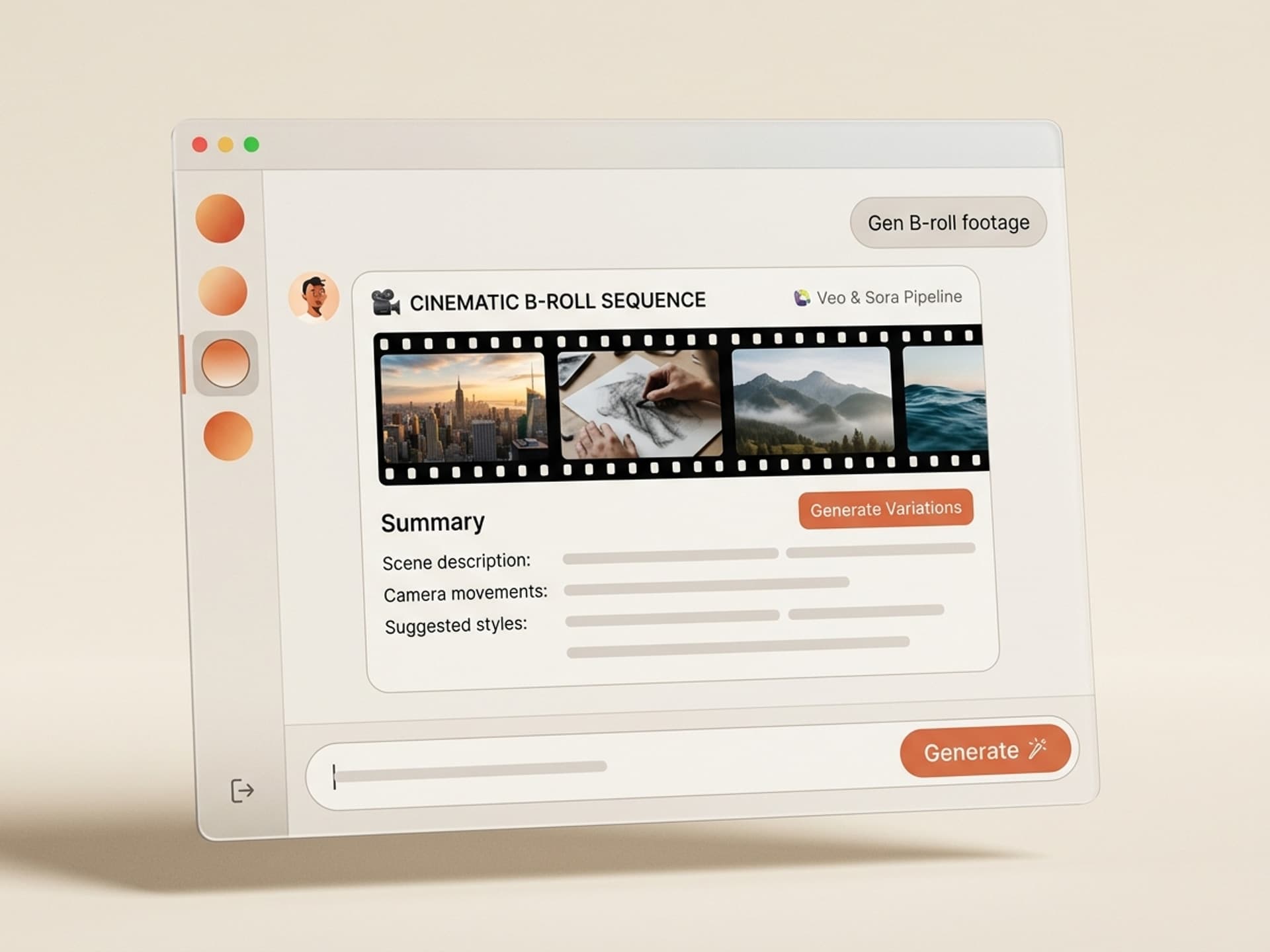

Browse hundreds of ready-made skills for Claude, Cursor, and more.
AI Skills for B-roll Are the Biggest Time Save in Editing in 2026
B-roll eats 50% of edit time on a typical YouTube video. Editors spend more time hunting cutaway shots than cutting the main interview. AI skills for B-roll on Vibe Skills flip the math: instead of scrolling Pexels for 90 minutes, you generate exactly the cutaway you need in 60 seconds with Runway, Sora, Pika, or Veo, then auto-cut it to your edit timeline.
This guide covers the 5 best AI B-roll skills in the marketplace, when to generate vs when to pull stock, the 10-minute workflow that ships, and the licensing rules that matter.
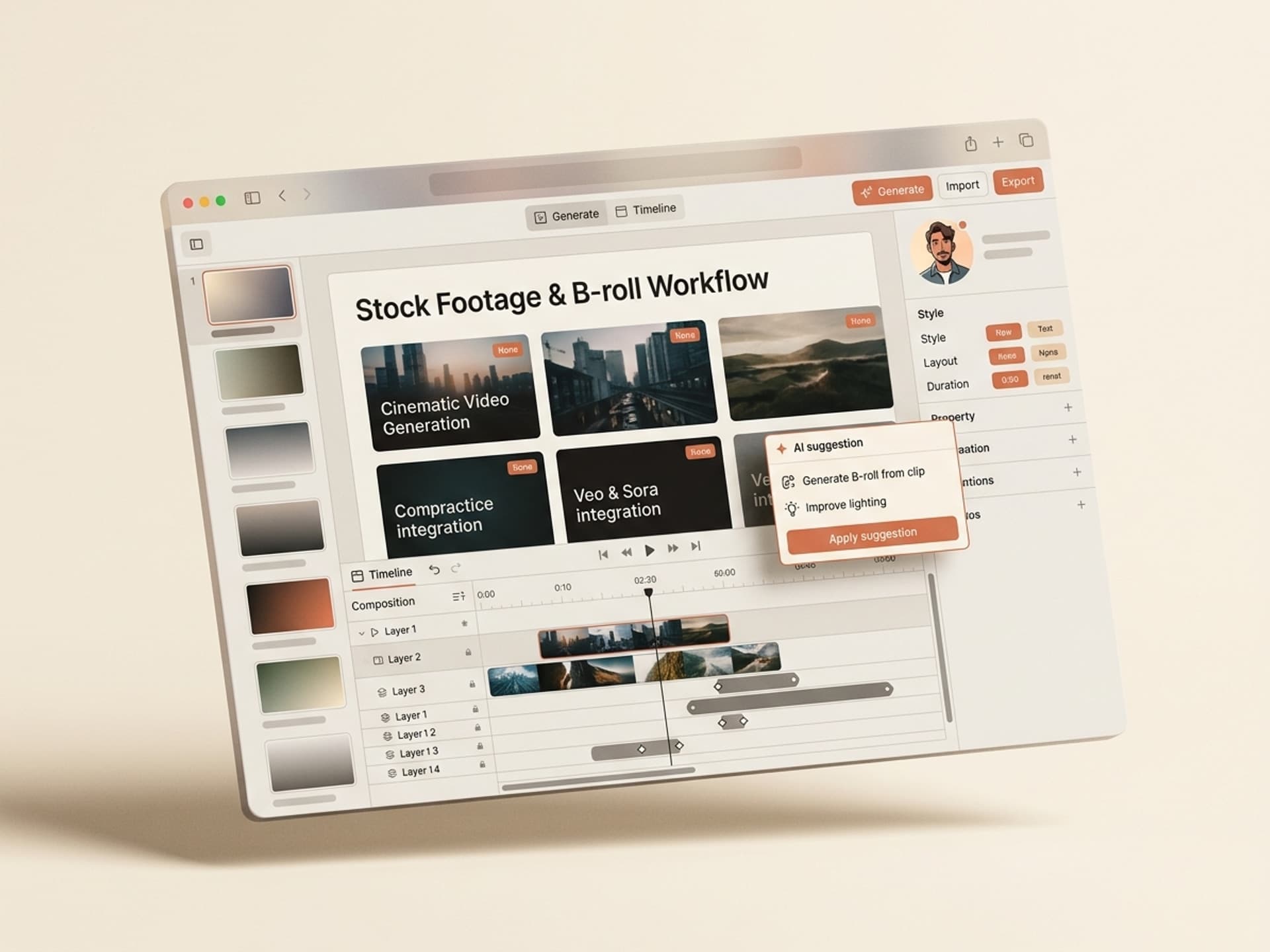
Browse hundreds of ready-made skills for Claude, Cursor, and more.
Why B-roll Eats 50% of Edit Time
Most creators underestimate the real cost of B-roll. A 12-minute YouTube video typically uses 80 to 120 cutaway shots. Each shot takes 60 to 120 seconds to find, preview, license, download, transcode, and drop on the timeline. The math gets ugly fast.
Here is what a single video looks like in real numbers:
- A-roll edit: 90 minutes (cuts, ducking, mistakes)
- B-roll hunt on Pexels / Storyblocks / Envato: 90 to 180 minutes
- Color match + transcode: 30 minutes
- Sound design: 45 minutes
B-roll alone is 50 to 60% of total post-production. Worse, the same five Pexels clips show up in every other tutorial in your niche, so your video looks like everyone else's.
The audience pain repeats across r/youtubers, r/videoediting, and r/motiondesign threads: stock libraries are too generic, custom B-roll shoots are too expensive, and editors are stuck in the middle. AI generation finally breaks the trade-off.
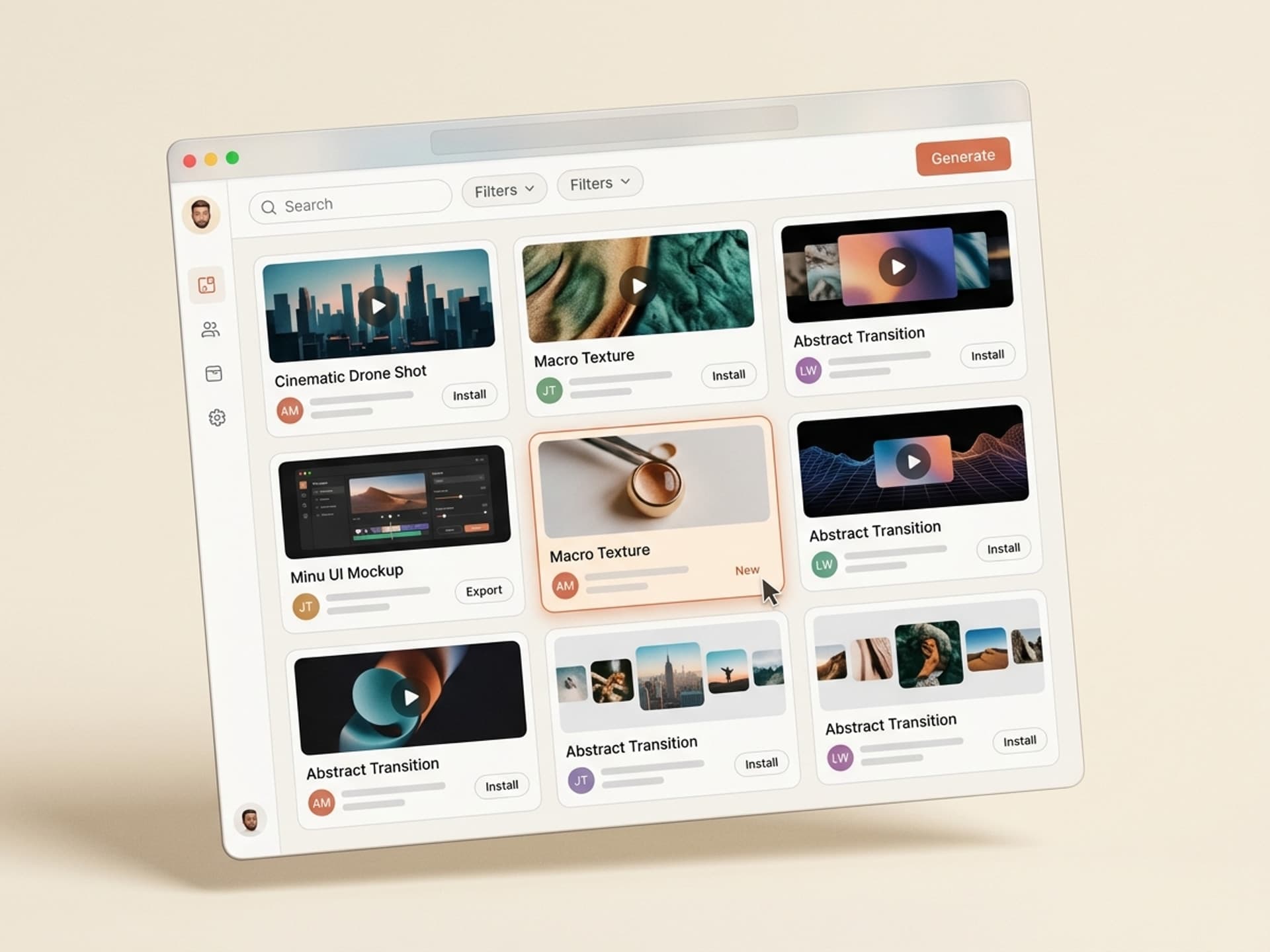
Browse hundreds of ready-made skills for Claude, Cursor, and more.
What B-roll Sources Look Like in 2026
There are three ways to source cutaway shots in 2026, and each one wins in a different scenario.
| Source | Best for | Cost | Speed | Uniqueness |
|---|---|---|---|---|
| Stock libraries (Pexels, Storyblocks, Envato, Artgrid) | Real-world b-roll, locations, people | Free to $30/mo | Medium (90+ min hunt) | Low - same clips everywhere |
| AI generators (Runway Gen-4, Sora 2, Pika 2.2, Veo 3) | Custom concepts, abstract shots, impossible scenes | $15 to $95/mo | Fast (60s per shot) | High - unique every time |
| Your own footage (B-roll days, phone clips) | Brand authenticity, hero shots | Time + gear | Slow (full shoot day) | Highest |
The smart workflow combines all three. Use stock for grounding shots (real cities, real food, real faces). Use AI for everything else: abstract concepts, transitions, product hero shots, "impossible" cuts. Use your own footage for the 5 to 10 hero shots that anchor your brand voice.
With AI skills on Vibe Skills, the AI generation step drops from "I have to learn Runway syntax" to "I describe the shot, the skill handles the rest."
The 5 Best AI Skills for B-roll on Vibe Skills
These are the most-installed video AI skills for B-roll work in the Video category. All ship with shot-list generators, Runway/Sora/Veo workflows, and ready-to-import metadata for Premiere, DaVinci Resolve, and CapCut.
1. Cinematic B-roll Generator
The most-installed video skill in 2026. Takes your A-roll transcript or topic and produces a shot list of 30 to 50 cinematic B-roll concepts, each formatted as a Runway Gen-4 or Sora 2 generation brief. Ships clips at 1080p or 4K, 24fps, with consistent color grade across the batch.
Best for: YouTubers, course creators, video essayists who need 60+ cutaways per video.
2. Product Demo B-roll Pack
Generates 30 product-focused B-roll shots from a single product photo: hero shot, lifestyle context, macro detail, action sequence, environment beauty. Uses Runway Gen-4 image-to-video for brand-accurate output. Outputs are royalty-free for commercial use.
Best for: e-commerce, SaaS demos, founder-led content.
3. Documentary B-roll Skill
Tuned for slow, grounded, documentary-style cutaways. Generates 25 to 40 atmosphere shots (architecture, weather, hands at work, ambient detail) in Veo 3 with 24fps natural motion. Includes a Premiere Pro proxy generator so 4K previews stay snappy on a laptop.
Best for: interview-driven content, podcast video, brand documentary.
4. Motion Graphics B-roll Builder
Bridges raw AI footage and motion graphics. Generates abstract / kinetic B-roll (light leaks, particle systems, data visualizations, smoke, glitch) in Runway Aleph and Pika 2.2, then exports with alpha channels for After Effects compositing. Pairs perfectly with the Motion Graphics category.
Best for: tech YouTubers, marketing teams, explainer video studios.
5. Story Cut B-roll Workflow
Pairs a transcript with scene-aware B-roll generation. Reads your A-roll, identifies emotion beats and topic shifts, generates matching cutaways at exactly the right runtime. Auto-creates an EDL or XML you import directly into Premiere or DaVinci with shots on the timeline at the right moments.
Best for: long-form video editors, agencies running 4+ video projects per week.
Browse all video AI skills on Vibe Skills →
Over 30 video AI skills in the catalog. All included in a Vibe Skills subscription.
How AI B-roll Compares to Raw Stock Footage
The honest comparison matters because each source still wins in some scenarios.
| Criteria | Pexels (free) | Storyblocks ($30/mo) | Envato ($16.50/mo) | AI generation via Vibe Skills |
|---|---|---|---|---|
| Library size | ~3M clips | ~1M clips | ~6M clips | Infinite (generated) |
| Cost per video | $0 | $30/mo flat | $16.50/mo flat | Generation-based, included in Vibe Skills sub |
| Time per shot | 60-120s hunt | 60-90s hunt | 90-120s hunt | 60-90s generate |
| Uniqueness | Low | Medium | Medium | High |
| Custom concept ("a glowing octopus typing on a laptop") | Impossible | Impossible | Impossible | Yes |
| Real locations / real people | Yes | Yes | Yes | Limited (faces still uncanny in 2026) |
| Resolution | 4K available | 4K available | 4K available | 1080p standard, 4K with Sora 2 / Veo 3 |
| Commercial license | Yes (CC0) | Yes (subscription) | Yes (with attribution) | Depends on model + skill (covered below) |
Bottom line: AI wins on uniqueness and custom concepts. Stock still wins on real-world grounding shots. Use both, and let AI skills do the routing.
The 10-Minute B-roll Workflow That Ships
This is the workflow used by editors who actually finish videos on time. Built around AI skills + a stock fallback.
Step 1: Pick the right skill on Vibe Skills
Start in the Video category and install the skill that matches your video type (Cinematic for YouTube, Documentary for interviews, Product Demo for e-commerce, Story Cut for long-form). Subscription unlocks unlimited installs across all 5 skills.
Step 2: Drop in your A-roll transcript
Paste the rough transcript or topic outline into the skill. The AI parses scene shifts, identifies the emotion of each beat, and outputs a numbered shot list with 30 to 50 B-roll concepts.
Step 3: Generate in batches
The skill formats each concept as a Runway Gen-4, Sora 2, Pika 2.2, or Veo 3 generation brief. Run batches of 10 in parallel - each shot returns in 60 to 90 seconds. Total batch time: 6 to 9 minutes for 30 cutaways.
Step 4: Auto-import to your editor
The skill exports an XML, EDL, or CapCut JSON with all shots already named, color-tagged, and dropped on the timeline at the right A-roll moments. Open in Premiere / DaVinci / CapCut. Done.
Step 5: Spot-fill with stock if needed
For any "real world" shot the AI can't nail (specific city skylines, branded products, real interviewer faces), grab a 5 to 10 second Pexels clip. AI gets you 80 to 90% of the way - stock plugs the gaps.
Total time: under 15 minutes for 30+ B-roll shots vs the old 3-hour hunt.
Install a B-roll skill on Vibe Skills →
Frequently Asked Questions
Is AI B-roll better than stock footage?
For uniqueness and custom concepts, yes. AI generates exactly the shot you describe with no two videos looking the same. For grounded real-world b-roll (real cities, real food, real people), stock libraries still win because AI faces remain slightly uncanny in 2026. The smart move is hybrid: AI for 70 to 80% of cutaways, stock for the rest. Browse video AI skills to start hybrid.
Can I use AI-generated B-roll commercially?
Yes for most cases. Runway Gen-4, Sora 2, Pika 2.2, and Veo 3 all permit commercial use on their paid tiers as of 2026. The output is yours, including ad creative, sponsored YouTube videos, and client projects. Skills on Vibe Skills ship with the license terms documented in the skill metadata so you do not have to read every model's TOS.
Does AI B-roll come in 4K?
Sora 2 and Veo 3 deliver native 4K at 24fps in 2026. Runway Gen-4 ships 1080p with a built-in 4K upscaler that adds about 30 seconds per shot. For YouTube uploads, 1080p is fine. For broadcast or theatrical, render in 4K from Sora 2 or Veo 3 directly via the video AI skills on Vibe Skills.
How much does AI B-roll generation cost?
Direct API access to Runway Gen-4, Sora 2, Pika 2.2, and Veo 3 ranges from $15 to $95/month depending on volume. With a Vibe Skills subscription at $39/month, you get unlimited B-roll skills that orchestrate these models. The skill handles batching and shot brief formatting, so you spend less time iterating on bad generations.
Will AI replace stock footage libraries?
Not fully, but the split is shifting. By end of 2026, around 60% of B-roll on YouTube tutorials will be AI-generated, and stock libraries will keep dominating the "real world grounding shot" niche. Motion Array, Storyblocks, and Envato are all integrating AI generation into their platforms. The long-term play is hybrid workflows like the ones on Vibe Skills.
Do AI B-roll skills work with CapCut, DaVinci Resolve, and Premiere?
Yes. Skills on Vibe Skills export to XML (Premiere), FCPXML (Final Cut, DaVinci Resolve), and CapCut JSON. Imports drop shots directly on the timeline at the correct A-roll moments. No manual re-cutting required.
What about AI B-roll for short-form (Reels, Shorts, TikTok)?
The same skills work, just generate at 9:16 instead of 16:9. The Cinematic B-roll Generator and Story Cut B-roll Workflow both support vertical output. For Reels-specific cover designs, pair with the Social Media Visuals category on Vibe Skills.
Stop Hunting B-roll. Start Generating It.
The editors who ship videos in 2026 are the ones who stopped scrolling Pexels and started orchestrating Runway, Sora, Pika, and Veo through AI skills. Time saved per video: 2 to 3 hours. Quality lift from custom-fit cutaways: measurable in retention curves.
Vibe Skills carries the only curated marketplace of B-roll AI skills built for non-technical video editors. Every skill ships with shot-list generation, batch model routing, and direct timeline import. Install one, paste your transcript, get 30 cutaways before your coffee gets cold.
Browse the Video category on Vibe Skills →
Skip the 3-hour B-roll hunt. Install a B-roll AI skill on Vibe Skills and ship the video this afternoon.