
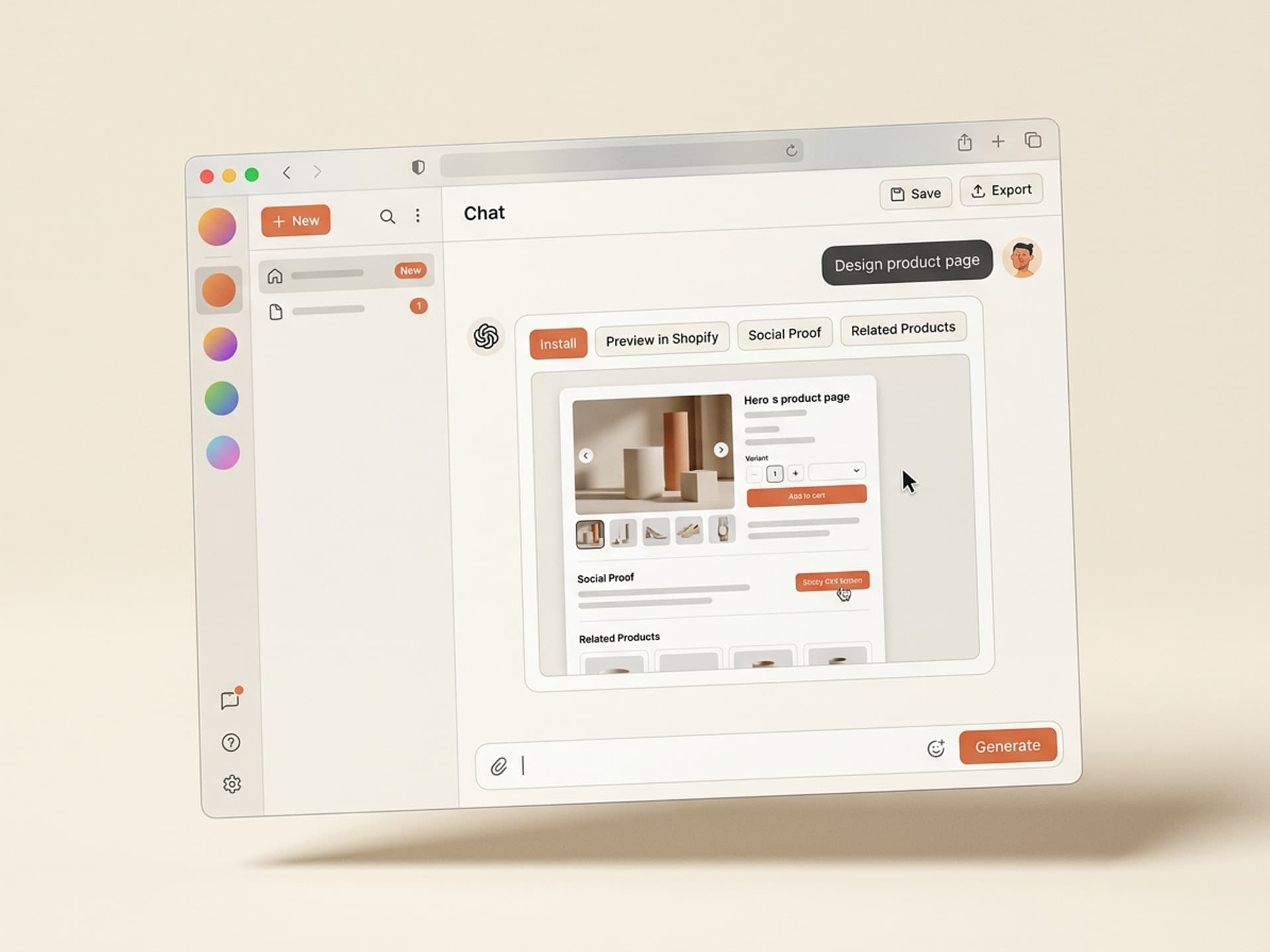

Browse hundreds of ready-made skills for Claude, Cursor, and more.
The Product Detail Page Decides the Sale, Not the Ad
Most ecommerce traffic dies on the product detail page. The ad gets the click, the homepage gets the scroll, then the PDP needs to do the actual selling - and 9 out of 10 Shopify themes look like every other store on the internet. AI skills for ecommerce product pages on Vibe Skills generate brand-fit PDP layouts (hero gallery, variants, urgency, social proof, sticky CTA) that match your visual identity instead of defaulting to "Dawn theme with bigger fonts."
This guide breaks down the anatomy of a high-converting PDP in 2026, the 5 web and UI skills that ship them fastest, and the workflow DTC founders use to launch a redesigned product page in a single day.
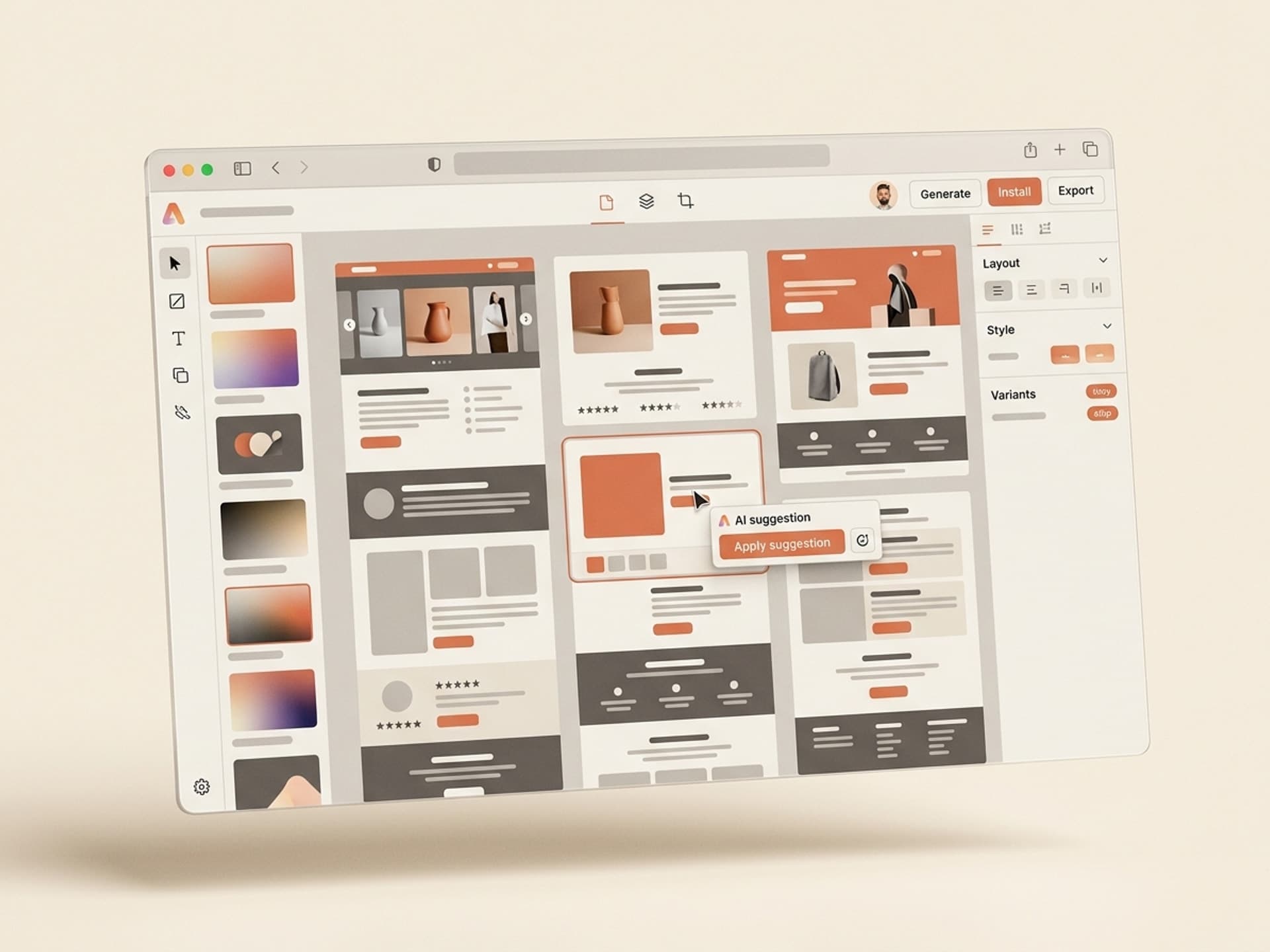
Browse hundreds of ready-made skills for Claude, Cursor, and more.
Why PDP Design Decides Ecom Conversion
The PDP is the highest-stakes screen in your funnel. It carries every doubt a shopper has - sizing, quality, returns, social proof, trust - and it has to answer all of them above the fold on mobile.
A few numbers to anchor the discussion:
- 70%+ of Shopify traffic is mobile. If your hero gallery, price, and add-to-cart aren't visible on a 390px viewport without scrolling, you are losing the sale.
- Generic Shopify themes convert at 1.4 - 2.1%. Brand-fit custom PDPs in the same vertical regularly hit 3.8 - 5.2%. That gap is design, not traffic.
- 53% of mobile users abandon a page that takes more than 3 seconds. Good PDP design is also a performance budget conversation, not just a visual one.
- Reviews and UGC raise PDP conversion by 18 - 35%. They have to be designed in, not stapled on at the bottom.
The takeaway: PDP design is a conversion lever, not a vanity exercise. And it is the one screen where "looks like a real brand" is worth more than every ad creative test you can run.
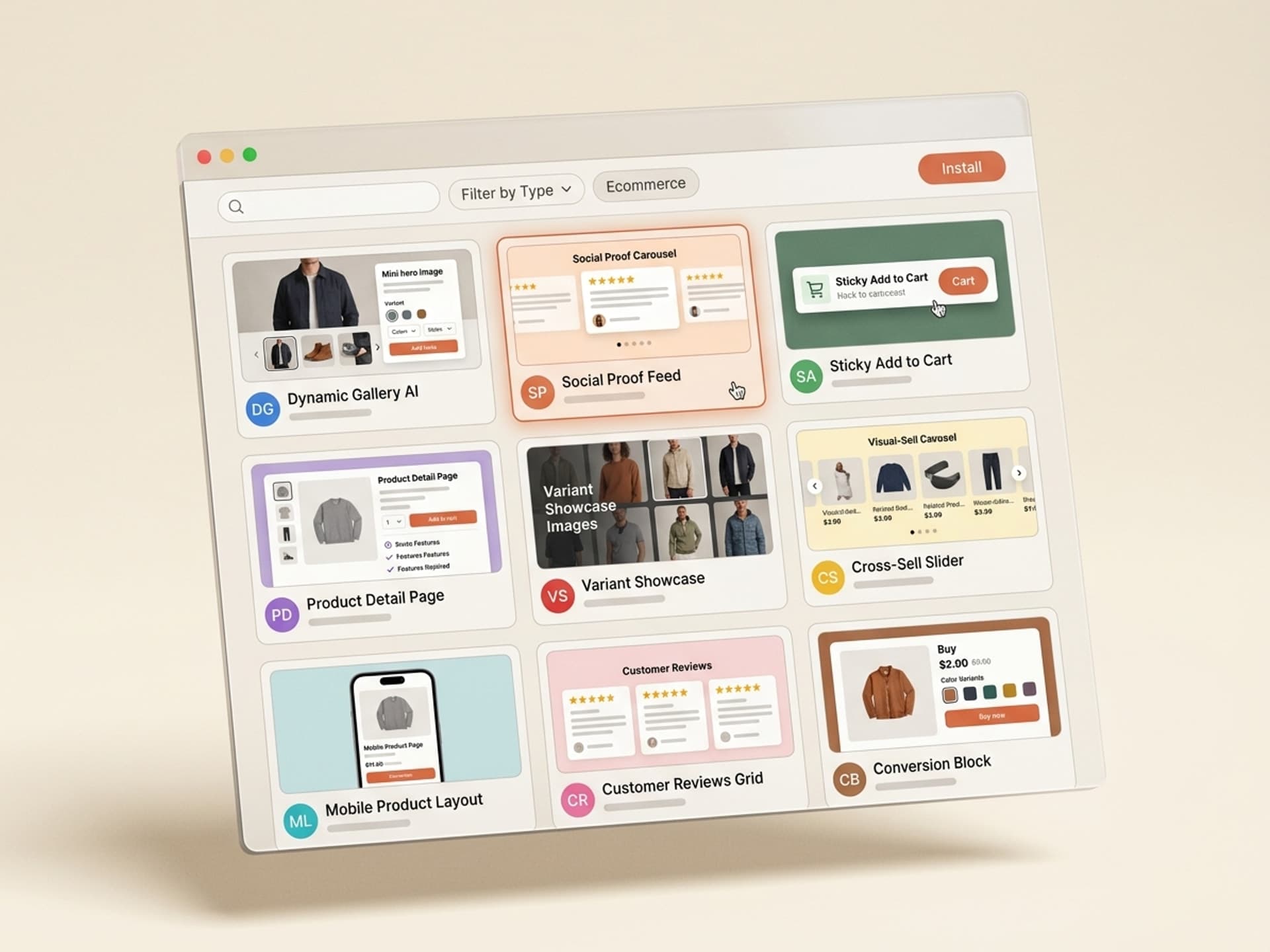
Browse hundreds of ready-made skills for Claude, Cursor, and more.
PDP Anatomy: What Has to Live on the Page
Before showing skills, here is the anatomy every high-converting PDP shares in 2026. Think of this as the brief you hand to any designer or AI skill.
| Block | Job | Mobile rule |
|---|---|---|
| Hero gallery | Show the product in 4 - 8 angles, including in-use lifestyle | Swipeable carousel, 1:1 ratio, lazy-loaded |
| Title and price | Anchor the offer instantly | Above fold, price never below variant selector |
| Variants (size, color, bundle) | Let the shopper self-configure | Tactile chips, not a dropdown, with stock state per variant |
| Social proof strip | Build trust in under 2 seconds | Star rating + review count + "as seen in" logos |
| Urgency element | Light scarcity without dark patterns | Real stock count or "shipping in 24h" line, never a fake countdown |
| Sticky add-to-cart | Always reachable | Sticky bar appears once primary CTA scrolls out of view |
| Trust badges | Answer the obvious doubts | Free returns, warranty, payment icons, secure checkout |
| Description tabs | Deep info without dumping it on the user | Accordion: Details / Materials / Shipping / Care |
| Reviews block | Heavy social proof | Star distribution, photo reviews, filter by size or skin type |
| FAQ block | Pre-empt support tickets | 5 - 8 questions matched to refund-policy reasons |
| Cross-sell row | Raise AOV without distracting | "Pairs well with" - 3 to 4 items, never 8 |
If a block on your current PDP does not map to one of these jobs, it is dead weight. Cut it.
5 AI PDP Skills on Vibe Skills
These are the Web and UI Design skills our merchants reach for when they need to ship a new product page fast. Each one outputs the layout, the responsive grid, and the export so you can drop it into Shopify, BigCommerce, WooCommerce, or Webflow.
| Skill | Best for | Output | Browse |
|---|---|---|---|
| Shopify PDP Builder | Apparel, beauty, lifestyle DTC brands | Liquid-ready section + Figma file with variant logic | Vibe Skills |
| Lifestyle Product Page Kit | Home, kitchen, wellness | Hero gallery + lifestyle slots + reviews block | Vibe Skills |
| Bundle and Subscription PDP | Subscription DTC, refill brands | Variant matrix + subscription toggle + savings calculator | Vibe Skills |
| One-Product Landing Page | Single-product brands and Kickstarter launches | Long-form scroll PDP with story sections | Vibe Skills |
| Mobile-First Sticky PDP | High-mobile-traffic brands (TikTok, Meta ads) | Mobile hero + sticky CTA + thumb-zone variants | Vibe Skills |
Over 30 web and UI design skills per category. All included in a Vibe Skills subscription.
The Web and UI Design category covers the full ecom surface: PDPs, collection pages, cart drawers, checkout, post-purchase upsells, and account pages. You can rebuild an entire storefront with skills from one category.
Browse Web and UI skills on Vibe Skills
Ship a New PDP in a Day: The Workflow
Here is the exact workflow our DTC operators use to take a flagship product from "tired Dawn theme" to "brand-fit converting PDP" in a single working day.
Step 1: Pick a Shopify PDP Skill on Vibe Skills
Open Vibe Skills and pick the closest fit to your product type - apparel, lifestyle, bundle, single-product, or mobile-first. The skill ships with the layout, the variant logic, and a Figma source file you own. Do not start from a blank canvas; you are already 70% done.
Step 2: Plug in Brand Context
Feed the skill your brand context: brand colors, typography, logo, 4 - 8 hero images, product description, variant list, reviews CSV, and your top 5 - 8 FAQ pairs from support tickets. Most of this lives in your Shopify admin already. Export it once.
Step 3: Generate 3 PDP Variants
Run the skill 3 times with the same brief but different layout emphasis: gallery-first, story-first, and reviews-first. Compare them against your current PDP in Figma. Pick the one that answers the most shopper doubts above the fold on mobile.
Step 4: Wire Up Variants and Sticky CTA
Map your product variants (size, color, bundle) to the skill's variant matrix. Confirm the sticky add-to-cart appears once the primary CTA scrolls out of view on mobile. This is the single highest-leverage interaction on a PDP - test it on a real phone, not a Chrome dev tools simulator.
Step 5: Export to Shopify Liquid (or Webflow)
The skill exports either a Shopify Liquid section file or a Webflow component. For Shopify, drop the section into your theme via the theme editor. For Webflow, paste the component into your CMS-bound product template. No custom code unless you want it.
Step 6: A/B Test Against Your Current PDP
Before you swap the global PDP template, A/B test the new design against the current one with a tool like Vercel Flags, Shopify's built-in A/B testing, or Convert. Run for 7 - 14 days, watch add-to-cart rate and revenue per visitor, then commit.
A full cycle takes 6 - 8 hours of focused work. Compare that to a freelance web designer ($3,500 - $9,000, 4 - 6 weeks) or an agency ($25,000+, 8 - 12 weeks).
Frequently Asked Questions
Should I use a Shopify theme or a custom PDP design?
Use a theme for the storefront chrome (header, footer, account pages) and a custom design for the PDP. Themes are great at navigation and bad at PDP-specific conversion patterns like sticky CTAs, variant matrices, and bundled offers. The PDP is the highest-stakes screen - it deserves its own design treatment. Browse PDP skills on Vibe Skills.
What absolutely has to be above the fold on mobile?
Hero image (or swipeable gallery), product title, price, variant selector (size or color), star rating, and the primary add-to-cart button. Everything else can scroll. If your current PDP buries any of these below the fold on a 390px mobile viewport, you are bleeding revenue.
Does PDP design really matter if I have great ads?
Yes - more than the ad does. Ads buy you a click. The PDP closes the sale. A 1.4% PDP converting at $50 AOV makes $0.70 per visitor; a 3.5% PDP at the same AOV makes $1.75. With a $1.20 CPC, the first PDP loses money on every click and the second one is profitable. The PDP is where ad spend becomes revenue.
What about Shopify Hydrogen and headless commerce?
Hydrogen and headless give you full control of the PDP frontend, which is a great fit for AI-generated layouts. The skills on Vibe Skills export to React-friendly formats so you can drop them into a Hydrogen storefront, a Next.js custom build, or stay on Liquid. Pick the stack that matches your team - the design quality is the same. See the Web and UI category.
How do I keep the PDP fast after adding all this design?
Lazy-load the gallery below the first hero image, use Shopify's built-in image CDN with WebP and AVIF, defer the reviews widget until the user scrolls near it, and skip auto-playing video heroes on mobile. The skills on Vibe Skills ship with these performance defaults baked in - you do not need to retrofit them.
Do I need different PDPs for different product categories?
Yes if your AOV or buyer behavior is different. A $19 candle and a $890 mattress should not share the same PDP template - the candle needs urgency and bundles, the mattress needs comparison tables and trust badges. Pick the category-specific skill rather than forcing one template across your whole catalog.
What about reviews and UGC - design or plugin?
Both. Use a reviews plugin (Judge.me, Loox, Stamped) for collection and storage. Use the PDP design to control exactly how reviews render - star distribution at the top, photo reviews above text reviews, filter by attribute (size, skin type, room). Default plugin styling is the reason reviews under-convert; intentional design is the fix.
Stop Shipping Dawn Theme PDPs
A great product detail page is the difference between profitable ad spend and burning cash on Meta. You do not need 6 weeks and an agency - you need a brand-fit PDP layout, a sticky CTA that works on mobile, and a workflow that gets it live before your next campaign launches.
That is exactly what AI skills are built for. One subscription, unlimited PDP variants, designed by web designers who have shipped real ecom storefronts.
Browse PDP and Web UI skills on Vibe Skills →
Stop A/B testing button colors on a generic theme. Install a PDP skill on Vibe Skills and ship a brand-fit product page this week.