
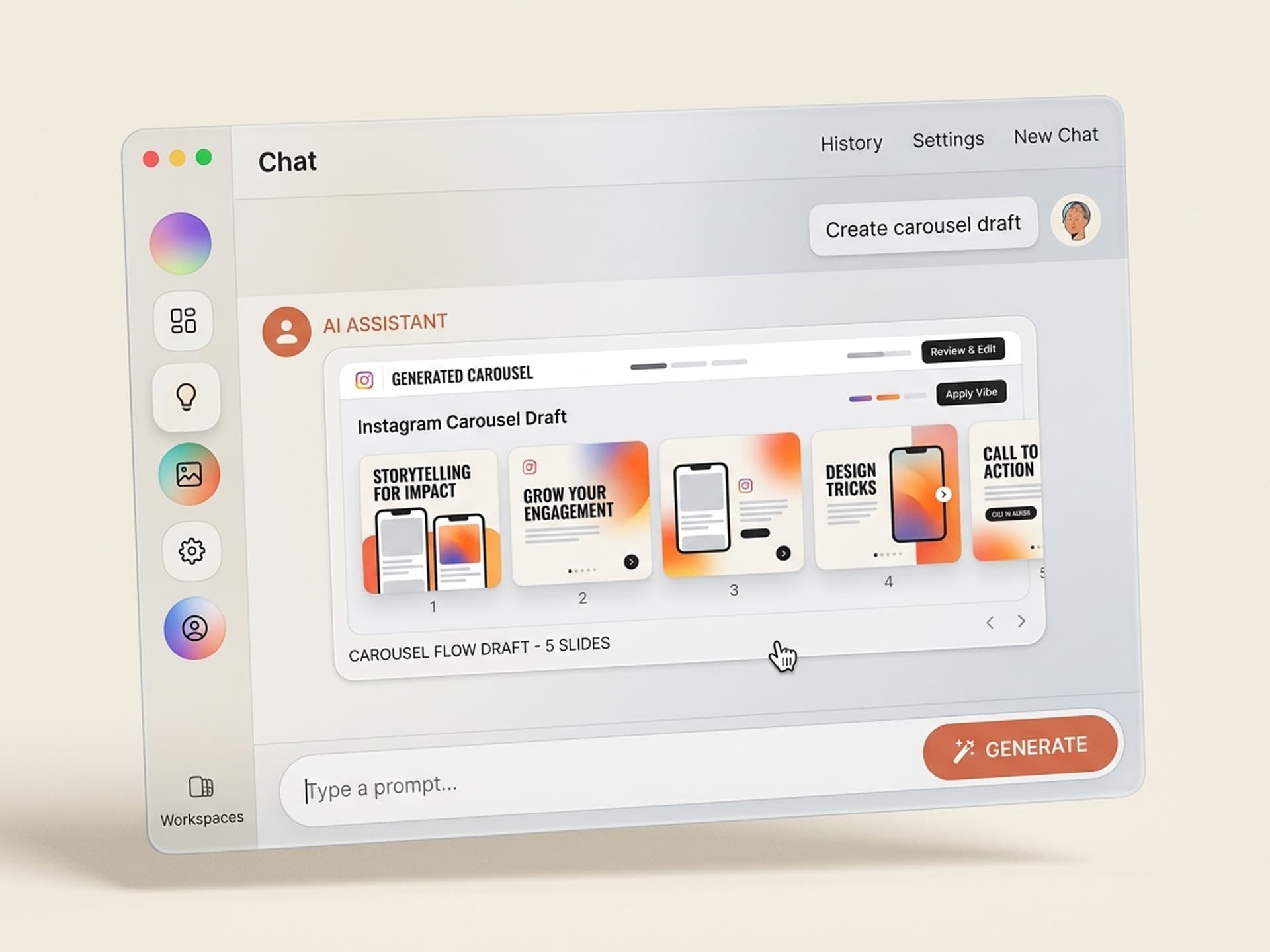

Browse hundreds of ready-made skills for Claude, Cursor, and more.
The Best AI Skills for Instagram Carousels: What Changed in 2026
The best AI skills for Instagram carousels in 2026 cut design time from 2 hours to 15 minutes per carousel, and they ship with on-brand layouts built by social designers who know exactly why slide 1 has to stop the scroll. Carousels are the format the Instagram algorithm rewards hardest in 2026, with 1.4x wider reach and up to 3.1x higher engagement than single-image posts, and the format that punishes the slowest if your design is off.
If you run a content calendar, you already know the pain. A single carousel takes a junior SMM 90 to 120 minutes in Canva, and you need 3 to 5 of them every week. AI skills collapse that into a single afternoon for the whole month.
This guide covers the seven Instagram carousel skills we recommend on Vibe Skills in 2026, the data behind why carousels are still winning, and the exact 15-minute workflow.
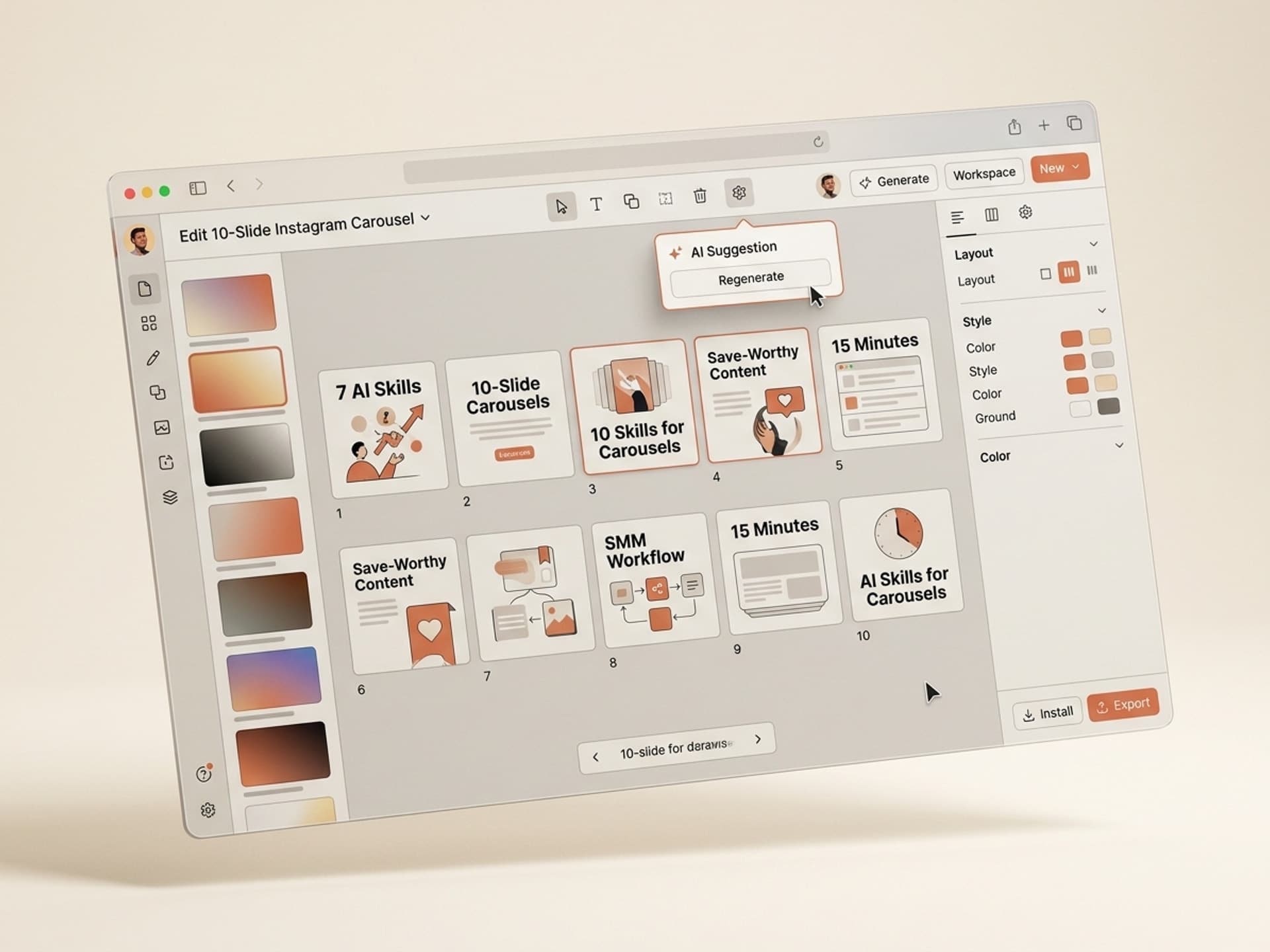
Browse hundreds of ready-made skills for Claude, Cursor, and more.
Why Instagram Carousels Are Still the Highest-ROI Format in 2026
Carousels generate up to 2.14x more engagement than single-image posts and 12% more than Reels, according to 2025 - 2026 benchmark data from Hootsuite, Socialinsider, and Later. The algorithm rewards swipes because swipes mean session time.
Three things matter for an SMM in 2026:
- Reach. Carousels achieve 1.4x wider reach than single photos because Instagram re-shows slide 1 if a user did not swipe the first time.
- Saves. Carousels are saved 2x more than any other post format. Saves are the strongest ranking signal Instagram uses.
- Algorithm preference. Static images saw a 17% YoY engagement decrease. The platform is actively de-prioritizing single-image content in 2026.
The catch: carousels only win if the design lands. A poorly designed slide 1 kills swipe-through, the algorithm reads that as "not engaging", and the post dies. This is why the visual layer matters more than the copy. AI skills give you the visual layer for free.
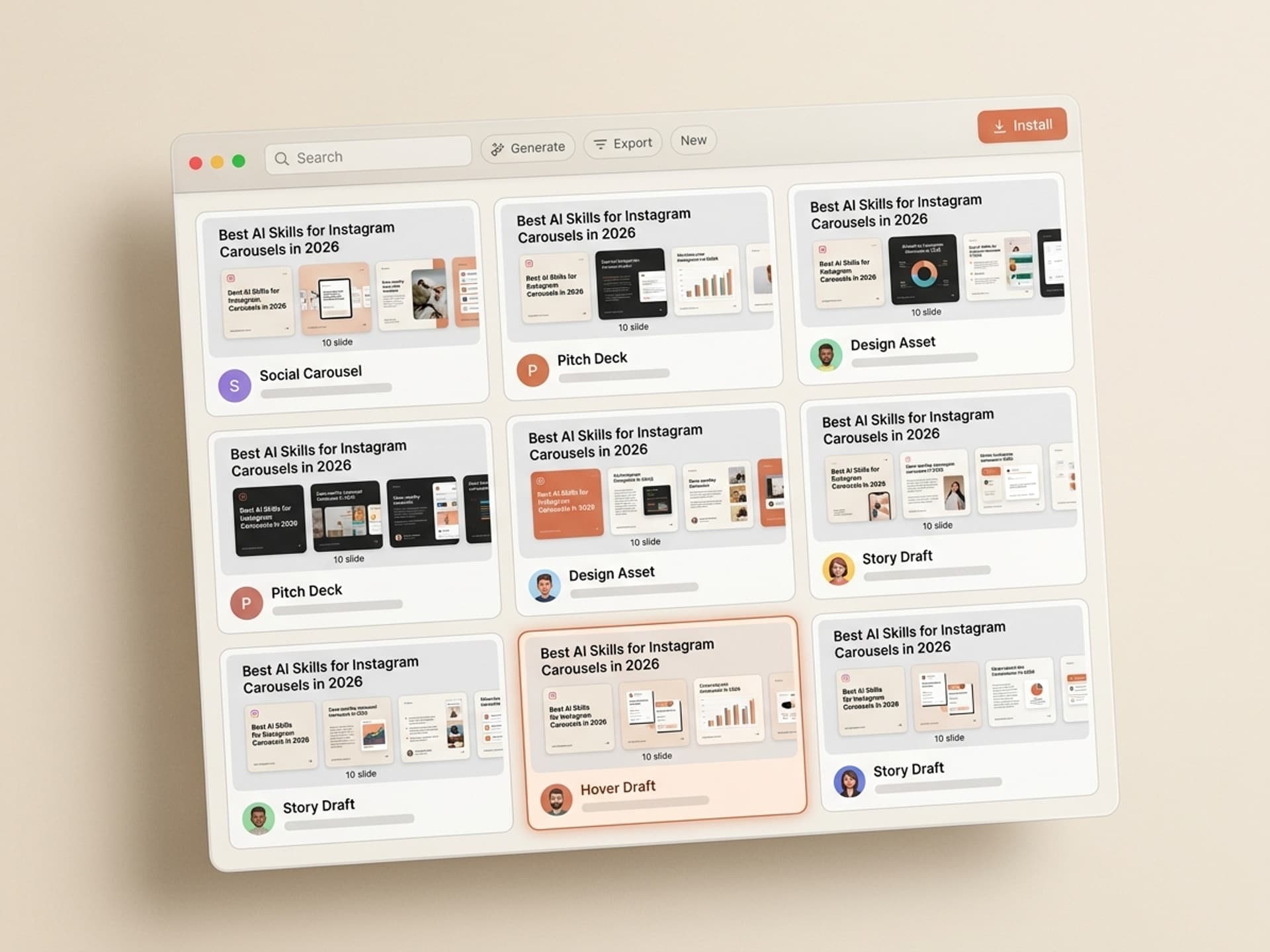
Browse hundreds of ready-made skills for Claude, Cursor, and more.
The Real Cost of Hand-Designing Carousels in Canva
A 10-slide Instagram carousel built from a Canva template takes 90 to 120 minutes of focused work for an experienced SMM. That includes copywriting, font choices, color tweaks, brand alignment, image sourcing, and exporting at the right ratio.
For a content calendar that publishes 3 carousels per week, the math is brutal:
| Method | Time per carousel | Weekly time | Monthly time | Effective $/hr cost (at $40/hr SMM) |
|---|---|---|---|---|
| Canva template, hand-edited | 90 - 120 min | 4.5 - 6 hrs | 18 - 24 hrs | $720 - $960 |
| Freelance designer on Fiverr | 2 - 5 day turnaround | 3 carousels/wk = $300 - $750 | $1,200 - $3,000 | N/A (per-deliverable) |
| In-house junior designer | 60 - 90 min | 3 - 4.5 hrs | 12 - 18 hrs | $480 - $720 |
| AI skill on Vibe Skills | 15 - 20 min | 45 - 60 min | 3 - 4 hrs | $120 - $160 |
The AI skill saves an SMM 15 - 21 hours per month on carousel production alone. That is one full work week back, every month.
This is exactly why brands like Notion, Webflow, and Shopify have been quietly moving carousel production from designers to SMM-with-AI-skills since late 2025. The output is faster, on-brand, and ships without a 3-day Slack thread.
Browse social media visual skills on Vibe Skills →
How an AI Skill Actually Builds an Instagram Carousel
An AI Instagram carousel skill runs in five steps: you paste your topic, the skill writes the slide-by-slide copy, applies your brand kit, lays out the visuals, and exports to PNG or PDF at 1080x1350. You review, tweak slide 1, and ship.
The flow on a Vibe Skills carousel skill:
Step 1: Pick the topic + audience
Drop a one-line topic like "5 mistakes B2B founders make on Instagram" plus your target audience (founders, marketers, designers). The skill maps that to a proven carousel structure: hook, problem, 5 mistakes, solution, CTA.
Step 2: The skill writes the slide-by-slide copy
Each slide gets a headline (3 - 6 words), a body (12 - 20 words), and a swipe cue. The skill enforces the 8 - 10 slide sweet spot that 2026 benchmarks identify as the optimal length for engagement.
Step 3: The skill applies your brand kit
Logo, brand colors, typography, photo style. You upload these once, the skill saves them, every future carousel matches.
Step 4: The skill exports at the right ratio
Instagram carousels render at 1080x1350 (4:5 portrait) for maximum feed real estate. The skill exports each slide as a PNG plus a PDF for archive.
Step 5: You review and ship
Tweak slide 1 (the only slide that actually matters for the swipe), confirm the CTA, post. Total active time: 15 - 20 minutes per carousel.
The 7 Must-Have Instagram Carousel Skills on Vibe Skills
These are the carousel skills we recommend in 2026. All of them live on Vibe Skills under the Social Media Visuals category.
1. Instagram Carousel Generator (by SocialKit)
Best for general-purpose 8 - 10 slide carousels. Educational, listicle, or storytelling format. Outputs PNG + PDF at 1080x1350. Brand kit support, swipe cues built in. The default carousel skill for most SMM workflows.
2. LinkedIn Document Carousel (by SocialKit)
Best for B2B carousels that get cross-posted to LinkedIn. Same source content, two render outputs: 1080x1350 for IG, 1080x1080 for LinkedIn. Saves the duplicate-design loop most SMM teams burn 2 hours on.
3. Reels Cover Designer (by SocialKit)
Best for branded Reels covers that match your carousel grid. Output sizes for Reels (9:16 vertical) and the cover frame (1080x1350). Most underrated skill in the category - cover consistency lifts profile-visit rate by 20 - 30%.
4. Quote Carousel Pack (by VisualLab)
Best for founder / thought-leader content. Quote-driven, single-line-per-slide design. The format that built Steven Bartlett, Ali Abdaal, and Justin Welsh on LinkedIn and Instagram.
5. Educational How-To Carousel (by VisualLab)
Best for tutorial and step-by-step carousels (10 - 15 slides). Built-in numbered slide layouts, code snippet support for tech topics, swipe-cue arrows. Highest save-rate format on Instagram.
6. Product Showcase Carousel (by SocialKit)
Best for DTC brands and SaaS launches. 8 - 10 slides: hook, feature-by-feature breakdown, social proof, pricing, CTA. Replaces the "feature drop announcement" Notion brief most product marketers spend a day on.
7. Listicle Carousel (by VisualLab)
Best for "Top 10" / "5 ways to" / "7 mistakes" content. The highest-engagement carousel format on Instagram in 2026. Strong opening hook design, numbered slides, payoff slide.
Browse the full Social Media Visuals category on Vibe Skills →
AI Skill vs Canva Template vs Freelancer: The Real Comparison
SMM teams have four ways to produce carousels. Here is how they stack up in 2026:
| Approach | Time per carousel | Cost per carousel | Brand consistency | Best for |
|---|---|---|---|---|
| AI skill on Vibe Skills | 15 - 20 min | $0.30 - $1 (subscription amortized) | High (brand kit locked) | Weekly content calendars |
| Canva template, hand-edited | 90 - 120 min | $0 - $20 (Canva Pro) | Medium (manual discipline) | Solo creators, low volume |
| Generic AI carousel tool (Predis, PostNitro, aiCarousels) | 5 - 15 min | $20 - $50/mo per tool | Low (template-driven, not workflow-driven) | One-off experiments |
| Freelance designer on Fiverr / Upwork | 2 - 5 day turnaround | $30 - $150 each | Medium - High | Hero campaign launches |
The two real choices for a serious SMM are AI skill or freelancer. The AI skill wins on speed, cost, and iteration. The freelancer wins when you need a one-off launch design that has to be perfect on day one.
The middle options (generic AI tools, Canva manual) are where most teams get stuck. Predis and PostNitro produce decent slides, but they are stand-alone tools, not workflow systems. Vibe Skills carousel skills install once and ship inside your existing AI tool, so the brand kit, the tone, and the format stay consistent across every output.
Ship a Save-Worthy Carousel in 15 Minutes: The Exact Playbook
Step 1: Pick the right skill on Vibe Skills (1 min)
Browse Social Media Visuals on Vibe Skills. Educational topic? Educational How-To Carousel. Listicle? Listicle Carousel. Quote-driven? Quote Carousel Pack. Match the skill to the topic.
Step 2: Write your one-line input (2 min)
Format: [Topic] for [Audience], [Tone]. Example: "5 mistakes B2B founders make on Instagram, for SaaS founders, direct and slightly contrarian." That is all the input the skill needs.
Step 3: Run the skill (2 min)
The skill generates slide-by-slide copy + layout. You get 8 - 10 slides at 1080x1350, brand-aligned, swipe cues in place. Output appears as a Figma file or a PNG bundle plus a PDF.
Step 4: Edit slide 1 only (5 min)
Slide 1 is the only slide that matters for swipe-through. Tweak the headline until it stops the scroll. Strong patterns: a contrarian claim, a specific number, an open loop. The other 7 - 9 slides usually ship as-is.
Step 5: Confirm CTA + caption (2 min)
The skill drafts the caption (under 125 chars for the see-more cutoff) and the CTA on the last slide. Confirm both, paste your link in bio reference.
Step 6: Schedule + post (3 min)
Drop the PNG bundle into Later, Buffer, or Metricool. Schedule for your audience's peak window (Tuesday - Thursday, 11am - 1pm or 7 - 9pm in their timezone).
Total elapsed time: 15 minutes.
Frequently Asked Questions
How many slides should an Instagram carousel have in 2026?
The 2026 sweet spot is 8 - 10 slides for educational and listicle content, and 12 - 15 slides for deep tutorials or storytelling. Carousels with 8 - 10 slides consistently maximize dwell time while keeping completion rate above 60%. Every Instagram carousel skill on Vibe Skills defaults to this range.
Is it obvious a carousel was made with AI skills?
No. Instagram carousel skills on Vibe Skills use designer-built layouts that look identical to in-house creative output. The AI fills your topic, audience, and brand kit into the layout. Side-by-side with a Canva-built carousel, an AI-skill carousel typically reads as more polished, not less, because the design system is locked.
What size should an Instagram carousel be?
1080x1350 pixels (4:5 portrait ratio) is the optimal size for Instagram carousels in 2026. It takes the maximum vertical real estate in the feed. Square (1080x1080) still works but loses about 25% of the visible area. Every carousel skill on Vibe Skills exports at 1080x1350 by default.
Can I edit the carousel after the AI skill generates it?
Yes. Every Instagram carousel skill exports to Figma, PNG, and PDF, so you own the editable file. Most SMM teams only tweak slide 1 (the hook) and the final CTA slide; the middle slides typically ship as-is because the design system already enforces brand consistency.
Will AI carousels actually get engagement, or do they look generic?
AI-skill carousels on Vibe Skills outperform generic Canva templates because they enforce three things hand-designed carousels often miss: an opening hook with a swipe cue, a 4:5 portrait ratio, and an 8 - 10 slide length. Those three structural choices drive 80% of the carousel engagement gap between high-performing and low-performing accounts.
How much does a Vibe Skills subscription cost?
A Vibe Skills subscription starts at $29/month on annual billing (Pro), with Premium ($59/mo) and Business ($225/mo) tiers for power users and agencies. Every plan includes unlimited installs across all categories, including every Instagram carousel skill. See the pricing page for the full breakdown.
Can I use the same skill for LinkedIn document carousels?
Yes. The LinkedIn Document Carousel skill on Vibe Skills is built specifically for cross-platform output. Same source content renders at 1080x1350 for Instagram and 1080x1080 for LinkedIn document posts, with platform-specific font sizing. Saves the duplicate-design step that costs most B2B SMM teams 1 - 2 hours per post.
Ready to Ship Your Next Carousel in 15 Minutes?
Instagram carousels are still the highest-ROI organic format in 2026, and the SMM teams winning are the ones who have stopped hand-designing every slide. An AI skill gives you the same designer-built layout that a $150 freelancer would, in 15 minutes instead of 5 days. Install a skill, paste your topic, ship the carousel before lunch.
Browse Instagram carousel skills on Vibe Skills →
Skip the 2-hour Canva marathon. Install an Instagram carousel skill on Vibe Skills and ship your next save-worthy carousel in 15 minutes.