
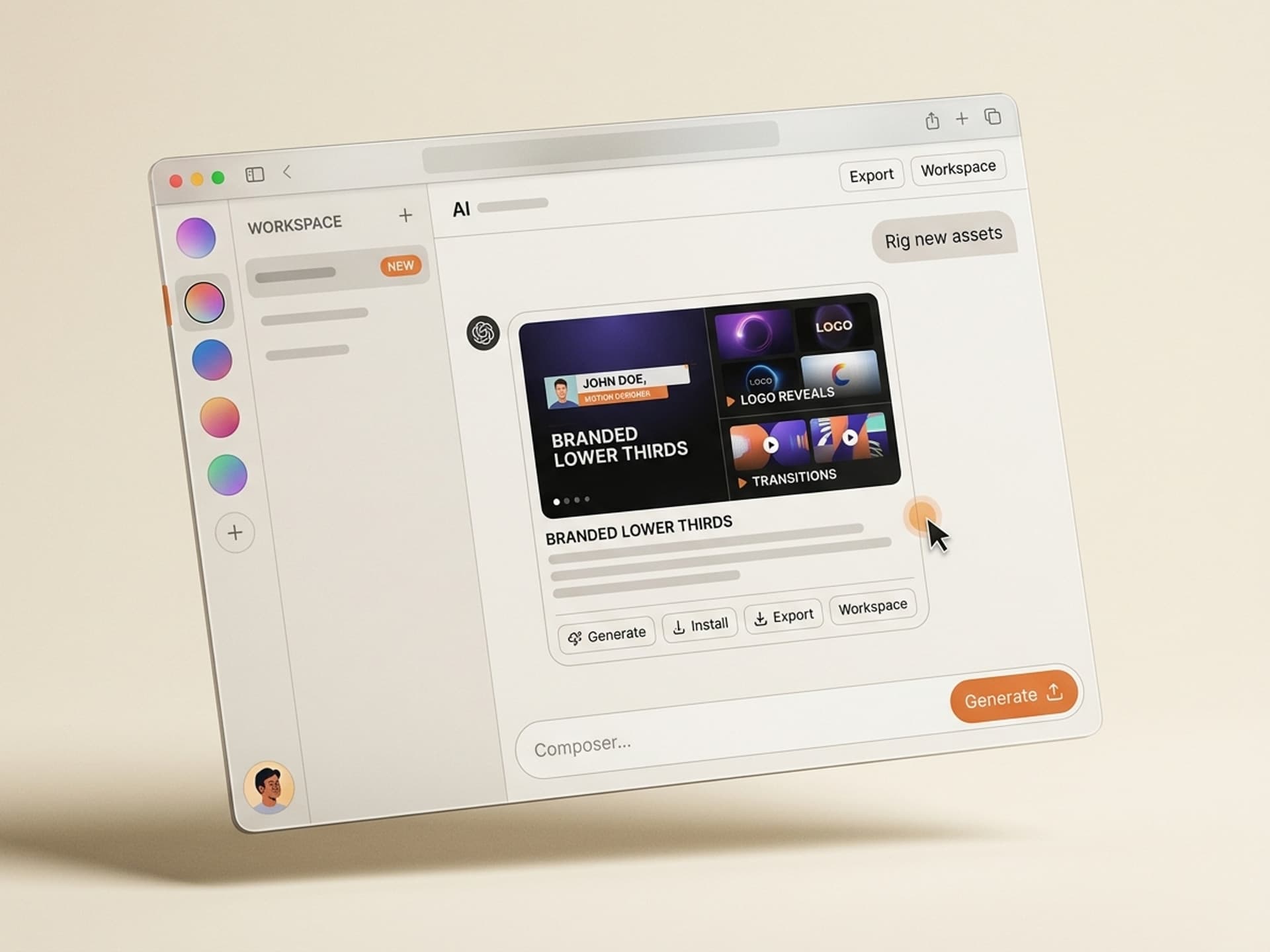

Browse hundreds of ready-made skills for Claude, Cursor, and more.
The Best AI Skills for Motion Graphics: What Changed in 2026
The best AI skills for motion graphics in 2026 collapse a 2 - 3 hour rigging session into about 4 minutes, and they ship the file already wired to your brand colors, type system, and frame rate. They sit above static templates: not a single .aep you keep editing forever, but a generator that produces a fresh, project-ready file every time you change inputs.
Motion designers using After Effects, Cinema 4D, and Premiere Pro typically lose 40 - 60% of their week to repetitive setup: building lower thirds for the seventh interview series, re-rigging a logo reveal at a new frame rate, hunting down a transition that already exists in a colleague's project. AI skills automate that bottom layer so the creative high-leverage work gets the hours it deserves.
This guide covers the seven motion graphics skills we recommend on Vibe Skills in 2026, what each one is best at, and how to ship a fully branded animation in under 10 minutes.
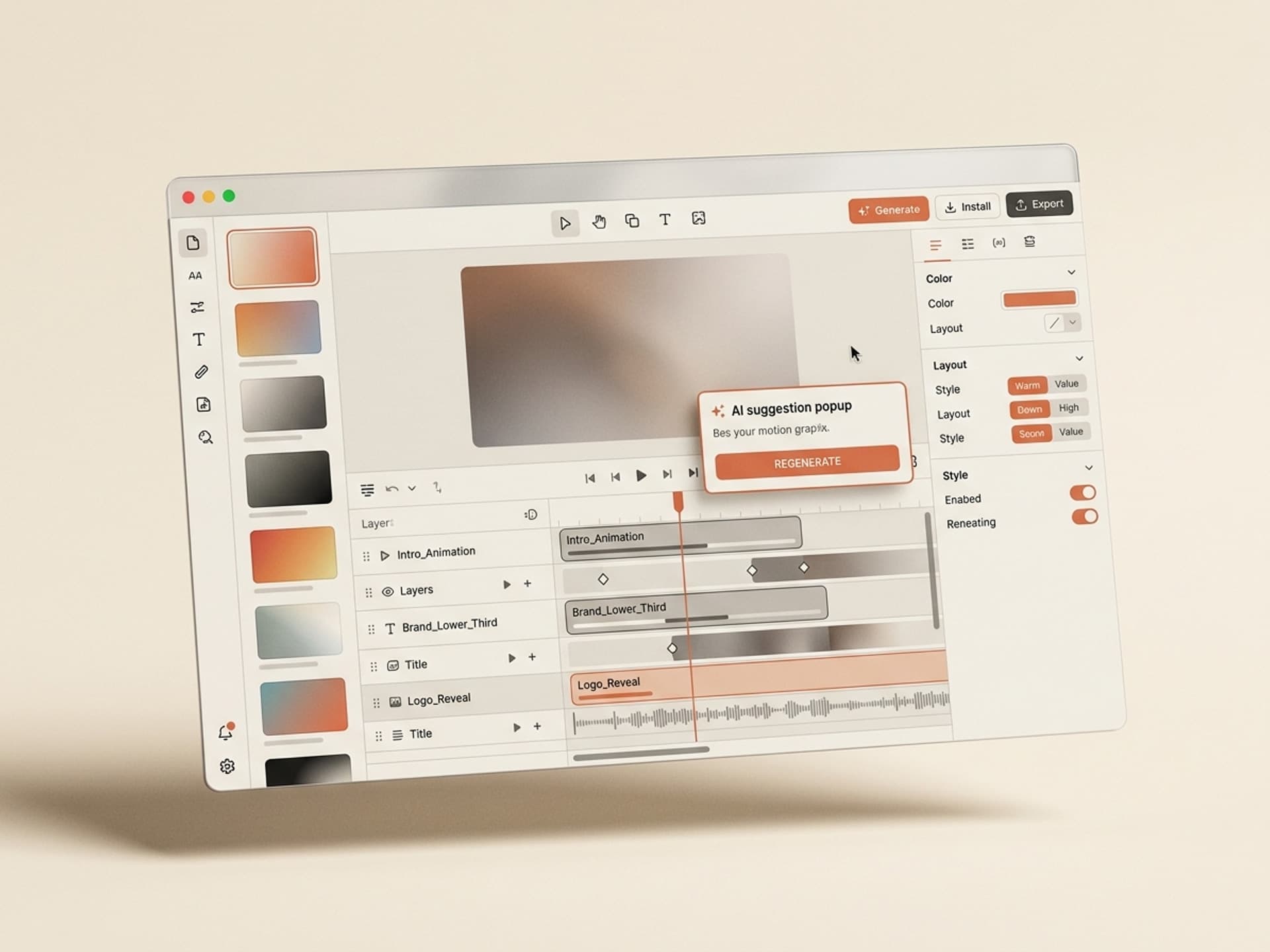
Browse hundreds of ready-made skills for Claude, Cursor, and more.
Why Motion Designers Are Drowning in Repetitive Setup
Most motion graphics work is not creative direction. It is setup. Survey threads on r/MotionDesign and r/AfterEffects in 2025 - 2026 keep landing on the same complaint: 70% of a paid project is rig work that has nothing to do with the idea.
Where the hours actually go on a typical 30-second branded clip:
- 2 - 3 hours building a lower-third template with proper expression rigging so the animator can swap names without breaking timing
- 3 - 5 hours on a logo reveal that respects the brand mark's safe area, anchor point, and frame-rate target
- 1 - 2 hours wiring kinetic typography to audio waveforms or beat markers
- 45 - 90 minutes on transitions that match the project's color grade and pacing
- 30 - 60 minutes per render iteration because one tweak means re-rendering the whole comp
Add it up and a single deliverable burns 8 - 12 hours of pure setup before the creative direction even gets a vote. That is why senior motion designers say their highest-leverage hour each week is the one they spend organizing their template library, and their lowest-leverage hour is rebuilding a lower-third for the fourth time this quarter.
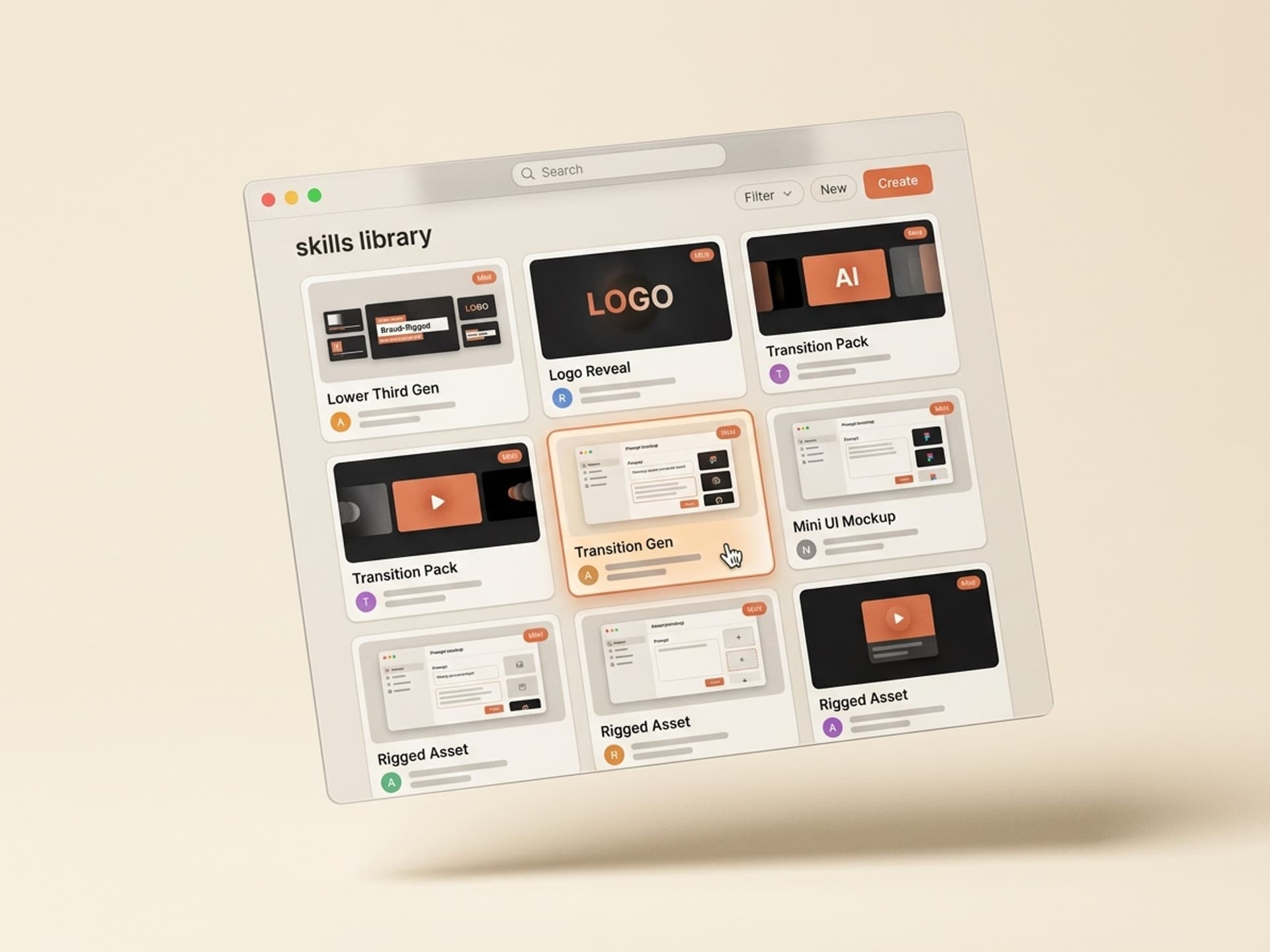
Browse hundreds of ready-made skills for Claude, Cursor, and more.
What Motion Graphics Skills Actually Automate
An AI motion graphics skill takes brand inputs and outputs a project-ready file, then you finish in After Effects, Cinema 4D, or Premiere Pro the same way you always would. The skill replaces the rigging stage, not the directing stage.
Here is the difference between manual setup, a static template, and an AI skill on Vibe Skills:
| Workflow | Time to v1 | Brand-customised? | Re-usability | Typical cost |
|---|---|---|---|---|
| Build from scratch in After Effects | 8 - 12 hours | Yes (you do it manually) | Low (locked to one project) | Your hourly rate x 10 |
| Static template (Motion Array / Envato) | 1 - 2 hours | Manual swap of colors and fonts | Medium (one .aep, you edit forever) | $16 - $33/month subscription |
| AI skill on Vibe Skills | 4 - 10 minutes | Yes (auto-applied from brand kit) | High (regenerate per project) | $39/month, unlimited skills |
| Outsource to motion designer | 5 - 10 days | Yes (designer's call) | Low (single deliverable) | $1,500 - $6,000 per spot |
The AI skill model wins on time, brand consistency, and iteration cost. Templates beat AI skills on offline portability, so a lot of motion designers run both: AI skills on Vibe Skills for the 80% of work that is recurring elements, and a curated template library for one-off hero shots.
Browse motion graphics skills on Vibe Skills →
7 Motion Graphics Skills Coming to Vibe Skills
These are the motion graphics skills we recommend in 2026. All of them live on Vibe Skills under the Motion Graphics & Animation category.
| # | Skill | Best for | What you get |
|---|---|---|---|
| 1 | Logo Reveal Generator | Brand intros, sting opens | 6 reveal styles, brand-anchored, 4K + 1080p exports |
| 2 | Lower Third Builder | Interview series, podcasts, news edits | Rigged name + title + role layers, 16 layouts |
| 3 | Kinetic Typography Animator | Reels, TikTok, music edits | Beat-synced text reveals, 3 timing profiles |
| 4 | Smooth Transition Pack | Multi-cam edits, vlog cuts | 24 transitions matched to your color grade |
| 5 | Text Reveal Composer | Quote cards, course intros, callouts | 12 reveal styles, type-ramped per brand |
| 6 | Brand Sting Maker | YouTube intros, end cards | 5-second branded sting with audio + visual sync |
| 7 | Loop Background Generator | Webinar holds, Zoom backdrops, talking-head fills | Endless 30-second loops, brand-color palette |
1. Logo Reveal Generator
Best for brand intros and sting opens. Pick from 6 reveal styles (slide, mask, particle, pop, glitch, draw-on). The skill ingests your logo file, applies brand color tokens, and exports a project-ready After Effects file at 4K and 1080p with the anchor point and safe area already set.
2. Lower Third Builder
Best for interview series, podcasts, and news-style edits. Generates rigged lower thirds with name, title, and role layers in 16 layout variants. Type swaps through a properties panel; no expression debugging. Saves the 2 - 3 hours most motion designers spend per series setting up reusable lower thirds.
3. Kinetic Typography Animator
Best for Reels, TikTok, and music-driven edits. Drops in animated text reveals timed to a beat marker, voiceover waveform, or fixed BPM. Three timing profiles (snappy, smooth, dramatic) cover most short-form work without a manual keyframe pass.
4. Smooth Transition Pack
Best for multi-cam edits and vlog cuts. 24 transitions auto-color-matched to your project's grade. The skill reads your reference clip, samples the dominant tones, and re-skins each transition so it never breaks the visual continuity.
5. Text Reveal Composer
Best for quote cards, course intros, and on-screen callouts. Picks from 12 reveal styles (typewriter, mask, blur, scale, swipe, drop) and applies your brand's type ramp (display, subhead, body) automatically. Most teams use this 4 - 6 times per video.
6. Brand Sting Maker
Best for YouTube intros and end cards. Outputs a 5-second branded sting with synced audio and visual hits. Works with a single brand mark + tagline pair, runs on Premiere Pro and After Effects.
7. Loop Background Generator
Best for webinar holds, Zoom backdrops, and talking-head fills. Generates a 30-second seamless loop in your brand palette so the studio kit always has a clean backdrop ready. Renders to ProRes and H.264 at common broadcast frame rates.
Browse the full Motion Graphics category on Vibe Skills →
Step-by-Step: Going from Idea to Rendered Motion Graphic
An AI motion graphics skill runs in five steps: pick the skill, paste your brand inputs, generate v1, finish in After Effects, render. The output is project-ready, not a draft.
Step 1: Pick the right skill on Vibe Skills
Browse the Motion Graphics category and pick the skill that matches your deliverable. Interview lower thirds → Lower Third Builder. YouTube intro → Brand Sting Maker. Reel hook → Kinetic Typography Animator. Skill detail pages show preview videos so you can confirm the style fits before installing.
Step 2: Paste your brand inputs
Every motion graphics skill asks for the same core inputs:
- Brand colors (3 - 6 hex values)
- Display + body font names
- Logo file (SVG or transparent PNG)
- Frame rate (24, 25, 30, or 60 fps)
- Output resolution (1080p, 4K)
Most teams paste these once into a brand profile and reuse across every skill. No re-entry per project.
Step 3: The skill generates v1
The skill runs your inputs through Claude or GPT (the skill author picks the model) and produces a project-ready file in After Effects, Premiere Pro, or Cinema 4D format. v1 takes 2 - 4 minutes depending on the model and the deliverable complexity.
Step 4: Finish the 10 - 15% that matters
Most motion designers tweak the timing on one or two layers, swap a stock element, or add a custom hit on a beat marker. The rest ships as-is. The output is meant to land at 90% creative direction; you supply the last 10%.
Step 5: Render and ship
Render through your normal pipeline. Most skills also include a built-in render preset for the platform you targeted (YouTube, Instagram, broadcast).
Total elapsed time for a Lower Third Builder run: 8 minutes vs the 2 - 3 hours of manual setup.
Frequently Asked Questions
Will AI skills replace After Effects or Cinema 4D?
No. AI motion graphics skills on Vibe Skills generate project-ready files that open in After Effects, Cinema 4D, and Premiere Pro. You still finish, render, and ship in your normal pipeline. The skill replaces the 2 - 3 hour rigging step, not the creative direction or the final polish.
Do I need to know expressions or scripting?
No. Motion graphics skills on Vibe Skills hand you a clean rig with a properties panel: tweak text, swap a color, change duration without writing a single line of expression code. If you do know expressions, the rigs are unlocked so you can extend them. Beginners ship faster, seniors keep their flexibility.
Can I use these with my existing brand kit and font licenses?
Yes. Every motion graphics skill ingests a brand profile (colors, fonts, logo, frame rate) once and applies it across every generated file. You bring your own font files and licenses; the skill respects them. Profiles are reusable across all 30+ skills in the category.
What software exports does a Vibe Skills motion graphics skill support?
After Effects (.aep), Premiere Pro (.prproj + .mogrt), Cinema 4D (.c4d), Lottie JSON for web, and ProRes / H.264 video. The exact list per skill is on each skill detail page. Most Vibe Skills creators ship at least After Effects + a video render preset.
How much does this cost compared to Motion Array or Envato Elements?
A Vibe Skills Pro subscription is $39/month with unlimited skill installs across all 10 categories. Motion Array's Video Templates plan runs $16 - $24/month for static templates only. The difference: Vibe Skills generates fresh, brand-rigged files per project; Motion Array hands you the same .aep everyone else downloaded.
Can I sell motion graphics work delivered via these skills to clients?
Yes. Vibe Skills includes a commercial license on Pro, Premium, and Business plans. You own the output, deliver to clients, and bill at your normal rate. The Business plan extends the license for agency use up to 20 seats. See the pricing page for the full license breakdown.
Are AI motion graphics skills any good for short-form (Reels, TikTok, Shorts)?
Yes, and short-form is where they save the most time. Reels editors typically build 4 - 8 motion elements per clip (hook text, lower third, sticker pop, end card). The Kinetic Typography Animator and Text Reveal Composer skills cover most of those in under 5 minutes total, vs 90 - 120 minutes building each from scratch.
Ready to Get Your Weekend Back?
Motion designers spend most of their billable hours rigging the same lower third, the same logo reveal, the same transition. AI skills on Vibe Skills automate the rigging so the hours go to the creative direction clients actually pay for. Install a skill, paste your brand kit, ship a fully branded motion piece tonight.
Browse motion graphics skills on Vibe Skills →
Skip the 3-hour lower-third rigging session. Install a motion graphics skill on Vibe Skills and ship a brand-rigged file in under 10 minutes.