
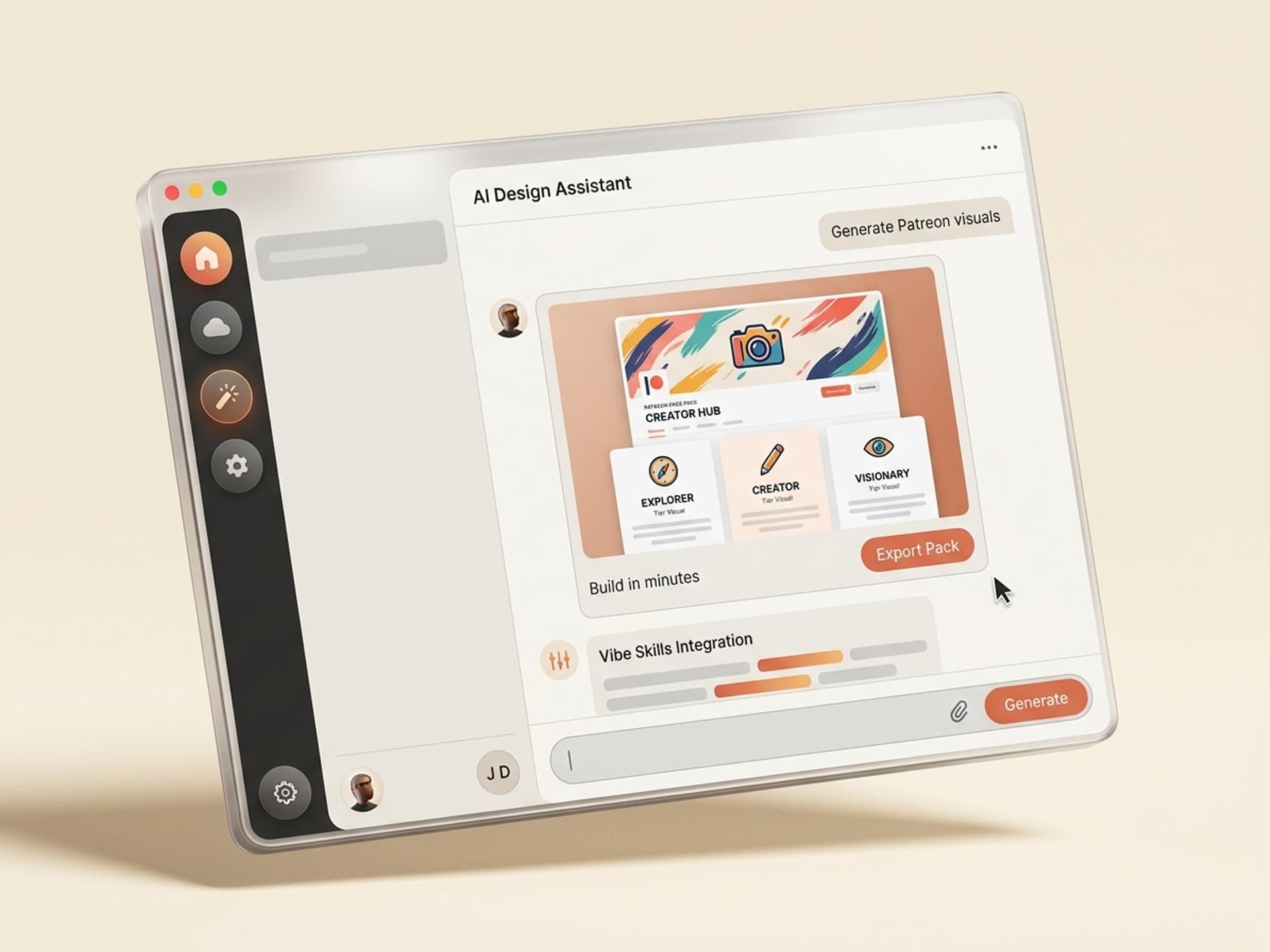

Browse hundreds of ready-made skills for Claude, Cursor, and more.
The Best AI Skills for Patreon Banners: Why Page Visuals Decide Pledges
The best AI skills for Patreon banners and tier visuals in 2026 generate a full page asset pack - cover banner, 3 to 5 tier cards, welcome video thumbnail, and post header - in under an hour, all locked to your brand kit. Your Patreon page is the single most important conversion surface in your creator funnel, and most creators ship it with a blurry Canva banner from 2022.
A prospective patron lands on your page after a YouTube end card, an Instagram link in bio, or a Substack footer. They have 8 seconds to decide whether you look like a creator worth $5 a month. The cover banner, the tier card thumbnails, and the welcome video poster are doing 80% of that decision before they ever read your bio.
Most creators reuse the same Canva template they used in 2023, slap a low-res selfie on the banner, and use Patreon's default tier icons. AI skills on Vibe Skills generate brand-consistent Patreon page assets in batches, so your page stops leaking pledges from the first impression.
This guide covers the five Patreon asset skills we recommend on Vibe Skills in 2026, the page asset anatomy that converts visitors into patrons, the 1-hour workflow that ships a full page refresh, and how the same skills extend to OnlyFans, Fanvue, Buy Me a Coffee, and Substack.
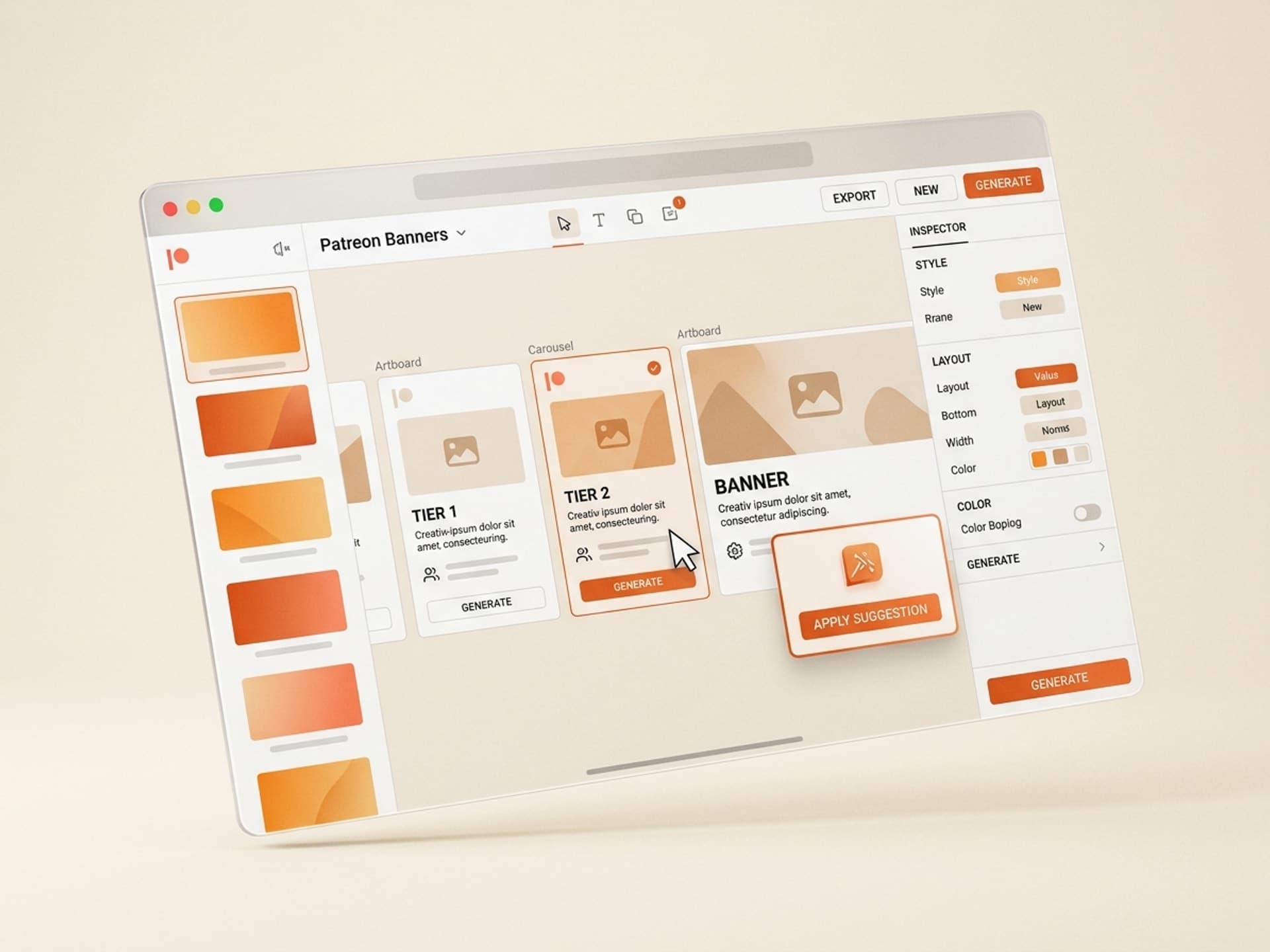
Browse hundreds of ready-made skills for Claude, Cursor, and more.
Why Patreon Page Visuals Drive Patron Conversion
Patreon's own 2025 creator data shows pages with custom tier visuals convert visitors at 2.4x the rate of pages using default tier graphics. That single difference - default vs custom - is the cheapest conversion lift on the platform.
Three things break when your Patreon page looks generic:
- The cover banner sets the price ceiling. A premium-looking banner makes $10 and $20 tiers feel reasonable. A pixelated banner makes even a $3 tier feel risky. Visitors anchor your perceived value on the first 1080x720 pixels they see.
- Tier cards are mini sales pages. Each tier card is a thumbnail-sized landing page. Without a custom visual, the tier name and price do all the work, and most visitors skip past tiers that don't earn their attention in 2 seconds.
- The welcome video thumbnail decides who watches. Most patrons land, scroll to the welcome video, and the thumbnail decides if they hit play. A weak thumb means they leave without ever hearing your pitch.
The catch is that Patreon page assets are a real design system. You need a 1600x400 cover banner, a 460x460 profile image, 3 to 5 tier card thumbnails at 940x350 each, a welcome video poster at 1280x720, and a post header library so your unlocked posts look consistent in patron feeds.
That's 8 to 12 individual assets, all in different aspect ratios, all needing to share the same brand colors, type, and tone. Most creators don't ship this. A Patreon asset AI skill on Vibe Skills runs the full pack in 45 minutes, locks your brand kit across every asset, and exports each one in the exact dimensions Patreon demands.
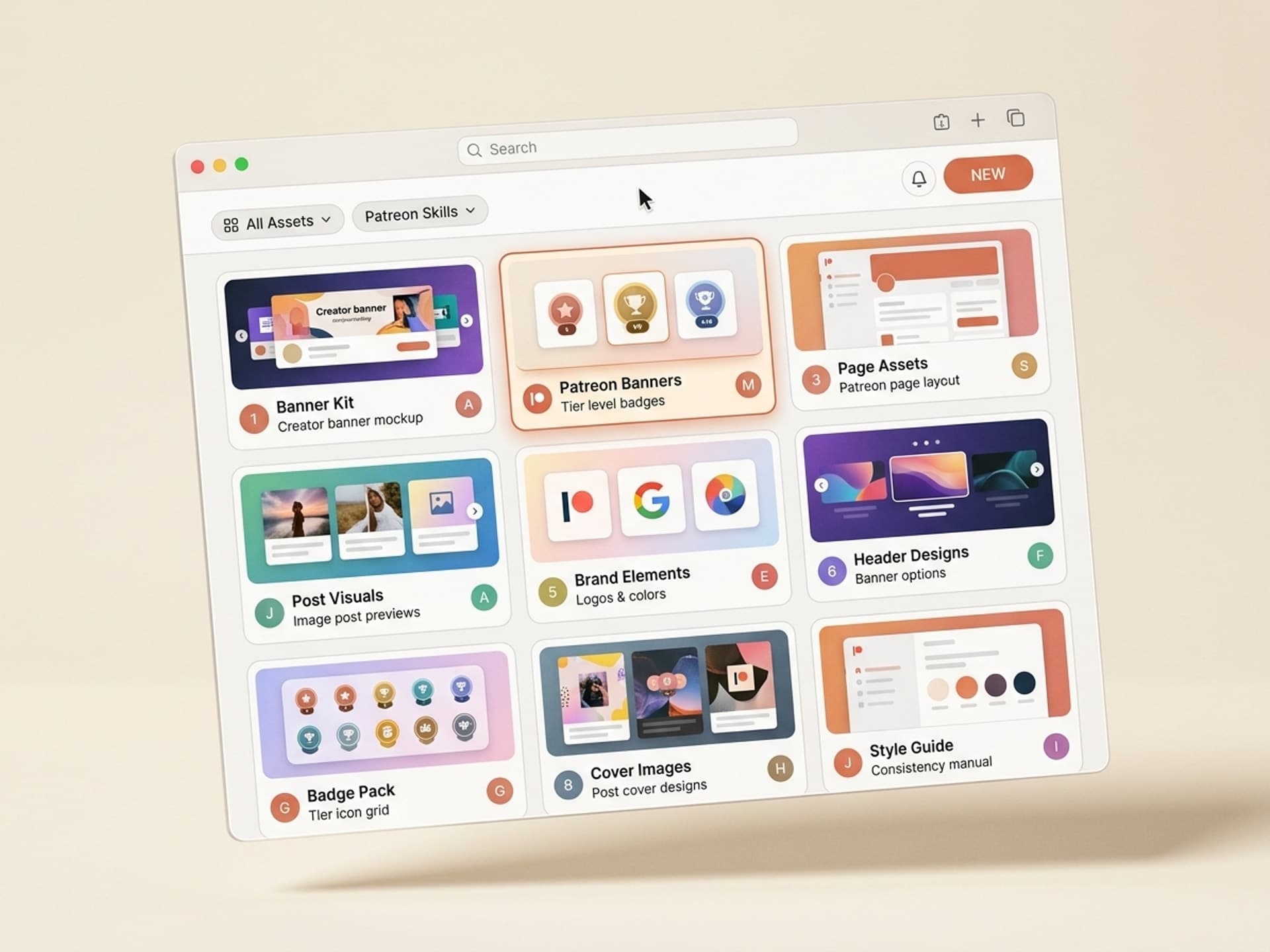
Browse hundreds of ready-made skills for Claude, Cursor, and more.
Patreon Page Asset Anatomy: What You Actually Need
A complete Patreon page has 5 visual surfaces, and skipping any one of them costs pledges. Here's the full anatomy and why each layer matters.
| Asset | Dimensions | Purpose | What it must do |
|---|---|---|---|
| Cover banner | 1600 x 400 | First impression, brand anchor | Convey craft + tone in under 2 seconds, leave room for profile image overlay |
| Profile image | 460 x 460 | Identity, recognition across feed | Face or logo, readable at 64x64 in patron feed |
| Tier card thumbnails | 940 x 350 | Mini sales pages per tier | Show tier value at a glance, distinct visual per tier |
| Welcome video poster | 1280 x 720 | Drives the play decision | Hook word + face, looks pro in 2 seconds |
| Post header library | 1200 x 675 | Brand consistency across patron-only posts | 4 to 6 reusable templates, locked colors and type |
If you nail the cover banner and tier cards, you set up the visitor to convert. If you skip the welcome video poster, you lose the patron who needed one more proof point. If you skip post headers, your patron feed looks like a different creator every week and your retention dies.
This is why generic Canva templates underperform on Patreon. They give you a banner and call it done. AI skills on Vibe Skills bake all 5 surfaces into one brand-locked workflow.
The 5 Best AI Skills for Patreon Page Assets on Vibe Skills
Vibe Skills has over 30 thumbnails and cover art skills, and the 5 below are the ones creators install most for Patreon page builds in 2026. Each one ships with brand-kit lock, multi-format export, tier-card variants, and platform-native dimensions for Patreon, OnlyFans, Fanvue, Buy Me a Coffee, and Substack.
| Skill | Best for | Output per run | Browse |
|---|---|---|---|
| Patreon Page Pack | Creators launching or relaunching a page | Full 8-asset page pack | Thumbnails & Cover Art |
| Tier Card Builder | Creators adding or restructuring tiers | 5 tier cards in one batch | Thumbnails & Cover Art |
| Subscription Cover Banner | Cross-platform creators (Patreon + Substack) | 6 banner variants, 4 platforms | Thumbnails & Cover Art |
| Welcome Video Thumbnail Studio | Creators with a pinned welcome video | 8 thumb variants per video | Thumbnails & Cover Art |
| Post Header Library | Creators publishing 4+ patron posts a week | 6 reusable header templates | Thumbnails & Cover Art |
Each skill exports to PNG, JPG, and a Figma file so you own the editable source. Over 30 skills in this category. All included in a Vibe Skills subscription starting at $39/month.
Browse Patreon page skills on Vibe Skills →
What Each Skill Actually Does
Patreon Page Pack
The Patreon Page Pack generates a full 8-asset page pack from one brand input in 45 minutes. You paste your creator name, pick a tone (warm, bold, minimal, retro), upload your face shot or logo, and the skill returns the cover banner, profile image, 5 tier cards, welcome video thumbnail, and a 6-header post library, all locked to one color palette and type system.
Best for creators launching their Patreon for the first time or doing a full relaunch after a brand refresh. One run = one complete page.
Tier Card Builder
The Tier Card Builder generates 5 tier cards in 12 minutes. You name each tier, pick the price point, paste the 1-line value prop, and the skill returns 5 distinct tier cards that share your brand kit but visually differentiate by perk level - bronze tier looks meaningfully different from gold tier without breaking visual coherence.
Best for creators restructuring their tiers, adding a new top tier, or testing tier names without rebuilding the whole page.
Subscription Cover Banner
The Subscription Cover Banner generates 6 banner variants across 4 platforms in 20 minutes. You upload your brand assets once, and the skill exports the same banner concept resized for Patreon (1600x400), Substack (1100x400), Buy Me a Coffee (1500x500), and Ko-fi (1400x350), so cross-posting to multiple subscription platforms doesn't mean redesigning each banner from scratch.
Best for creators who run subscriptions on more than one platform - Substack newsletter + Patreon community is the most common combo in 2026.
Welcome Video Thumbnail Studio
The Welcome Video Thumbnail Studio generates 8 thumbnail variants per welcome video in 8 minutes. You paste the video hook ("What you get when you join"), upload one face frame from the video, and the skill returns 8 thumbs with different hook-word emphasis, face placement, and color treatments. A/B test which one drives the highest play rate, then lock it in.
Best for creators with a pinned welcome video on their Patreon page - this is the asset most creators forget to optimize.
Post Header Library
The Post Header Library generates 6 reusable post header templates in 15 minutes. You pick the post types you publish (tutorial, behind the scenes, Q&A, monthly update, exclusive download, livestream), and the skill returns 6 templates with locked typography and colors that you reuse across hundreds of patron-only posts.
Best for creators who publish 4+ posts a week and need their patron feed to look like one consistent brand, not a stack of different visual styles.
Cross-Platform Use: Patreon, OnlyFans, Fanvue, Buy Me a Coffee, Substack
The same Vibe Skills page pack works across every major creator subscription platform. OnlyFans and Fanvue creators use these skills for safe-for-work cover art and tier promo cards. Buy Me a Coffee and Ko-fi creators use them for one-off support page banners. Substack writers use them for the publication banner and subscriber-only post headers.
The dimensions change per platform, but the brand system stays locked. Most cross-platform creators run one input through the skill, export to all platforms in one batch, and ship a coherent identity wherever a fan can pledge.
This is the difference between looking like a creator with one product and looking like a creator with one brand and many distribution surfaces. Patrons spot the difference and reward it.
Ship Your Patreon Page Assets in 1 Hour: The Workflow
A full Patreon page asset pack ships in under 60 minutes with this 6-step workflow. No designer, no Photoshop, no $400 freelance brief.
- Pick the right skill on Vibe Skills. Open Thumbnails & Cover Art and install the Patreon Page Pack for a full launch, or pick individual skills (Tier Card Builder + Welcome Video Studio) if you only need a partial refresh.
- Lock your brand kit. Upload your logo, paste your 2 brand colors (hex codes), pick a font from the skill's catalog, and upload one high-res face shot. This input feeds every asset in the pack.
- Define your tier structure. List your tiers with price, name, and 1-line value prop. The skill uses this to differentiate tier cards and write headline copy on the cover banner.
- Run the skill in batch mode. One run generates the cover banner, 5 tier cards, profile image, welcome video thumbnail, and 6 post headers. Wait 45 minutes.
- Review and pick. The skill returns 3 to 6 variants per asset. Pick the strongest version of each. Edit text or swap a color in the included Figma file if you want to tweak.
- Upload to Patreon and post. Replace your existing cover banner, swap each tier card, set the new welcome video thumb, and pin a launch post using your new header template.
Total time: 45 minutes of skill runtime + 10 minutes of review + 5 minutes of upload = under an hour to a fully refreshed page.
Compare that to a Patreon page redesign on Fiverr or Upwork: $400 to $1,500, 5 to 10 days turnaround, and you don't own the editable source files. A Vibe Skills subscription pays back on the first page refresh.
Frequently Asked Questions
What are the exact Patreon banner dimensions in 2026?
The current Patreon cover banner is 1600 x 400 pixels, profile image is 460 x 460, and tier card thumbnails are 940 x 350. The welcome video poster follows YouTube's standard at 1280 x 720. Patreon resizes uploads but native dimensions look sharpest. Every skill on Vibe Skills exports in these exact sizes by default.
How often should I refresh my Patreon page assets?
Plan a full page refresh every 6 months, plus a tier card refresh whenever you add or restructure tiers. Top creators also rotate the welcome video thumbnail quarterly to keep the page from feeling stale to returning visitors. With AI skills, the cost of a refresh drops to under an hour, so there's no excuse to let your page sit for 12 months.
Can I use the same brand kit across Patreon, Substack, and OnlyFans?
Yes - and you should. Cross-platform brand consistency lifts conversion 18% per Patreon's 2025 cohort study. The Subscription Cover Banner skill on Vibe Skills exports one concept across Patreon, Substack, Buy Me a Coffee, and Ko-fi dimensions in one run, so your fans recognize you wherever they land.
Do tier cards really change conversion that much?
Yes. Patreon's data shows pages with custom tier card visuals convert at 2.4x the rate of pages using default tier graphics. The reason is simple: each tier card is a mini sales page, and a default gray box loses to a custom visual that signals what's inside the tier. Custom tier cards are the highest-leverage asset to redesign first.
What if I'm not a designer at all?
That's exactly who these skills are built for. Vibe Skills targets non-technical creators - YouTubers, podcasters, writers, illustrators, course builders. You upload your face, pick a tone, paste your tier names, and the skill handles the design system. No Figma knowledge needed. No Photoshop. The output is publish-ready.
Can I edit the assets after generating?
Yes. Every Patreon page skill on Vibe Skills exports a Figma file alongside the PNG and JPG. Most creators tweak the headline copy on the cover banner or swap one tier color, then re-export. You own the source, not us, so you can keep editing forever.
Will my Patreon page look like every other creator who used the same skill?
No. Each skill ships 6 to 8 unique variants per asset per run, and the brand kit input (your colors, your face, your tier names) makes every output specific to you. Two creators running the same skill with different brand inputs end up with visually distinct pages. The skill is the system, not the template.
Stop Letting Your Patreon Page Leak Pledges
Your Patreon page is doing 80% of your conversion work before a visitor reads a word of your bio. A blurry banner, default tier icons, and an auto-frame welcome video thumbnail are costing you patrons every week, and most creators don't realize how much.
A full asset refresh used to mean a $1,000 freelance brief and 10 days of waiting. With AI skills on Vibe Skills, it means 45 minutes of skill runtime and a coherent, brand-locked page that converts.
Stop shipping a page that looks like 2023. Refresh the cover banner, the tier cards, the welcome thumbnail, and the post headers all in one afternoon - and watch the conversion rate move.
Browse Patreon page skills on Vibe Skills →
Skip the $1,000 freelance brief. Install a Patreon page skill on Vibe Skills and ship a brand-locked page in under an hour.