

Browse hundreds of ready-made skills for Claude, Cursor, and more.
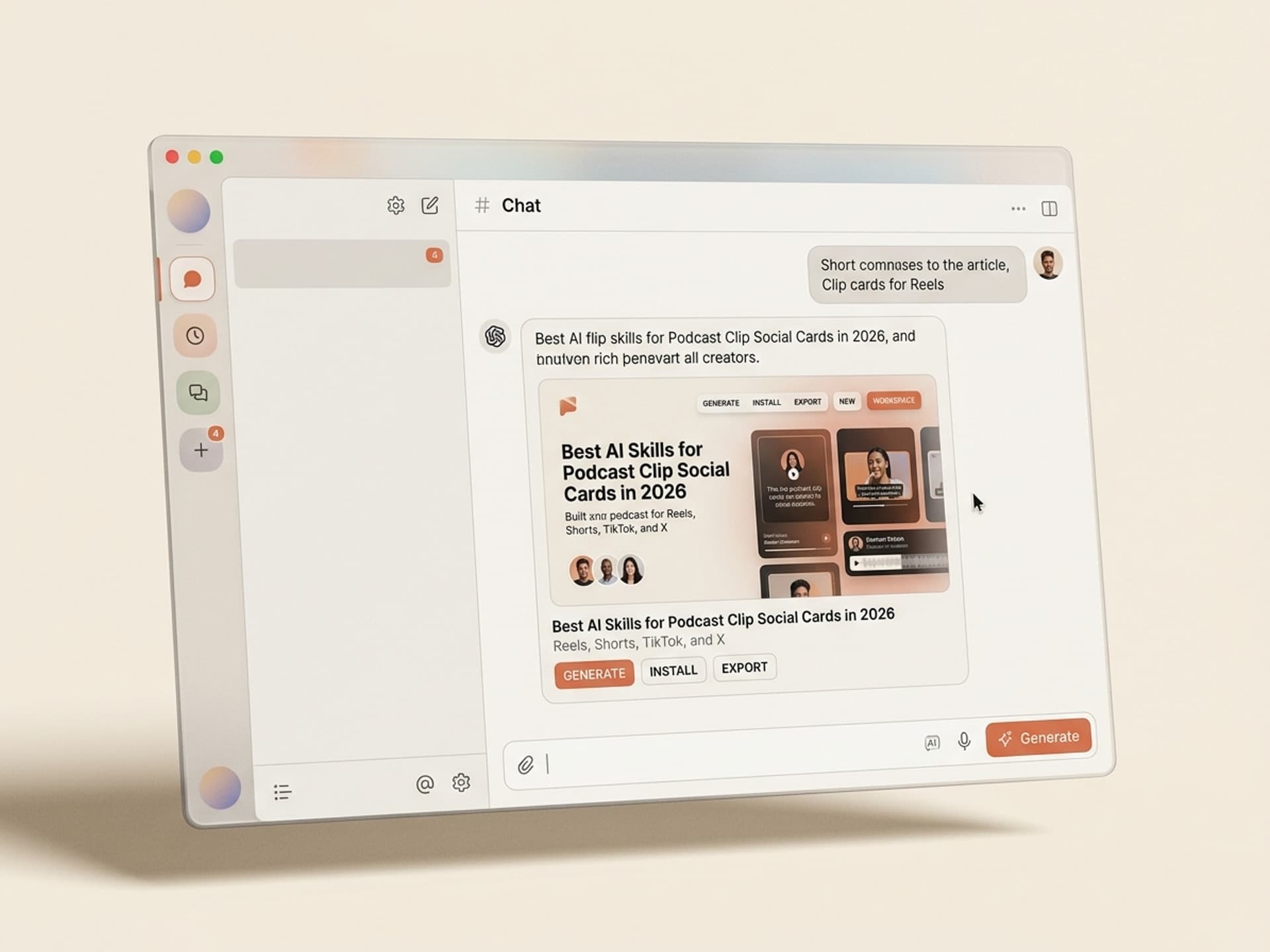
Best AI Skills for Podcast Clip Social Cards in 2026
Podcast clips are the #1 discovery channel for shows in 2026. Tools like Riverside Magic Clips, Opus Clip, and Descript will pick the best 60 to 90 second moment from a 45 minute episode in seconds. The problem is what comes next: the clip looks like every other clip on the feed. Same generic captions, same boxy frame, no brand. AI skills on Vibe Skills plug into that workflow and design the card around the clip - branded frames, animated captions, bottom-third name bars, episode tags - so every Reel, Short, TikTok, and X post looks like your show, not a template.
This guide covers what makes a clip card convert in 2026, the 5 podcast clip skills you can install today on Vibe Skills, and a step-by-step workflow that turns one episode into 10 polished, brand-consistent clips.
Browse hundreds of ready-made skills for Claude, Cursor, and more.
Why Podcast Clips Drive Discovery in 2026
Listeners no longer commit to a 45 minute interview from a stranger. They sample. A 60 second clip lands on their feed, the guest says something sharp, the captions land the punchline, and they tap the show name in the bottom corner. That's the entire funnel.
A few numbers that matter:
- Short-form vertical video is now the primary organic reach driver for audio-based shows. Shows that don't clip aggressively are invisible.
- 80% of podcast fans switch between watching and listening based on what's convenient - meaning the visual design of your clip carries weight even with audio-first audiences.
- 80% of social video is watched on mute. No captions = no message.
- A 30 minute episode yields 10 to 15 vertical clips (30 to 60 seconds each), enough for 2 to 3 weeks of social posts from one recording.
The clip itself is the bait. The card around the clip is the brand. Most podcasters get the bait right (clip selection tools are mature) and the brand wrong (the design is generic).
Browse hundreds of ready-made skills for Claude, Cursor, and more.
What a 2026 Podcast Clip Card Actually Needs
A clip is not just a vertical video with subtitles. The "card" - the framing, the captions, the name bar, the platform fit - is what makes it shareable and on-brand. Here is the anatomy.
| Element | Why it matters | Spec |
|---|---|---|
| 9:16 vertical canvas | Required for Reels, TikTok, Shorts. LinkedIn now also favors vertical. | 1080 x 1920 px |
| Animated captions | 80% watch on mute. Captions are not optional. Word-by-word reveal beats static. | Sans-serif, brand color, 60 to 80px font, bottom third |
| Brand frame / outline | The 1 to 2 second glance test - viewers should know the show in a single frame. | 24 to 48 px brand-colored border or top/bottom bars |
| Bottom-third name bar | Guest name + title. The reason a viewer cares about a stranger talking. | Always visible, last 3 to 5 seconds extra emphasis |
| Episode tag / show logo | Top-left or top-right corner. Quiet, persistent, brand-recognizable. | 80 to 120 px logo at 70% opacity |
| Clip length 30 to 90 seconds | Sweet spot for algorithmic boost on TikTok and Shorts. | Cut hard. No throat-clearing. |
| Hook in first 1.5 seconds | The thumb stops or scrolls in under 2 seconds. | Bold statement, question, or visual jolt |
| End screen CTA | Where to go next - "full episode on Spotify" or show handle. | Last 2 to 3 seconds, animated |
A clip card that hits all 8 of these boxes looks like a published show. A clip card that hits 3 looks like a screen recording.
5 AI Podcast Clip Skills on Vibe Skills
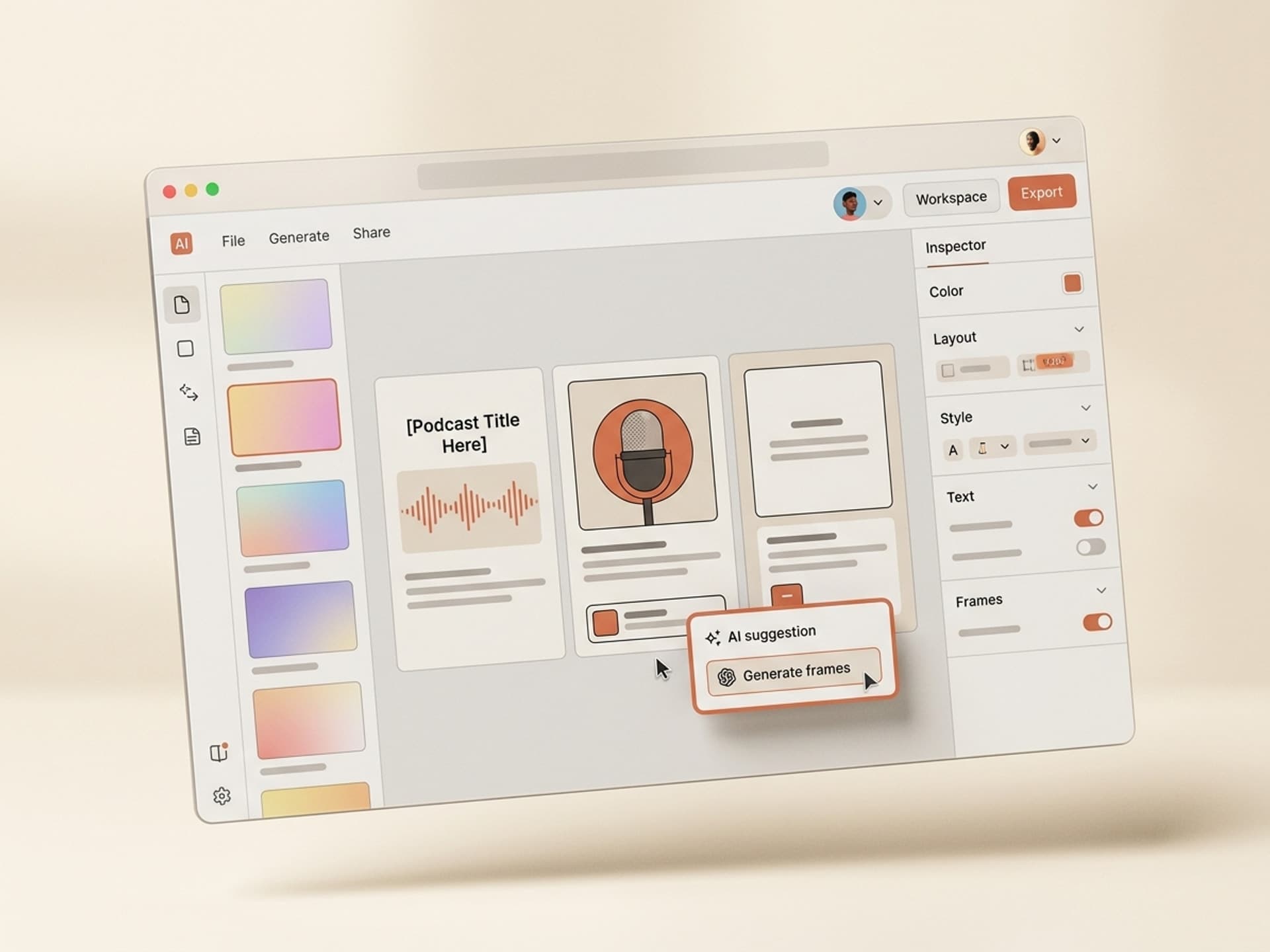
These are the AI skills that build the card around the clip. Drop in a 60 second vertical clip from Riverside, Opus Clip, or Descript and the skill produces a fully designed, brand-consistent social card in your show's style.
| Skill | Best for | Output |
|---|---|---|
| Branded Podcast Clip Frame | Solo and interview shows that need a consistent visual identity across every clip | 9:16 MP4 with brand frame, animated captions, top-corner logo, bottom-third name bar |
| Guest Quote Card Builder | Pulling the single best line from a clip and making a static or 5-second motion card for X / LinkedIn / Threads | Static 1080x1080 + 5s vertical version |
| Episode Trailer Skill | The 30 to 45 second "best of" reel that promotes a fresh episode launch day | Dynamic cuts, music sting, animated episode title and number |
| Podcast Audiogram Generator | Audio-only shows that still need visual presence on Reels and Shorts | Vertical waveform animation + caption track + cover art |
| B-Roll + Captions Layer | Video shows that want stock cutaways layered on top of static talking-head footage | Auto-matched B-roll, caption track, smart cuts |
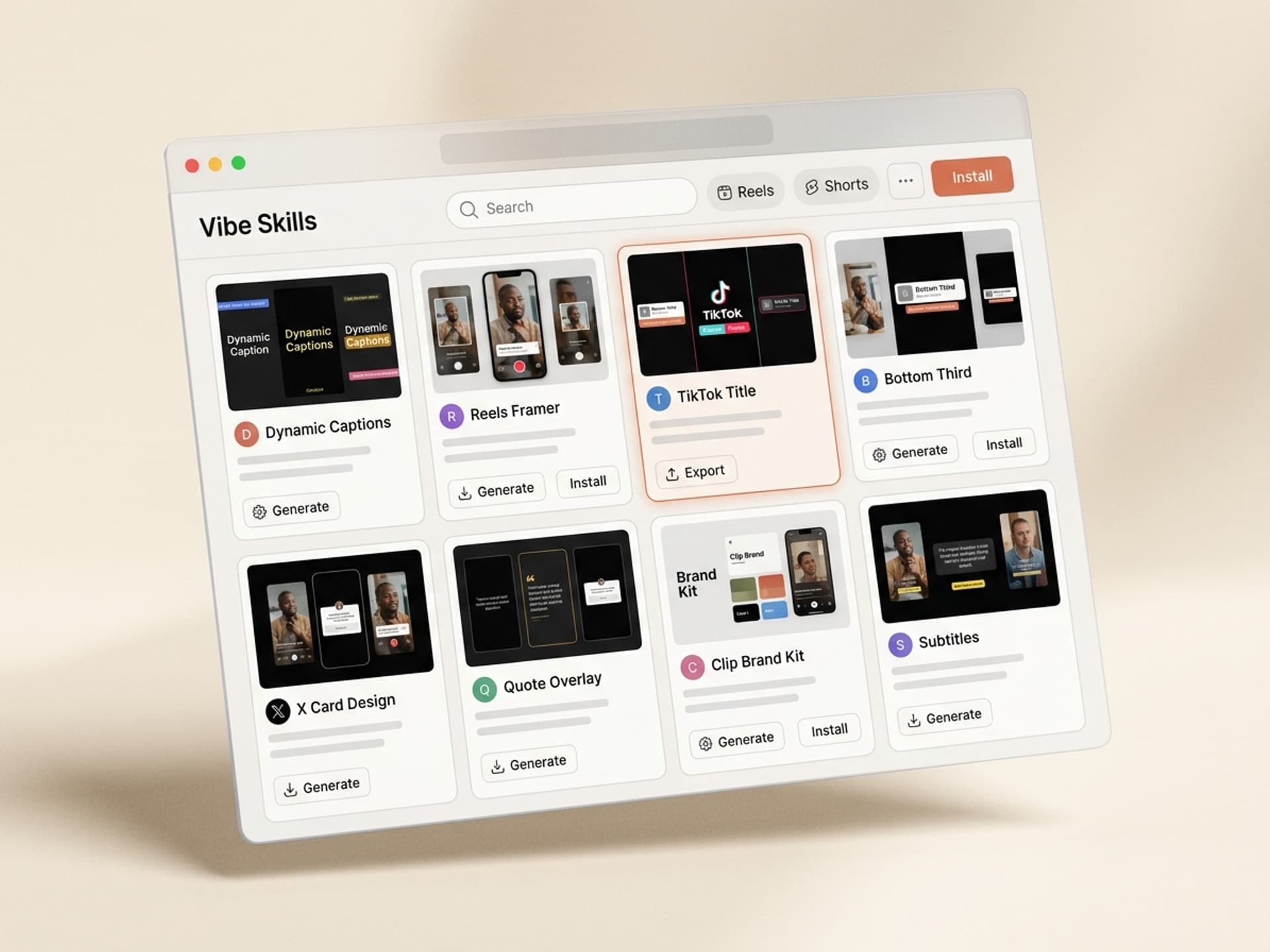
Browse the full Social Media Visuals category on Vibe Skills - over 30 ready-to-install skills for Reels, Shorts, TikTok, X, and LinkedIn.
These skills do NOT replace Riverside, Opus Clip, or Descript. They sit on top of them. Riverside picks the moment, the AI skill designs the card.
The Episode-to-10-Clips Workflow
This is the workflow that the top 10% of podcasters in 2026 use. End-to-end it takes 60 to 90 minutes per episode for 10 polished, brand-consistent clips.
Step 1: Install a Podcast Clip Skill on Vibe Skills
Pick the skill that matches your show format. Interview show → Branded Podcast Clip Frame. Solo show → Guest Quote Card Builder + B-Roll skill. Audio-only show → Podcast Audiogram Generator. Browse the Social Media Visuals category and install in one click. Set your brand colors, logo, and font once. Every clip card from now on uses the same identity.
Step 2: Record in Riverside or Equivalent
Record the episode normally. Multi-track, separate audio and video files per guest. Quality of the recording determines the ceiling for the clip - you can't fix garbage audio in post.
Step 3: Generate Raw Clips with Opus Clip or Riverside Magic Clips
Upload to Opus Clip or run Riverside's Magic Clips. Both will return 10 to 15 candidate moments with viral scores. Aim for 8 to 10 keepers per 30 to 45 minute episode.
Step 4: Drop Each Clip into the AI Skill
The skill ingests the raw 60 to 90 second clip and applies the card system: brand frame, animated captions, name bar, episode tag, end-screen CTA. Output is a finished 9:16 MP4 ready for Reels, Shorts, TikTok.
Step 5: Pull Pull-Quote Cards
For 2 or 3 of the strongest moments, also run the Guest Quote Card Builder. You get a static 1080x1080 quote card for X, LinkedIn, and Threads. Same brand identity, different format.
Step 6: Schedule Across Platforms
Stagger the 10 clips over 2 to 3 weeks. One Reel per day. Cross-post to TikTok and Shorts (same vertical asset). Quote cards to X and LinkedIn. Trailer cut to YouTube.
Step 7: Track and Recut
Look at which clips drove the most profile visits and follows. The pattern tells you what your audience wants. Feed that learning back into the next episode.
Frequently Asked Questions
How many clips should I publish per episode?
Aim for 8 to 10 vertical clips and 2 to 3 static quote cards per 30 to 45 minute episode. That's enough to fill 2 to 3 weeks of daily posting on Reels, Shorts, and TikTok without exhausting the source. The Social Media Visuals skills on Vibe Skills keep all 10 cards on-brand without manually styling each one.
Which platform should I prioritize for podcast clips?
YouTube Shorts and Instagram Reels currently drive the highest discovery for podcast clips in 2026, followed by TikTok. LinkedIn is the sleeper hit for B2B shows - vertical clips with captions perform unusually well on LinkedIn's feed because most posts are still static images.
Where do I put the sponsor or ad placement in a clip?
Sponsor mentions belong in the full episode, not the clip. Clips are top-of-funnel discovery - their job is to make a stranger care about your guest. A sponsor message on a discovery clip kills the conversion. Save sponsor placements for the long-form episode where the listener has already opted in.
Can the same clip work on TikTok, Reels, and Shorts?
Yes - the 9:16 1080x1920 vertical asset works natively on all three. The only difference is captions on TikTok benefit from being slightly larger and more dynamic. The Branded Podcast Clip Frame skill on Vibe Skills outputs both a "TikTok cut" (heavier captions) and a "Reels / Shorts cut" (cleaner captions) from the same source.
Do I need a video podcast or can I clip an audio-only show?
You can clip audio-only. Use the Podcast Audiogram Generator skill - it builds a vertical waveform animation, layers your captions, and uses your episode cover art as the background. The result performs reasonably well on Reels and Shorts, just not as well as true video clips. Worth doing if you don't have a camera setup yet.
How long should a clip be in 2026?
30 to 60 seconds is the algorithmic sweet spot on TikTok and Shorts. 60 to 90 seconds is fine for Reels and LinkedIn if the clip earns the extra time. Anything over 90 seconds drops off hard. Cut tight - no introductions, no goodbyes, no throat-clearing. The clip is the moment, nothing else.
How is this different from just using Opus Clip or Descript on its own?
Opus Clip, Descript, and Riverside Magic Clips pick the moment and add basic captions. They don't design a brand-consistent card around it. Your clip looks like every other AI-clipped clip on the feed. AI skills on Vibe Skills sit on top of those tools and apply your brand frame, name bar, episode tag, and animated captions - so the clip looks like your show, not a generic template.
Stop Posting Generic Clips. Build a Branded Clip Engine.
Every podcaster in 2026 has access to the same clip-selection AI. The differentiator is the design system around the clip - the frame, the captions, the name bar, the brand. That's the difference between a clip that gets 200 views and one that gets a follow.
Vibe Skills has 5 podcast clip skills built by designers who've shipped clips for shows with millions of downloads. Install one, set your brand once, and every clip from your next episode looks published instead of pasted.
Browse podcast clip skills on Vibe Skills →
Skip the clip-design grind. Install a podcast clip skill on Vibe Skills and ship 10 branded clips per episode in under 90 minutes.