

Browse hundreds of ready-made skills for Claude, Cursor, and more.
Why Video Podcasts Need a Different AI Skill Stack in 2026
Audio-only podcasts get found in Apple Podcasts. Video podcasts get found in YouTube search, Spotify's video feed, and TikTok clips. Spotify reported over 250 million users watching video podcasts in 2025, and YouTube became the #1 podcast platform in the US for the third year running. The catch: video podcasts cost 4x more to produce than audio. AI skills on Vibe Skills close that gap by handling intros, lower thirds, B-roll, and social clips on autopilot.
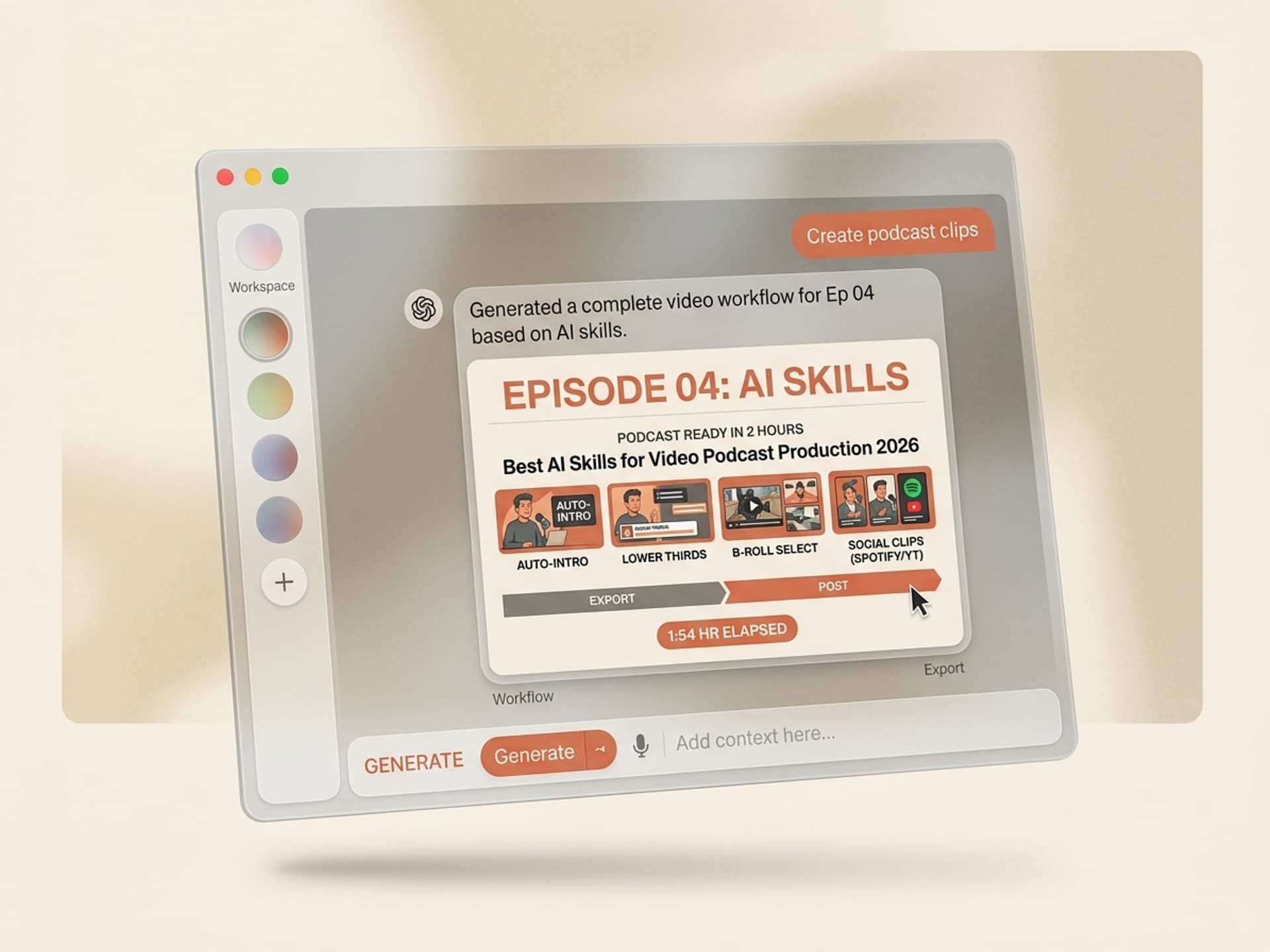
This guide covers the 5 AI skill workflows that turn a 90-minute multi-cam recording into a published episode + 8 social clips in under 2 hours of editor time. Built for podcasters who want Joe Rogan-grade production without a Joe Rogan budget.
Browse hundreds of ready-made skills for Claude, Cursor, and more.
Why Audio-Only Podcasts Are Losing Discovery to Video
Audio-only podcasts hit a discovery ceiling in 2024. Apple Podcasts and Spotify audio charts are dominated by legacy shows with 5+ year backlogs. New audio shows can't break in. Video podcasts route around the problem because YouTube and Spotify treat them as video content first, podcast second, which means they get pushed by the same algorithms that grow channels.
The numbers from the last 18 months tell the story:
- YouTube is the #1 podcast platform in the US, with over 1 billion monthly podcast viewers (YouTube Official Blog, 2025)
- Spotify rolled out video podcasts to all creators in 2024 and 250M+ users now watch them
- TikTok drives 45% of new podcast discovery for shows under 100k followers (Edison Research, 2025)
- The top 10 podcasts on Spotify in Q1 2026 all publish video versions
- Joe Rogan, Lex Fridman, Diary of a CEO, and Theo Von all run multi-cam video setups as the default
The discovery shift is locked in. The production gap is the new bottleneck.
Browse hundreds of ready-made skills for Claude, Cursor, and more.
The Video Podcast Production Stack: Where AI Skills Plug In
Video podcast production has 5 layers: record, edit, brand (intros + lower thirds), B-roll, and clip distribution. Each layer used to need a separate freelancer or tool. AI skills now collapse most of them into 30-minute workflows.
Here is the 2026 stack with AI skill coverage marked:
| Layer | Traditional cost | Tool of choice | AI skill replaces |
|---|---|---|---|
| Record | $200 - $2k studio | Riverside, Zoom, RODECaster | No (hardware + recording stays manual) |
| Edit (cuts, levels, EQ) | $500 - $1.5k per episode | Descript, Premiere Pro | Partial (Descript automates, AI skill formats) |
| Intro / outro animation | $300 - $1k one-time | After Effects | Yes - Motion Graphics skills |
| Lower thirds + brand cards | $50 - $150 per episode | After Effects, Canva | Yes - Motion Graphics skills |
| B-roll + cutaways | $50 - $300 per episode | Stock footage, manual | Yes - Video skills |
| Social clips (Shorts, Reels, TikTok) | $200 - $600 per episode | Opus Clip, Klap, manual | Yes - Video skills |
| Thumbnail + episode cover | $25 - $100 per episode | Photoshop, Canva | Yes - Thumbnails skills |
Recording stays human. Everything downstream is automatable in 2026.
5 AI Video Podcast Skills on Vibe Skills
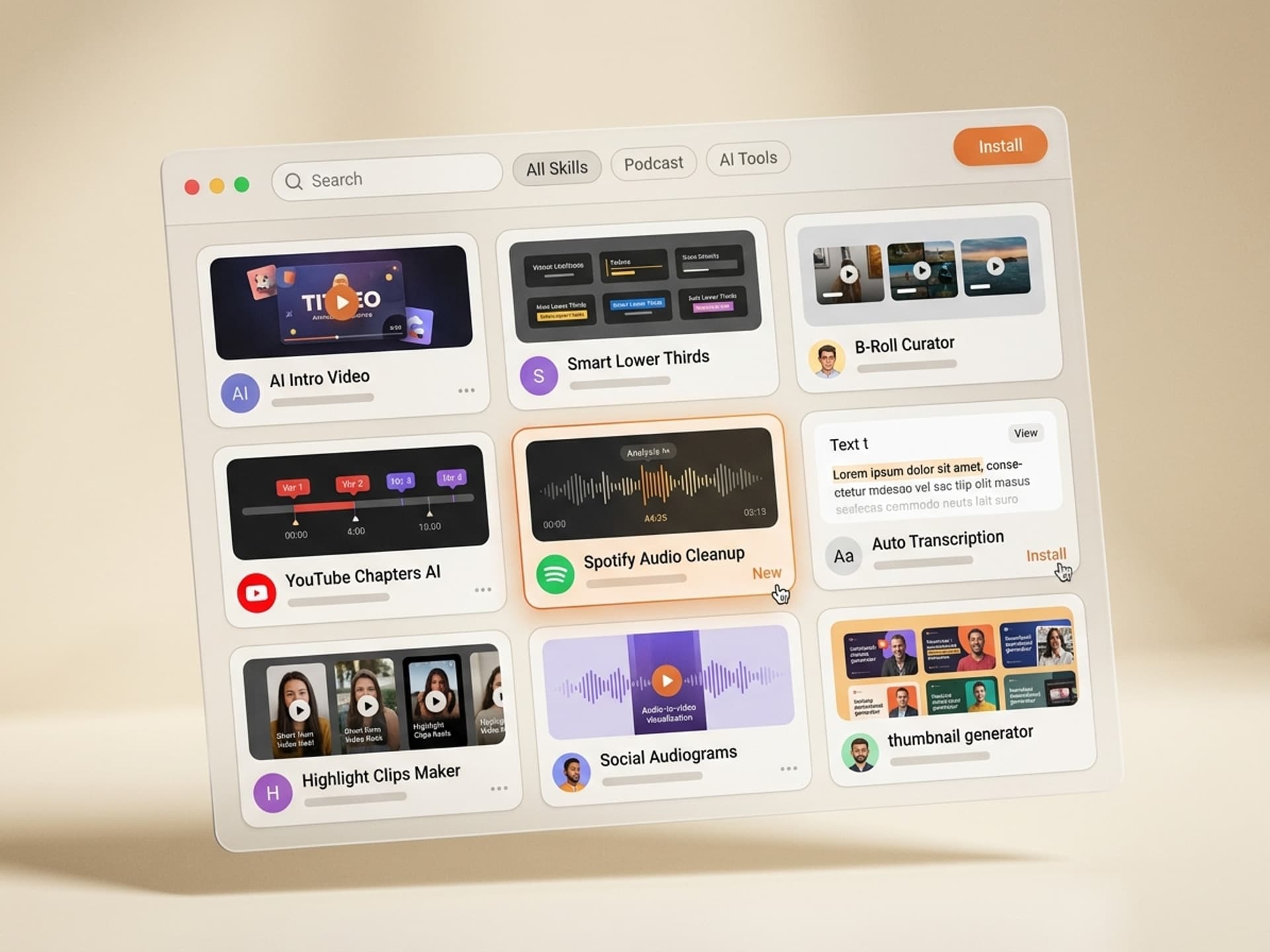
The Video category on Vibe Skills has over 30 skills built specifically for podcast and creator workflows. These are the 5 most useful for video podcast production.
1. Podcast Intro Animator
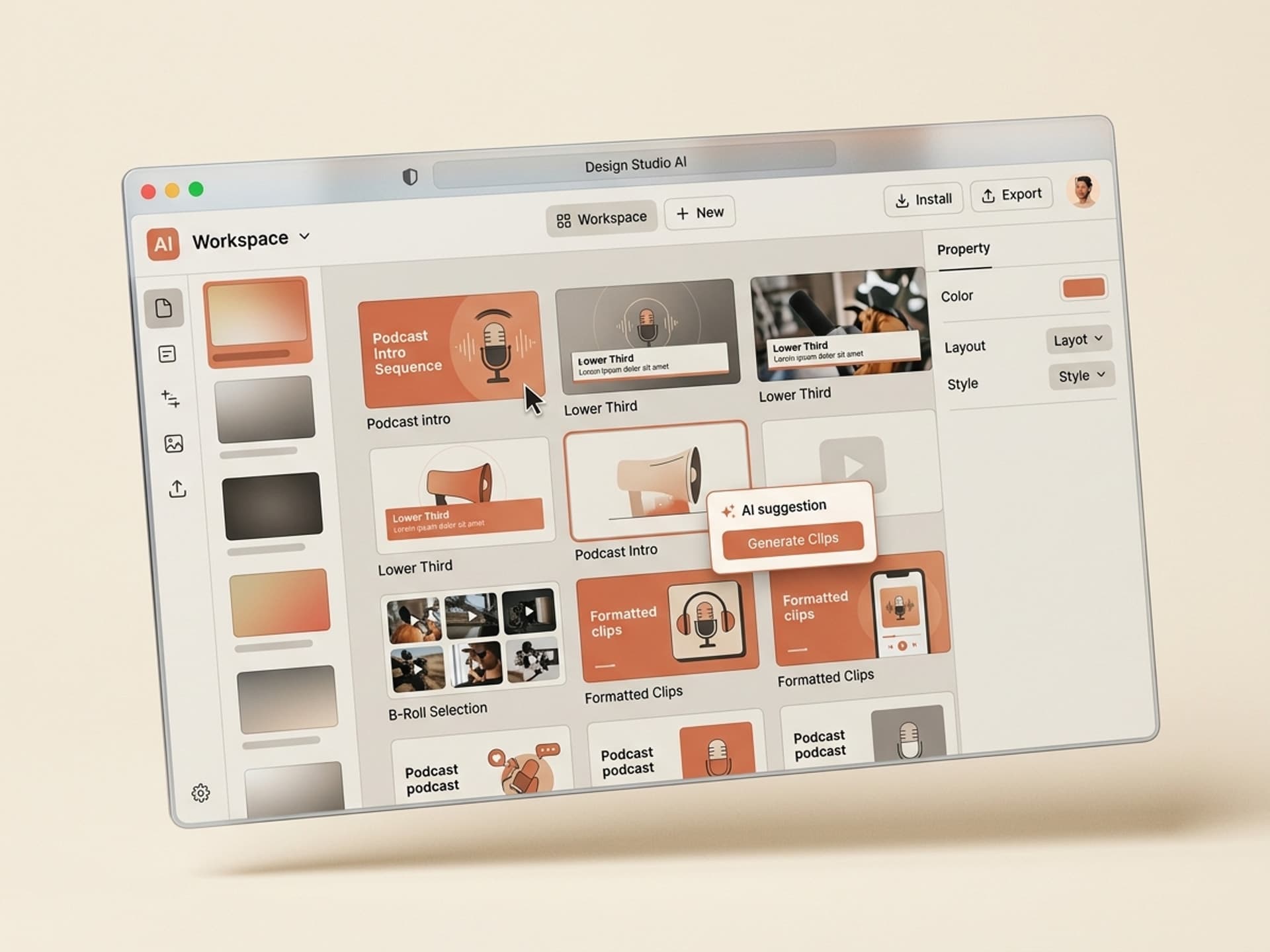
A 5 to 10 second branded intro generator. You feed it your show name, host names, and 3 brand colors. It returns a motion graphics intro with logo reveal, host name cards, and a kinetic title. Outputs to After Effects (.aep), Premiere Pro (.mogrt), or rendered MP4. Designed to swap variables per episode (guest name, episode number) without re-rendering from scratch.
2. Lower Thirds Generator
Auto-generated lower thirds for guest introductions, topic transitions, and source citations. Reads your guest list and topic outline, returns a .mogrt template with brand-matched typography and color. Designed to batch-render 8 to 15 lower thirds per episode in under 5 minutes.
3. B-Roll Suggestion + Insert Skill
Reads your transcript, identifies moments where a visual cutaway would land (data points, location mentions, product references), and suggests 4-second B-roll inserts with stock footage links and motion graphics overlays. Cuts the "what should I cover here" decision time from 90 minutes to 10.
4. Podcast Clip Generator (Shorts + Reels + TikTok)
Takes your full episode video + transcript, scores moments by hook potential (controversy, story, statistic, callback), and exports 8 to 12 vertical 9:16 clips with captions, dynamic title cards, and end-screen CTAs. Optimized for 30 to 60 second TikTok / Reels and 60 to 90 second YouTube Shorts.
5. Episode Cover + Thumbnail Generator
Generates the static episode cover for Spotify / Apple plus a high-CTR YouTube thumbnail in matched style. Uses guest face cutout, episode title, and brand frame. Browse it under Thumbnails & Cover Art.
Browse all video podcast skills on Vibe Skills →
Over 30 skills per category. All included in a Vibe Skills subscription.
Episode-to-Published Workflow: 6 Steps in Under 2 Hours
This is the workflow most Vibe Skills podcaster customers use. Total editor time: 90 to 120 minutes per episode, down from a typical 8 to 12 hours.
Step 1: Pick the Right Skill on Vibe Skills
Browse the Video category and install the 4 core skills: Intro Animator, Lower Thirds Generator, B-Roll Insert, Clip Generator. Add the Thumbnail Generator from Thumbnails & Cover Art. One-time setup, ~15 minutes.
Step 2: Record in Riverside or Equivalent
Use Riverside, Zencastr, or SquadCast to capture separate tracks per host and per camera. Local recording, cloud upload. This is the only step the AI doesn't touch. Recording quality determines everything downstream.
Step 3: Edit in Descript
Run the multi-cam through Descript for cuts, filler word removal, audio leveling. Export the locked timeline as a transcript + video. Descript handles the manual edit; the AI skills handle everything visual.
Step 4: Run the Visual Skills (Intro + Lower Thirds + B-Roll)
Drop the transcript into the Intro Animator (returns intro), Lower Thirds Generator (returns a batch of lower thirds), and B-Roll Insert skill (returns suggested B-roll with timecodes). Pull the outputs back into Premiere or DaVinci Resolve. 30 to 45 minutes total.
Step 5: Generate the Social Clips
Feed the published episode + transcript into the Podcast Clip Generator. Returns 8 to 12 vertical clips with captions, ready to upload. Review for the 6 best, schedule across TikTok, YouTube Shorts, Instagram Reels, LinkedIn. ~20 minutes.
Step 6: Generate Thumbnail + Cover, Publish
Run the Thumbnail Generator with guest photo + episode title. Push to YouTube and Spotify. Schedule the social clips for the rollout week (1 per day). Episode goes live, clips drip across the next 7 days for sustained discovery.
Install the video podcast skill bundle on Vibe Skills →
What This Replaces: Cost Breakdown
Per-episode cost for a mid-tier video podcast (50k to 500k subscribers) in 2025:
| Production layer | Freelance cost | Vibe Skills | Savings |
|---|---|---|---|
| Intro / outro (one-time, amortized) | $50 | Included | $50 |
| Lower thirds (per episode) | $100 | Included | $100 |
| B-roll editor | $200 | Included | $200 |
| 6 social clips | $300 | Included | $300 |
| Thumbnail | $50 | Included | $50 |
| Per-episode total | $700 | $0 | $700 |
| Annual (50 episodes) | $35,000 | $348 - $948 | $34,000+ |
A Vibe Skills Pro plan is $39/month ($348/year) and includes unlimited downloads of every skill on the platform. Premium ($79/month) unlocks the more advanced motion templates. See the pricing breakdown.
Frequently Asked Questions
Do I really need multi-cam, or is single cam fine?
Single cam is fine for the first 50 episodes. Lex Fridman ran solo cam for years. Multi-cam helps engagement after you have 100k+ followers and a clear visual style. Start with one cam + good lighting + the Intro Animator skill from Vibe Skills. Add cams when audience growth flatlines.
What's the best clip length for podcast social cuts?
30 to 60 seconds for TikTok and Reels, 60 to 90 seconds for YouTube Shorts. Anything under 15 seconds doesn't develop a hook. Anything over 90 seconds loses the algorithm. The Podcast Clip Generator on Vibe Skills defaults to 45 seconds with a 7-second hook in the first frame.
Should I prioritize Spotify or YouTube as my primary platform?
YouTube for discovery, Spotify for deep listeners. YouTube delivers 60 to 70% of new audience for video podcasts (search + Shorts + recommended). Spotify delivers higher per-listener engagement and watch time. Publish to both. Use a video podcast skill to format thumbnails for both platforms in one pass.
Is Riverside or Descript better for video podcasts?
Riverside for recording, Descript for editing. They solve different problems. Riverside captures separate local tracks per participant; Descript edits transcript-first. Most pro podcasts use both. AI skills from Vibe Skills handle the visual layer that neither tool covers (motion graphics, lower thirds, B-roll, thumbnails).
Do AI clip generators actually work, or do they pick bad moments?
They work for 70% of the clip selections. AI scores moments by hook density (questions, story arcs, statistics, callbacks) and gets it right most of the time. You still review and pick the 6 best of 12. The time savings is in the cutting + caption + format step, not the moment selection.
How much does the full video podcast skill bundle cost?
$39/month (Pro plan) or $79/month (Premium plan) on Vibe Skills. Both include unlimited downloads of every video, motion graphics, and thumbnail skill. Compared to ~$700/episode in freelance costs, the subscription pays back in the first 5 days of any active podcast.
Can I export the AI skill output to Premiere Pro and DaVinci Resolve?
Yes - every motion skill exports to .mogrt (Premiere), .aep (After Effects), and rendered MP4. B-roll suggestions come as edit decision lists you drop into Premiere or DaVinci. No vendor lock-in. You own every file the skill generates.
Stop Producing Video Podcasts Like It's 2022
Video podcasts won the discovery battle. The production gap is the only thing standing between you and the top of the YouTube + Spotify charts. The right AI skill bundle compresses 8 hours of post-production into 90 minutes, kills the freelance bill, and ships every episode with a full social clip rollout.
Browse video podcast skills on Vibe Skills →
Skip the 8-hour post-production marathon. Install the video podcast skill bundle on Vibe Skills and ship every episode in under 2 hours.