

Browse hundreds of ready-made skills for Claude, Cursor, and more.
The Best AI Skills for YouTube Videos: What Changed in 2026
The best AI skills for YouTube videos in 2026 compress a 14-hour production day into about 90 minutes, and they do it without burning out a 3-person team. The biggest channels on the platform are not winning because they have more cameras. They are winning because they replaced the storyboard, B-roll selection, caption pass, end-screen design, and thumbnail iteration with skill-based workflows that ship in minutes instead of days.
YouTube creators between 1,000 and 1 million subscribers report the same bottleneck: they have ideas, they have a camera, but the post-production stack eats every weekend. AI skills now handle the repetitive 70% of that stack so the creative 30% gets the attention it deserves.
This guide covers the seven AI YouTube skills we recommend on Vibe Skills in 2026, what each one is best at, and how to take a YouTube video from idea to upload in a single day.
Browse hundreds of ready-made skills for Claude, Cursor, and more.
Why Manual YouTube Production Is a Burnout Trap
Most YouTubers do not quit because they run out of ideas. They quit because they cannot keep up with the production load. Reddit threads on r/NewTubers and r/youtubers in 2025 - 2026 keep landing on the same number: a 10-minute polished video burns 8 to 14 hours of total work for a solo creator.
Here is where those hours actually go on a typical mid-tier channel:
- 2 - 3 hours storyboarding and writing the script for a single 8 - 12 minute video
- 3 - 4 hours editing in Final Cut Pro or Premiere Pro, mostly hunting B-roll and trimming filler
- 45 - 90 minutes building the YouTube thumbnail with 4 - 6 variants for A/B testing
- 1 - 2 hours captioning and adding chapter markers for accessibility and watch-time gains
- 30 - 45 minutes designing end-screens and pinned-comment art to drive the next click
- 20 - 40 minutes per render and re-export cycle when the audio mix needs a fix
Stack that against the YouTube algorithm in 2026, which rewards channels uploading at least 2 - 3 longform videos per week plus daily Shorts. The math does not work without AI in the pipeline. MrBeast ships one massive video per week with a team of 250+ people. Solo creators cannot match that staffing, so the only sane path is automating the 70% of work that is rig-and-repeat.
Browse hundreds of ready-made skills for Claude, Cursor, and more.
The Anatomy of a YouTube Video AI Skill
A YouTube AI skill takes your raw inputs (script, footage, brand kit) and returns a project-ready asset. You finish in your editor of choice (Final Cut Pro, Premiere Pro, DaVinci Resolve) the same way you always would. The skill replaces the rigging stage, not the directing stage.
Here is the difference between manual setup, generic AI tools, and a YouTube AI skill on Vibe Skills:
| Workflow | Time per 10-min video | Brand-customised? | Re-usability | Typical cost |
|---|---|---|---|---|
| Solo manual workflow | 8 - 14 hours | Yes (you do it manually) | Low (locked to one video) | Your hourly rate x 12 |
| Generic AI video tool | 2 - 4 hours | Partial (no brand context) | Medium (one-off output) | $20 - $80/month |
| AI skill on Vibe Skills | 60 - 90 minutes | Yes (auto-applied from brand kit) | High (regenerate per video) | $39/month, unlimited skills |
| Outsource to editor | 5 - 10 days | Yes (editor's call) | Low (single deliverable) | $300 - $2,500 per video |
The five components a great YouTube AI skill automates:
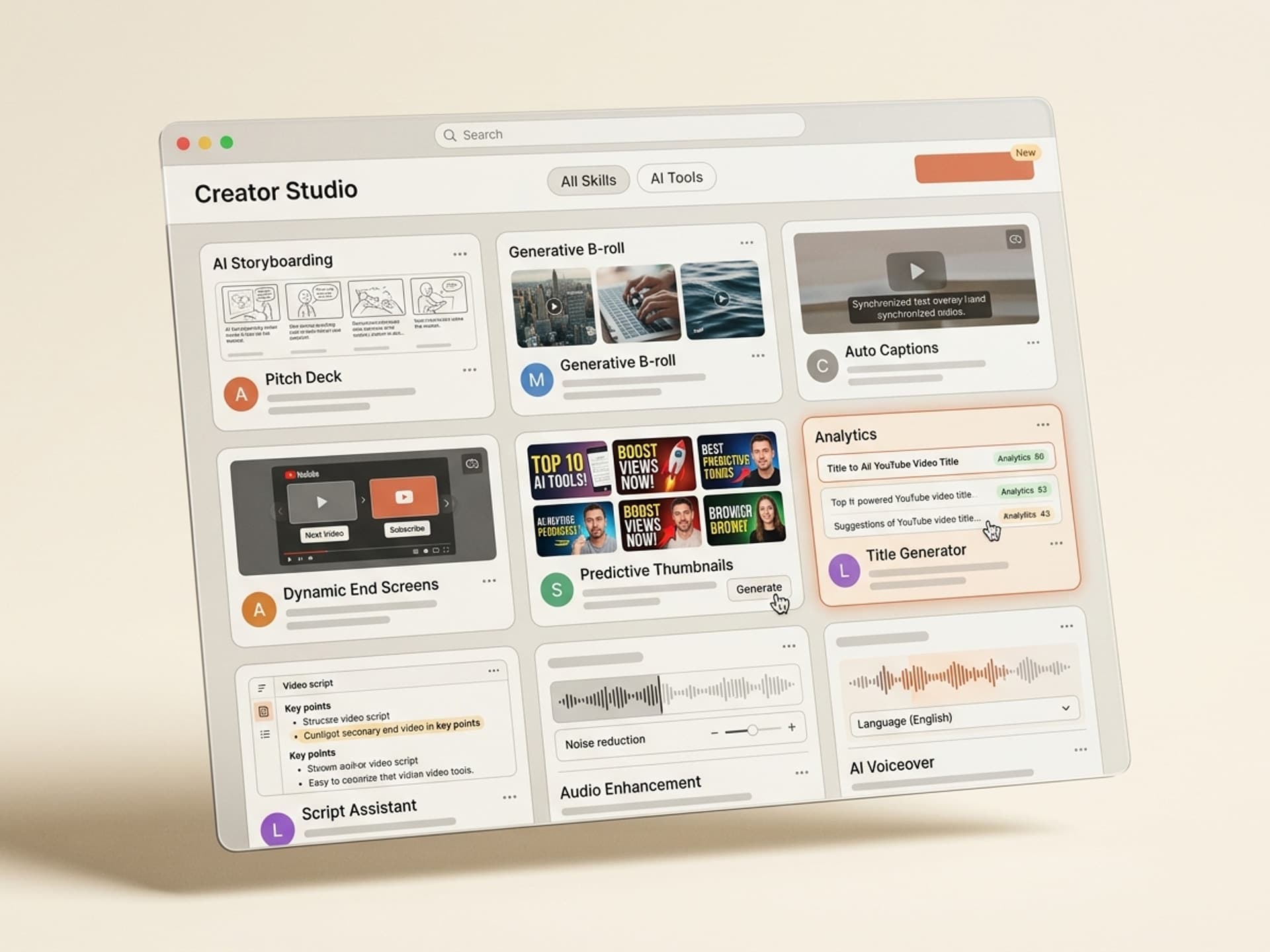
- Storyboard - section-by-section beats, hook structure, and pacing notes
- B-roll selection - tagged stock + AI-generated clips matched to the script timeline
- Captions and chapters - timed subtitles plus chapter markers for watch-time gains
- End-screen layout - branded end cards with subscribe and "watch next" cells
- Thumbnail variants - 4 - 6 thumbnail options optimised for click-through
Skills that handle all five collapse the stack. Skills that handle one are useful but leave most of the work on your plate.
Browse YouTube video skills on Vibe Skills →
7 AI YouTube Skills on Vibe Skills
These are the YouTube skills we recommend in 2026. All of them live on Vibe Skills under the Video Content category and ship with brand-token support so the output matches your channel.
| # | Skill | Best for | What you get |
|---|---|---|---|
| 1 | YouTube Storyboard Generator | Longform tutorials, explainers, vlogs | Section beats, hook script, pacing notes, B-roll cues |
| 2 | B-Roll Selection Skill | Talking-head edits, documentary, podcasts | Tagged clip list + AI-generated B-roll for every script line |
| 3 | YouTube Caption + Chapter Builder | All channels, accessibility, watch time | SRT captions + chapter markers for the description |
| 4 | End-Screen Designer | Series, course channels, evergreen content | Branded end-screen layouts with click-through targets |
| 5 | Thumbnail Variant Generator | A/B testing, longform, Shorts | 4 - 6 thumbnail variants per video, brand-locked |
| 6 | Shorts Script + Storyboard | Daily Shorts, vertical content | 30 - 60 second hook script + visual storyboard |
| 7 | Channel Trailer Generator | New channel launches, rebrands | 60 - 90 second trailer script + edit timeline |
1. YouTube Storyboard Generator
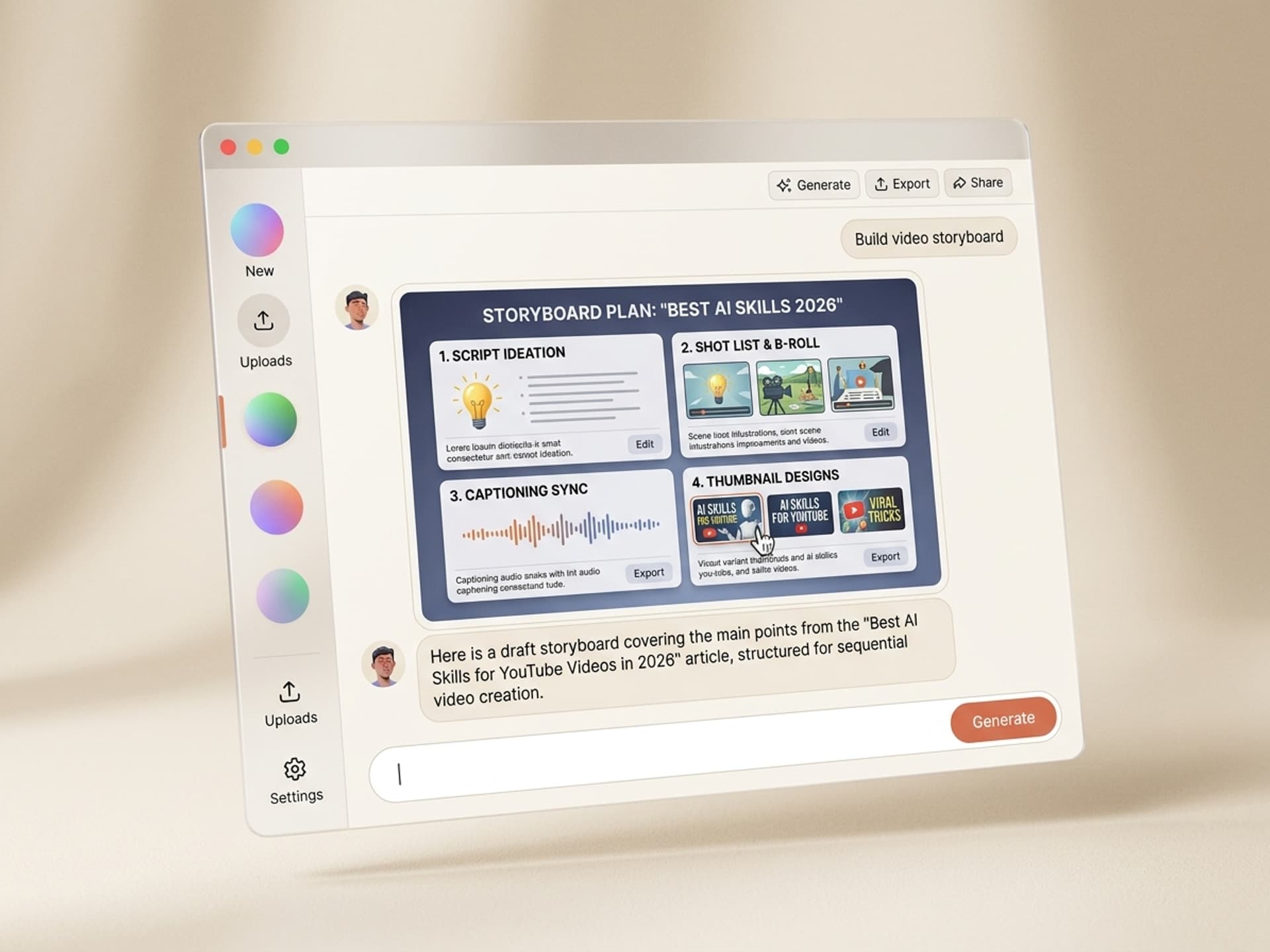
Best for longform tutorials, explainers, and vlogs. Drop in a topic, target length, and channel voice. The skill returns a beat-by-beat storyboard with hook script, mid-roll retention beats, B-roll cues, and a pacing map matched to the YouTube watch-time curve. Saves the 2 - 3 hours most creators spend writing from a blank page.
2. B-Roll Selection Skill
Best for talking-head edits, documentary, and podcast clips. Feed in your script and the skill returns a timed B-roll list, mixing tagged stock from your library with AI-generated clips for missing moments. Final Cut Pro and Premiere Pro project files import directly. This is the skill that kills the "where is that one clip" tab-hunt.
3. YouTube Caption + Chapter Builder
Best for every channel, accessibility, and watch time. Auto-transcribes the audio and outputs an SRT caption file plus a YouTube chapter list ready to paste into the description. Channels that add chapter markers see 8 - 15% longer average view duration based on creator-reported data.
4. End-Screen Designer
Best for series, course channels, and evergreen content. Generates a branded end-screen layout with subscribe button, "watch next" cells, and a playlist call-out. Outputs a PSD or Figma file so you can drop it into the editor without rebuilding from a template.
5. Thumbnail Variant Generator
Best for A/B testing, longform, and Shorts. Returns 4 - 6 thumbnail variants per video, brand-locked to your channel typography and color palette. Pair with YouTube's built-in thumbnail test to find the winner. Browse the thumbnails category for thumbnail-only skills if you want deeper variants.
6. Shorts Script + Storyboard
Best for daily Shorts and vertical content. Outputs a 30 - 60 second hook script with a 6 - 9 frame visual storyboard. Optimised for the first 1.5 seconds, which is where most Shorts lose the viewer. The skill writes for the algorithm window, not for prose.
7. Channel Trailer Generator
Best for new channel launches and rebrands. Generates a 60 - 90 second trailer script plus an edit timeline with shot list, music cue points, and end-card layout. Used by creators relaunching after a niche pivot or hitting a subscriber milestone.
Browse all video skills on Vibe Skills →
From Idea to Published in One Day: 6 Steps
This is the actual workflow a solo YouTuber can run in 90 minutes per longform video using AI skills. The sequence matters; doing it out of order doubles the time.
Step 1: Pick the right skill on Vibe Skills
Open Vibe Skills and pick the skill that matches your video format. For a 10-minute tutorial, start with the YouTube Storyboard Generator. For a daily Short, pick the Shorts Script + Storyboard. The skill ships pre-tuned to the format, so you avoid the generic AI tool problem of "good output but wrong shape".
Step 2: Drop in your topic, target length, and channel voice
Most skills want three inputs: topic, length, and voice profile. Voice profile is the unlock. Once your channel voice is saved (energy, vocabulary, host style), every video the skill produces sounds like your channel and not like a generic narrator.
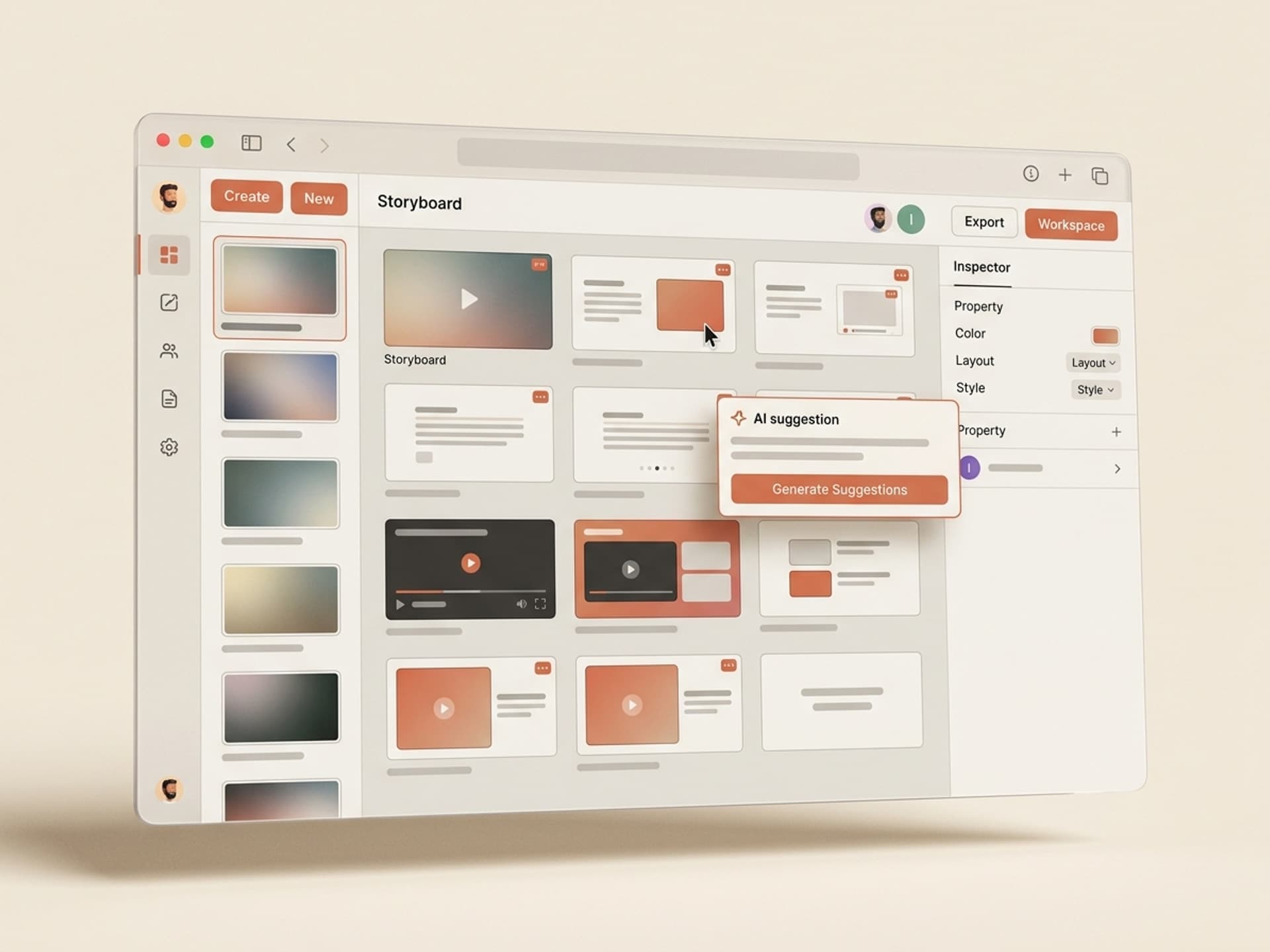
Step 3: Generate the storyboard, then film
The skill returns a beat-by-beat storyboard in under 90 seconds. Film against it. Solo creators report 40 - 60% less re-shooting because the structure is locked before the camera turns on.
Step 4: Run the B-roll Selection Skill on the script
Feed the script back in. The B-Roll Selection Skill returns a timeline of tagged clips and AI-generated fills, ready to drop into Final Cut Pro or Premiere Pro. Skip the manual hunt.
Step 5: Generate captions, chapters, and the end-screen in parallel
The Caption + Chapter Builder and the End-Screen Designer run independently. Run them while the video is rendering. By the time the export finishes, both assets are waiting.
Step 6: Generate 4 thumbnail variants, upload, A/B test
The Thumbnail Variant Generator returns 4 - 6 options. Pick the top 2 and run YouTube's built-in thumbnail test. The data tells you which framing works for your audience inside 48 hours; do not guess.
Start the workflow on Vibe Skills →
Frequently Asked Questions
Will my channel feel less personal if I use AI skills?
No, if you keep the camera and voice yours. AI skills on Vibe Skills handle the rig work (storyboard structure, B-roll matching, captions, end-screens). Your face, your voice, your opinions stay 100% yours. The skill writes the scaffolding; you fill it with the personality your audience subscribed for.
Are AI skills better for Shorts or longform videos?
Both, but the wins look different. For longform, the storyboard and B-roll skills save 6 - 10 hours per video. For Shorts, the Shorts Script + Storyboard skill helps you ship 5 - 7 daily Shorts per week instead of 1 - 2. Browse video skills on Vibe Skills to find the right format match.
Do I need to disclose that I used AI in my YouTube video?
Yes if AI generated realistic footage of real people, places, or events. YouTube's 2024 disclosure rule requires a "Created with AI" tag for synthetic content that could mislead viewers. Storyboards, scripts, captions, thumbnails, and end-screens generated with AI do not require disclosure. Check the latest YouTube Help docs before publishing.
How much does a Vibe Skills subscription cost compared to outsourcing video production?
A Vibe Skills subscription starts at $39/month with unlimited skills across all 10 visual categories. A freelance YouTube editor charges $300 - $2,500 per video. The first video pays back the subscription 8 - 60 times over. Cancel anytime.
Can solo YouTubers actually compete with team-staffed channels using AI skills?
Yes, on output volume and consistency. MrBeast-tier channels still win on production budget and crew. But solo creators using AI skills now ship 2 - 3 longform videos per week plus daily Shorts, which is the upload cadence the YouTube algorithm rewards. The gap is no longer hours per video; it is creative direction.
Will YouTube's algorithm penalize AI-assisted videos?
No. YouTube's official position (Creator Insider 2024 - 2025) is that AI-assisted content is fine; only fully synthetic, deceptive, or low-effort spam content gets penalised. A creator using AI for storyboarding, B-roll selection, and captions while filming themselves is well inside policy. The algorithm cares about watch time and click-through, not how the assets were made.
Which AI skill should a brand-new YouTuber start with?
Start with the YouTube Storyboard Generator and Thumbnail Variant Generator. Storyboarding is the highest-leverage gain in the early days because most new channels lose viewers in the first 30 seconds; the storyboard fixes the hook structure. Thumbnails drive click-through, which is how the algorithm decides whether to show your video at all. Browse the Video Content category on Vibe Skills to start.
Ship Daily Without the Burnout
The 2026 YouTube algorithm rewards channels that upload 2 - 3 longform videos per week plus daily Shorts. For a solo creator, that math is impossible without AI in the pipeline. The seven YouTube skills above collapse a 14-hour production day into 90 minutes by automating the storyboard, B-roll, captions, end-screens, and thumbnails - the exact stack that keeps creators stuck on weekends.
Browse YouTube video skills on Vibe Skills →
Stop trading every weekend for one upload. Install a YouTube AI skill on Vibe Skills and ship daily without the burnout.