

Browse hundreds of ready-made skills for Claude, Cursor, and more.
What Is Vibe Coding? The 50-Word Answer
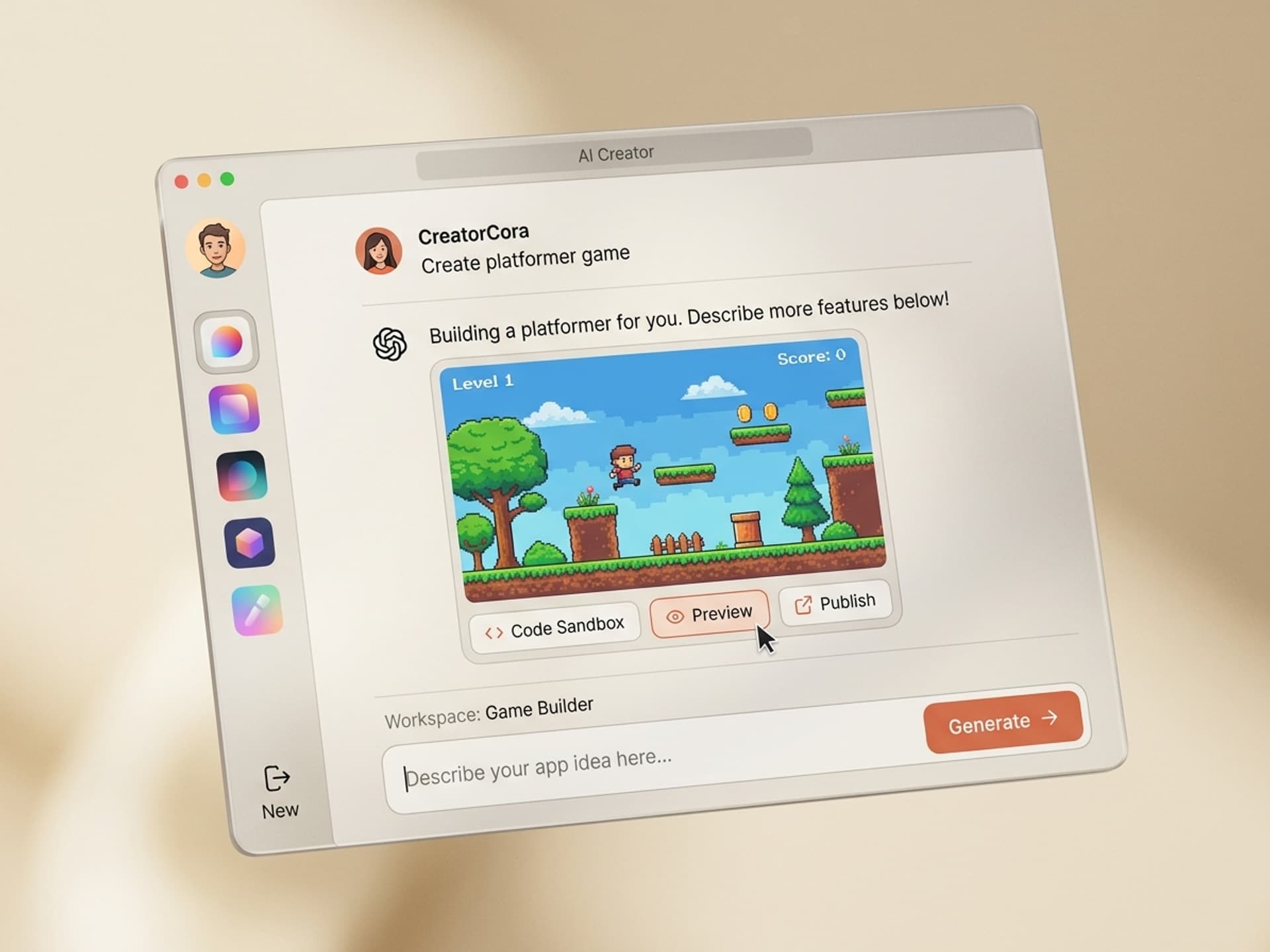
Vibe coding is building software by describing what you want in plain language to an AI like Claude or Cursor, instead of writing code line by line. Andrej Karpathy coined the term in February 2025. By the end of that year, Collins Dictionary made it Word of the Year. The output is a real, working app, game, or interactive scene.
For non-technical creators, vibe coding gets you 80% of the way to a finished product. The last 20% (battle-tested layouts, the patterns that actually convert, the AI-skill scaffolding) is exactly what Vibe Skills packages so you don't start every project from a blank window.
Browse hundreds of ready-made skills for Claude, Cursor, and more.
Where the Term Came From (And Why It Stuck)
Andrej Karpathy posted the term on X on February 2, 2025. He described a way of working with AI coding tools where you "fully give in to the vibes, embrace exponentials, and forget that the code even exists." Within a month Merriam-Webster tagged it as a slang and trending expression. By December 2025 it was Collins English Dictionary's Word of the Year.
The reason it took off in 12 months:
- AI coding assistants got dramatically better in late 2024 and early 2025.
- Tools like Cursor, Lovable, Bolt, and Claude Code stopped being autocomplete and became "describe a feature, get a feature".
- Non-developers (designers, founders, marketers) started shipping real apps without ever opening a syntax tutorial.
The vibe in vibe coding is the intent. You describe the feel of what you want. The AI handles the syntax. You read the result, react, and ask for the next change in plain English.
Browse hundreds of ready-made skills for Claude, Cursor, and more.
How Vibe Coding Actually Works (in 4 Steps)
Vibe coding is a conversation, not a coding session. The loop is the same whether you're building a landing page, a browser game, or a 3D product viewer. Here is the typical flow that creators use in 2026:
Step 1: Describe the outcome
Open Cursor, Claude Code, Lovable, or Bolt. Type what you want in plain language. Example: "Build me a one-page landing site for a podcast called Quiet Hours, dark theme, big serif headline, an embedded audio player, and a subscribe form that collects emails."
Step 2: Let the AI generate v1
The AI writes the full project (HTML, CSS, JavaScript, sometimes a backend) and runs it. You see a live preview within seconds. No setup. No package installs. No "open the terminal".
Step 3: React in plain language
You don't open the code file. You say things like: "make the headline twice as big", "swap the dark theme for cream and orange", "add a section that lists past episodes". The AI reads its own code, edits the right spot, redeploys the preview.
Step 4: Ship
Click deploy. The tool puts the project on a live URL. Some tools (Lovable, Bolt) connect a custom domain in one click. Others (Cursor, Claude Code) push to Vercel or Netlify.
The key shift: you stop thinking like a programmer ("which file does this go in?") and start thinking like a director ("the hero should feel calmer").
Who Vibe Coding Is Actually For (Hint: Not Just Developers)
Vibe coding is built for non-technical creators first. The original framing was Karpathy talking to engineers, but the audience that exploded the trend in 2026 is the opposite. Today the typical vibe coder is one of these people:
- Founders without a CTO building MVP landing pages, demo apps, and pitch-day prototypes overnight.
- Designers turning their Figma files into live interactive sites without handing them off to a dev.
- Marketers building micro-tools (calculators, quizzes, ROI estimators) as lead magnets in an afternoon.
- Content creators shipping browser games, interactive demos, and weird side projects that go viral.
- Solo SaaS builders going from zero to $10k MRR by vibing the first version of a product.
The proof points are loud. Pieter Levels shipped a multiplayer browser game using Cursor and Grok 3 that hit $1M annual revenue in 17 days. Lovable, a vibe coding platform launched in 2024, hit $100M ARR in 8 months. Anthropic built Claude Cowork (a desktop app) in 10 days using their own Claude Code.
The pattern is clear: the people winning at vibe coding are not necessarily the best coders. They are the best at describing what they want.
What People Actually Ship With Vibe Coding
Not every output is a SaaS app. Most vibe-coded projects fall into 3 visual buckets, all of which map to existing skill categories on Vibe Skills:
| Output type | What it looks like | Vibe Skills category |
|---|---|---|
| Landing pages, micro-sites, dashboards | Marketing pages, lead-magnet apps, founder portfolios, free tools | /category/web-ui |
| Browser games and playable demos | Three.js arcade games, multiplayer experiments, branded mini-games | /category/3d-games |
| Interactive 3D scenes and product viewers | Configurators, 3D heroes, product showcases, scroll-driven scenes | /category/interactive-3d |
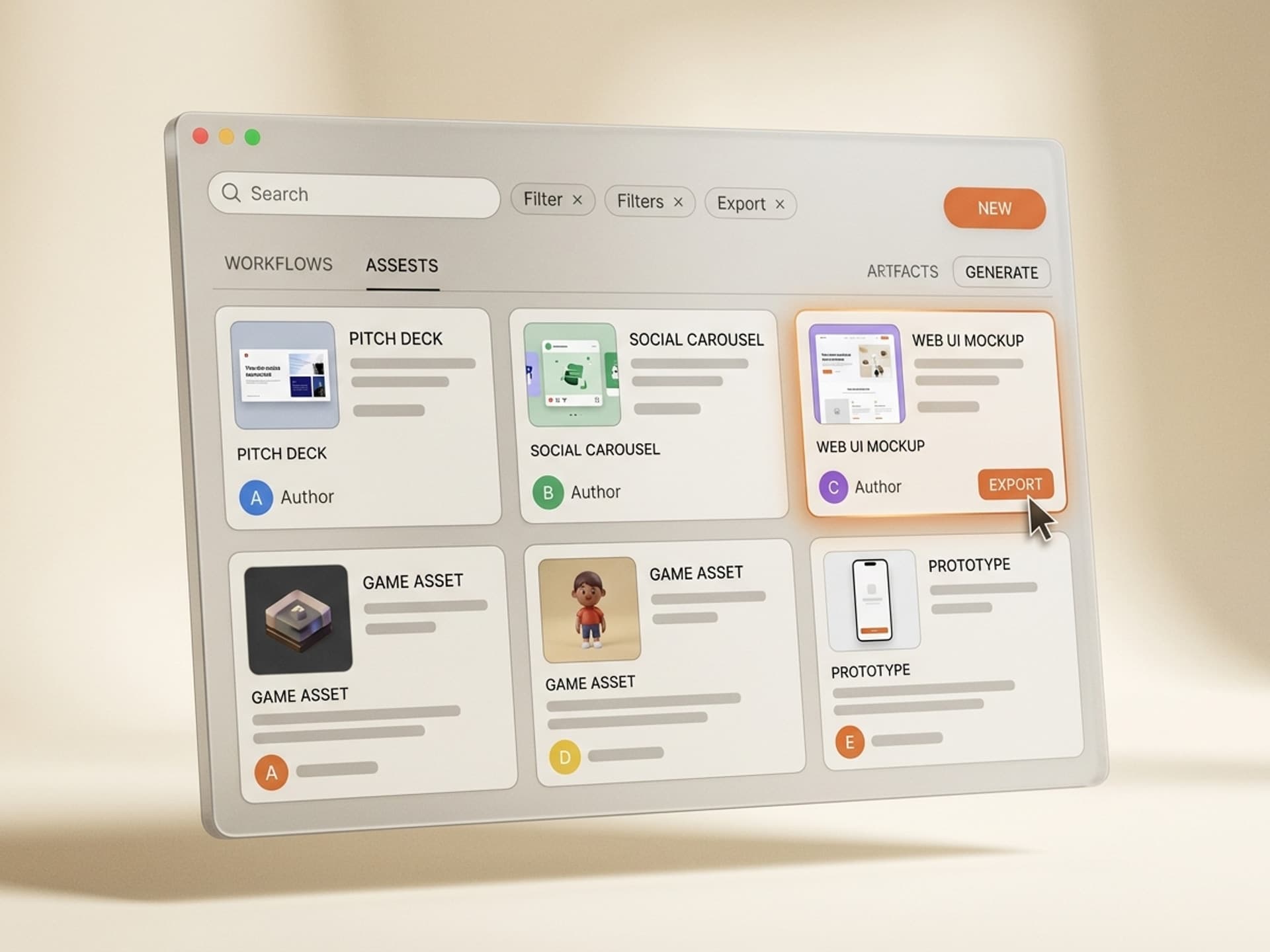
Each Vibe Skills category has 30+ ready-made skills designed for the exact output you're trying to ship. You don't start from a blank chat window. You install a skill that already knows what good looks like for the format.
Browse the Web & UI Design category on Vibe Skills →
Where Vibe Coding Hits a Wall (And Where AI Skills Help)
Pure vibe coding gets you 80% of the way. The last 20% is where most non-technical creators get stuck, and it's also where most projects get abandoned. Here are the real failure modes:
- Blank-window paralysis. You open Cursor or Lovable and type something. The AI ships v1. It works. But it looks generic, the layout is wrong, and you don't know how to ask for the right thing.
- No taste reference. The AI doesn't know your brand, your audience, or what "good" looks like in your category. So it averages out and gives you the bland version.
- Iteration debt. Every new project starts from scratch. You re-describe the same patterns (dark theme, big serif headline, sticky nav, animated CTA) over and over.
- Polish gap. The first version is functional. The shipped version needs spacing fixes, accessibility, mobile rules, and a final design pass that you don't know how to ask for.
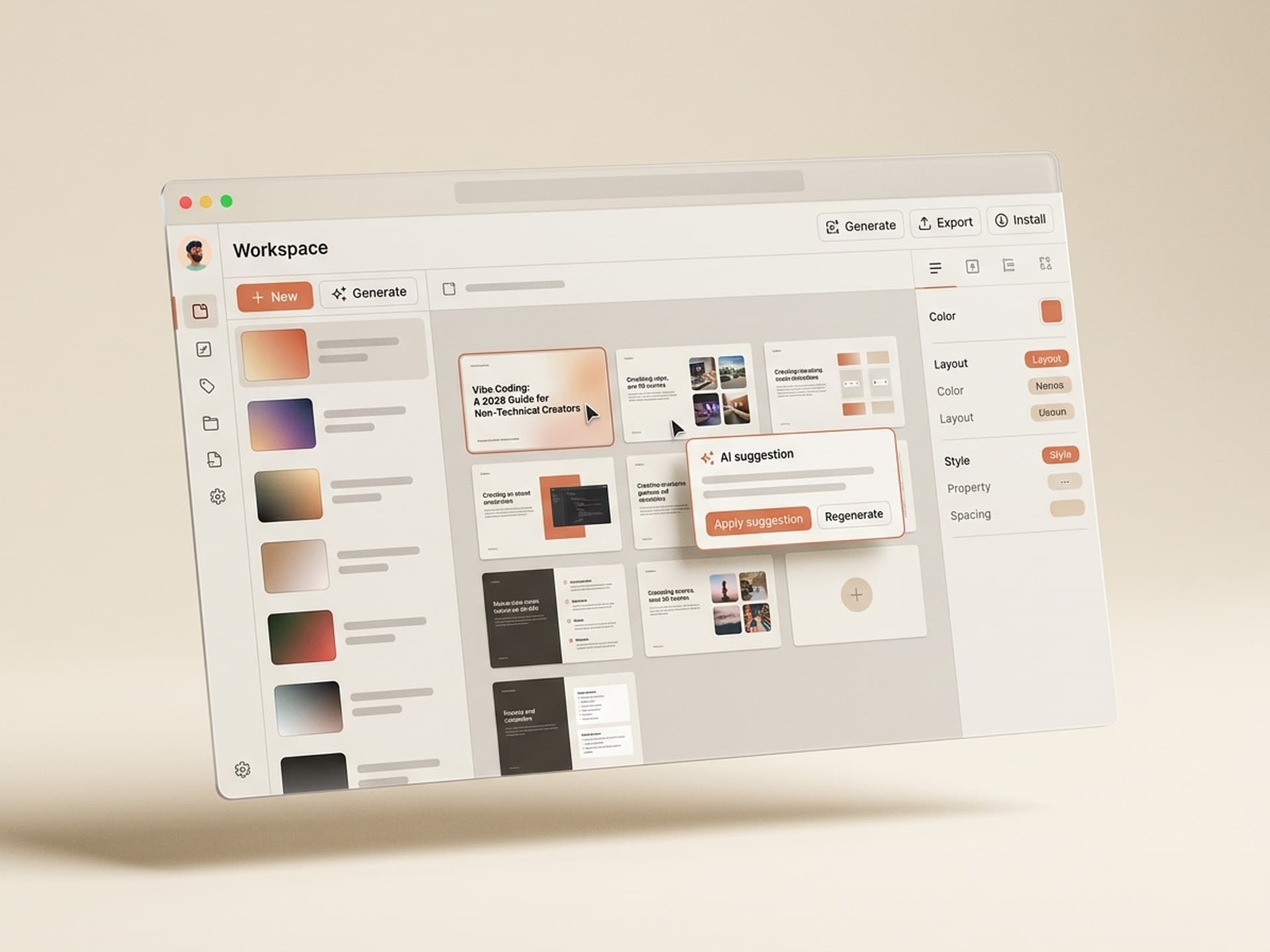
This is the gap AI skills close. A skill is a packaged workflow that already knows the patterns for a specific output. You install a "SaaS Landing Page" skill on Vibe Skills, and the AI starts the project with the right hero structure, the right CTA placement, the right mobile breakpoints, and the right visual rhythm. You vibe code from a strong starting point instead of from zero.
The result: instead of fighting the AI for 6 hours to get a landing page that converts, you ship one in 30 minutes that already converts.
Vibe Coding vs AI Skills: Where They Sit
Vibe coding is a method. AI skills are the templates that make the method ship faster. Here is the honest comparison:
| Dimension | Pure vibe coding | Vibe coding + AI skills |
|---|---|---|
| Starting point | Blank chat window | Pre-built workflow with structure baked in |
| Time to first usable v1 | 30 - 90 min | 5 - 15 min |
| Visual taste | Whatever the AI defaults to | Designer-curated for the category |
| Mobile + accessibility polish | You discover gaps after launch | Already handled in the skill |
| Re-using patterns across projects | Re-describe every time | Install once, reuse forever |
| Cost per project | $0 in tools, hours of your time | Flat subscription, minutes of your time |
| Output quality at v1 | "It works" | "It ships" |
Vibe coding is the verb. AI skills are the recipe book. You can vibe code without skills. You just spend more hours and ship a less polished result.
5 Steps to Start Vibe Coding This Week
Vibe coding has the lowest learning curve of any creator skill in 2026. You can ship a real, live project this weekend if you follow this loop:
- Pick the right AI skill on Vibe Skills. Browse Web & UI Design, 3D Games, or Interactive 3D depending on what you want to ship. Install the skill that matches your output.
- Pick a vibe coding tool. For zero-setup, pick Lovable or Bolt. For more control, pick Cursor or Claude Code. All four work with the skill you installed.
- Describe the outcome in 2 - 3 sentences. What is the project? Who is it for? What is the one action a visitor should take? The skill fills in the structural defaults; your description fills in the specifics.
- Iterate in plain language. Don't open code files. React to what you see ("make the hero feel calmer", "swap the second section for testimonials", "add a sticky CTA on mobile") and let the AI do the wiring.
- Ship and measure. Deploy to a real URL the same day. Send it to 5 people. Watch what they do. The vibe coding loop is fast enough that you should ship v1 within 24 hours of starting.
The creators who win with vibe coding are not the ones with the best instructions. They are the ones who ship the most v1s.
Start with a Web & UI skill on Vibe Skills →
Frequently Asked Questions
Do I need to know any code to start vibe coding?
No. Vibe coding is built so non-technical creators can ship working apps, games, and sites without reading or writing code. You describe the outcome in plain language, the AI generates the code, and you iterate by reacting to what you see. Tools like Lovable and Bolt require zero setup; just type. For ready-made starting points, install a skill from vibeaiskills.com.
Is vibe coding the same as no-code?
Not quite. No-code uses visual builders with drag-and-drop blocks. Vibe coding uses AI to write actual code based on your description. The difference matters: no-code locks you into the platform, while vibe-coded projects are real codebases you own and can host anywhere. Both let non-technical creators ship; vibe coding gives more flexibility once you outgrow the basics.
Can I really ship a real, paying app this way?
Yes. Pieter Levels shipped a multiplayer browser game built with Cursor and Grok 3 that hit $1 million annual revenue in 17 days. Lovable went from zero to $100M ARR in 8 months. Anthropic built Claude Cowork in 10 days. The pattern: pick the right tool, install the right AI skill on Vibe Skills, ship v1 in a day, iterate based on real users.
What tools do I need to start?
You need one AI coding tool and one AI skill. For non-developers, Lovable or Bolt are the easiest entry points (browser-based, zero setup). For more control, Cursor and Claude Code are the standard. Pair the tool with a Vibe Skills skill for the format you're shipping (landing page, game, 3D scene). That's the entire stack.
What's the difference between vibe coding and using ChatGPT to write code?
ChatGPT gives you code snippets in a chat window. You copy them, figure out where they go, fix the imports, run the project, debug, and repeat. Vibe coding tools (Cursor, Lovable, Claude Code) are integrated environments. The AI sees your whole project, edits files directly, runs the code for you, and shows the result instantly. The difference is hours per iteration vs minutes.
Will vibe-coded projects break in production?
They can, and that's the honest tradeoff. Pure vibe-coded projects often skip error handling, accessibility, and security details a senior developer would catch. AI skills help by baking those patterns in from the start: a landing page skill on Vibe Skills ships with mobile breakpoints, semantic HTML, and form validation already wired. For real production apps with users, pair vibe coding with an AI skill and a final review.
Is vibe coding going to replace developers?
For complex systems (large SaaS backends, infrastructure, security-critical work), no. For the 80% of projects that are landing pages, internal tools, prototypes, marketing micro-sites, and creator side projects, vibe coding has already shifted who builds them. Designers, founders, and marketers now ship those projects themselves instead of hiring or waiting for a dev queue. That share grows every quarter.
Ready to Ship Your First Vibe-Coded Project?
Vibe coding is the fastest way for non-technical creators to ship a real, working web product in 2026. The catch is that the blank-window version still takes hours and produces generic output. AI skills fix both: install one, vibe code from a strong starting point, ship a polished v1 in 30 minutes.
Browse vibe coding skills on vibeaiskills.com →
Stop staring at the blank window. Install a Vibe Skills skill and vibe code your first shipped project this weekend.