

Binciki daruruwan amfanin da aka shirya don Claude, Cursor, da ƙari.
Animated Explainers Previously Meant a $9,000 Invoice. Now They Mean a Sunday Afternoon.
A 60-second animated explainer from a top-tier studio still costs $3,000 to $15,000 in 2026, with 4 to 8 weeks of revisions included in the timeline. That price point has remained the same for a decade, even as AI impacted every other aspect of production. Until now. AI skills on Vibe Skills combine script, storyboard, character library, scene transitions, and voiceover direction into a single installable workflow, allowing a SaaS marketer or a course creator to produce an explainer in one working day. The tool stack is open: After Effects, Lottie, ElevenLabs, Synthesia, Veed. The skill is what connects them.
This guide outlines the 5 best AI skills for animated explainers in the Video Content category, explains why agencies still charge five figures for a 60-second clip, and details exactly how you can create one yourself in a day.
Binciki daruruwan amfanin da aka shirya don Claude, Cursor, da ƙari.
Why Animated Explainers Are Still Overpriced
Animated explainers seem expensive because they conceal three slow, manual workflows within a single deliverable.
- Script + storyboard: 8 to 12 hours of work from a copywriter and a board artist before the first frame is created.
- Character + scene library: Custom illustrations cost $80 to $250 per scene. A 60-second explainer requires 8 to 14 scenes.
- Animation + sync: A senior After Effects animator charges $90 to $150 per hour. Lip-syncing, beat matching, and revisions can consume over 30 hours.
Agencies add a 40 to 60% margin on top, then include producer fees. This is how a 60-second clip ends up costing an average of $9,000, with $15,000 for character animation featuring custom voiceover and licensed music.
The interesting aspect is that every step in that pipeline now has an AI skill that reduces the work by 5x to 20x. Script generation takes only minutes. Storyboards are rendered as Lottie or AE-ready scenes. Voiceovers sound human using ElevenLabs. A skill bundles the workflow so non-technical marketers don't have to integrate the tools themselves.
Binciki daruruwan amfanin da aka shirya don Claude, Cursor, da ƙari.
Animated Explainer Anatomy
Every animated explainer, regardless of style, is composed of the same six elements. AI skills target each one.
| Component | What it does | Manual time | AI skill time |
|---|---|---|---|
| Script | 90-150 word voiceover for a 60s clip, problem-solution-CTA structure | 4-6 hours | 5-15 min |
| Storyboard | 8-14 scenes with composition, character pose, on-screen text | 4-8 hours | 15-30 min |
| Character or whiteboard art | Reusable characters, props, backgrounds | 6-20 hours | 30 min (Lottie / AE template) |
| Scene transitions | Wipes, morphs, kinetic typography | 4-8 hours | 20 min (template) |
| Voiceover | Human-sounding narration matched to the script | $200-600 freelance | $5-30 (ElevenLabs) |
| Background music + SFX | Mood music, whoosh / pop accents | $50-300 license | $15-50 (Artlist / Epidemic) |
Typical 60s explainer: 26-46 hours of human work compressed to 3-5 hours with the right skill stack.
This is the gap that a Vibe Skills installation bridges for you. You choose the skill, input your product description, and the workflow manages the entire process from script to final render.
5 AI Animated Explainer Skills on Vibe Skills
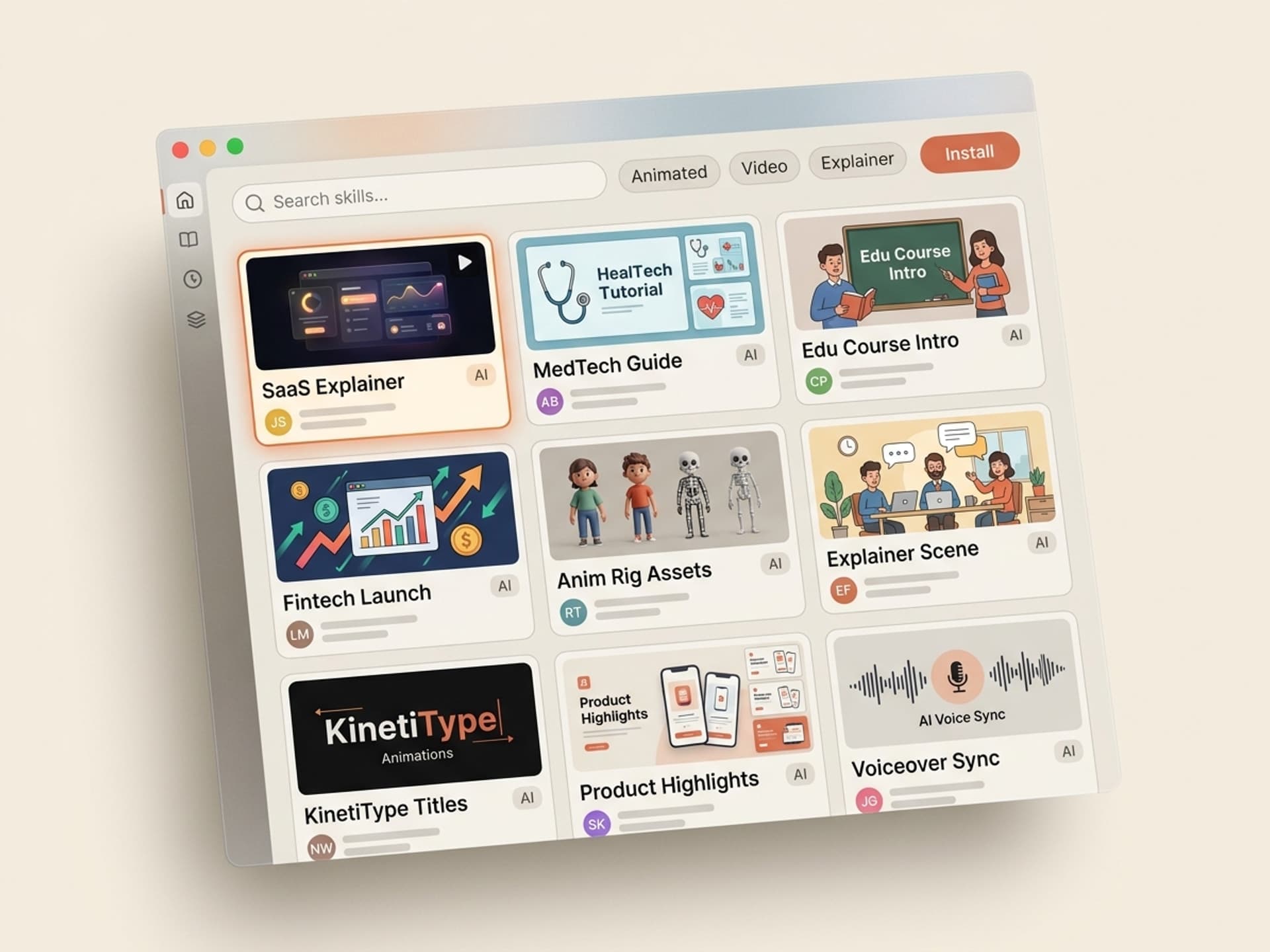
These five skills cover the primary explainer styles that buyers frequently request. All five are located in the Video Content category on Vibe Skills.
1. SaaS Product Explainer Skill
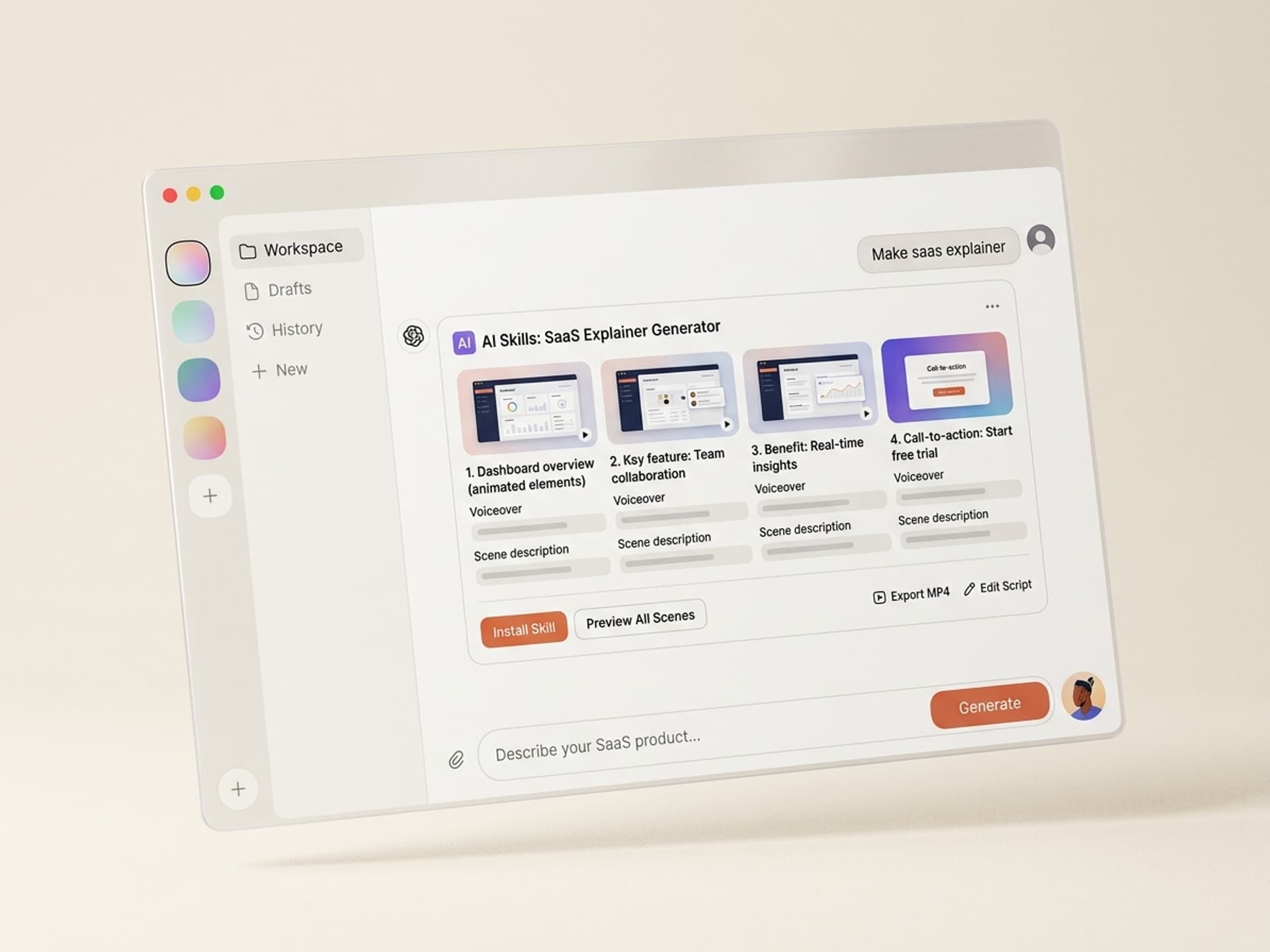
Designed for B2B SaaS founders who need a 60-90 second "what we do" video for their homepage. Generates a problem-agitate-solution script, 10 storyboard scenes aligned with UI screen recordings, kinetic typography overlays, and an ElevenLabs voice direction sheet. Output: After Effects project file plus a Lottie fallback for the website.
Best for: Series A startups, independent SaaS launches, feature announcements.
2. Whiteboard Explainer Skill
The traditional hand-drawn style video with a sketching hand. This skill produces a 90-150 second script, 12-18 scene whiteboard frames, and an AE template with the hand-draw effect pre-applied. Renders to MP4 at 1080p in under 30 minutes on a mid-tier laptop.
Best for: Educational content / online courses, patient education in healthcare, explainers for complex concepts.
3. 2D Character Explainer Skill
Character-based animation in the style of Mailchimp / Slack illustrations. This skill includes 6 character archetypes (founder, customer, manager, developer, doctor, teacher), 24 scene backgrounds, and a beat-by-beat sync template. It also features lip-sync rigging for ElevenLabs voiceovers.
Best for: Fintech, healthtech, B2C applications, anything requiring a relatable persona.
4. Motion Graphics Explainer Skill
Focuses purely on typography and shape animation - no characters. The skill generates a concise 45-60 second script, kinetic text scenes, and a sound design cue sheet. Output: an AE project plus a Lottie JSON for web hero sections.
Best for: Product launches, fundraising videos, conference reels, brand highlight pieces.
5. Live-Action Hybrid Explainer Skill
Combines a Synthesia AI presenter with motion graphics overlays. This skill produces the presenter script, lower-third callouts, animated infographics, and a B-roll shot list. Output: a Synthesia-ready script plus an AE overlay project.
Best for: Healthcare compliance training, B2B sales presentations delivered as video, internal communications.
Each skill comes with a real preview video on its detail page, allowing you to see the output style before installing. Explore all five in the Video Content category.
Create a 60-Second Explainer in a Day
This is the workflow Priya Shah uses to produce an explainer for a Vibe Skills launch in approximately 5 working hours. It assumes you have After Effects (or DaVinci Resolve), an ElevenLabs account, and a Vibe Skills subscription.
Step 1: Select the appropriate skill on Vibe Skills
Navigate to the Video Content category and choose the explainer style that best suits your audience. SaaS founders typically opt for the SaaS Product Explainer Skill. Course creators tend to select the Whiteboard Explainer Skill. Watch the 15-second preview on the detail page before installing.
Step 2: Input your product brief
Provide a 200-word product description, your target audience, the primary action you want viewers to take, and the desired video length. The skill generates a 90-150 word script structured with a hook, problem, solution, proof, and call to action. Average time: 8 minutes.
Step 3: Generate the storyboard
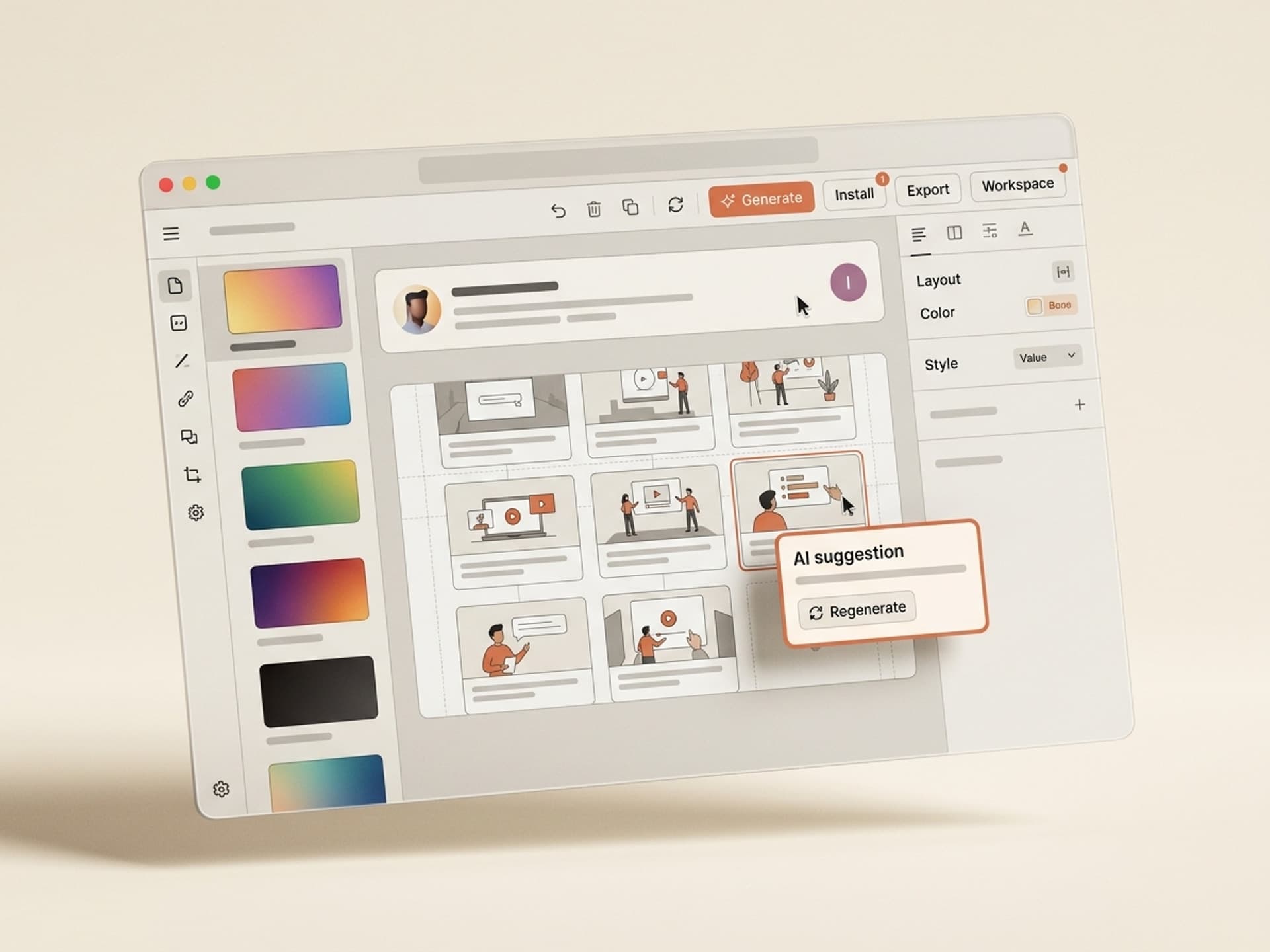
The skill outputs a 10-14 scene storyboard with composition notes, on-screen text, and timing markers. Review and adjust any scene that doesn't align with your brand identity. Average time: 25 minutes.
Step 4: Record the voiceover with ElevenLabs
Paste the script into ElevenLabs, select a voice (warm-conversational works well for SaaS, authoritative for healthcare), and export the MP3. The skill includes voice direction notes for tone and pacing. Average time: 15 minutes, $5-20 in credits.
Step 5: Import assets into the After Effects template
The skill provides an AE project pre-built for the chosen style. Replace text layers, import the voiceover, and let the timing markers automatically align scenes with the audio. Adjust colors to match your brand palette. Average time: 90 minutes.
Step 6: Add music and render
Choose a track from Artlist or Epidemic Sound (the skill suggests 5 mood-matched options), place it on the audio track, and render to MP4 at 1080p H.264. Average time: 35 minutes, including rendering.
**Total elapsed time: approximately 3 to 5 hours for a 60-second explainer that would cost $9,000 from an agency. If you produce one explainer per quarter, a Pro plan ($39/month) pays for itself with the first video.
Install an explainer skill on Vibe Skills →
Frequently Asked Questions
Whiteboard vs. character vs. motion graphics: which style converts best?
This depends on the audience. Whiteboard style is most effective for educational and healthcare content as it signals an instructional purpose. Character animation performs best for B2C and fintech as the persona fosters emotional connection. Pure motion graphics excel for B2B SaaS and brand launches as they convey a modern and premium feel. All three styles are available in the Video Content category, allowing you to match the style to the audience without being limited to a single approach.
Will the AI voiceover sound human?
Yes, if you use ElevenLabs Multilingual v3 or a comparable model. The 2024-2026 generation of voice models is virtually indistinguishable from a human read for narration exceeding 90 seconds. The skill includes voice direction notes (indicating pace, emphasis, and pauses) that prevent the robotic monotone issue found in older AI voices. For a Series A pitch video or a regulated healthcare explainer, you can still opt for a human voiceover, but most marketers now use AI voices.
What length should an animated explainer be?
60 to 90 seconds for a homepage hero video. 120 to 180 seconds for a detailed product page dive. Under 30 seconds for paid social media ads. The skills on Vibe Skills generate scripts that are aware of length requirements, so when you specify 60 seconds, the storyboard is structured for 60-second pacing rather than a shortened 90-second script. For comprehensive funnel coverage, install one short and one long skill from the Video Content category.
Do I need After Effects, or can I use Canva?
After Effects (or DaVinci Resolve, which is free) offers the most polished output and complete control. Canva is suitable for basic kinetic typography but has limitations for character animation or whiteboard styles. The skills on Vibe Skills provide both an AE project file and a Lottie JSON, allowing you to embed the explainer directly into a website via Lottie without needing to use AE at all.
How much does a Vibe Skills subscription cost compared to an agency?
Vibe Skills Pro is $39/month with unlimited downloads across all skills. An agency explainer averages $9,000 for a 60-second video. The first explainer effectively pays back the subscription approximately 230 times over. Even with Premium ($79/month) or Business ($300/month for up to 20 seats), one explainer covers a full year of subscription costs. See the complete pricing details on vibeaiskills.com/pricing.
Can I use these explainers commercially?
Yes. Every skill on Vibe Skills includes a commercial license under the Pro plan. You can use the output in paid advertisements, on your homepage, in sales presentations, on YouTube, and in client deliverables. The Business plan extends the license to agencies producing content for clients at scale. Full license details are available on each skill's detail page.
What about brand consistency across multiple explainers?
This is where AI skills surpass agency one-off projects. The skill stores your brand colors, font choices, character archetype, and voice profile, ensuring that explainer #5 has the same look and feel as explainer #1 without requiring re-briefing. Agencies must rebuild this context for each project, which is why most brands end up with a visually inconsistent explainer library. Browse the Video Content category to see how the skills manage multi-video brand systems.
Stop Paying Agency Rates for a One-Day Task
Animated explainers represent the highest-margin video format in agency pricing sheets, making them the most overpriced format relative to actual production effort in 2026. AI skills streamline the script-storyboard-animation-voiceover chain into a single workflow that a non-technical marketer can execute within a working day. The agency premium is eliminated.
Choose the explainer style that matches your audience, install the skill, and produce the video. Then, produce the next one a week later, and the one after that, until you have a comprehensive library covering every product, feature, and persona without a single agency invoice.
Browse animated explainer skills on Vibe Skills →
Stop sending a $9,000 purchase order to an agency for a 60-second video. Install an animated explainer skill on Vibe Skills and produce the same quality in a single day.