
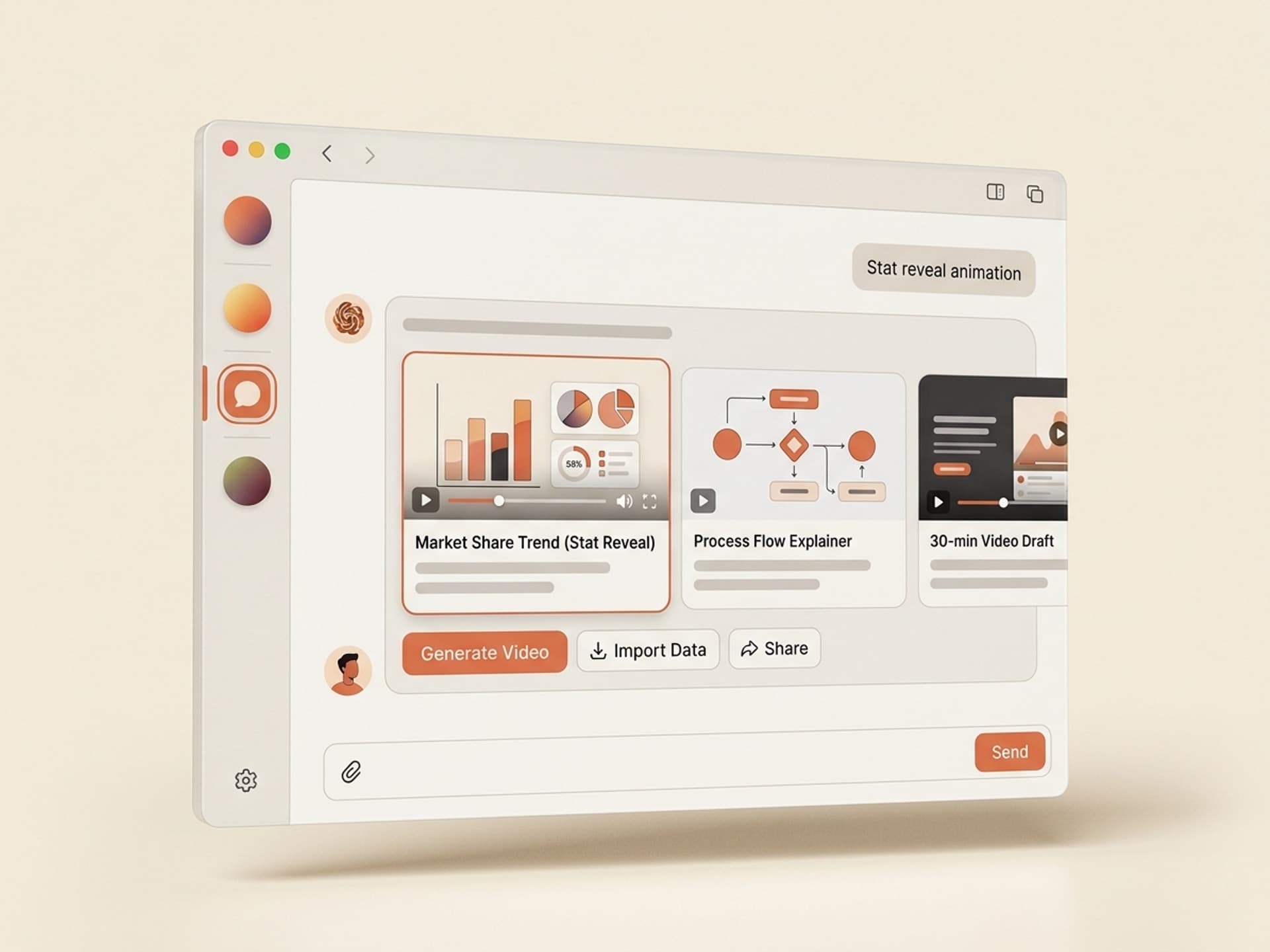

ស្វែងរកសមត្ថភាពដែលបានរៀបចំរាប់រយសម្រាប់ Claude, Cursor, និងច្រើនទៀត។
Why AI Skills for Infographic Motion Graphics Are Eating After Effects in 2026
The fastest way to ship an animated infographic in 2026 is to install an AI skill, not open After Effects. A typical 60-second animated infographic takes a senior motion designer 4 to 8 hours in After Effects. The same output, generated through ready-made AI skills for infographic motion graphics on Vibe Skills, ships in under 30 minutes with editable Lottie, MP4, and AE project file outputs.
Marketers, instructional designers, and conference speakers are the audience driving this shift. They need stat reveals, process flows, and comparison animations that look professional, but they don't have a motion designer on staff or a $4,000 freelance budget per video.
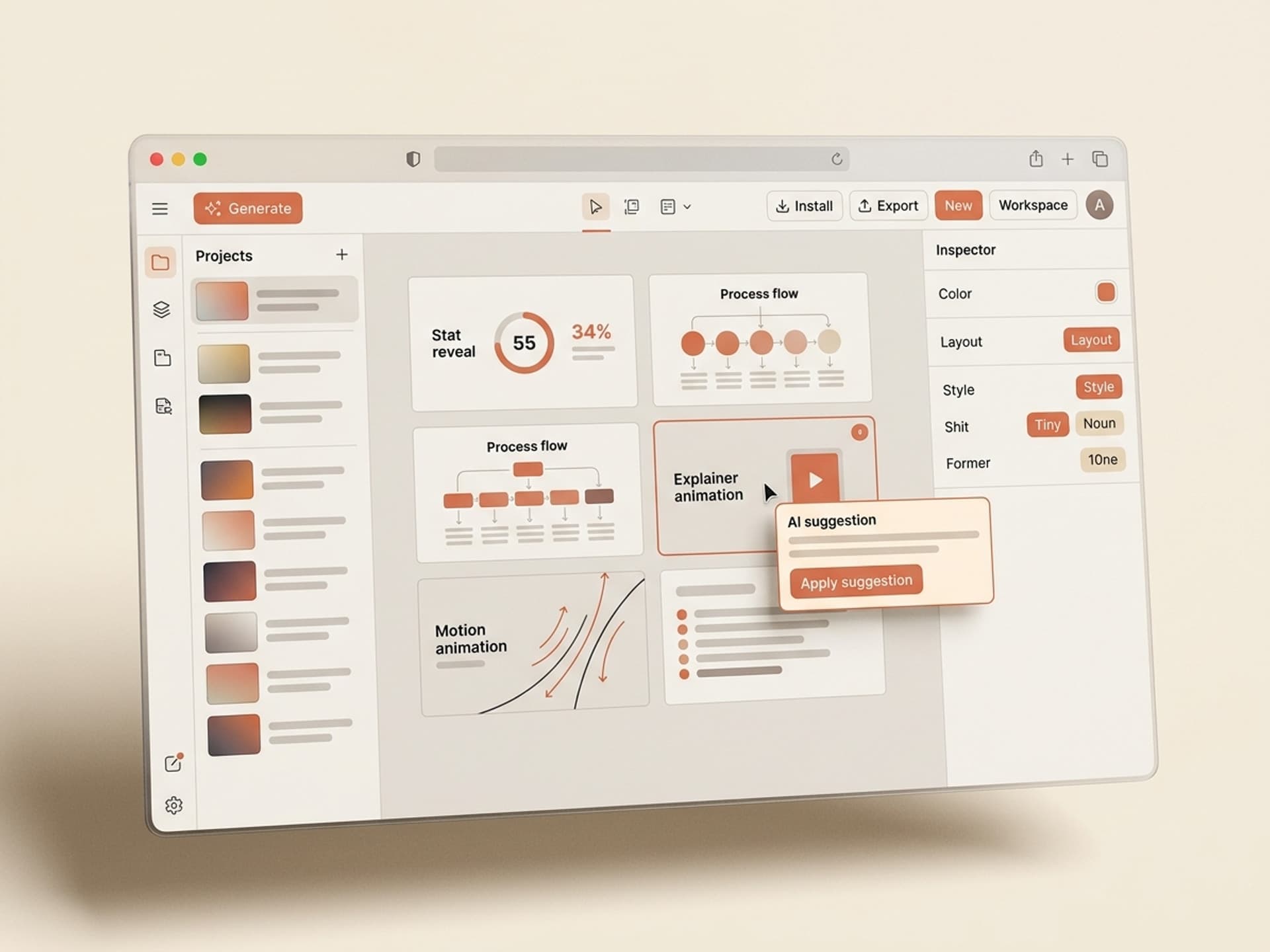
ស្វែងរកសមត្ថភាពដែលបានរៀបចំរាប់រយសម្រាប់ Claude, Cursor, និងច្រើនទៀត។
Why Animated Infographics Beat Static Ones (And What the Data Says)
Animated infographics outperform static ones across every retention metric that matters in B2B and education.
- Viewers retain 95% of a message when delivered in video, versus 10% from text, per Insivia's content recall research
- Animated explainers boost landing page conversion by an average of 20% to 30% when placed above the fold
- Conference attendees recall an animated stat reveal 3x longer than the same number on a slide, per the Nielsen Norman Group's data on motion attention
- LinkedIn videos earn 5x more engagement than static images, and infographic-style videos pull the highest dwell time inside that bucket
The math is simple: a static infographic gets a glance, an animated one gets a watch. Watch time drives action. That is why training teams, B2B marketing teams, and TED-style speakers have all moved their stat decks and process slides to motion.
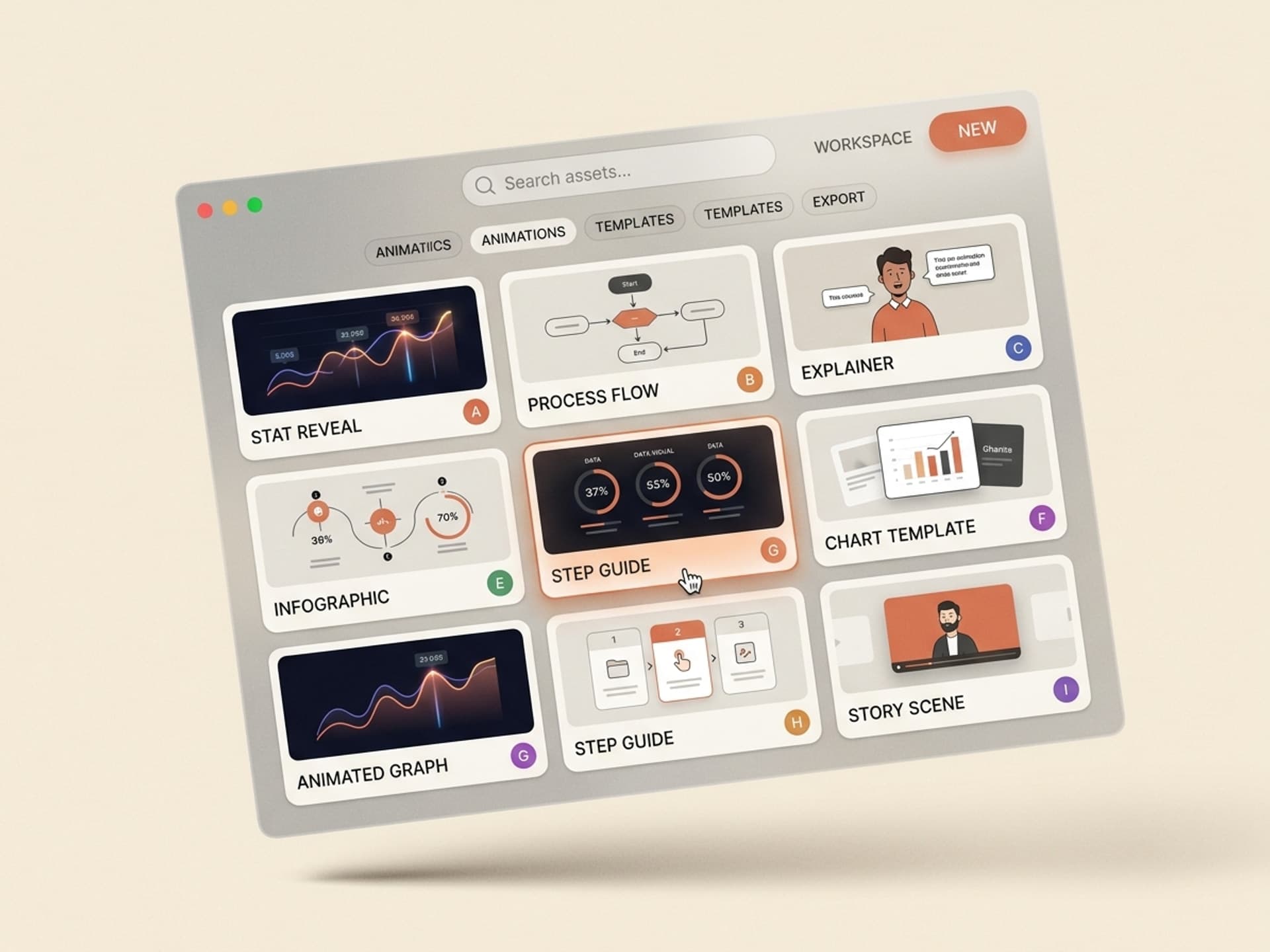
ស្វែងរកសមត្ថភាពដែលបានរៀបចំរាប់រយសម្រាប់ Claude, Cursor, និងច្រើនទៀត។
What Counts As an Infographic Motion Graphic?
An infographic motion graphic is a short animated sequence that communicates data, process, or comparison through synchronized motion, typography, and iconography. It is not a fully illustrated explainer cartoon, and it is not a static slide that pans. It sits between those two formats.
The four most-used infographic animation types in 2026:
| Animation type | What it does | Best for | Typical length |
|---|---|---|---|
| Process flow | Sequential reveal of steps connected by arrows or paths | Onboarding, training, "how it works" sections | 30 to 90 seconds |
| Comparison | Side-by-side reveal showing X vs Y across multiple criteria | Sales decks, competitor pages, pricing comparisons | 20 to 60 seconds |
| Stat reveal | Big number animates in with supporting context and source | Conference openers, social media posts, annual reports | 8 to 20 seconds |
| Timeline | Horizontal or vertical scroll through dates and milestones | Company history, product roadmaps, case studies | 30 to 75 seconds |
Each format has its own pacing rules, transition style, and typography rhythm. The strongest AI skills for infographic motion graphics on Vibe Skills build all four into a single skill so you can pick the format mid-generation.
5 AI Skills for Infographic Motion Graphics on Vibe Skills
The Motion Graphics category on Vibe Skills includes over 30 ready-to-install skills, with five built specifically for animated infographics. Each one ships with editable Lottie JSON, MP4 export, AE project files, and brand-color variables.
| Skill type | Best for | Output formats |
|---|---|---|
| Process Flow Animator | SaaS onboarding videos, training modules, "how it works" explainers | Lottie, MP4, AE |
| Stat Reveal Pack | Conference openers, LinkedIn posts, investor decks | Lottie, MP4, GIF |
| Comparison Animator | Sales decks, competitor pages, pricing pages | MP4, AE, Figma |
| Timeline Reveal | Company history reels, product roadmaps, case studies | Lottie, MP4, AE |
| Data Chart Animator | Annual reports, board updates, B2B blog headers | Lottie, MP4 |
Every skill respects your brand color tokens, swaps in your fonts, and exports clean files you own. No watermarks, no per-export fees.
Browse the Motion Graphics category on Vibe Skills →
How to Make an Animated Infographic in 30 Minutes (Step by Step)
The fastest end-to-end workflow for shipping an animated infographic without opening After Effects from scratch.
-
Pick the right skill on Vibe Skills. Open the Motion Graphics category and choose the skill that matches your format (process flow, stat reveal, comparison, or timeline).
-
Drop in your data. Paste your stats, process steps, or comparison criteria into the skill's input form. Most skills accept up to 8 data points per scene.
-
Set your brand. Add your hex colors and font name. The skill applies your palette across every layer, including chart colors and accent strokes.
-
Generate the preview. The skill renders a 720p MP4 preview in 60 to 120 seconds. Review pacing, typography hierarchy, and color hits.
-
Tweak in Figma or After Effects. Export the editable file (AE project, Lottie JSON, or Figma file) and adjust copy, timing, or color in your tool of choice.
-
Render the final at 4K. Export 4K MP4 for video, Lottie JSON for web embedding, or transparent ProRes for layering inside another video edit.
-
Ship to social, web, or deck. Drop the final into LinkedIn, your landing page hero, your conference deck, or your YouTube video as a b-roll cutaway.
Total time on the first run: roughly 30 minutes. Second time you use the same skill on a new project, you can hit 12 to 15 minutes since your brand inputs save automatically.
Start with a Motion Graphics skill on Vibe Skills →
Where to Use Animated Infographics in Your Marketing Stack
Animated infographics are not a one-channel format. They earn their keep across at least five distribution surfaces, which is why a subscription model pays back so quickly.
- B2B explainer videos on landing pages, where a 60-second animated infographic above the fold lifts conversion 20% to 30%
- Conference and keynote talks, where stat reveals replace static slide builds and command 3x the recall
- LinkedIn posts and carousels, where animated stat reveals earn 5x the engagement of static charts
- Internal training videos, where process flow animations replace slide-based onboarding decks and improve completion rates
- Annual reports and investor updates, where chart animation turns a wall of numbers into a watchable 90-second narrative
A single Motion Graphics skill on Vibe Skills can power all five of these surfaces in the same week, without re-licensing footage or paying per-render fees.
Frequently Asked Questions
What length should an animated infographic be?
Eight to 90 seconds depending on placement. Stat reveals stay under 20 seconds for social. Process flows and comparisons run 30 to 60 seconds for landing pages. Timelines and full case studies stretch to 90 seconds. Anything beyond 90 seconds becomes an explainer video, not an infographic. Skills on Vibe Skills default to the right length per format.
Do animated infographics need a voiceover?
No, and most of the highest-performing ones do not have one. Silent autoplay is the LinkedIn and Instagram default, so animated infographics are designed to communicate through synchronized motion, typography, and color. Add a voiceover only when the infographic lives inside a longer narrated video like a YouTube explainer or a webinar replay.
Can I match my brand colors and fonts?
Yes. Every Motion Graphics skill on Vibe Skills accepts brand color hex codes and font names as inputs at generation time. The skill applies your palette to chart bars, stroke accents, typography, and background fills. Custom fonts work in AE project file exports and Figma exports; Lottie JSON falls back to web-safe equivalents if your font is not on Google Fonts.
What software do I need to edit the output?
None for the final render. You get an MP4 ready to upload anywhere. To tweak before render, you can use After Effects for AE project files, Figma for Figma file exports, or any modern web build for Lottie JSON. Lottie is the lightest path since it is a JSON file that animates in the browser at any resolution.
How does this compare to using Canva or Figma alone?
Canva templates are static. Figma has a basic animation timeline but no real motion graphics engine. Both stop at storyboard. AI skills on Vibe Skills generate finished animated output with timing curves, easing, and synchronized layer reveals already built in. Use Canva or Figma for the static social card; use a Motion Graphics skill when motion is the point.
Are animated infographics good for SEO and AI search?
Yes, indirectly. Animated infographics extend dwell time on landing pages, which Google's Helpful Content system reads as a positive engagement signal. AI answer engines like Perplexity and ChatGPT also cite pages with embedded video at higher rates because the structured page metadata includes a video object. Embed a Lottie or MP4 above the fold and watch session duration climb 30 to 60 seconds.
Can creators sell their own infographic skills on Vibe Skills?
Yes. The Vibe Skills marketplace is open to motion designers and animators who want to package their templates as installable skills. Creators earn 30% of gross subscription revenue distributed monthly via a download pool. Read the creator guide on vibeaiskills.com for submission details and the non-exclusive licensing terms.
Skip the After Effects Marathon, Ship the Animated Infographic Today
A finished animated infographic used to mean a 4-to-8-hour build in After Effects, a $2,000 to $4,000 freelance invoice, or a Motion Array template hunt that ended with a watermark and a "starts at $9.99 per asset" upsell. In 2026, the smarter move is to install an AI skill once and regenerate forever.
Marketers, instructional designers, and conference speakers are picking AI skills for infographic motion graphics because they hit three things at once: professional-grade output, 30-minute turnaround, and brand-locked consistency across every video they ship. Over 30 motion graphics skills on Vibe Skills cover process flows, stat reveals, comparisons, timelines, and chart animations, and the catalog is growing weekly.
Browse Motion Graphics skills on vibeaiskills.com →
Skip the 8-hour After Effects build. Install an animated infographic skill on Vibe Skills.