

ស្វែងរកសមត្ថភាពដែលបានរៀបចំរាប់រយសម្រាប់ Claude, Cursor, និងច្រើនទៀត។
Why AI Skills for Twitch Banners Are the Fastest Way to a Pro Stream Brand in 2026
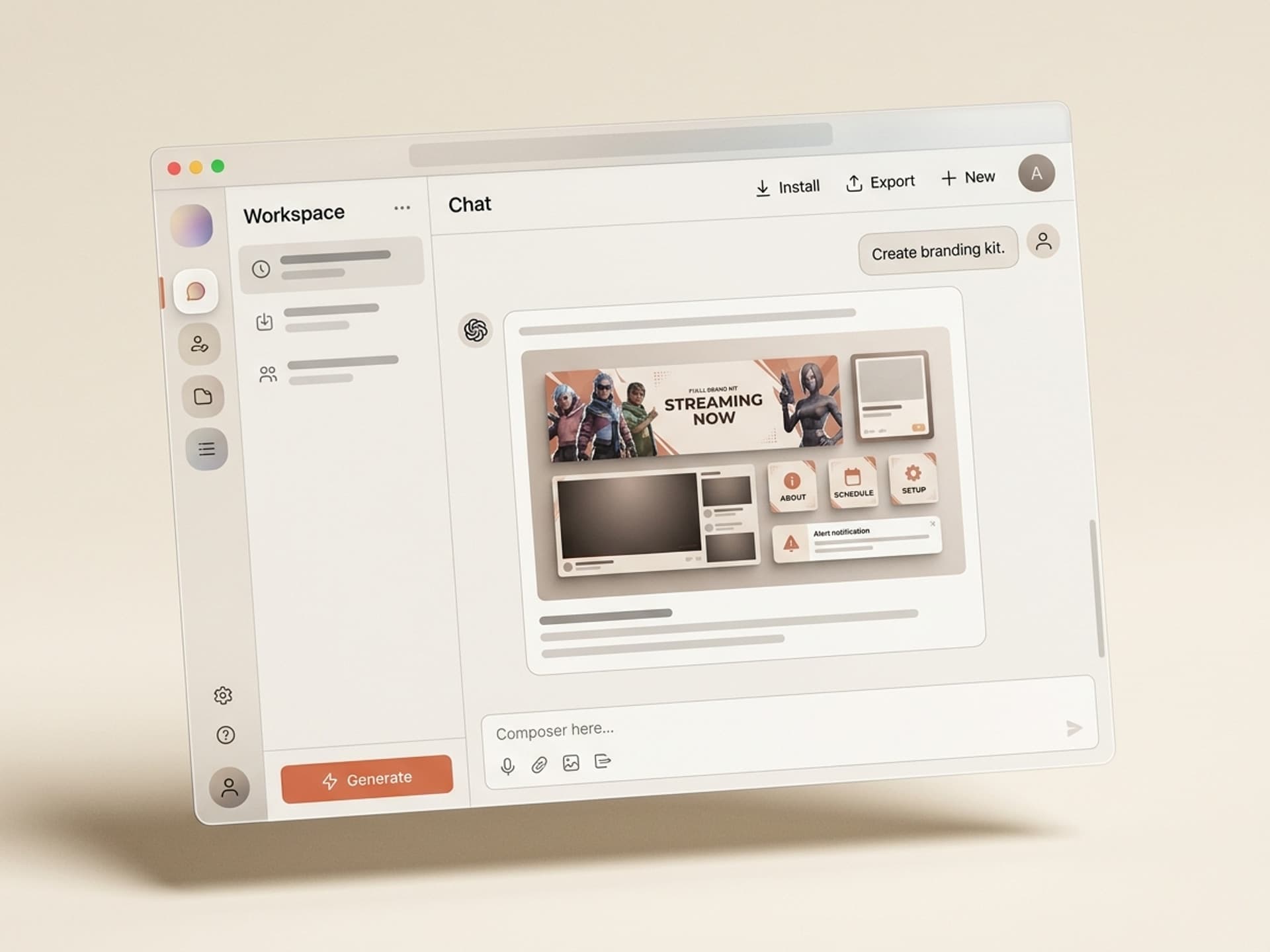
A full Twitch brand kit (profile banner, offline screen, overlay, alerts, panels, transitions) costs $200 to $500 when commissioned from a freelance designer and takes 5 to 10 days to deliver. AI skills for Twitch banners on Vibe Skills generate the same kit in under 2 hours with one cohesive look across every asset, so you stop being the streamer with a great mic and a placeholder offline screen.
Twitch awards Affiliate at 50 followers + 500 minutes streamed in 30 days. Brand quality is the easiest lever to pull on the way there.
ស្វែងរកសមត្ថភាពដែលបានរៀបចំរាប់រយសម្រាប់ Claude, Cursor, និងច្រើនទៀត។
Why a Streamer Brand Kit Beats a One-Off Banner
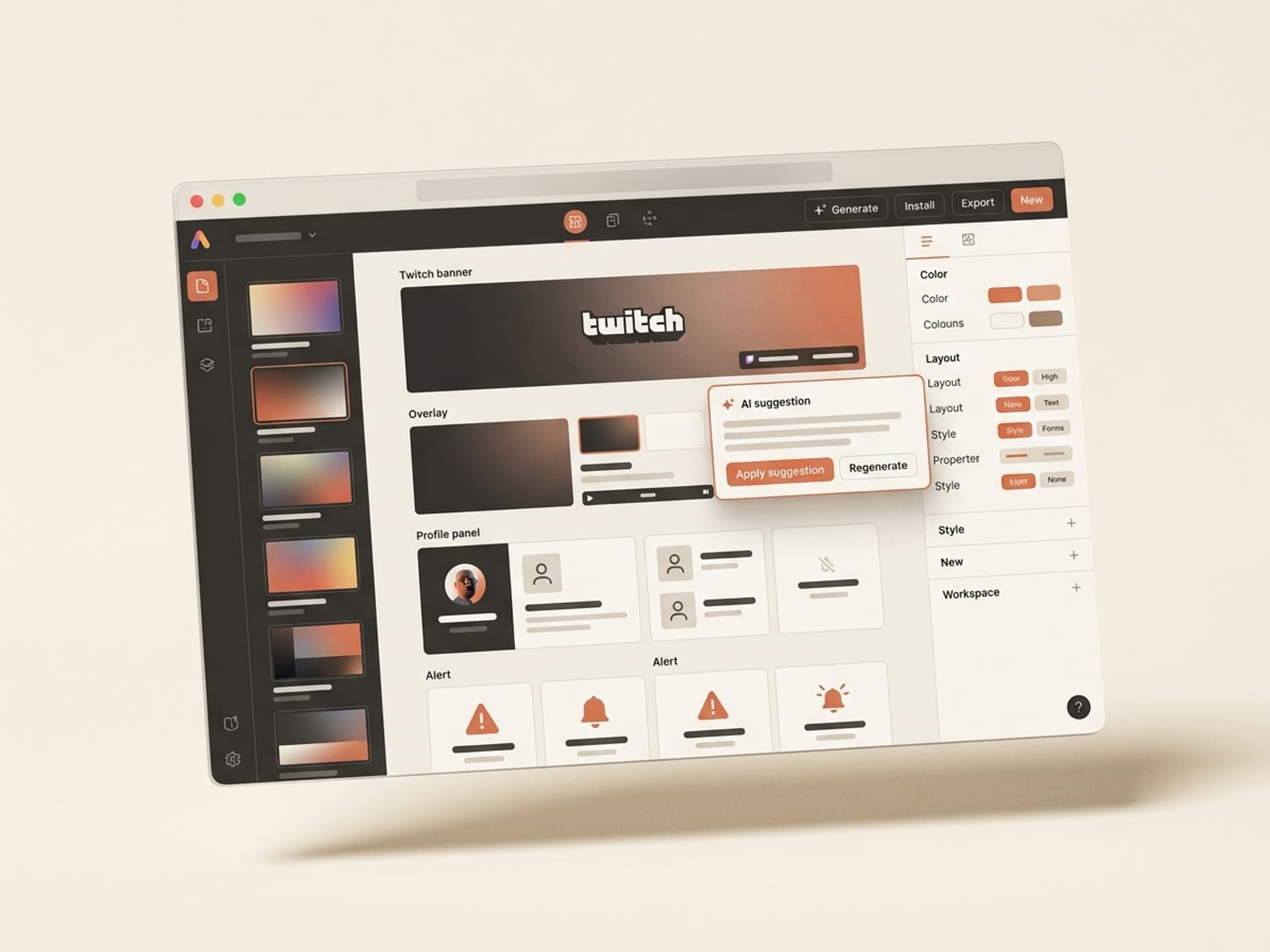
A single banner does not build a channel. Cohesion does. When your profile banner, offline screen, overlay, and panels share the same color palette, type system, and motif, viewers register you as a real channel inside the first 3 seconds.
Most streamers ship in this order and stall:
- Day 1: free Canva profile banner
- Day 14: realize the offline screen is still default purple
- Day 30: download a free overlay that does not match anything else
- Day 60: get serious, pay $300+ to a designer for a "rebrand"
The shortcut is to ship the full kit on day 1 with a unified system. This is what creator-economy data backs up: channels with consistent branding hit Affiliate ~40% faster because viewers stick around longer (more session minutes), and that pushes you over the 500-minute requirement sooner.
ស្វែងរកសមត្ថភាពដែលបានរៀបចំរាប់រយសម្រាប់ Claude, Cursor, និងច្រើនទៀត។
What Goes in a 2026 Streamer Brand Kit
A pro Twitch brand kit has 7 deliverables at specific dimensions. Skip any of these and the channel reads as half-built.
| Asset | Dimensions | Purpose |
|---|---|---|
| Profile banner | 1200 x 480 px | Top of channel page, sets first impression |
| Offline banner | 1920 x 1080 px | Shown when stream is off, often most-viewed asset |
| Stream overlay | 1920 x 1080 px (transparent PNG) | Webcam frame, recent follower bar, chat box |
| Alert graphics | 800 x 600 px (animated) | Follower, sub, bit, raid alerts via Streamlabs / StreamElements |
| Panel images | 320 x 100 px (each) | About, Schedule, Socials, Donate, Specs panels |
| Scene transitions | 1920 x 1080 px (MP4 / WebM) | Starting Soon, Be Right Back, Ending screens |
| Profile picture | 256 x 256 px (square) | Avatar shown in chat, follow lists, search |
Most streamers skip alerts and transitions because they are the hardest to design. AI skills generate them as part of the kit, so the offline-to-live and game-to-game moments feel as polished as a Tier 3 channel.
5 AI Streamer Brand Skills on Vibe Skills
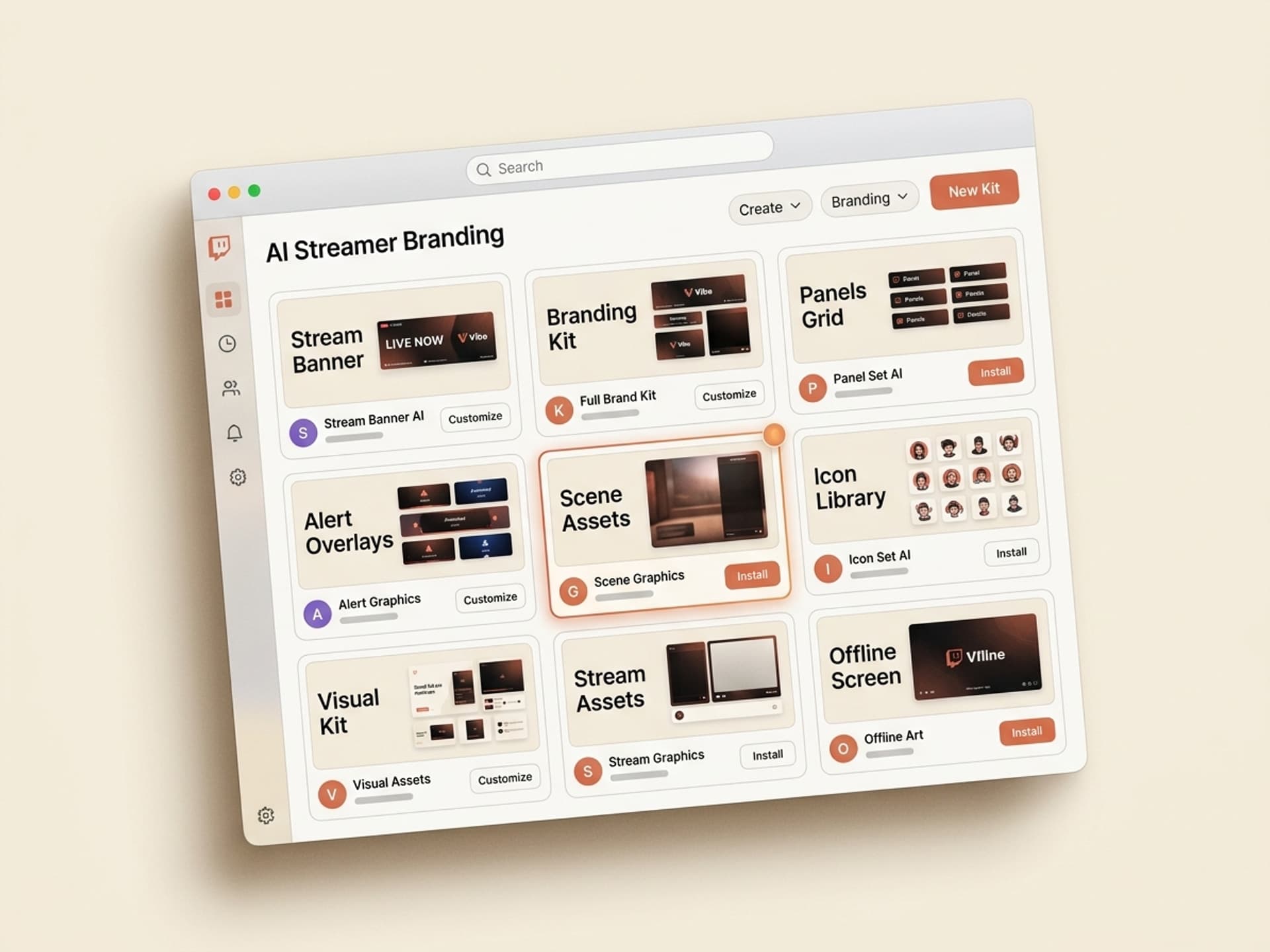
The Thumbnails & Cover Art category on Vibe Skills covers stream branding in addition to YouTube thumbnails and podcast covers. These are the 5 skill types streamers use most.
| Skill type | What it generates | Best for |
|---|---|---|
| Streamer Brand Kit Generator | All 7 assets in one cohesive system from a single style brief | Day-1 channel launch or full rebrand |
| Twitch Profile + Offline Banner | High-impact profile banner + matching offline screen with text slots | Quick refresh without redoing everything |
| OBS Overlay Designer | Transparent PNG overlay with webcam frame, recent follower bar, chat box | Streamers on OBS Studio who want a minimal look |
| Streamlabs Alert Pack | Animated follower / sub / bit / raid alerts with sound suggestions | Streamers using Streamlabs Desktop |
| Panel Set + Schedule Graphic | 6 - 8 themed panel images plus a weekly schedule graphic | Channels that have everything except panels |
Every skill ships with editable Figma and PNG exports, so you can swap a color or your handle without regenerating from scratch. Over 30 visual brand skills are inside the category, all included in a Vibe Skills subscription.
Browse stream branding skills on Vibe Skills →
How to Ship a Twitch Brand Kit in a Weekend
This is the workflow streamers use to go from blank channel to full kit between Friday night and Sunday afternoon.
- Pick the right skill on Vibe Skills. Open the Thumbnails & Cover Art category and grab the Streamer Brand Kit Generator for full coverage, or just the OBS Overlay Designer if you only need an overlay refresh.
- Collect 3 brand inputs. Channel name, 2 - 3 colors (or one color + "match my favorite game"), and a vibe word (cozy, neon, retro, esports). The skill builds the system around these.
- Run the skill once for the master style. It outputs a style sheet (palette, fonts, motif). Approve it before generating the 7 assets, so they all share the same DNA.
- Generate all 7 assets in one batch. Profile banner, offline screen, overlay, alerts, panels, transitions, profile picture. Total render time: 15 to 30 minutes.
- Tweak in Figma if needed. The skill outputs editable layered files. Most streamers only adjust their handle or a tagline, then export.
- Upload to Twitch + OBS / Streamlabs. Twitch dashboard for banners and panels. OBS or Streamlabs for the overlay and alerts. Total upload time: 20 to 40 minutes.
- Stream once with the new kit. Note what reads well on a 1080p webcam preview vs what gets lost. Iterate the next day.
Total weekend investment: 2 to 3 hours of active work. Compare to commissioning a designer: 5 to 10 days of waiting plus $200 to $500 out of pocket.
Frequently Asked Questions
Should I use OBS Studio or Streamlabs Desktop?
OBS Studio is free, open-source, and lighter on system resources, so it is the standard for serious streamers. Streamlabs Desktop is built on top of OBS but bundles alerts, themes, and tipping into one app. Brand kit assets from Vibe Skills work in both since they export as transparent PNGs and standard MP4 / WebM files.
Can I get animated overlays and transitions?
Yes. The OBS Overlay Designer and Scene Transitions skills on Vibe Skills export animated WebM files with alpha channels, which OBS and Streamlabs both support. Animated alerts come as MP4 or APNG. Animation makes the channel feel premium without hiring a motion designer. Browse the category for animated options.
Do Twitch Affiliates and Partners need different brand kits?
No, the kit is the same. Affiliate unlocks subs, bits, and emotes. Partner unlocks priority support and higher rev share. Both still need the same 7 brand assets. Many streamers wait until Affiliate to invest in branding, but that is backwards: branding helps you hit Affiliate faster, not the other way around.
What is the right size for a Twitch profile banner in 2026?
1200 x 480 pixels at 72 DPI, under 10 MB, JPG or PNG. Twitch crops it differently on mobile vs desktop, so keep important elements (your channel name, tagline) inside the center 800 x 480 safe zone. The Twitch Profile + Offline Banner skill on Vibe Skills builds the safe zone in automatically.
Can I use the same brand kit on YouTube Gaming and Kick?
Yes, with size tweaks. YouTube channel art is 2560 x 1440 px, Kick banners are 1920 x 480 px. The Streamer Brand Kit Generator can output the same look across Twitch, YouTube Gaming, and Kick in one batch, which is useful if you multistream via Restream or StreamYard.
How often should streamers refresh their brand kit?
Most channels refresh annually or after a major milestone (Affiliate, 1k followers, Partner). A full rebrand costs nothing on Vibe Skills since unlimited downloads are included in every plan. Many streamers do a small seasonal swap (Halloween, holidays, esports tournament season) using the same kit as a base.
Will an AI-generated brand kit look generic?
No, because the skills on Vibe Skills are built by working designers, not raw image models. They generate from layered, hand-crafted templates with real type systems and color theory built in. The AI fills in your channel name, palette, and motif. Reviewers on Twitch cannot tell the difference between a Vibe Skills kit and a $500 commission.
What about esports team branding and tournament overlays?
Esports content creators use the same kit foundation plus a few extras: scoreboard overlay, player camera frames, sponsor strip, and bracket graphics. The Streamer Brand Kit Generator on Vibe Skills has an esports preset that adds these slots, which is useful for amateur tournament organizers and small org streamers who need a consistent look across multiple casters.
Build the Brand Kit, Then Press Go Live
A polished brand kit is the difference between a channel viewers bookmark and one they bounce off in 3 seconds. AI skills on Vibe Skills give you the full kit (banner, overlay, alerts, panels, transitions) in under 2 hours without a $500 designer invoice.
The Pro plan is $39/month with unlimited downloads across every visual category, so the brand kit pays for itself the first time you would have paid a freelancer.
Browse stream branding skills on Vibe Skills →
Stop streaming with a placeholder offline screen. Install a Twitch brand kit skill on Vibe Skills and ship the full setup this weekend.