

ស្វែងរកសមត្ថភាពដែលបានរៀបចំរាប់រយសម្រាប់ Claude, Cursor, និងច្រើនទៀត។
Why Your Intro and Outro Decide the Whole Video in 2026
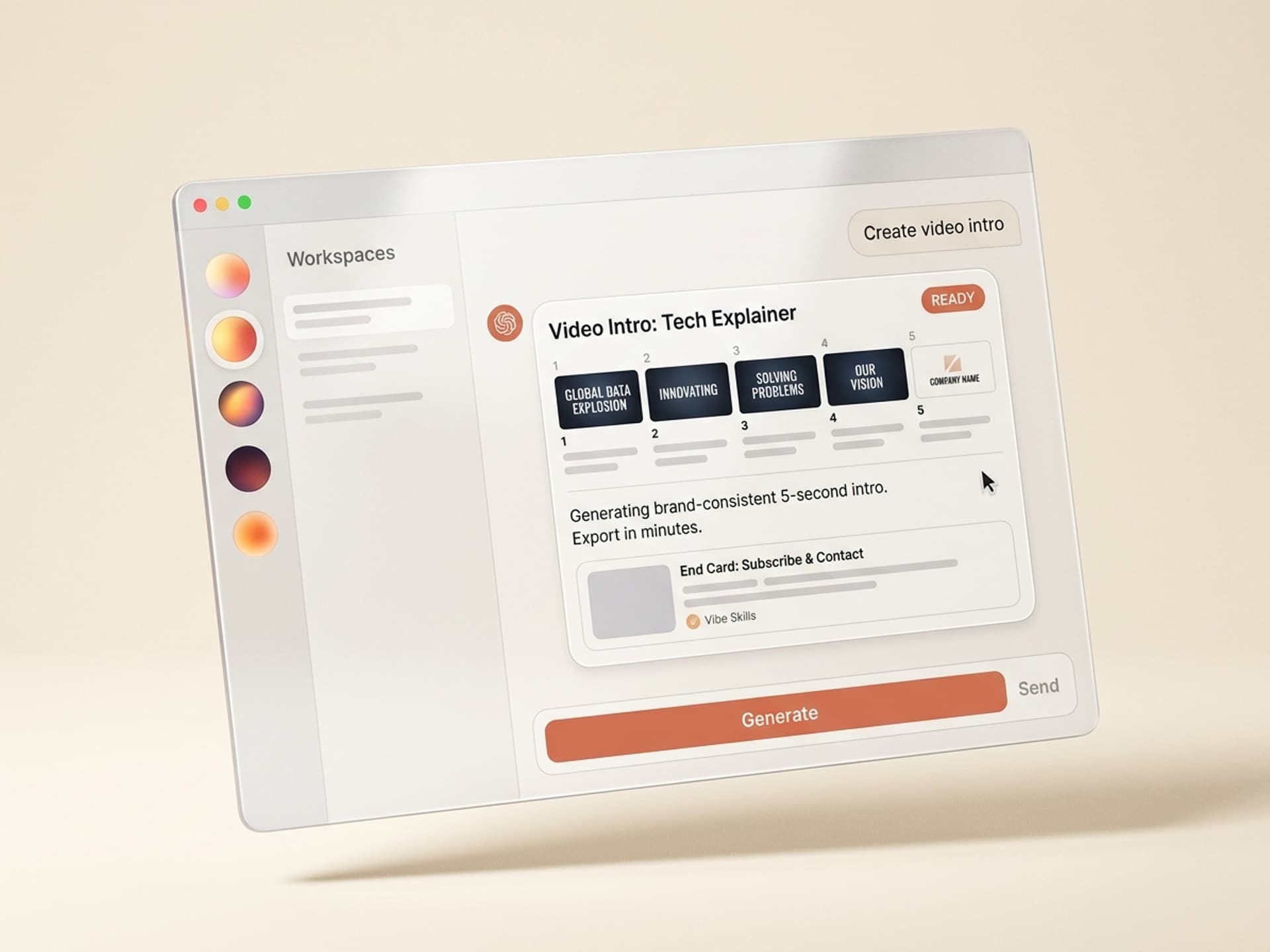
The first 5 seconds of a YouTube video lose 20% of viewers on average. The last 20 seconds decide whether they subscribe. That makes the intro and outro the two most leveraged frames in your entire edit. AI skills for video intros and outros on Vibe Skills generate brand-consistent openers and end cards in under 10 minutes, replacing the 2-to-4 hour After Effects rig and the $20-to-$50 Envato fee per template. This guide breaks down which skills to use, what makes an intro work, and how to ship one today.
ស្វែងរកសមត្ថភាពដែលបានរៀបចំរាប់រយសម្រាប់ Claude, Cursor, និងច្រើនទៀត។
Why Manual Intros and Outros Cost You 4 Hours per Video
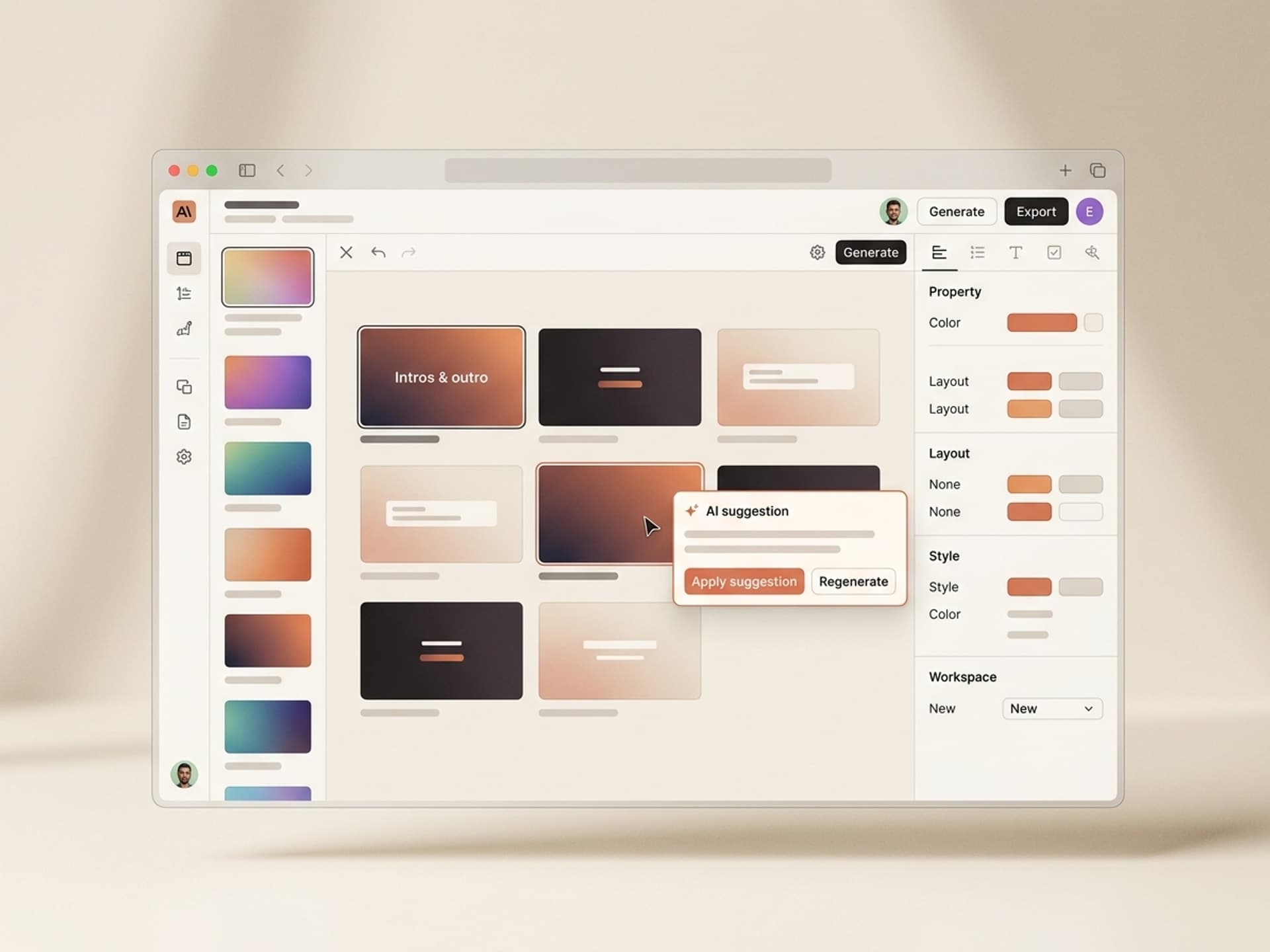
Building a polished intro from scratch in After Effects is a craft project. Even with a paid template, you fight the same tasks every week: swap the logo, recolor to brand, retime keyframes, redo the audio sync, re-render. For a creator publishing weekly, that is 16 hours a month spent on 5 seconds of footage.
The pain shows up in three places:
- YouTubers and Shorts creators rebuild the same intro every Tuesday because their template doesn't regenerate per video
- Course creators record 30 lessons in a sprint and need 30 matching intro stings, not 30 manual exports
- B2B video marketers ship product demos, webinars, and explainers across teams and the brand drifts every time a new editor opens the file
Pre-made marketplaces help. Envato, Motion Array, and Videohive sell solid After Effects intro templates for $20 to $50 each. But a template is one-and-done: you license it, customize it once, and you are stuck with that look until you re-license. AI skills regenerate the intro per project, locked to your brand kit, in a single click.
ស្វែងរកសមត្ថភាពដែលបានរៀបចំរាប់រយសម្រាប់ Claude, Cursor, និងច្រើនទៀត។
What Makes a Modern Video Intro Actually Work
A modern intro is 5 to 10 seconds, brand-led, and silent-friendly. Long intros (the 2010-era 15-second logo reveal with chest-thump audio) measurably hurt retention - YouTube's own creator data shows watch-time drops sharply when intros run past 10 seconds. MrBeast famously cuts his intros to under 3 seconds and front-loads the hook before any branding appears.
Here is the anatomy of an intro and outro that perform in 2026:
| Section | Duration | Job | What it must include |
|---|---|---|---|
| Pre-intro hook | 0-3 sec | Earn the watch | Strongest sentence, visual, or question first |
| Brand sting | 3-8 sec | Identity reinforcement | Logo, name, signature animation, audio mark |
| Mid-roll bumper | 1-2 sec | Section transitions | Color flash, sound cue, optional title card |
| Outro card | 10-20 sec | Drive next action | Subscribe button, next-video card, social handles |
| End screen | Last 5-20 sec | YouTube's clickable layer | Up to 4 clickable elements per YouTube spec |
Outros do more work than intros. A subscribe-button outro can lift channel subscription rate by 70% versus no outro at all, according to TubeBuddy benchmarks. A "next video" end-screen pulls viewers into a second watch and compounds session time, which is the metric YouTube actually rewards.
The skills below produce both halves of this anatomy as a matched set.
Browse motion graphics skills on Vibe Skills →
5 AI Intro and Outro Skills on Vibe Skills
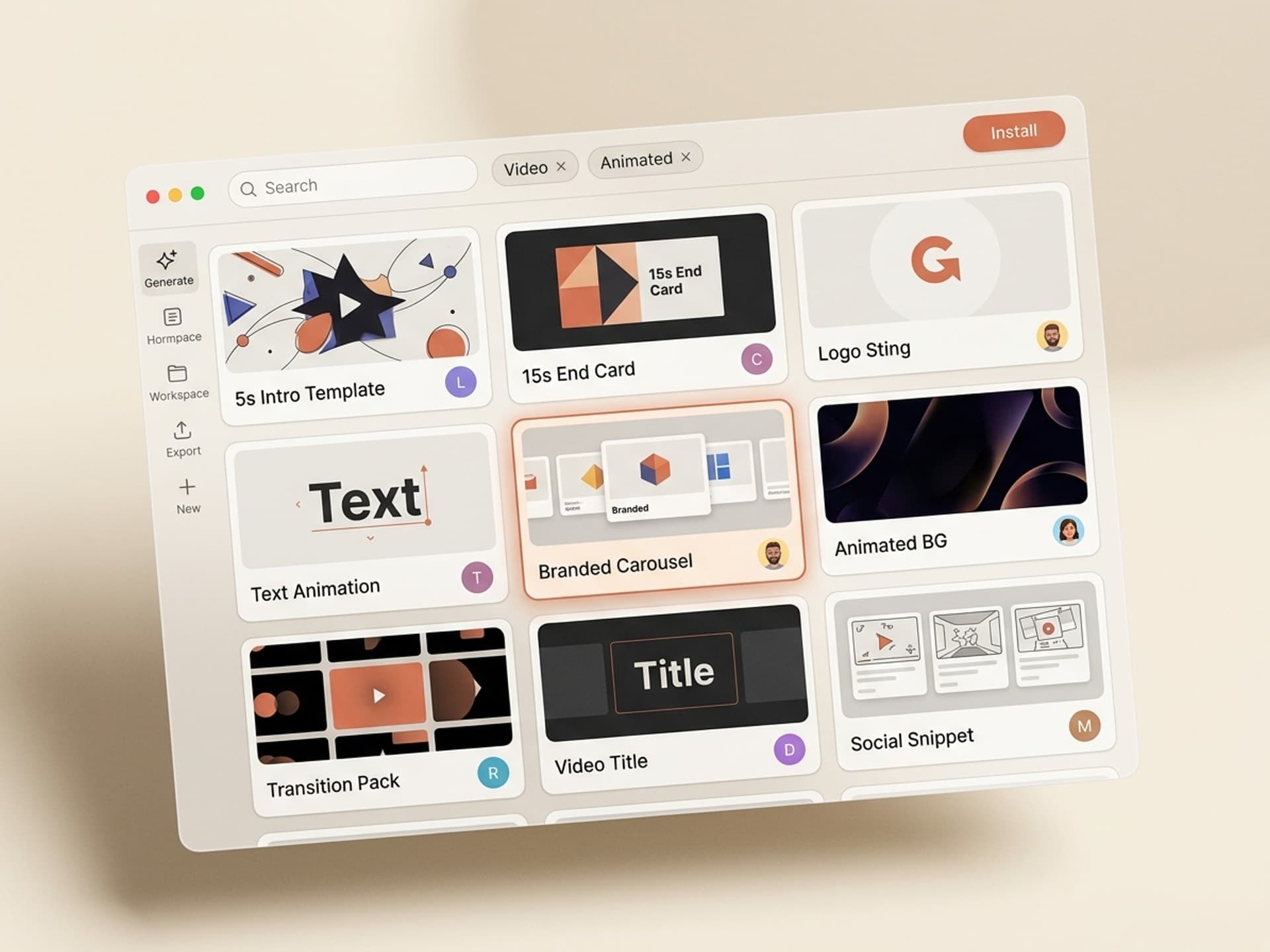
Vibe Skills has over 30 motion graphics skills covering every intro and outro use case below. Each one ships brand-locked, regenerable, and exportable to After Effects, Premiere Pro, or MP4. Here are five worth installing first.
1. YouTube Intro Sting Generator
Builds a 5-to-7 second branded intro with logo reveal, signature animation, and audio sting. Reads your brand kit (color, font, logo) and outputs an After Effects project plus a standalone MP4. Best for weekly YouTubers and podcasters who want one consistent opener across every episode.
2. End-Card Outro Builder
Produces the 15-to-20 second YouTube outro: subscribe button animation, next-video thumbnail slot, social handles bar, optional channel name lockup. Pre-positioned for YouTube's end-screen clickable areas so you do not have to nudge elements after upload.
3. Course Lesson Intro Pack
Made for course creators recording 10 to 50 lessons. Generates a matching intro stinger for every lesson with the lesson title burned in, brand-locked across the entire series. One install, one brand kit, then batch-export.
4. Shorts and Reels Hook Opener
A 1-to-2 second snap intro engineered for vertical video. Color flash, logo flash, hook word lockup. Built for retention on TikTok, Reels, and YouTube Shorts where a traditional 5-second intro would gut your watch time.
5. Webinar and Product Demo Bumper Set
The B2B kit: cold-open lower third, mid-roll section transitions, end-of-demo CTA card. Used by product marketing teams who ship 4 to 8 demo videos a quarter and need them to look like the same brand.
Browse the Motion Graphics category to install these →
The 5-Minute Intro Workflow with Vibe Skills
This is the workflow that replaces the 2-hour After Effects sit-down. From a blank brand kit to a rendered intro and outro, expect 5 to 10 minutes total.
Step 1: Pick the right skill on Vibe Skills
Open /category/motion-graphics and pick the skill that matches your video format. YouTube long-form gets the YouTube Intro Sting Generator plus the End-Card Outro Builder. Vertical content gets the Shorts and Reels Hook Opener. Install in one click.
Step 2: Drop in your brand kit
Upload logo (SVG or PNG), set primary and secondary colors, pick a font, and add an optional audio mark (a 1-to-2 second sound logo). The skill stores this kit so future generations stay locked to it. No more "wait, what shade of orange did we use last time?"
Step 3: Pick the animation style and length
Choose from 8 to 12 motion presets per skill: glitch reveal, kinetic typography, flat slide, 3D logo lockup, particle burst, retro CRT. Set length to 3, 5, 7, or 10 seconds depending on platform.
Step 4: Generate intro and outro as a matched set
Run the skill. You get the intro, the outro, and an optional mid-roll bumper, all sharing the same color palette, font, and audio mark. Preview in the browser, regenerate as many times as you want, lock the version you like.
Step 5: Export to your editor
Choose the export format: layered After Effects project (.aep), Premiere Pro .mogrt, ProRes for Final Cut, or rendered MP4 for direct upload. Drop into your edit, sync the audio if needed, and ship.
Total time from open browser to rendered intro: under 10 minutes. Compare to 2-to-4 hours rigging an Envato template, or $400-to-$1,200 for a freelance motion designer to build one from scratch.
What an AI-Made Intro and Outro Cost vs the Alternatives
Here is the honest cost comparison across every option a creator has in 2026:
| Option | Cost per intro | Time per intro | Brand-locked | Regenerates per project |
|---|---|---|---|---|
| Freelance motion designer (Fiverr-mid) | $400 - $1,200 | 5 - 10 days | Yes | No |
| Agency-built signature intro | $3,000 - $8,000 | 4 - 6 weeks | Yes | No |
| Envato / Motion Array template | $20 - $50 each | 2 - 4 hours rig time | No (you customize) | No |
| DIY in After Effects from scratch | $0 + AE license | 8 - 16 hours | Yes (if you are good) | No |
| Vibe Skills subscription | $39/month, unlimited intros | 5 - 10 min | Yes, brand kit locked | Yes |
A single freelance intro costs more than a year of Vibe Skills Pro. For a creator shipping 4 videos a month, the math gets brutal: 16 hours saved per month, brand consistency on autopilot, and the ability to regenerate when your brand evolves without re-hiring anyone.
Start with the Vibe Skills Motion Graphics category →
Frequently Asked Questions
Should my YouTube intro be 5 seconds or 10 seconds?
5 seconds is the safer default. Every second past 5 statistically loses retention - YouTube creator data shows watch-time drops sharply for intros over 10 seconds. Use 10 seconds only if you have an audio sting and a strong visual identity that earns the extra time. The intro skills on Vibe Skills default to 5 seconds for that reason.
Are the included audio stings royalty-free for YouTube?
Yes. Every audio mark generated or included with motion graphics skills on Vibe Skills ships with a commercial license that covers monetized YouTube videos, paid courses, client work, and ads. You own the license through your subscription, no per-video fees, no ContentID strikes. The license terms live in your account dashboard.
What's the difference between a YouTube outro and the end screen?
The outro is the video footage in the last 15 to 20 seconds (subscribe animation, next-video card, social handles). The end screen is YouTube's clickable layer (up to 4 elements) you set in YouTube Studio after upload. The outro skill on Vibe Skills positions visual elements exactly where YouTube's clickable zones land, so the two layers stack perfectly.
Can I regenerate the same intro for every video in a series?
Yes - that is the entire point of an AI skill versus a one-time template. Install once, set your brand kit, then generate a matching intro for every new video with the title burned in. The Course Lesson Intro Pack on Vibe Skills is built for batch generation across 10 to 50 lessons.
Do I need After Effects to use these skills?
No. Every motion graphics skill exports a rendered MP4 you can upload directly to YouTube, drop into Premiere Pro, Final Cut, DaVinci Resolve, or CapCut. After Effects export is included as a layered project file for editors who want to tweak keyframes by hand, but it is optional, not required.
How is this different from buying an Envato or Motion Array template?
Pre-made templates are one license, one customization, one look. AI skills regenerate per video, lock to your brand kit, and update when you change your brand. For a creator shipping weekly, an unlimited subscription beats per-template fees within the first month. See the cost table above for the full breakdown.
Will an AI-made intro look obviously AI-generated?
No. The motion graphics skills on Vibe Skills use animation systems built by professional motion designers (After Effects veterans, ex-MrBeast editors, agency creative directors). The AI fills in your content, brand kit, and timing. The visual system itself is hand-crafted, the same way an Envato template is, just regenerable.
Ship Your Next Video Intro Today
5 seconds of footage decide whether viewers stay and 20 seconds decide whether they subscribe. Stop spending 4 hours per intro and 4 hours per outro in After Effects. Install a motion graphics skill, drop in your brand kit, and ship.
Browse video intro and outro skills on Vibe Skills →
Skip the After Effects rig. Install a motion graphics skill on Vibe Skills and render your next intro in 10 minutes.