

Mandefasa an'arivony fahaizana efa vonona ho an'ny Claude, Cursor, ary maro hafa.
LinkedIn Document Carousels Get 4x More Reach Than Single Images. Here's How to Ship One in 15 Minutes.
If you post a single image to LinkedIn in 2026, you are leaving roughly 75% of your potential reach on the table. The average LinkedIn document carousel pulls a 6.6% engagement rate. Single images sit around 2-3%. Multi-slide PDFs get 3.4x more reach and 2.1x more engagement than static posts because dwell time is the single biggest signal in LinkedIn's current ranking model.
The catch: building a polished 10-slide carousel in Canva takes the average founder over an hour. Picking a layout, writing each slide, fixing the type hierarchy, exporting as a PDF at the right ratio. By the time you ship, the idea is cold.
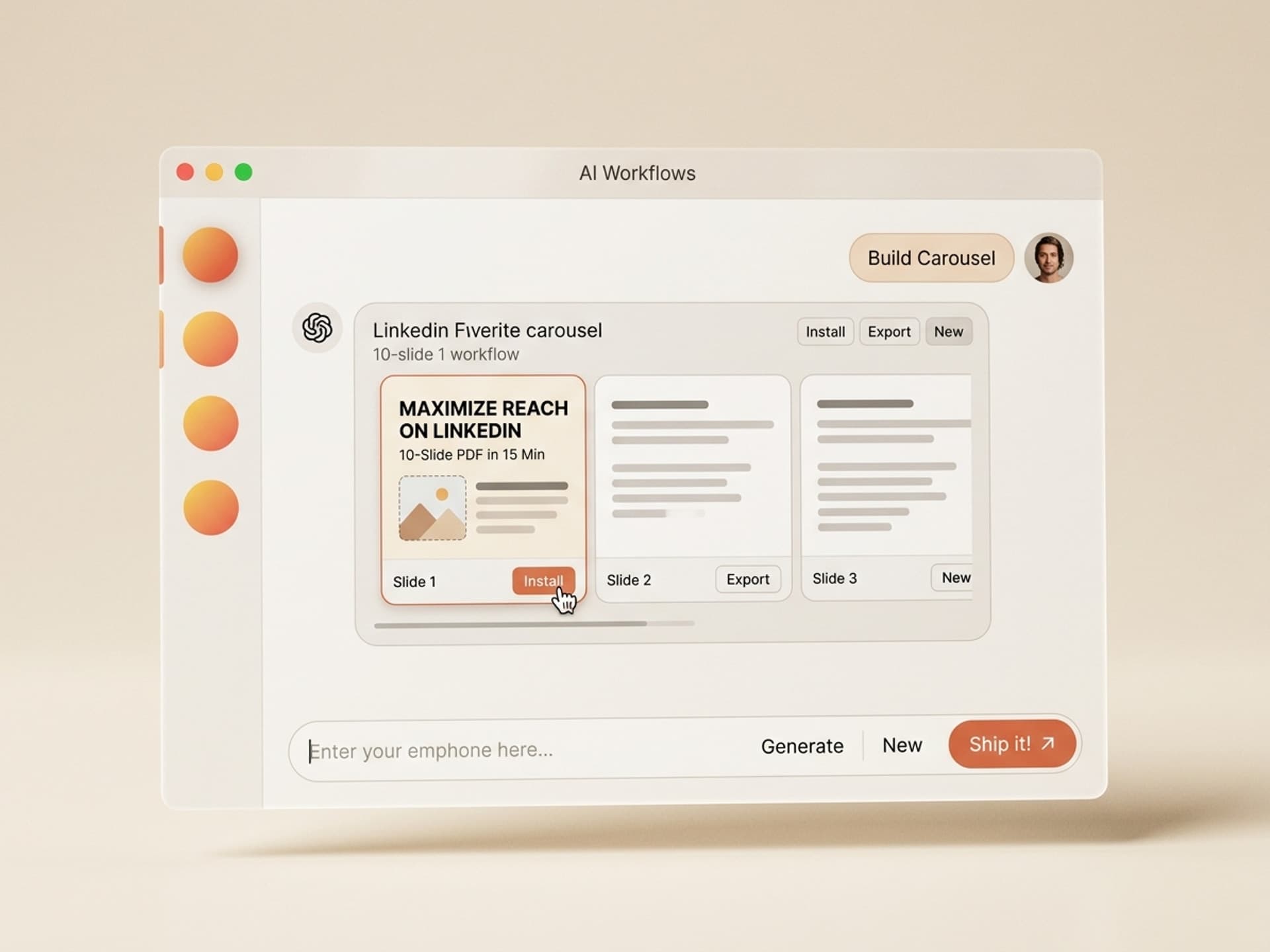
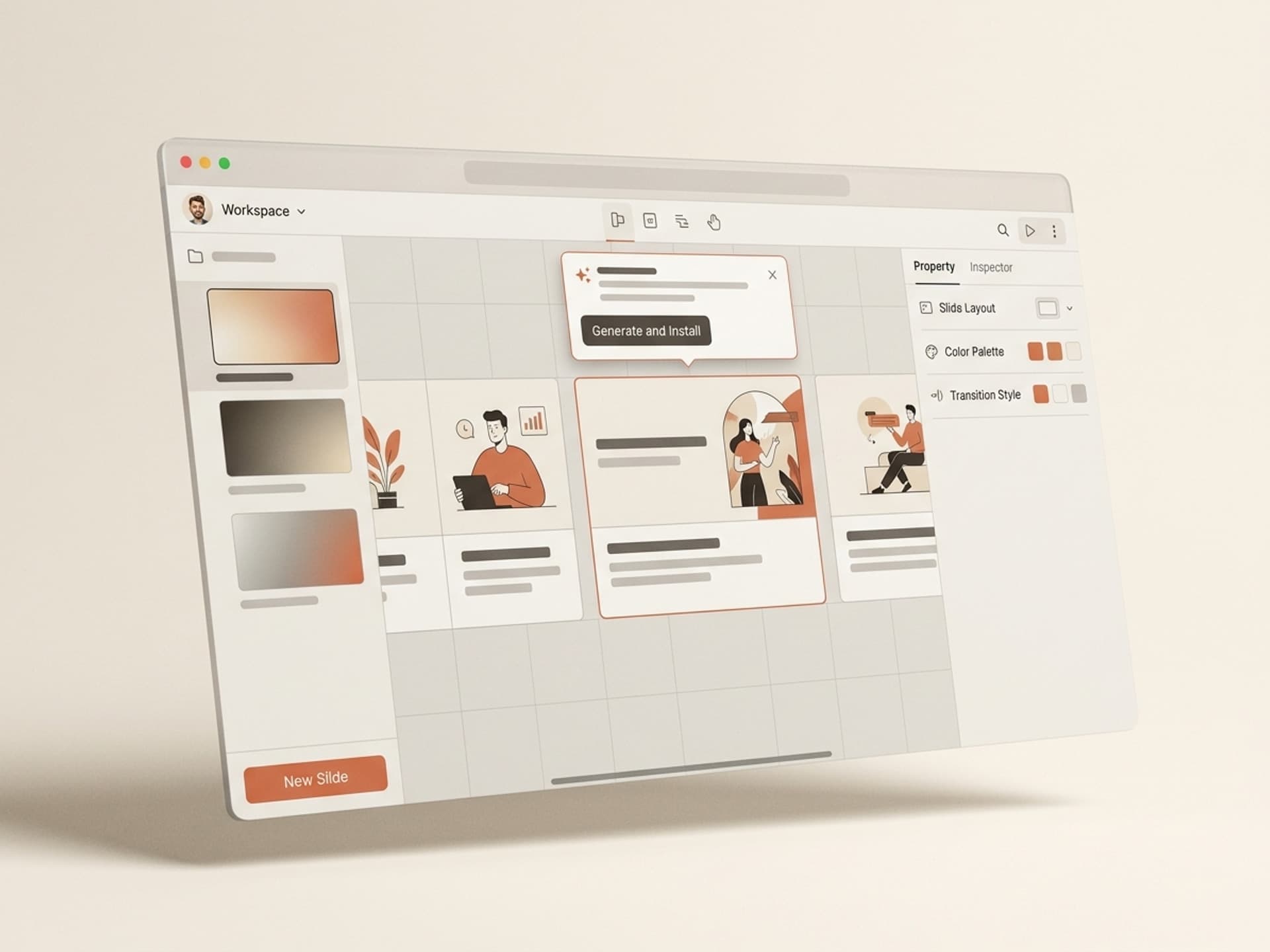
Vibe Skills solves that. The marketplace has LinkedIn carousel skills that take a topic, generate the hook, write the story arc, and export a 1080x1350 PDF in 15 minutes. This guide walks through which skills work for which goal, why carousels still win in 2026, and how to ship your first one today.
Mandefasa an'arivony fahaizana efa vonona ho an'ny Claude, Cursor, ary maro hafa.
Why LinkedIn Carousels Out-perform Single Images
LinkedIn's algorithm in 2026 ranks content by dwell time more than by likes. The longer a viewer stays on your post, the further it spreads. A static image gets 8 seconds of attention. A 10-slide document carousel pulls 30-60 seconds of swipe-by-swipe interaction.
Real numbers from creator post audits:
| Format | Avg engagement rate | Avg dwell time | Reach multiplier |
|---|---|---|---|
| Text-only post | 1.8% | 6 seconds | 1x baseline |
| Single image | 2.4% | 8 seconds | 1.4x |
| Native video (under 60s) | 4.1% | 22 seconds | 2.8x |
| Document carousel (PDF) | 6.6% | 45 seconds | 4.2x |
Why this gap is widening:
- Each swipe registers as an interaction. A 10-slide carousel can rack up 9 micro-interactions from a single viewer before they ever tap like or comment.
- Carousels are still under-shipped. Less than 10% of LinkedIn posts are document carousels, so the format is rewarded with extra distribution.
- Mobile feed dominance. Carousels render in portrait (1080x1350), occupy the maximum vertical space, and force a pause in the scroll.
For founders, B2B marketers, and sales leaders, this matters because LinkedIn is the only major platform where decision-makers actually read long-form content during the workday. A weekly carousel becomes the cheapest pipeline-generation channel that doesn't require a PR budget. Browse the Social Media Visuals category to see the formats covered.
Mandefasa an'arivony fahaizana efa vonona ho an'ny Claude, Cursor, ary maro hafa.
The Carousel Anatomy That Gets Saves
Posts that get shared outperform posts that get liked. To get shared on LinkedIn, your carousel needs three structural elements:
| Slide | Purpose | Pattern |
|---|---|---|
| Cover (slide 1) | Stop the scroll | Specific claim or contrarian hook in 6-8 words. White space + one number. |
| Setup (slide 2) | Validate the problem | One sentence describing the pain. Reader thinks "yes, that's me." |
| Story arc (slides 3-8) | Deliver one idea per slide | Step, framework, or contrast. Never two ideas on one slide. |
| Payoff (slide 9) | The takeaway | The specific lesson, mistake to avoid, or framework name. |
| CTA (slide 10) | The save trigger | "Save this for when..." + a clear next action. |
The hook formats that ship:
- Contrarian: "Stop posting daily. Post 2 carousels a week instead."
- Numbered framework: "The 5-step LinkedIn DM script that booked 12 demos in 30 days."
- Receipt: "How we hit $1.2M ARR with one LinkedIn post a week."
- Mistake list: "7 LinkedIn cover slide mistakes killing your reach."
Most founders fail at the cover. They put a 14-word title in 36pt type, add 3 logos, a stock photo, and their headshot. The cover slide should be one bold statement on a clean background, period.
5 LinkedIn Carousel Skills on Vibe Skills
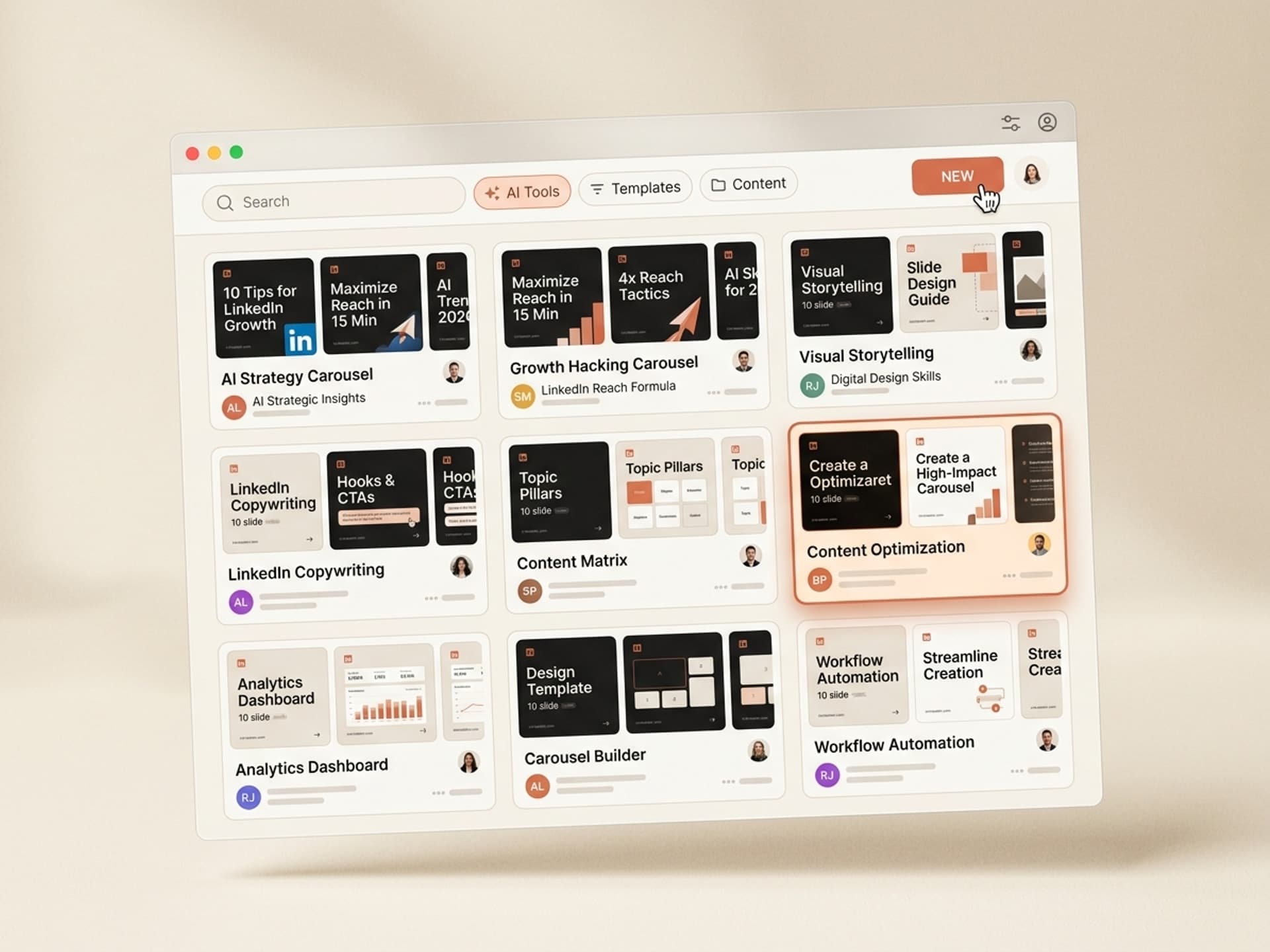
Vibe Skills has over 30 skills in the Social Media Visuals category covering LinkedIn, Instagram, TikTok, and X. Here are the 5 LinkedIn-specific ones worth installing first:
| Skill | Best for | Output | Browse |
|---|---|---|---|
| LinkedIn Document Carousel Builder | 10-slide thought leadership posts | 1080x1350 PDF, brand-ready | Vibe Skills |
| LinkedIn Founder Story Carousel | Personal brand + origin story posts | 8-slide narrative arc PDF | Vibe Skills |
| LinkedIn Framework Carousel | Step-by-step playbooks and templates | 7-12 slide framework PDF | Vibe Skills |
| LinkedIn Data Carousel | Stats, charts, benchmark posts | 6-slide data viz PDF | Vibe Skills |
| LinkedIn Sales Carousel | Product demos and case studies | 9-slide proof-driven PDF | Vibe Skills |
Each skill bakes in:
- Cover slide hook formulas that match what's currently winning in the algorithm.
- A pre-tested layout system with the right type hierarchy, spacing, and contrast for mobile reads.
- Direct PDF export at LinkedIn's preferred 1080x1350 portrait ratio, under 3 MB.
- Editable Figma or Canva file so you can swap colors, swap your logo, and ship a branded version.
Browse all LinkedIn carousel skills on Vibe Skills
How to Ship Your First Carousel in 15 Minutes
The first carousel is always the slowest. Here is the workflow that gets you from idea to published in under 15 minutes.
Step 1: Pick the right skill on Vibe Skills
Open the Social Media Visuals category and pick the skill that matches the goal. Personal brand + thought leadership: Founder Story. Tactical playbook: Framework Carousel. Selling a product: Sales Carousel. Install the skill in one click.
Step 2: Drop in your topic and 3 anchor points
The skill walks you through a short input: the angle, your target reader, and 3 supporting points. The output is a 7-10 slide draft with a hook, story arc, and CTA already structured. Time: 4 minutes.
Step 3: Edit the hook
The cover slide does 80% of the work. Read the generated hook and ask: would you stop scrolling if this hit your feed? If not, swap the verb, sharpen the number, or add a contrarian frame. Time: 2 minutes.
Step 4: Add your brand
Drop in your color, logo, and headshot on the closing slide. Most LinkedIn carousel skills export to Figma or Canva so you can keep the file in your brand kit. Time: 3 minutes.
Step 5: Export as 1080x1350 PDF
LinkedIn's algorithm rewards portrait carousels under 3 MB. Every Vibe Skills carousel skill exports to that spec by default. Time: 1 minute.
Step 6: Post with a hook caption
The carousel is the meal. The caption is the menu. Open with a 1-line hook that mirrors the cover slide, then a 3-4 line setup, then "Swipe through ->". Time: 5 minutes.
Total: 15 minutes from blank page to published post. Compare that to the typical Canva workflow: 60 minutes if you know the tool, 2-3 hours if you don't.
Frequently Asked Questions
What is the ideal number of slides for a LinkedIn carousel?
7 to 12 slides is the sweet spot. Fewer than 5 and the algorithm dwell-time bonus disappears. More than 15 and completion rates drop sharply. Most high-performing B2B carousels land on 8-10 slides, with one idea per slide and a clear payoff on the last frame. The skills on Vibe Skills default to that range.
How often should I post LinkedIn carousels?
2 to 3 times per week is the cap most creators recommend. Carousels take more cognitive bandwidth from your audience than text posts, so weekly cadence keeps quality high without exhausting readers. Mix carousel days with short opinion posts, comment-bait questions, and one native video per week for the best mixed-format reach.
Should I post under my personal profile or my company page?
Personal profiles get roughly 4-5x more organic reach than company pages on LinkedIn in 2026. If you are a founder, sales leader, or B2B marketer, the carousel goes under your personal profile and the company page reshares it. If you only have a brand account, install a LinkedIn carousel skill on Vibe Skills and route the post through whichever team member has the largest network.
Do carousels still work in 2026 after the algorithm shift?
Yes. There is occasional commentary that LinkedIn is "dampening" carousel reach, but the engagement and dwell time data does not back that up. As of April 2026, document carousels still pull a 6.6% average engagement rate, the highest of any format. The shift is that LinkedIn now rewards substance over style - a beautiful empty carousel underperforms a plain one with a sharp idea. The skills on Vibe Skills optimize for both.
Can I use the same carousel on Instagram and LinkedIn?
You can, but performance drops on both. LinkedIn carousels are 1080x1350 portrait PDFs read top-to-bottom. Instagram carousels are 1080x1350 image stacks read swipe-to-swipe with heavier visual styling. The ideal setup: ship one core idea, generate a LinkedIn version with a LinkedIn skill, and a separate Instagram version with a different skill in the same category.
How do I measure if a carousel is working?
Track 4 numbers in LinkedIn analytics: impressions (reach), swipe completion rate (did people get to the last slide), save count (the strongest intent signal), and profile visits per impression (the bottom-funnel result). A great carousel hits 5%+ engagement, 35%+ swipe completion, and at least 1 profile visit per 100 impressions.
Are pre-built skills as good as a designer?
Different goals. A designer optimizes a single carousel to perfection over a week. A skill ships 5 carousels in a week, all on-brand, all algorithm-ready. For weekly LinkedIn cadence, the skill wins. For a one-time investor announcement carousel, hire a designer. Most founders use both: skills for weekly posts, a designer for quarterly hero content.
The Real Cost of Skipping Carousels
If you publish 1 carousel per week instead of 1 single image:
- Reach increase: 4.2x = roughly 8,000 extra impressions per week for an account with a 2,000-impression baseline.
- Profile visit lift: 3-5x = 80-120 extra profile visits per week.
- Inbound DMs: 2-4 extra qualified DMs per week from cold prospects who read the carousel and clicked through.
That is 400+ qualified profile visits per month from one weekly post. For a B2B founder selling a $500-$5,000 ACV product, that one post generates more pipeline than most paid LinkedIn ad campaigns.
The hard part was always the production lift. With a LinkedIn carousel skill on Vibe Skills, the production lift is 15 minutes. That is the entire trade.
Install a LinkedIn carousel skill on Vibe Skills ->
Stop building LinkedIn carousels from scratch every week. Install a ready-made LinkedIn carousel skill on Vibe Skills and ship 4x reach in 15 minutes.