

Tirohia ngā rau mahi ā-AI kua oti te whakarite mō Claude, Cursor, me ētahi atu.
Indie Artists Are Losing Saves Because They Skip Spotify Canvas
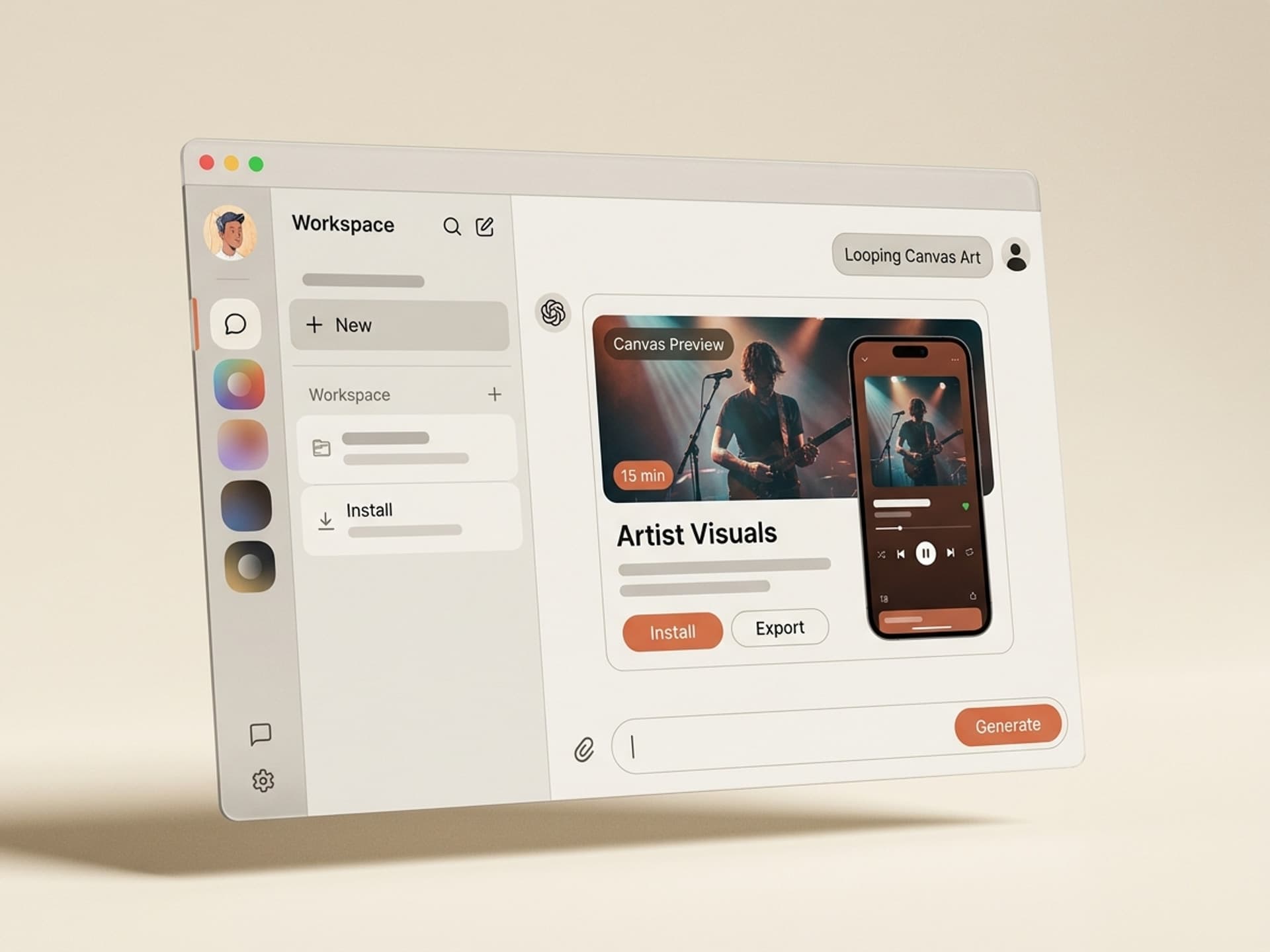
Spotify Canvas is the 3 to 8 second vertical video loop that plays behind a track on the Now Playing screen. Spotify For Artists data shows tracks with a Canvas earn 145% more share rate, 20%+ more streams, and significantly higher save rate than tracks with only a static cover. Yet the majority of independent artists ship singles with no Canvas at all - because making a 9:16 looping video on a release deadline feels like a separate job. AI skills for Spotify Canvas on Vibe Skills generate brand-fit looping visuals plus matching cover art in under 15 minutes per track, with the seamless loop and 1080x1920 spec baked in.
This guide is for indie musicians, label managers, and podcasters releasing on Spotify, Apple Music, and other DSPs. We'll cover why Canvas moves saves, the exact spec and creative anatomy, the 5 Canvas-focused skills artists are installing right now, and a 10-minute workflow that takes a finished master to a published Canvas the same evening.
Tirohia ngā rau mahi ā-AI kua oti te whakarite mō Claude, Cursor, me ētahi atu.
Why Canvas Drives Saves and Shares on Spotify
Spotify Canvas turns the lock screen into a music video moment. A listener who would normally stream a track passively now sees a looping visual that holds attention through the first chorus - the moment most skips happen. Saves, shares, and library adds spike when the visual matches the song's emotional tone.
The numbers Spotify For Artists has published over the last two years:
- +145% share rate on tracks with Canvas vs no Canvas
- +20% stream rate on average across genres
- +1.4x track saves for songs with active Canvas
- +9% artist profile visits from Canvas-enabled tracks
- +5% playlist adds vs static-only tracks
Listeners discover music on small vertical screens - phones in commutes, gym sessions, lock-screen previews. A static square cover does nothing on a vertical display. Canvas fills the frame, signals that the artist cares, and gives the listener something to screen-record and share to Instagram Stories or TikTok. That share loop is where most independent artists pick up new monthly listeners in 2026.
Bold takeaway: if you ship a single without a Canvas, you're leaving 1 in 5 streams and 1 in 6 saves on the table.
Tirohia ngā rau mahi ā-AI kua oti te whakarite mō Claude, Cursor, me ētahi atu.
Spotify Canvas Anatomy: The Exact Spec
Canvas is technically constrained. The format is rigid because Spotify needs every Canvas to feel native to the Now Playing screen across iOS, Android, and the web player. Get the spec wrong and Spotify For Artists rejects the upload.
| Spec field | Required value | Notes |
|---|---|---|
| Aspect ratio | 9:16 vertical | Same as Reels and TikTok |
| Resolution | 1080 x 1920 px minimum | Higher accepted, downscaled |
| Duration | 3 to 8 seconds | 8s is most common, allows full loop |
| File format | MP4 (H.264) or animated GIF | MP4 preferred for color fidelity |
| File size | Under 25 MB | Compress aggressively |
| Frame rate | 24 to 30 fps | 24 fps reads more cinematic |
| Loop | Seamless (start frame matches end) | Hard cut breaks immersion |
| Text overlay | None of artist / song / album name | Spotify auto-renders that UI on top |
| Logos | No third-party logos or watermarks | Auto-rejected |
| Audio | Silent (Canvas has no sound) | Spotify plays the track audio |
The two rules first-time Canvas creators break: adding the song title in the visual (Spotify already overlays it) and shipping a non-looping clip with a hard cut at the end. Both make the Canvas feel amateur and trigger upload rejections.
The other constraint nobody talks about: Canvas plays muted. Your visual has to communicate the song's energy with motion alone - no lip-sync, no spoken word, no audio cues. Skills tuned for Canvas know this and design loops where motion carries the mood.
Browse Canvas-ready skills on Vibe Skills to preview real seamless loops.
5 AI Spotify Canvas Skills on Vibe Skills
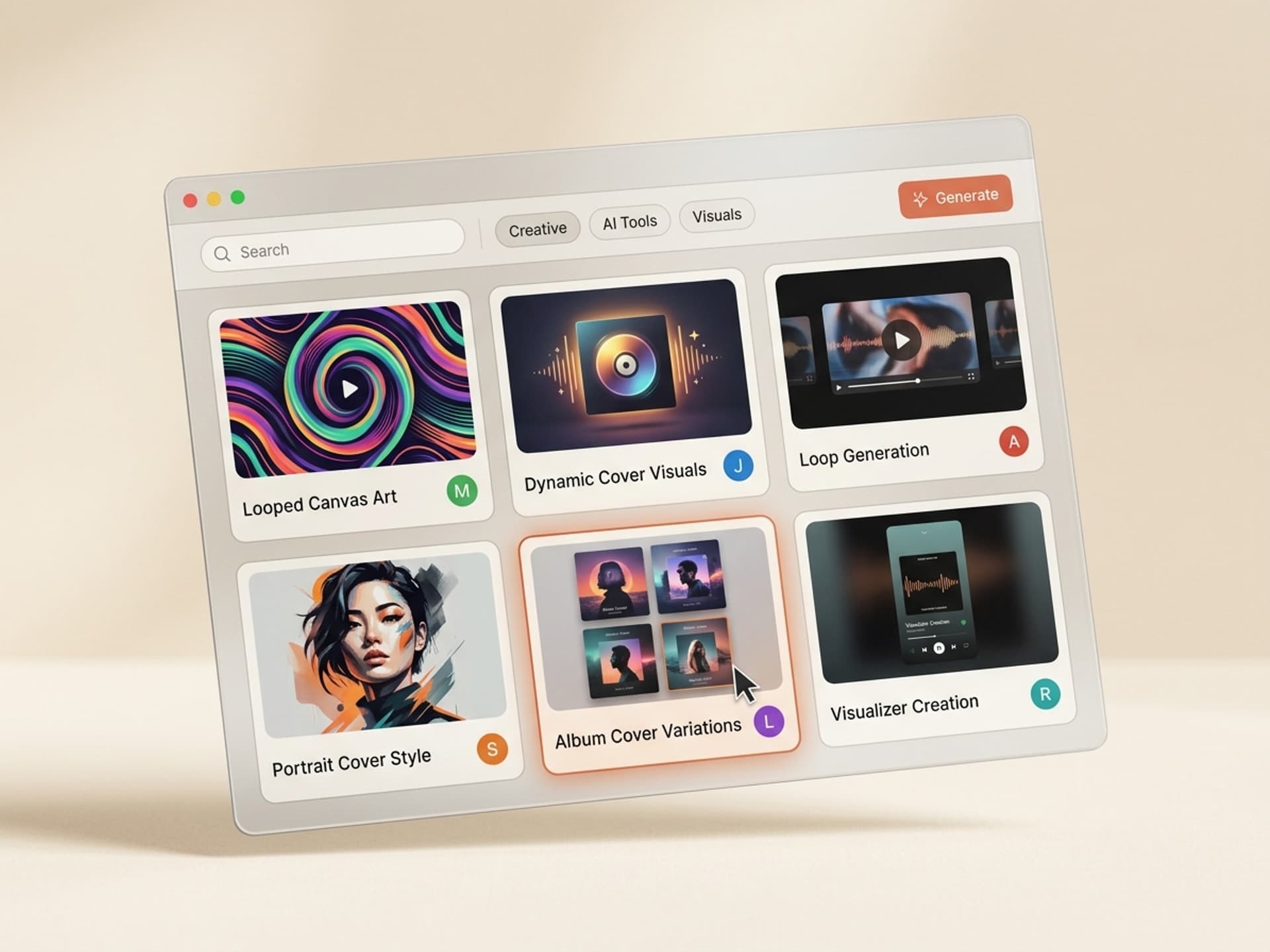
The Thumbnails and Cover Art category ships 30+ skills covering YouTube thumbnails, podcast covers, music covers, and Spotify Canvas loops. The five most-installed skills for indie artists, labels, and podcast producers right now:
1. Spotify Canvas Loop Generator
Pre-set to 1080 x 1920 vertical, 8 seconds, 24 fps, seamless loop, MP4 H.264 under 25 MB. You feed in the song title, mood (3 keywords like "moody, neon, nocturnal"), and your single's cover art. The skill generates 4 Canvas variants where the start frame matches the end frame for an invisible loop. Output drops straight into Spotify For Artists with no transcoding.
2. Album Cover + Canvas Pair Builder
For full EP and album launches. You upload one reference image or describe the album concept and the skill generates a 3000 x 3000 pixel square cover plus matching Canvas loops for every track on the project. Visual system stays consistent across the cover and all the Canvas loops, so the album reads as one cohesive release on the Now Playing screen.
3. Single Release Visual Kit
Per-single asset bundle: square cover (3000 x 3000), Canvas loop (1080 x 1920 x 8s), Instagram Story announcement (1080 x 1920 static), and TikTok teaser (9:16 video, 12s). Built for the artist who drops a new single every 4 to 6 weeks and needs every asset in one shot, not 5 separate design rounds.
4. Podcast Episode Canvas
Podcasts on Spotify also support Canvas, and almost no shows use it. This skill takes your podcast cover and the episode title, then generates a Canvas loop with episode-specific imagery (guest silhouette, topic motif, chapter art) at the right 1080 x 1920 spec. Big ranking advantage in the Spotify podcast charts where Canvas-enabled episodes get measurably more clicks.
5. Mood-Loop Library
For the artist who releases prolifically and wants a Canvas pre-built for every mood category. Generates 12 Canvas loops in one batch: melancholic, euphoric, nocturnal, romantic, aggressive, dreamy, cinematic, retro, lo-fi, epic, intimate, hyper. Each loop is brand-tuned to your visual identity so they feel like one library, not 12 stock clips. Pull whichever matches the next single.
All 5 export to MP4 + source files (After Effects, Figma, or Photoshop) so you own the master and tweak before upload.
Install one to ship your next single's Canvas tonight
The 10-Minute Spotify Canvas Workflow
This is the workflow indie artists run on release day. From master in DAW to published Canvas in under 15 minutes.
Step 1: Pick a Canvas skill on Vibe Skills
Open the Thumbnails and Cover Art category and install the Spotify Canvas Loop Generator for singles, or the Album Cover + Canvas Pair Builder for EPs and albums. One install covers every track on the project.
Step 2: Define the mood in 3 keywords
Spotify For Artists own data shows the strongest-performing Canvas loops match the song's emotional core in 1 to 2 motifs. Don't list 10 things - pick 3 keywords. Examples: "neon, slow, nocturnal" / "warm, analog, sunlit" / "glitch, fast, monochrome". The skill uses those 3 keywords as the entire creative brief.
Step 3: Upload the single's cover or one reference image
The Canvas should feel like a moving extension of the cover, not a separate visual. Drop in your finished cover (or one reference image with the right palette) and the skill matches the color grade and type treatment.
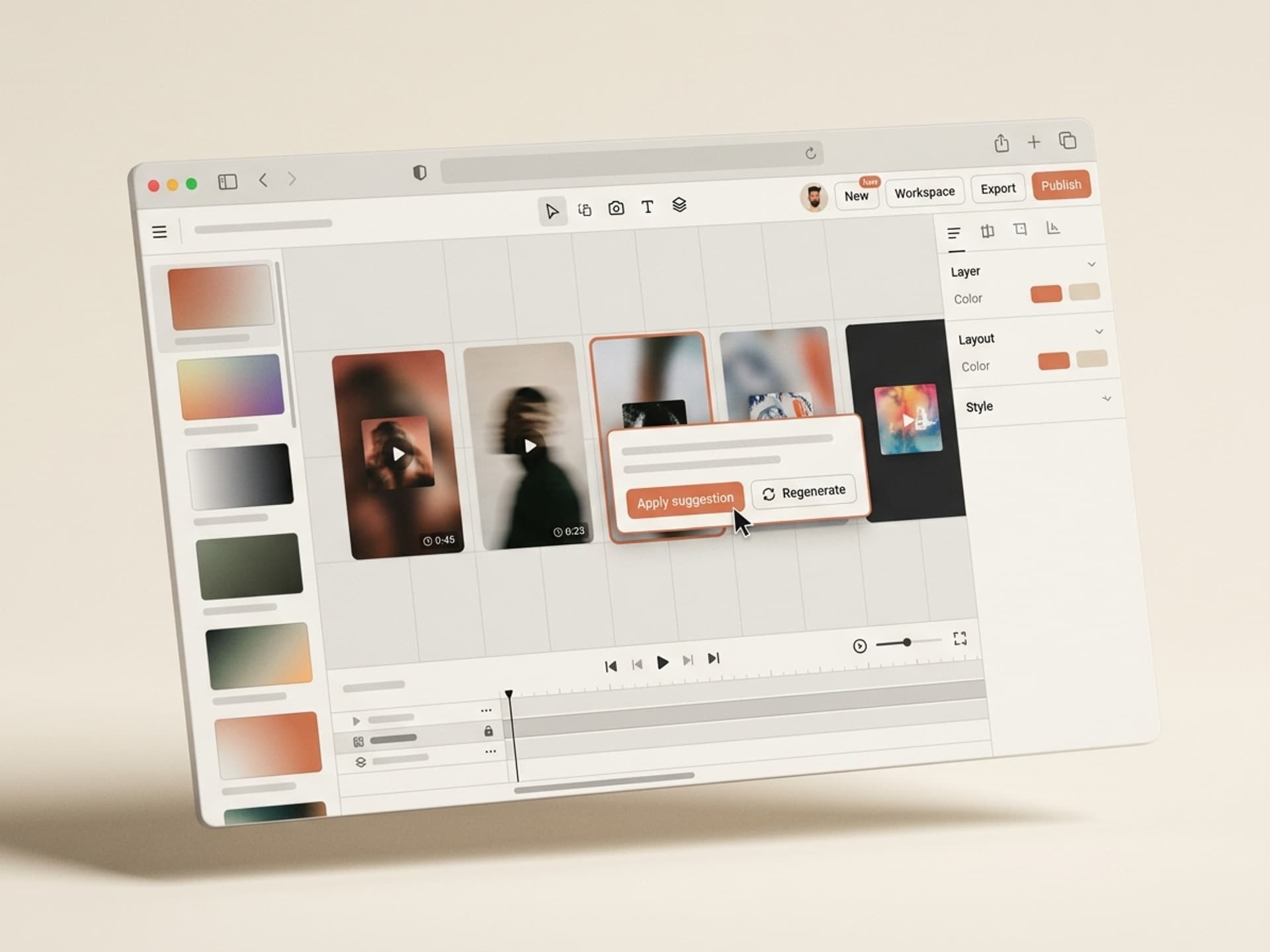
Step 4: Generate 4 variants and pick the strongest loop
The skill outputs 4 Canvas variants. Watch each on a phone (not desktop) at the same brightness Spotify uses on Now Playing. The loop you pick should be the one where you don't notice the loop point - if the seam is invisible, the Canvas is doing its job.
Step 5: Upload to Spotify For Artists
Sign in to Spotify For Artists, open your release, click the track, hit "Add Canvas," upload the MP4. Spotify processes in 2 to 5 minutes and the Canvas goes live globally on every device. Same Canvas can be reused on Apple Music if Apple supports Motion in your release tier.
Total time from picking the skill to published Canvas: under 15 minutes per track. An album of 10 tracks ships every Canvas in one evening session.
Spotify Canvas vs Apple Music Motion vs Static Cover
Streaming platforms are converging on motion-first cover visuals. Here's how the three formats differ in 2026:
| Format | Platform | Spec | Audience size | Effort |
|---|---|---|---|---|
| Spotify Canvas | Spotify | 9:16 vertical, 3-8s loop, MP4 silent | 600M+ monthly listeners | 10 min per track with AI skill |
| Apple Music Motion | Apple Music (Pro tier) | 1:1 square, 8-15s loop | 110M+ subscribers | 15 min, slightly different aspect |
| Static cover only | All DSPs | 3000 x 3000 px square | All listeners default | 5 min cover only |
The right move for indie artists in 2026: ship a Spotify Canvas (highest impact + biggest audience), reuse the same source for Apple Music Motion when the Pro tier rolls out broadly, and keep the static cover as the universal fallback. Skills on Vibe Skills export both vertical and square loops from a single generation pass so you're not making 3 separate design rounds per release.
Browse all music + cover skills on Vibe Skills
Frequently Asked Questions
Do I need a separate Canvas for every song or one for the whole album?
Per song. Spotify Canvas attaches at the track level, not the album level, so each song needs its own loop. The Album Cover + Canvas Pair Builder skill on Vibe Skills generates all the loops in one batch for an album, but they're uploaded one per track via Spotify For Artists.
How do I make the Canvas loop seamless with no visible cut?
The start frame of the video has to match the end frame. Manual approach: design a motion that returns to its starting position by second 8 (a wave that completes a cycle, a camera that orbits 360 degrees, a particle field that loops). AI Canvas skills bake this in by default, so the loop point is invisible without you matching frames manually.
Will Apple Music play my Spotify Canvas?
Not directly. Apple Music supports its own format called Motion, which is a 1:1 square loop on the Pro subscription tier. The same source asset can be re-exported as a square for Apple Music. Skills built for music releases on Vibe Skills include both vertical (Spotify) and square (Apple) exports from a single generation pass.
Can I add my song title or artist name to the Canvas?
No. Spotify auto-overlays the song title, artist name, and album name on top of your Canvas - if you bake them into the visual, they double up and the Canvas gets rejected. Keep the visual purely artistic. The Canvas-ready skills on Vibe Skills enforce this rule by default.
How much does a Canvas cost compared to a freelance motion designer?
A custom 8-second loop from a freelance motion designer runs $150 to $800 per Canvas, with album packs hitting $2,000 to $5,000. A Vibe Skills subscription starts at $39/month and includes unlimited Canvas generations across every track on every release, with no per-asset markup.
Will Spotify reject AI-generated Canvas art?
No. Spotify's content policy bans copyright violations, hate, and explicit content - it does not ban AI-generated visuals. Tens of thousands of indie artists ship AI Canvas loops every week. The only reason a Canvas gets rejected is technical (wrong aspect ratio, embedded text, third-party logo, file too large), all of which the skills on Vibe Skills avoid by default.
Can podcasters use Canvas on Spotify?
Yes. Spotify rolled out podcast Canvas to all shows in 2024. Almost no podcast uses it, which means a Canvas on your episode is a clear ranking and click-through advantage in a crowded charts page. The Podcast Episode Canvas skill on Vibe Skills handles the spec and loop logic.
Ship Your Next Single's Canvas Tonight
Spotify Canvas is the highest-leverage release-day asset most indie artists still skip. +145% share rate, +20% streams, +1.4x saves - and the Now Playing screen is where listeners decide whether to add a track to their library or skip to the next one. AI skills on Vibe Skills compress the 90-minute motion design job into a 10-minute generation pass with the spec, loop logic, and brand fit baked in.
If your next release is in the next 30 days, a Canvas should be on the asset list. If you're sitting on 6 months of back catalog with no Canvas, batch them in one weekend and watch the share rate climb.
Browse Spotify Canvas and music cover skills on Vibe Skills →
Skip the motion design freelance bill. Install a Spotify Canvas skill on Vibe Skills and ship a looping visual for every track on your next release before the weekend ends.