

Tirohia ngā rau mahi ā-AI kua oti te whakarite mō Claude, Cursor, me ētahi atu.
AI Skills for Talking Head Videos Cut Edit Time From 6 Hours to 30 Minutes
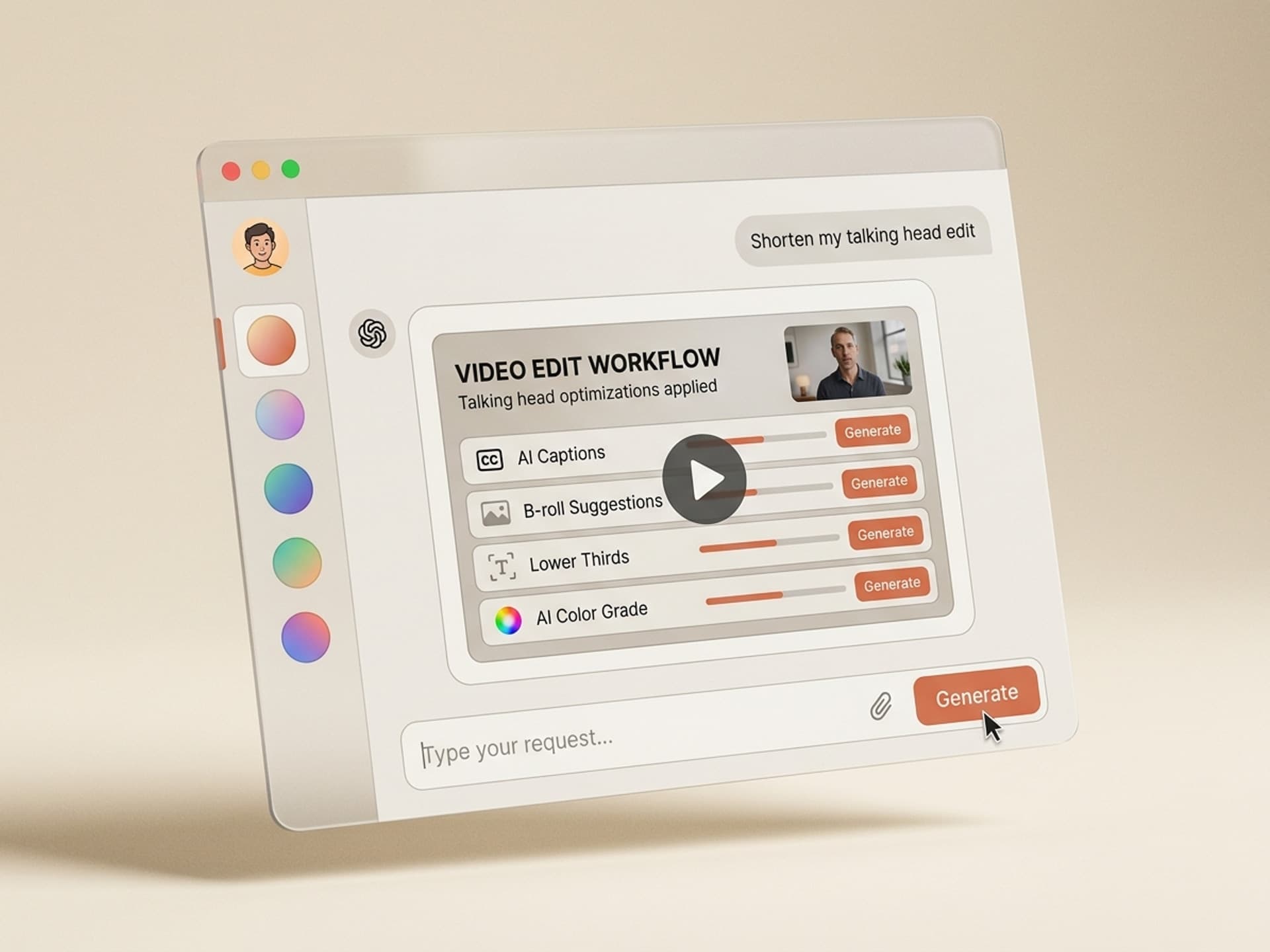
A creator records a 12 minute talking head video in 15 minutes. Then they spend 5 to 7 hours editing it: silence cuts, captions, B-roll, lower thirds, color, music. AI skills compress that to 30 minutes by chaining the same workflow a senior editor would use, without you opening Premiere Pro. Vibe Skills packages those workflows as one-click installs in the Video Content category.
Talking head is the highest-leverage video format on the internet. YouTube Studio reports 80% of long-form watch time comes from face-on-camera content (commentary, courses, interviews, sales videos). The bottleneck is never recording. It is the post-production marathon that follows.
This guide covers the 5 AI talking head skills you should install today, the full anatomy of a polished talking head video, and a 30-minute workflow that lets you publish instead of editing.
Tirohia ngā rau mahi ā-AI kua oti te whakarite mō Claude, Cursor, me ētahi atu.
Why Talking Head Production Eats Creator Time
Talking head looks simple. You sit in front of a camera and talk. The editing reality is brutal.
A 10 minute final video typically requires:
- 40 to 70 silence cuts (filler words, breath pauses, false starts)
- 300 to 500 words of captions (timed, styled, positioned)
- 6 to 12 B-roll inserts (screenshots, stock footage, graphics)
- 3 to 6 lower thirds (intros, key points, source citations)
- 1 color grade (LUT, white balance, skin tones)
- 1 music bed + sound design (intro stinger, ducking, outro)
At an industry-average 45 minutes of editing per finished minute (Frame.io 2024 creator survey), that is 7.5 hours for a 10 minute video. Sustained at twice a week, that is 15 hours of editing per week before you write the next script.
The math kills creators. 62% of YouTubers who quit cite editing fatigue as the top reason (Tubefilter 2025 churn report), not lack of audience growth.
AI skills break this loop by automating the repetitive 80%, leaving you to make the 20% creative calls only a human should make.
Tirohia ngā rau mahi ā-AI kua oti te whakarite mō Claude, Cursor, me ētahi atu.
What Counts as a Talking Head AI Skill?
A talking head AI skill is a packaged workflow that takes your raw footage and produces a polished edit-ready output for one specific job. Not a single tool like a captioning app, and not a stack of disconnected services. One skill, one outcome, ready to install.
The 5 high-leverage jobs in talking head production:
- Silence and filler word removal (cuts the dead air automatically)
- Caption generation and styling (timed, branded, accessibility-ready)
- B-roll suggestions and overlay (visual variety without manual hunt)
- Lower thirds and on-screen graphics (titles, citations, key takeaways)
- Color grade and audio polish (skin tones, LUT, music ducking)
A good skill ships with brand presets, export presets for YouTube/TikTok/Instagram, and works inside the editor you already use (Descript, Premiere Pro, DaVinci Resolve, Final Cut Pro, CapCut).
Talking Head Anatomy: The 5 Edit Layers and Their AI Skills
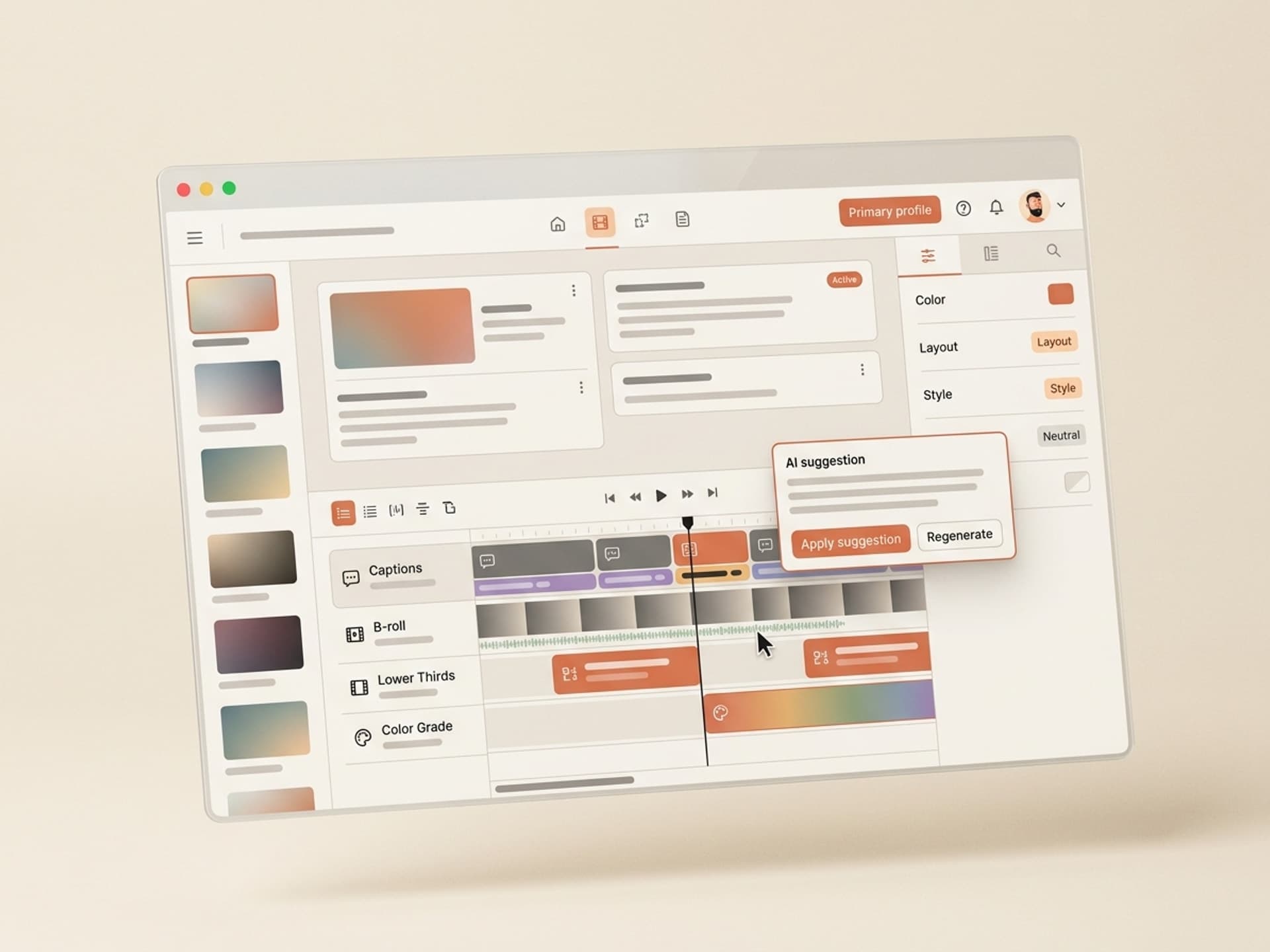
Every published talking head video has these 5 layers stacked on top of the raw take. Here is the breakdown of what each one does, what it costs in human time, and which AI skill replaces it.
| Edit layer | What it does | Manual time (10 min video) | AI skill replacement |
|---|---|---|---|
| Silence and filler cuts | Removes "uh", "um", long pauses, false starts | 60 - 90 minutes | Silence Cut Skill |
| Captions and subtitles | Timed, styled, accessibility-ready text overlay | 90 - 120 minutes | Caption Style Skill |
| B-roll and overlays | Visual cutaways, screenshots, stock inserts | 60 - 90 minutes | B-Roll Suggest Skill |
| Lower thirds and titles | Name plates, key points, source citations | 30 - 45 minutes | Lower Third Skill |
| Color and audio polish | LUT, skin tone correction, music ducking | 45 - 60 minutes | Color and Audio Skill |
| Total | Full publish-ready edit | 4.75 - 6.75 hours | 20 - 30 minutes |
The compression is real. 6 hours collapses to 30 minutes, with 90% of the creative output preserved. The 10% you lose is the polish that requires a senior editor's eye, and most creators tweak that in 5 to 10 minutes after the AI passes complete.
5 AI Talking Head Skills on Vibe Skills
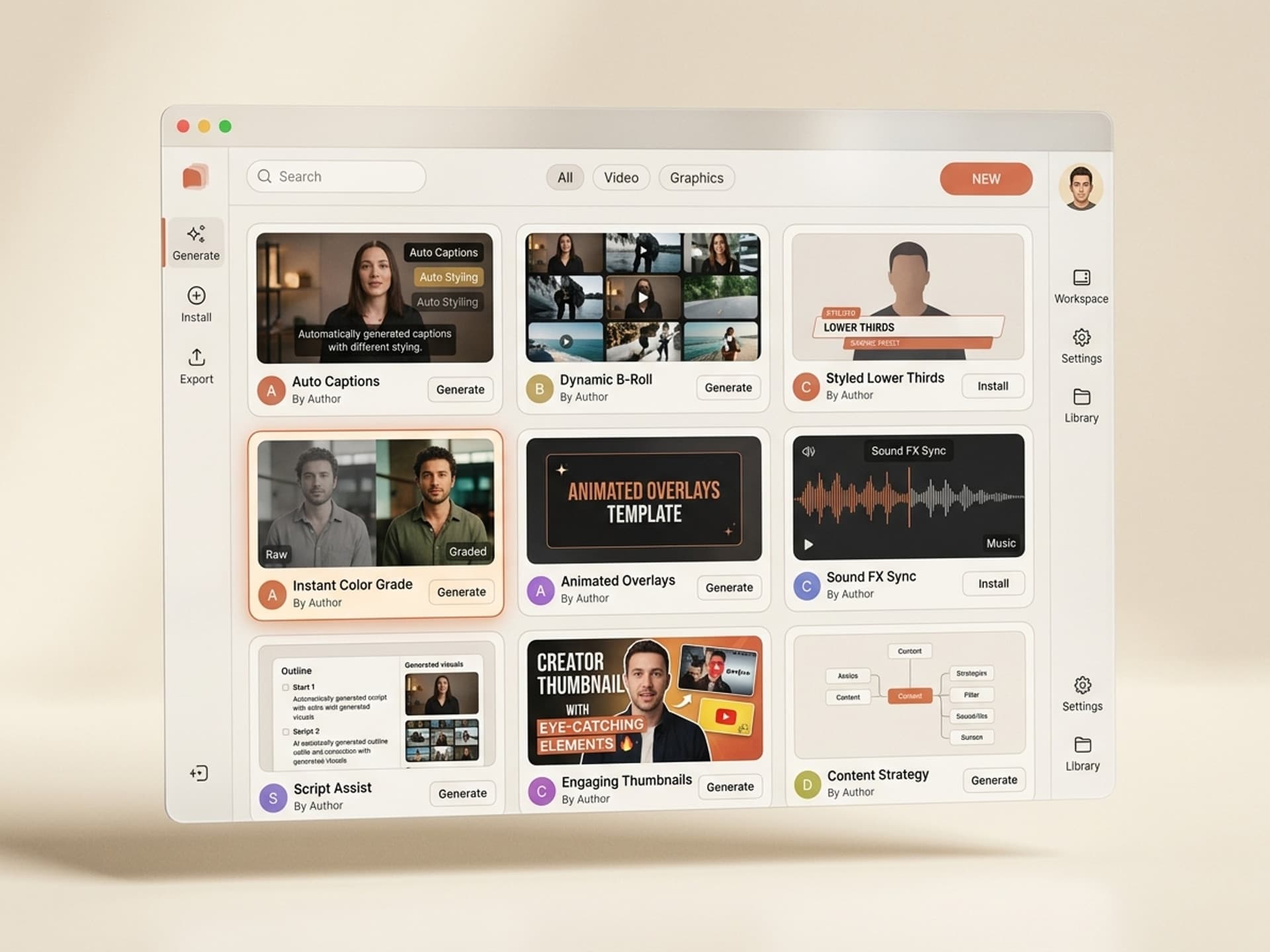
The Video Content category on Vibe Skills ships ready-to-install skills for every layer above. Each one is built by a working video editor or motion designer with shipping experience on YouTube channels, courses, or B2B sales orgs.
| Skill | Best for | Output | Browse |
|---|---|---|---|
| Talking Head Silence Cut | YouTubers, podcasters | Auto-trimmed timeline, 30 - 50% shorter | Vibe Skills |
| Caption Style Pack | Creators, course makers | Styled captions, branded fonts, position presets | Vibe Skills |
| B-Roll Suggest | Educators, commentators | Timed B-roll cues with stock footage links | Vibe Skills |
| Lower Thirds Generator | Interviewers, B2B sellers | Animated name plates, citation cards, key points | Vibe Skills |
| Color and Audio Polish | Anyone shooting at home | LUT applied, skin tones balanced, music ducked | Vibe Skills |
Over 30 video skills per category. All included in a Vibe Skills subscription.
Browse the Video Content category on Vibe Skills →
Why these 5 specifically? Because they cover the 80% of editing time that is repeatable. Cuts, captions, B-roll, titles, polish. The 20% that remains (story structure, comedic timing, narrative pacing) is where you should spend your creative energy.
Edit a 10 Minute Talking Head Video in 30 Minutes: The Workflow
Here is the actual workflow that takes you from raw footage to publish-ready in under 30 minutes. Follow the steps in order, do not skip layers.
Step 1: Pick the right skill on Vibe Skills
Open the Video Content category and install the Talking Head Bundle (silence cut + captions + B-roll + lower thirds + color/audio). One install covers all 5 layers. Total time: 2 minutes.
Step 2: Drop your raw take into your editor
The skills work with Descript, Premiere Pro, DaVinci Resolve, Final Cut Pro, and CapCut. Import the raw take (single camera, single audio track is fine). Total time: 1 minute.
Step 3: Run the silence cut pass
Activate the Talking Head Silence Cut skill. It scans the audio, detects silences over 0.5 seconds and filler words ("um", "uh", "like"), and trims them. Review the auto-trim, undo any aggressive cuts. Your 12 minute take is now 9 minutes. Total time: 5 minutes.
Step 4: Generate captions with brand styling
Run the Caption Style Pack. It transcribes the audio, times each word, and applies your saved brand preset (font, color, position). Spot-check 3 random sections for accuracy. Total time: 6 minutes.
Step 5: Insert B-roll suggestions
Run B-Roll Suggest. It scans the transcript for concrete nouns ("dashboard", "report", "graph", "Stripe") and proposes overlays at the right timestamps. Accept the ones that fit your style, skip the rest. Total time: 5 minutes.
Step 6: Add lower thirds and titles
Run Lower Thirds Generator. It pulls your name + role from your brand preset and generates an intro card, key point cards (1 per major section), and a citation card if you mentioned a source. Total time: 4 minutes.
Step 7: Apply color and audio polish
Run Color and Audio Polish. It applies your saved LUT, balances skin tones against the video's white balance, ducks the music bed under your voice, and boosts vocal clarity. Total time: 4 minutes.
Step 8: Final review and export
Scrub the timeline, check transitions, add the music intro/outro stinger, export. Total time: 3 minutes.
Total: 30 minutes. Your 10 minute talking head video is ready to publish.
Manual vs AI Skill Workflow: Side by Side
Here is the time and cost comparison for a creator publishing 2 talking head videos per week.
| Metric | Manual editing | AI skills (Vibe Skills) |
|---|---|---|
| Time per 10 min video | 5 - 7 hours | 30 minutes |
| Weekly editing time (2 videos) | 10 - 14 hours | 1 hour |
| Yearly editing time | 520 - 730 hours | 52 hours |
| Annual cost (DIY editor at $30/hr equivalent) | $15,600 - $21,900 | $348/yr (Pro plan) |
| Quality consistency | Variable (depends on energy) | Consistent (skill-driven) |
| Learning curve | 6 - 12 months | 1 day |
A Vibe Skills Pro subscription pays back in the first 3 hours of editing time saved. For creators publishing weekly, that is the first video of the year.
Frequently Asked Questions
Descript vs Premiere Pro: which one works better with AI talking head skills?
Both work, but the answer depends on your workflow. Descript is text-based editing - cut by deleting words from a transcript. Premiere Pro is timeline-based with deeper color and audio tools. Vibe Skills video skills run in either, plus DaVinci Resolve, Final Cut Pro, and CapCut. Browse video skills and pick the one that matches your editor.
Are captions necessary for talking head videos?
Yes. 85% of social video plays happen with sound off (Verizon Media 2024) and YouTube ranks captioned videos higher in search. Captions are the single highest-ROI edit you can make. The Caption Style Pack on Vibe Skills generates them in 6 minutes with brand styling, instead of the 90 minutes manual takes.
How good is AI B-roll quality compared to hand-picked footage?
For 70% of B-roll moments (concrete nouns, generic concepts), AI B-roll suggestions match a human editor's quality. For the other 30% (specific brand mentions, in-jokes, callbacks), you still need a human eye. The B-Roll Suggest skill on Vibe Skills proposes options and lets you accept or skip per cue, so you stay in control.
Will AI editing make my videos look generic?
Only if you skip the brand presets. Every Vibe Skills video skill ships with brand variables (font, color, lower third style, LUT, music library). Set them once, then every output looks like your channel. Generic AI output happens when creators install a skill and skip the 5 minute brand setup. Browse the Video category to preview real branded outputs.
Can I use AI talking head skills for client work?
Yes. Vibe Skills includes a commercial license on all plans, so agencies and freelancers can ship client work built with skills. The Business plan ($300/mo) adds extended commercial licensing for teams up to 20 people, plus shared brand presets so every editor outputs consistent client work.
Do I still need an editor if I use AI skills?
For repetitive cuts and styling, no. For story structure, comedic timing, and narrative pacing, yes. Most creators using Vibe Skills cut their editor's hours by 70 to 80% instead of firing them entirely. The editor focuses on the creative 20% and the AI handles the manual 80%.
How much does this cost compared to hiring a video editor?
A freelance video editor charges $30 to $80/hr for talking head edits. A monthly retainer for 2 videos a week runs $1,200 to $4,000/mo. Vibe Skills Pro is $39/mo (or $29/mo on annual). If you publish even one video per week, the math is unambiguous - the AI skills route saves you four-figure dollars per month.
The Bottom Line: Stop Editing, Start Publishing
Talking head is the highest-ROI video format on the internet. The bottleneck is editing time, not creative ideas. AI skills compress 6 hours of repetitive post-production into 30 minutes of focused work, so you publish 2 videos a week instead of struggling to ship one.
Vibe Skills packages the full talking head workflow as one-click skill installs - silence cuts, captions, B-roll, lower thirds, color and audio polish - built by working video editors who ship on YouTube, courses, and B2B channels every week.
Pick your editor (Descript, Premiere Pro, DaVinci Resolve, Final Cut Pro, CapCut), install the Talking Head Bundle, and edit your next video in 30 minutes instead of 6 hours.
Browse talking head video skills on Vibe Skills →
Skip the 6 hour editing marathon. Install a talking head video skill on Vibe Skills and publish your next video in 30 minutes.