

Tirohia ngā rau mahi ā-AI kua oti te whakarite mō Claude, Cursor, me ētahi atu.
Canva vs Figma vs Vibe Skills: The Honest Comparison for Non-Designers in 2026
Short answer: Canva is a drag-and-drop design app stuffed with templates and AI tools. Figma is a professional design tool built for UI/UX work and product teams. Vibe Skills is a marketplace of AI skills that generate finished visuals on demand against your brand. Three layers of the visual stack, three different questions.
This is a non-defensive comparison. Vibe Skills is on the list, but Canva and Figma aren't direct competitors. Canva is what you reach for to drag a logo onto a template and ship in 5 minutes. Figma is what your product designer opens to wireframe a SaaS dashboard. Vibe Skills is what you install when you want a fresh, brand-tuned visual generated for every new project across 10 visual categories. The right pick depends on which of those three jobs you're doing.
| Tool | Pricing | What you actually buy | Best for |
|---|---|---|---|
| Canva | $15/mo Pro ($120/yr) | Drag-and-drop editor + 5M+ templates + Magic Studio AI | Non-designers shipping social posts, decks, flyers fast |
| Figma | $16/mo Full seat (Pro annual) | Pro design tool + prototyping + Dev Mode | Product designers, UI/UX teams, dev handoff |
| Vibe Skills | $39/mo Pro | AI skills that generate fresh visuals across 10 categories | Brand-fit visuals at scale across many channels |
Tirohia ngā rau mahi ā-AI kua oti te whakarite mō Claude, Cursor, me ētahi atu.
How These Three Operate at Different Layers
Most "Canva vs Figma" articles treat them as substitutes. They aren't. Add Vibe Skills and it gets even less apples-to-apples.
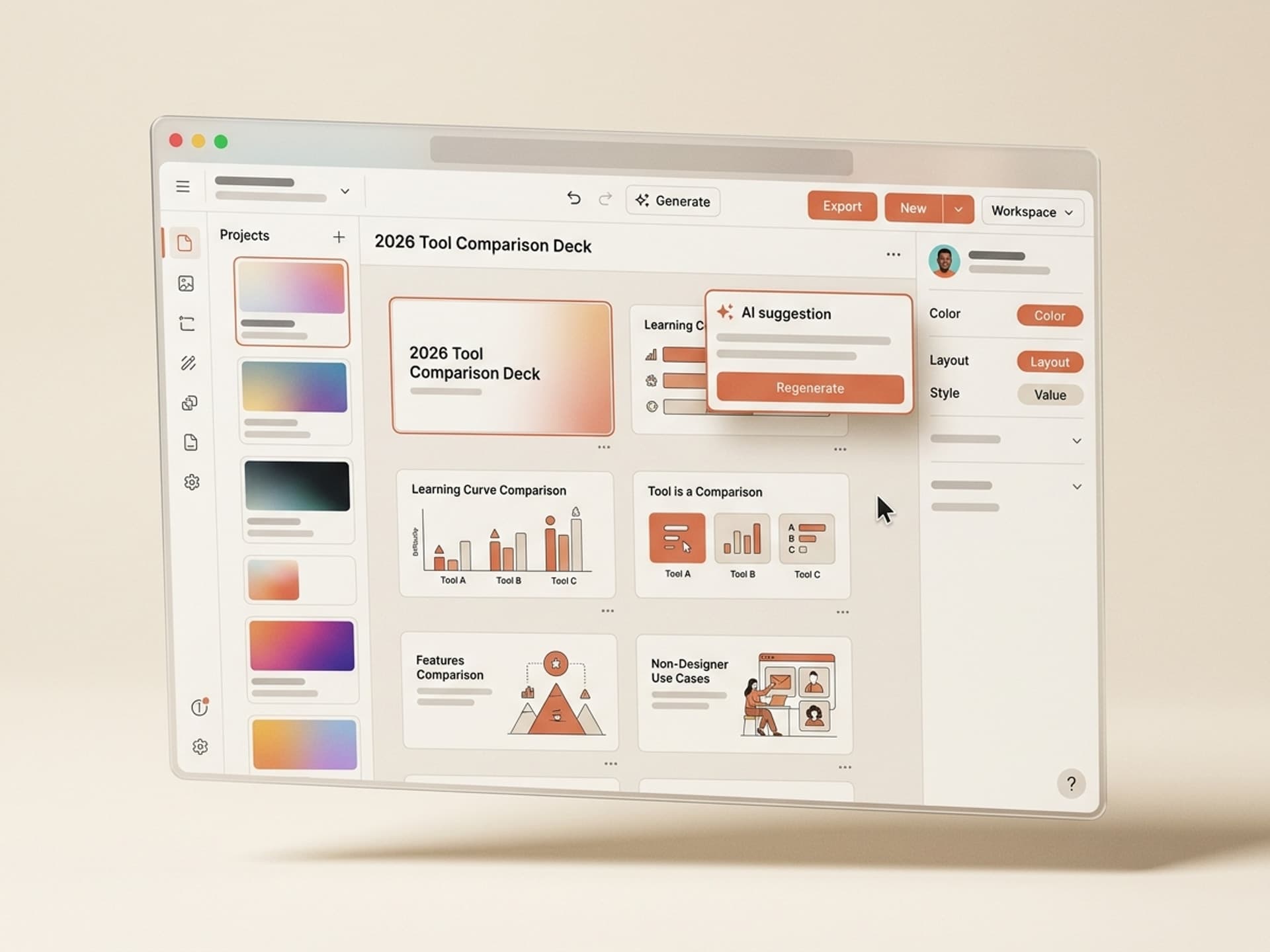
- Canva is a design app. Open a canvas, drag a template in, swap text and photos, export. Magic Studio adds AI features (resize, background removal, image generation, writing help) but the core loop is still you hand-editing in a WYSIWYG editor.
- Figma is a design tool. Industry standard for UI/UX, product design, design systems. You build components, wire prototypes, run reviews, hand off specs to developers via Dev Mode. The output is a screen, a flow, a component library.
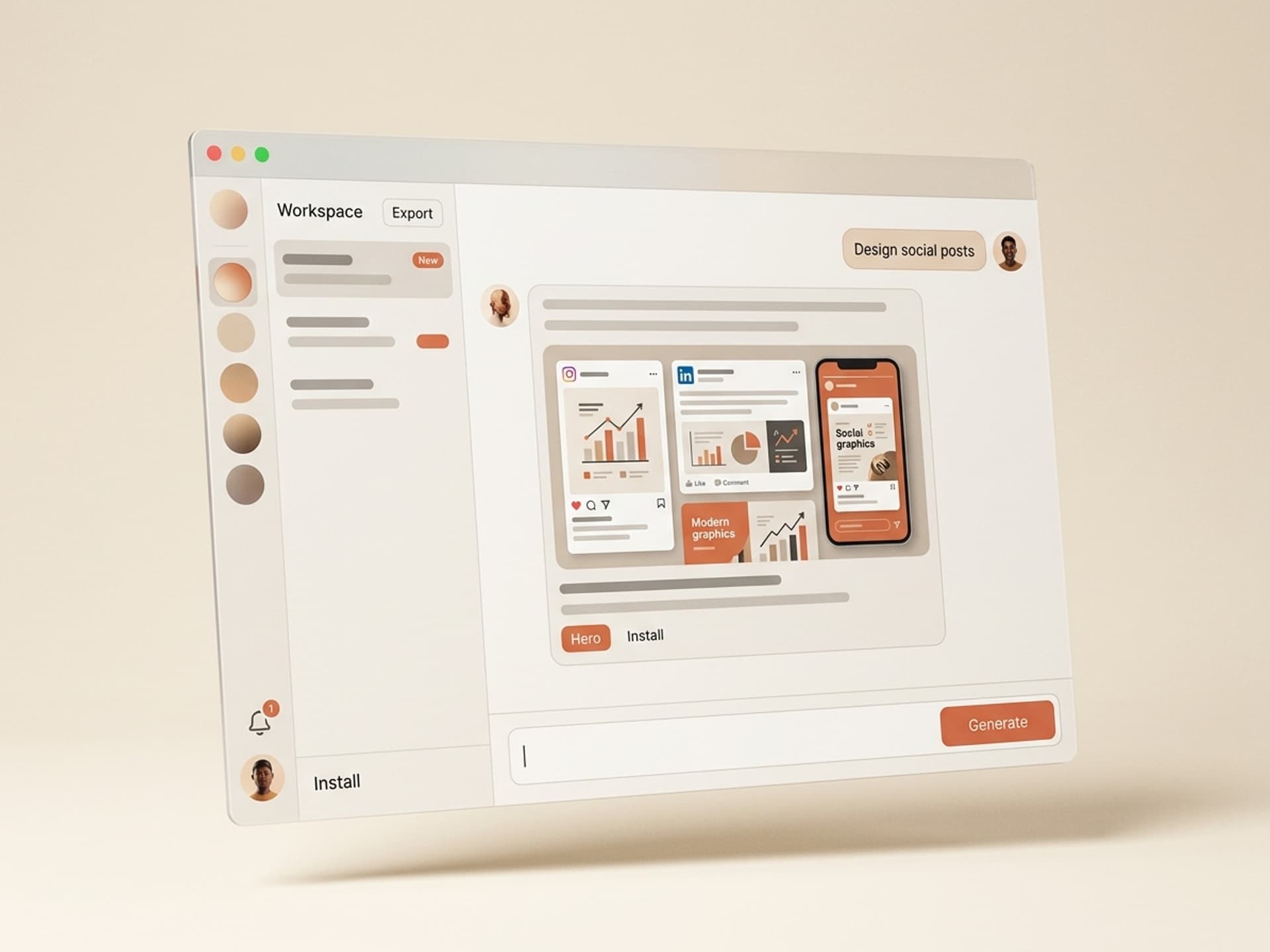
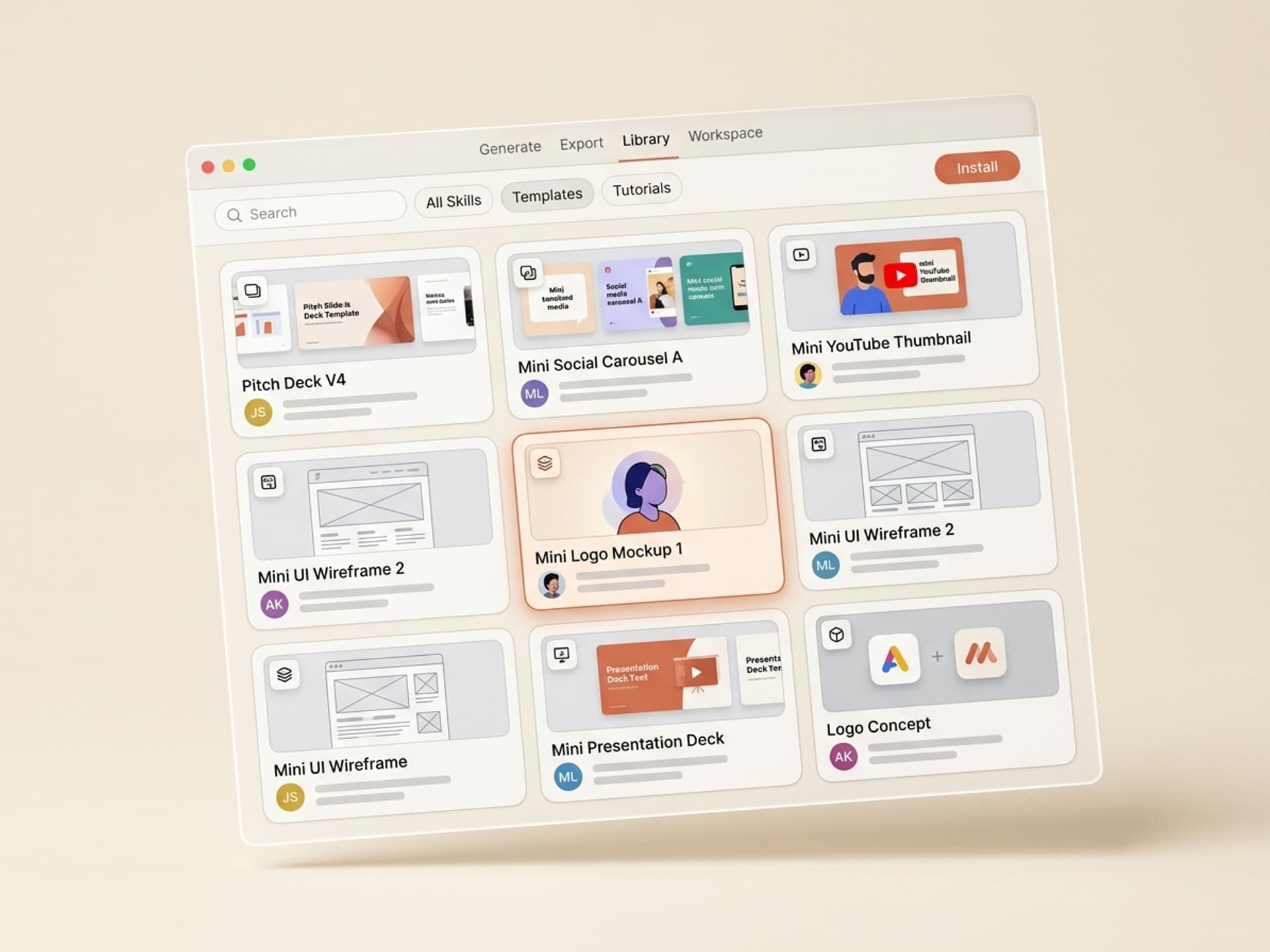
- Vibe Skills is an AI workflow marketplace. No canvas. You install a skill (a packaged AI workflow for one kind of visual: a pitch deck, a YouTube thumbnail, a SaaS landing page mockup, a 3D product hero) and it generates the output, brand-tuned, every time.
Three different jobs:
- "Drag stuff around a canvas" = Canva
- "Design a product or component system" = Figma
- "Generate fresh on-brand visuals per project" = Vibe Skills
Small business owner shipping a flyer? Figma is overkill, Vibe Skills the wrong layer - Canva wins. Product designer at a SaaS company? Canva too shallow, Vibe Skills not your day job - Figma wins. Marketer producing assets across 5 channels weekly? Both Canva and Figma cap at "you, doing the work" - Vibe Skills moves the work to the AI.
Tirohia ngā rau mahi ā-AI kua oti te whakarite mō Claude, Cursor, me ētahi atu.
Canva: The Drag-and-Drop King for Non-Designers
Canva is the easiest design app on the market for non-designers. $15/month Pro (or ~$10/month annually at $120/year) gives you 100GB storage, Brand Kit, Background Remover, Magic Resize, and full access to 5M+ premium templates and the Magic Studio AI suite. (Source: Canva pricing)
Where Canva genuinely wins
- Zero learning curve - if you can use Google Docs, you can use Canva. Day-one onboarding asks what you want to make and serves a wall of relevant templates.
- Massive template library - over 5M templates on paid plans (2.2M free). Whatever you're making, there's a starting point.
- Magic Studio AI - 25+ AI features baked into the editor: Magic Design, Magic Write, Magic Media, Magic Edit, Magic Grab, Magic Expand, and Magic Layers (March 2026) which reverse-engineers a flat PNG into editable layers. (Source: Canva Magic Studio)
- Teams pricing is a steal - $10/seat/month annual (min 2 seats) is cheaper per person than Pro and adds shared brand controls.
- One app, many surfaces - social, video, decks, flyers, mugs, t-shirts, business cards.
Where Canva struggles
- Same template, many users - 5M templates sounds great until you see a competitor's Instagram post built from the same starter as yours.
- Not a real product design tool - vector editing, prototyping, design systems, and dev handoff are all weak vs Figma. Don't build a SaaS UI in Canva.
- AI is helpful but bolted on - Magic Studio speeds up sub-steps inside the editor; it doesn't replace the drag-and-drop loop. You're still doing the design work.
- Brand consistency depends on you - Brand Kit helps, but every design starts from a generic template you have to manually pull onto your colors and fonts.
Best for: small business owners, social media managers, teachers, real estate agents, and anyone who needs to ship a usable design fast without learning Figma. Shipping 3-5 social posts a week and a deck a month? Canva Pro is hard to beat at $15/month.
Figma: The Pro Design Tool (Not Really for Non-Designers)
Figma is the industry standard for UI/UX and product design. 2026 Professional plan pricing splits across three seat types: Collab at $3/month, Dev at $12/month, Full at $16/month (annual billing). Dev Mode is now bundled into Professional. (Source: Figma pricing)
Where Figma genuinely wins
- Professional-grade design tool - vector networks, auto-layout, variables, components, design tokens, design systems at scale.
- Real-time multiplayer - the original "Google Docs for design." Comment, review, hand off, all in one canvas.
- Prototyping - clickable, animated prototypes that users can test. Canva has nothing comparable.
- Dev Mode bundled in Pro - developers read design tokens, copy CSS / Swift / Compose code, and pull spec measurements straight from the canvas.
- Figma AI - layer auto-rename, image edits, FigJam sticky summaries, slide tone tweaks. AI credits are metered (March 2026); heavy users buy credit packs at $120-240/month.
- FigJam for whiteboarding - same multiplayer experience for brainstorming, retros, journey maps.
Where Figma struggles
- Steep learning curve - 10-20 hours of training per person is the typical onboarding cost. The first day with a vector tool is overwhelming.
- Not built for fast one-off social posts - you can do an Instagram graphic in Figma, but it'll take 4x longer than in Canva.
- 300+ templates vs Canva's 5M+ - the community library is great for UI kits, not for a quick flyer.
- Per-seat pricing adds up - five Full seats at $16/month is $80/month before Dev Mode credits or AI credit packs.
Best for: UI/UX designers, product designers, frontend engineers, and design system maintainers shipping apps, SaaS, websites. If your output is a screen, a flow, or a component, Figma is the right answer. If your output is a flyer or an Instagram post, you're swatting flies with a sledgehammer.
Vibe Skills: AI Skills That Generate Fresh Visuals Per Project
Vibe Skills is a marketplace of installable AI skills that produce on-brand visuals on demand. $39/month Pro unlocks every skill across 10 visual categories: presentations, social media visuals, video, thumbnails, motion graphics, web and UI, email, browser games, AI personas, interactive 3D. Generate as many outputs as you want, all unique, all brand-tuned. See plans at vibeaiskills.com.
Where Vibe Skills genuinely wins
- Brand-fit by default - skills ingest your colors, fonts, logo, and tone once, then bake them into every output.
- Fresh visuals every run - no template lottery. Two creators using the same skill on the same brief get two different finished pieces, both on-brand.
- Whole stack of visual outputs in one subscription - board update deck, YouTube thumbnail, SaaS landing page, Three.js product configurator.
- Built for non-technical creators - no canvas, no auto-layout, no Bezier handles. Install a skill, give it a brief, ship the output.
- Creators earn 30% of gross revenue - every skill author gets paid monthly via a download-pool model, so the best designers keep shipping new skills.
Where Vibe Skills loses (honest)
- Not a replacement for Canva's editor - if you need to nudge a graphic 4px left and shrink the headline 2pt, Canva is faster. AI skills generate; they don't fine-tune pixels.
- Not a replacement for Figma's product workflow - design systems, prototypes, dev handoff are Figma's job. Vibe Skills can mock the landing page; it can't run design ops.
- Requires comfort with AI tools - if you hate working with Claude / Cursor / ChatGPT and just want to drag stuff around, Canva's the simpler buy.
- Newer ecosystem - review history doesn't yet match Canva's 12+ years or Figma's decade.
Best for: marketers, founders, content teams, freelancers, and agencies who need brand-consistent visuals across many channels - and would rather install a workflow than redesign every asset from scratch.
Side-by-Side Feature Matrix
The TL;DR table covered the basics. Here's the granular look.
| Feature | Canva | Figma | Vibe Skills |
|---|---|---|---|
| Primary use case | Drag-and-drop graphics + decks | UI/UX + product design | AI-generated visuals across categories |
| Entry price | Free / $15 Pro | Free / $16 Full seat | $39 Pro |
| Top tier | $10 Teams seat | $90 Enterprise | $300 Business (20 seats) |
| Core model | Drag-and-drop editor | Vector design tool | AI skill generator |
| Templates | 5M+ premium | 300+ community + UI kits | N/A - skills generate outputs |
| Asset uniqueness | Same template, many users | Build from scratch | Fresh output per project |
| Brand integration | Brand Kit (manual) | Variables + design tokens | Native (ingested) |
| AI features | Magic Studio (25+ tools) | Figma AI (metered credits) | All output is AI-generated |
| Learning curve | Low (hours) | High (10-20 hours per person) | Low (install + brief) |
| Real-time collab | Yes (Teams) | Yes (multiplayer canvas) | N/A - workflows, not canvases |
| Prototyping | Limited | Industry standard | Out of scope |
| Dev handoff | None | Dev Mode bundled in Pro | Exports to Figma / PowerPoint / HTML |
| Best volume scenario | 5+ posts per week | Continuous product work | Multi-channel brand work |
| Worst-fit scenario | Building a SaaS UI | One-off Instagram post | Pixel-nudging a finished graphic |
Which Should You Pick?
No universal winner. Match your situation to the row.
| Your situation | Pick this |
|---|---|
| You ship social posts, flyers, simple decks fast (teacher, agent, small biz) | Canva Pro |
| You design a SaaS app, mobile app, or a complete design system | Figma (Dev Mode bundled in Pro) |
| You're a startup with one designer and 4 engineers | Figma (Full seat for designer + Dev seats for engineers) |
| You're a marketer producing visuals across 4+ channels every week | Vibe Skills |
| You're a founder who needs investor, sales, and board decks on tap | Vibe Skills (presentations) |
| You're a content team running 30+ Instagram carousels per month | Vibe Skills (social media visuals) |
| You build landing pages, dashboards, configurators - want fast brand-fit mockups | Vibe Skills (web and UI design) |
| You already use Canva and Figma but you're hand-cranking every asset | Add Vibe Skills for fresh outputs without redesigning |
The honest meta-answer: most teams end up using two of the three. Canva for fast graphics + Figma for product is the standard setup. Adding Vibe Skills replaces "we hand-crank every social asset" with "we generate fresh, on-brand visuals at AI speed." It doesn't kill the other two; it moves the bottleneck.
Where Vibe Skills Fits in Your Stack (Use Alongside Canva and Figma)
Vibe Skills isn't a replacement for Canva or Figma. It's a different layer of the visual production stack and the three coexist cleanly:
- Reach for Canva when you need a one-off graphic edited by hand right now: a flyer, an event poster, a business card, a last-minute Instagram story, custom merch.
- Reach for Figma when the output is a screen, a component, a prototype, or a spec for engineering: SaaS UI, mobile app, design system, dev handoff.
- Reach for Vibe Skills when you need fresh, on-brand visuals at volume across categories: investor decks, social carousels, YouTube thumbnails, landing page mockups, email layouts, motion graphics, browser games, AI personas, interactive 3D.
The 10 Vibe Skills categories at a glance
| Category | Example skills | Browse |
|---|---|---|
| Presentations | Investor Pitch, Sales Deck, Board Update | /category/presentations |
| Social Media Visuals | Instagram Carousel, LinkedIn Doc, Reels Cover | /category/social-media-visuals |
| Video Content | YouTube Storyboard, Shorts, Demo Script | /category/video |
| Thumbnails & Cover Art | YouTube Thumbnails, Podcast Covers | /category/thumbnails-covers |
| Motion Graphics | Logo Reveals, Lower Thirds, Kinetic Typography | /category/motion-graphics |
| Web & UI Design | Landing Pages, App Screens, Dashboards | /category/web-ui |
| Email & Newsletter Design | Transactional Email, Newsletter Layouts | /category/email-newsletters |
| 3D Games | Playable browser games via Three.js | /category/3d-games |
| AI Influencers | Identity kits (face, voice, content) | /category/social-media-visuals |
| Interactive 3D | Product configurators, 3D heroes | /category/interactive-3d |
Every category in one Vibe Skills subscription. Catalog growing weekly.
Browse the full Vibe Skills catalog on vibeaiskills.com →
Frequently Asked Questions
Can Vibe Skills replace Canva entirely for a small business?
For most small businesses, no - and we'd say so even if it cost a sale. Canva is right for last-minute, hand-edited graphics. Vibe Skills replaces the bigger, repetitive workflows: monthly social calendars, pitch decks, landing page mockups, YouTube thumbnails. Many teams run both: Canva for touch-ups, Vibe Skills for fresh outputs across categories at scale.
Can I use Figma for landing pages instead of Vibe Skills?
Yes, but you're doing the design work yourself. Figma is right when you need a pixel-perfect, custom page tied into your design system. Vibe Skills is right when you need a brand-fit landing page mockup in 10 minutes and you don't have a designer on staff. Use Figma when the page matters to your design system; use Vibe Skills when you need 5 marketing-page mockups by Friday.
Is Vibe Skills good for client work and agencies?
Yes - one of the strongest use cases. Agencies running 5+ client brands hit the same wall in Canva and Figma: every brand needs its own templates and someone has to maintain them. Vibe Skills lets you load each client's brand into a skill once, then regenerate fresh on-brand outputs across all 10 categories. The Business plan ($300/month) supports up to 20 team members. See pricing.
How does Magic Studio compare to Vibe Skills?
Magic Studio is a set of AI features built into the Canva editor that speed up specific steps inside the drag-and-drop workflow. Vibe Skills is a different model: install a complete AI workflow that produces a finished visual end-to-end, instead of speeding up sub-steps inside an editor. Magic Studio is "Canva but faster." Vibe Skills is "skip the editor; install the workflow."
How does Figma AI compare to Vibe Skills?
Figma AI accelerates designer workflows inside Figma (layer renaming, image edits, slide tone tweaks, sticky summaries). The features are good, but they assume you're already a Figma designer on the canvas. Vibe Skills doesn't assume that - install a skill and run it. Figma AI is a designer accelerator. Vibe Skills is a non-designer enabler.
Will Canva or Figma kill Vibe Skills?
Different layer of the stack. Canva keeps adding AI to its editor; Figma keeps extending Dev Mode and design systems. Neither replaces a marketplace of installable, brand-tuned AI workflows spanning pitch decks, thumbnails, motion graphics, web UI, and 3D games in one subscription. The three coexist - same way Slack didn't kill email and Notion didn't kill Google Docs.
Which one has the lowest learning curve?
Canva is the easiest design app to learn (hours, not days). Vibe Skills is similarly low-friction because there's no canvas - install a skill and brief it like a freelancer. Figma is the steepest; expect 10-20 hours per person to get fluent. For non-designers, Canva and Vibe Skills are roughly tied on time-to-first-output; Figma is the outlier.
The Final Verdict (Depends on User Type)
There is no single winner. Three honest recommendations:
- Non-designer who drags templates and ships fast → Canva Pro at $15/month. The template library and Magic Studio make it the highest-leverage tool for solopreneurs, social managers, teachers, and small businesses.
- Design products, apps, or design systems for a living → Figma. The Pro plan with Full seats at $16/month and bundled Dev Mode is the industry standard for a reason.
- Produce visuals across multiple channels at brand-fit quality → Vibe Skills Pro at $39/month covers 10 visual categories with AI skills that regenerate per project, ingest your brand, and never produce the same output twice.
Most creators run two of the three - and increasingly, all three. Canva for touch-ups. Figma for the product. Vibe Skills for the high-volume brand work that used to eat your week.
Start with Vibe Skills today on vibeaiskills.com →
Three tools, three jobs, one stack. Pick the right one on vibeaiskills.com and stop forcing one tool to do all three.