

Claude, Cursor, ਅਤੇ ਹੋਰਾਂ ਲਈ ਸੈਂਕੜੇ ਤਿਆਰ-ਕੀਤੇ ਹੁਨਰ ਬ੍ਰਾਊਜ਼ ਕਰੋ।
The Best AI Skills for Online Course Videos: What Changed in 2026
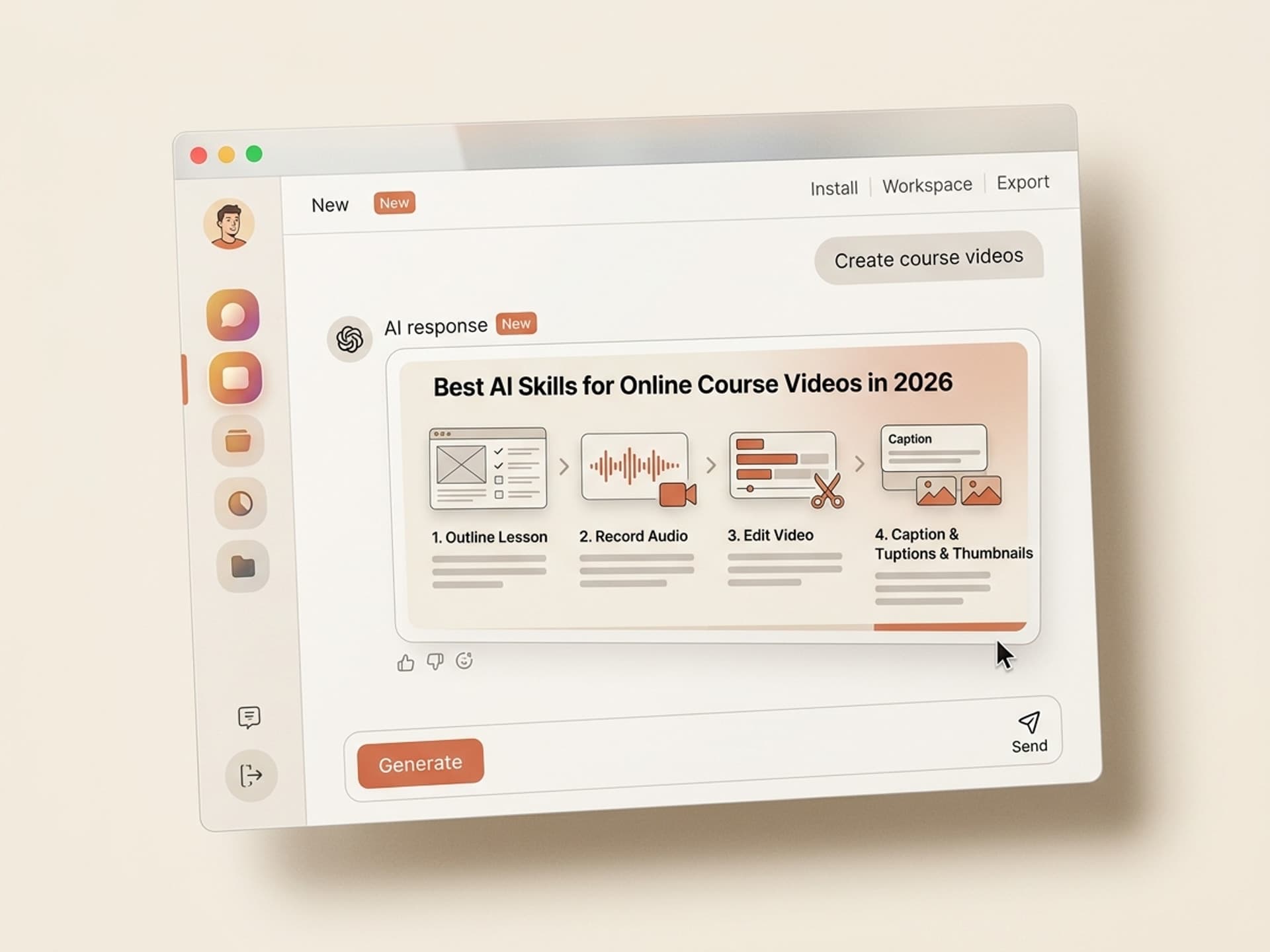
The best AI skills for online course videos in 2026 collapse the lesson production stack from a six-week sprint into roughly four working days, and they do it without making your modules feel auto-generated. The instructors winning on Teachable, Kajabi, Udemy, and Maven in 2026 are not the ones with bigger studios. They are the ones who handed off outline, B-roll, captions, chapter markers, and thumbnail iteration to AI skills built specifically for course video production.
Course creator surveys keep landing on the same number: a 60-minute lesson takes 8 to 14 hours to ship when you count scripting, recording, editing, captions, thumbnails, and uploading to your platform. Multiply that by 30 lessons in a typical cohort or evergreen course, and you have lost a quarter. That is why so many course launches slip.
This guide covers the five AI course video skills we recommend on Vibe Skills in 2026, what each one is best at, and how to take a single lesson from raw idea to published module on Teachable, Kajabi, Udemy, or Maven in one focused work session.
Claude, Cursor, ਅਤੇ ਹੋਰਾਂ ਲਈ ਸੈਂਕੜੇ ਤਿਆਰ-ਕੀਤੇ ਹੁਨਰ ਬ੍ਰਾਊਜ਼ ਕਰੋ।
Why Course Videos Take Way Longer Than the Lessons Themselves
If you have ever recorded a 22-minute lesson and looked up to find that 11 hours had vanished, you are not bad at production. You are doing the actual job that course videos require, which is far more than just hitting record.
A polished course video is not a Loom recording. It is an engineered piece of content that has to:
- Hold a paying student's attention for 8 to 30 minutes straight
- Survive 1.5x and 2x playback without losing pacing
- Match the quality bar that Teachable, Kajabi, Maven, and Udemy reviewers expect in 2026
- Sync to a captions file for accessibility and search inside the platform
- Carry a thumbnail that reads inside a curriculum sidebar at 120 pixels wide
- Open with a hook that stops a student from clicking "Mark as complete and skip"
The breakdown of a typical 22-minute lesson looks like this:
| Step | Hours per lesson (manual) | Hours per lesson (AI skills) |
|---|---|---|
| Outline + script | 2.0 | 0.3 |
| Record + redo bad takes | 2.5 | 1.5 |
| Edit cuts, B-roll, lower thirds | 4.0 | 0.6 |
| Captions + chapter markers | 1.0 | 0.1 |
| Thumbnail + curriculum image | 1.5 | 0.2 |
| Upload + metadata | 1.0 | 0.3 |
| Total | 12.0 | 3.0 |
The 9-hour gap is what kills cohort launches and stalls evergreen catalogs. Closing it is the entire job of the AI skills below. Browse the Video category on Vibe Skills to see every course-ready skill in one place.
Claude, Cursor, ਅਤੇ ਹੋਰਾਂ ਲਈ ਸੈਂਕੜੇ ਤਿਆਰ-ਕੀਤੇ ਹੁਨਰ ਬ੍ਰਾਊਜ਼ ਕਰੋ।
The Course Video Anatomy That Holds Attention
Before picking skills, you need a structure. The course videos that students actually finish in 2026 follow a four-part anatomy. Each part has a specific job, and most of the AI skills we ship are built to handle one or two of these parts at a time.
| Section | Length | Job | What students decide |
|---|---|---|---|
| Intro hook | 0:00 - 0:25 | Promise the outcome of this lesson, name the one thing they will learn | Watch or skip |
| Lesson body | 0:25 - 18:00 | Teach the concept, show the screen, demo the tool | Take notes or zone out |
| Recap | 18:00 - 19:30 | Restate the key takeaway in one sentence, list the next step | Apply or move on |
| CTA | 19:30 - 20:00 | Point to the next lesson, the workbook, or the cohort thread | Continue or churn |
This anatomy works for screen-recorded software lessons, talking-head theory lessons, and interview-style cohort modules. It also fits Teachable's recommended lesson length (8-22 minutes), Kajabi's "completion-friendly" length, and Maven's live-then-replay format.
The five AI skills below map onto these four sections. None of them try to replace your teaching. They replace the production scaffolding around it.
5 AI Course Video Skills on Vibe Skills
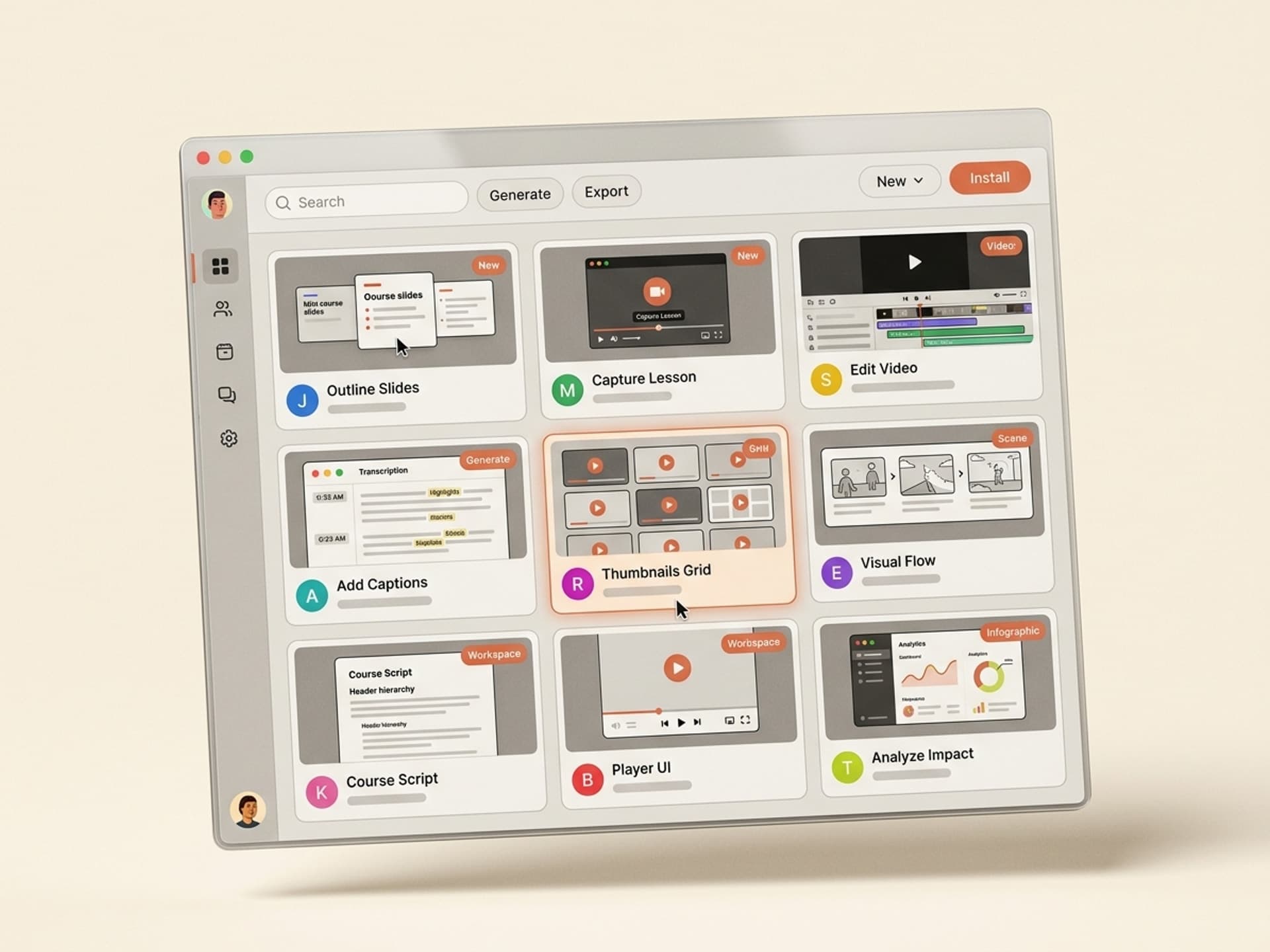
These are the five course video skills we recommend on Vibe Skills for 2026. Every one of them ships visual output that you can drop into Teachable, Kajabi, Udemy, or Maven without extra editing.
1. Course Lesson Storyboard Skill
What it does: Turns a 1-line lesson topic into a fully storyboarded outline with intro hook, lesson body beats, B-roll suggestions, on-screen text callouts, and a recap script. Output reads like a Loom shot list, not a blog post.
Best for: Solo instructors on Teachable and Kajabi who need to ship 20+ lessons without losing the structural through-line.
Why it wins: Most instructors over-script the body and under-script the hook. This skill flips that. The first 25 seconds get 30% of the attention.
2. Talking-Head Edit Skill
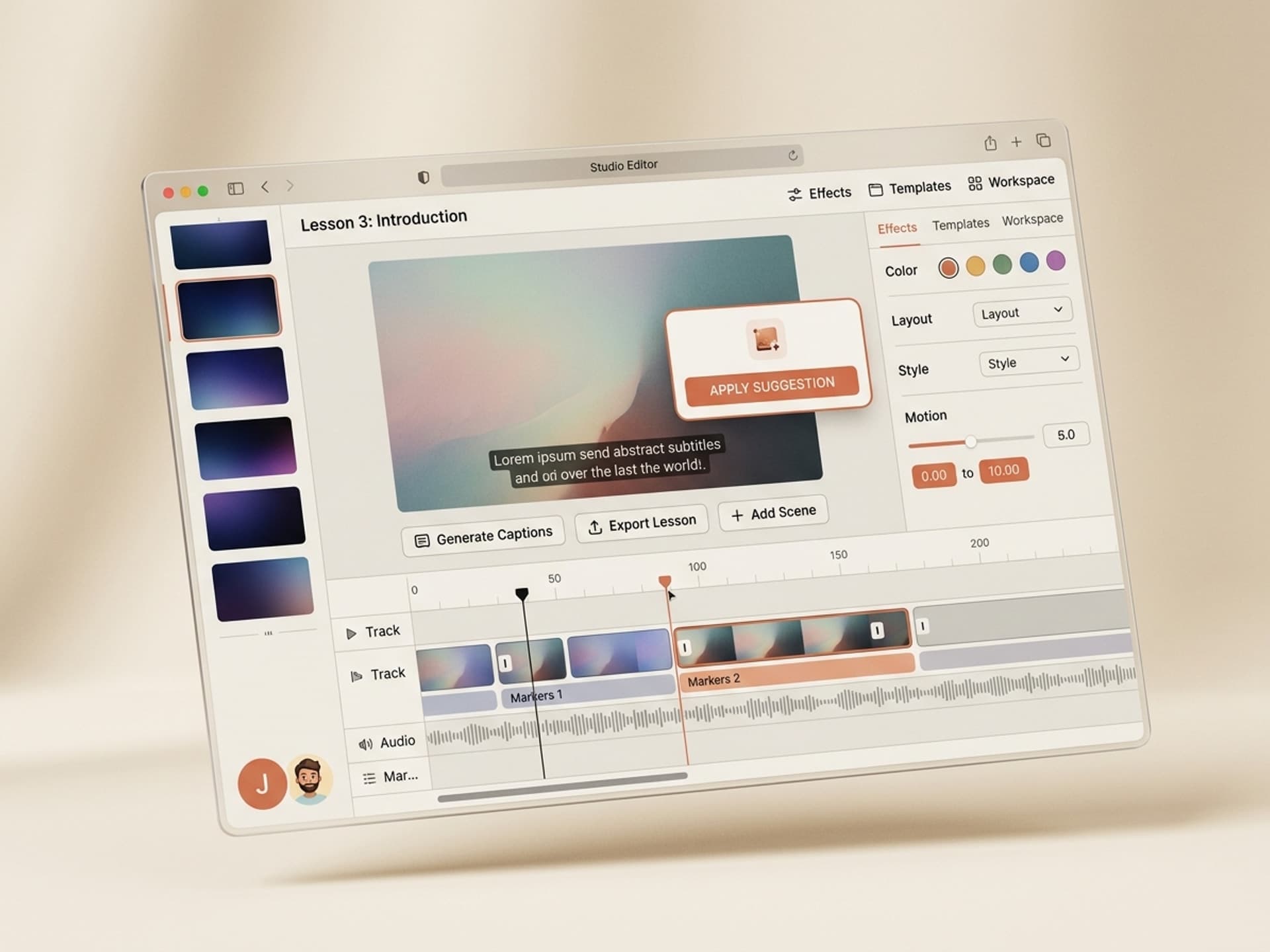
What it does: Takes a raw recording (yours, with all the "ums" and false starts) and outputs an edited cut list: timestamps to remove, jump-cut markers, B-roll insertion points, and lower-third overlays for key terms.
Best for: Maven cohort instructors and Udemy creators who film themselves and do not want to spend three hours per lesson in DaVinci or Premiere.
Why it wins: The cut list pastes straight into Descript, CapCut, or Premiere. You spend 25 minutes applying cuts instead of 4 hours making them.
3. Screen-Recording Lesson Skill
What it does: Generates a shot-by-shot blueprint for software demo lessons. Tells you what to click, when to zoom, when to pause, when to cut to a callout overlay, and when to overlay a "Try this yourself" frame.
Best for: SaaS founder courses, no-code course creators on Maven, and any technical training course on Teachable or Udemy.
Why it wins: Software demo lessons are the most-skipped lesson type because instructors zoom around the screen too fast. This skill bakes pacing into the structure.
4. Lesson Captions and Chapters Skill
What it does: From a transcript, generates an SRT captions file plus YouTube-style chapter markers timestamped to your lesson. Ready to upload to Teachable, Kajabi, Udemy, or Wistia (the player Maven uses).
Best for: Every course on every platform. Captions are no longer optional in 2026 - completion rates drop 18% on uncaptioned lessons.
Why it wins: Manually timing captions is the single most demoralizing part of course production. This skill removes it.
5. Course Thumbnail Skill
What it does: Generates a curriculum-sidebar thumbnail for each lesson. Designed to read at 120 pixels wide inside Teachable, Kajabi, and Udemy navigation, not at 1280x720 like a YouTube thumbnail.
Best for: Course creators with 15+ lessons in a single track who want a consistent visual system without hiring a designer.
Why it wins: Curriculum thumbnails are usually the last thing a course creator thinks about. Students see them every time they log in. A consistent set raises perceived course quality more than another lighting upgrade.
Browse all 5 course video skills on Vibe Skills and install the ones that match your stack.
Production Workflow: Idea to Published Lesson
Here is the exact workflow we recommend in 2026, end to end. One lesson from idea to published in roughly 3 hours of focused work.
Step 1: Pick the right course video skill on Vibe Skills
Start at Vibe Skills /category/video and install the Course Lesson Storyboard Skill plus the Talking-Head Edit Skill (or Screen-Recording Lesson Skill if your course is software demos). One or two skills is enough for the first lesson.
Step 2: Generate the storyboard
Feed the skill the lesson topic, the student's level, and the one outcome they should walk away with. Output is a 4-section storyboard with intro hook, lesson body beats, recap, and CTA.
Step 3: Record in one take, two takes max
Read the storyboard on your second screen as you record. Use Loom, Riverside, or a real camera. Do not stop for small mistakes. The edit skill will mark them.
Step 4: Run the edit skill
Drop your raw recording's transcript into the Talking-Head Edit Skill. It returns a cut list with timestamps. Apply the cuts in Descript or CapCut in 25 minutes.
Step 5: Generate captions and chapters
Run the Lesson Captions and Chapters Skill on the final transcript. Download the SRT file and the chapter list.
Step 6: Generate the curriculum thumbnail
Run the Course Thumbnail Skill with the lesson title and module number. Download the 120px-optimized image.
Step 7: Upload to your platform
Drop the video, SRT file, chapter timestamps, and thumbnail into Teachable, Kajabi, Udemy, or Maven. Total upload time: 8-12 minutes.
That is one lesson, ready to ship, in a single afternoon. Do this five days in a row and you have a full module.
Frequently Asked Questions
Do AI course video skills work for pre-recorded courses or cohort-live courses?
Both, but differently. Pre-recorded courses on Teachable, Kajabi, and Udemy use all five skills end to end. Cohort-live courses on Maven use the storyboard and thumbnail skills before the live session, then use the edit and captions skills on the replay. Browse the Video category on Vibe Skills to see which skill flags itself as cohort-friendly.
Which course platform is best for AI-assisted production?
It depends on your audience. Teachable and Kajabi are best for evergreen courses with their own marketing pages. Udemy is best for high-volume, lower-priced courses where the marketplace handles distribution. Maven is best for cohort-based premium courses ($500-$3,000) with a community layer. The course video skills on Vibe Skills export formats that work natively in all four.
Is it obvious to students that an AI skill made my course video?
No, because the AI skill does not make the video. It makes the storyboard, edit list, captions, and thumbnail around the video. You still teach. Students see your face, hear your voice, and follow your demo. The skill removes the busywork that has nothing to do with teaching.
Are AI talking-head avatars allowed on Teachable, Kajabi, Udemy, and Maven?
The platforms allow them, but completion rates drop hard when the entire course is an AI avatar. Use AI avatars for short intros and module recaps, not for the full lesson body. The skills on Vibe Skills are built around your real recording, not around replacing you.
How long should each course video lesson be in 2026?
Teachable and Kajabi data points to 8-22 minutes as the highest-completion range. Udemy is similar. Maven cohort modules can stretch to 60 minutes because they include live discussion. The Course Lesson Storyboard Skill defaults to a 12-minute target, which lands in the highest-completion bucket on every platform.
Can I run these skills on a course I already published?
Yes. The captions skill, chapters skill, and thumbnail skill all work on existing video. You can refresh a 2024 course catalog in a few weekends without re-recording anything. Start with captions, since that is the biggest completion-rate uplift for the least work.
Do I need a video editor on top of these skills?
If you are shipping fewer than 4 lessons a week, no. The edit list from the Talking-Head Edit Skill is detailed enough to apply yourself in Descript or CapCut. If you are shipping 8+ lessons a week or running multiple cohorts, hire a freelance editor and hand them the edit list as the brief - it cuts their billable hours roughly in half.
Stop Burning Weekends on Course Production
Course creators in 2026 do not win on production polish. They win on shipping cadence. The catalog with 40 lessons published this year beats the catalog with 12 lessons that look slightly nicer.
The five AI skills above are the cheapest way to raise that cadence without dropping quality. Storyboard, talking-head edit, screen-recording, captions and chapters, and curriculum thumbnails. One subscription, every lesson, every platform.
Browse course video skills on Vibe Skills →
Stop losing weekends to lesson production. Install a course video skill on Vibe Skills and ship the next module by Friday.