

د Claude، Cursor، او نورو لپاره په سلګونو چمتو شوي مهارتونه براوز کړئ.
Welcome Emails Open at 50% - Don't Waste the Moment
Welcome emails get 50% to 86% open rates - roughly 4x higher than any other email you'll ever send to that subscriber. This is the highest-attention moment of the entire customer relationship, and most brands burn it on a generic "Thanks for signing up!" plain-text note. The new subscriber opens, sees nothing visual, and bounces.
If you run growth at a SaaS, ecom store, or creator brand, the welcome email is the single most leveraged design surface you own. AI skills now generate brand-consistent welcome layouts (single email or full 5-email drip) in under an hour, so you stop sending plain text and start landing the first impression.
This guide covers the five AI welcome email skills we recommend on Vibe Skills in 2026, the open-rate data behind why this email matters more than your homepage, and the exact 1-hour workflow to ship your sequence.
د Claude، Cursor، او نورو لپاره په سلګونو چمتو شوي مهارتونه براوز کړئ.
Why Welcome Emails Are the Highest-Stakes Touch in 2026
Welcome emails average 50 - 86% open rates and 14% click rates - roughly 4x to 5x higher than the 19% average open rate for promotional email, according to 2024 - 2025 benchmark data from Klaviyo, GetResponse, and Omnisend. They also drive 320% more revenue per email than promotional sends, per Easy-Insights' SaaS welcome benchmarks.
Three numbers matter for anyone running lifecycle email in 2026:
- 74% of new subscribers expect a welcome email within minutes of signup. Miss the window and the brand impression cools fast.
- Welcome series convert 3x better than single welcome emails. A 5-email drip beats one fat email almost every time.
- Visual welcome emails get 27% higher click rates than plain-text - data from Litmus and Mailchimp's 2025 design report.
The catch: design quality decides if any of this happens. A welcome email that looks like a system notification gets archived in 3 seconds. A welcome email that looks like the brand the subscriber just decided to trust gets clicked, forwarded, and remembered. AI skills give you the brand-consistent visual layer in minutes.
د Claude، Cursor، او نورو لپاره په سلګونو چمتو شوي مهارتونه براوز کړئ.
The Real Cost of Designing Welcome Emails the Old Way
A single brand-consistent welcome email built in Figma, sliced into HTML, tested across Gmail / Outlook / Apple Mail, and loaded into Resend or Mailchimp takes a designer 6 to 10 hours. A 5-email drip multiplies that to 30 to 50 hours of design plus QA.
For a startup that wants a real welcome sequence shipped this quarter, the math is brutal:
| Method | Time per email | 5-email drip total | Cost (at $80/hr designer) |
|---|---|---|---|
| Figma → hand-coded HTML → multi-client QA | 6 - 10 hrs | 30 - 50 hrs | $2,400 - $4,000 |
| Mailchimp / Klaviyo template, hand-edited | 2 - 3 hrs | 10 - 15 hrs | $800 - $1,200 |
| Freelance email designer | 1 - 3 day turnaround | $1,500 - $4,000 fixed | N/A (per-deliverable) |
| AI skill on Vibe Skills | 10 - 15 min | 50 - 75 min | $67 - $100 |
A welcome email skill saves a growth team 28 to 48 hours of design plus QA on the first sequence alone. Every follow-up brand refresh after that costs minutes, not days.
This is why teams using Resend, Loops, Customer.io, ConvertKit, and Mailchimp have been quietly switching welcome design to AI skills since late 2025. The visual quality matches a freelance designer, the cost matches a Notion subscription, and the QA loop disappears.
Browse email and newsletter skills on Vibe Skills →
Welcome Email Anatomy: The 4 Blocks Every Layout Needs
Every high-converting welcome email is built from four blocks: warm hello, key value, next-step CTA, and social proof. Skip any one and the open-to-click rate drops sharply.
Block 1: Warm hello (top fold)
A header image or hero block that says hi in the brand's voice. This is where you confirm "yes, you signed up for the right thing". Includes the logo, a friendly headline, and ideally a portrait of the founder or team. Loom and Linear both nail this.
Block 2: Key value (mid fold)
What the subscriber actually gets. For SaaS, this is the 3 things the product does. For ecom, this is what the brand stands for plus the new-customer discount. For creators, this is the upcoming content cadence (e.g. "weekly Tuesdays + a deep-dive monthly"). Visual icons or a 3-column grid work hardest here.
Block 3: Next-step CTA (single button)
One button. Not three. The one action you want the new subscriber to take in the next 24 hours. SaaS = "Finish your setup". Ecom = "Start shopping with 10% off". Creator = "Read the most popular post". A single CTA outperforms multi-CTA welcome emails by 42% in Litmus 2025 testing.
Block 4: Social proof (footer)
Logos of well-known customers, a pull quote, a press logo strip, or follower counts. Subscribers convert harder when the welcome email reminds them they're not alone in trusting this brand.
One welcome email vs a 5-email drip - which to ship
| Format | Best for | Setup time | Conversion lift vs no welcome | Skills needed |
|---|---|---|---|---|
| Single welcome email | Newsletters, low-friction signups, content creators | 10 - 15 min | 1.5x | 1 |
| 3-email drip (welcome / value / CTA) | Free-tier SaaS, lead magnets, podcast launches | 30 - 45 min | 2.4x | 3 |
| 5-email drip (welcome / story / value / proof / CTA) | Paid SaaS trials, ecom new-customer flow, course launches | 50 - 75 min | 3.1x | 5 |
If you only have an hour, ship the 5-email drip. The math wins.
5 AI Welcome Email Skills on Vibe Skills
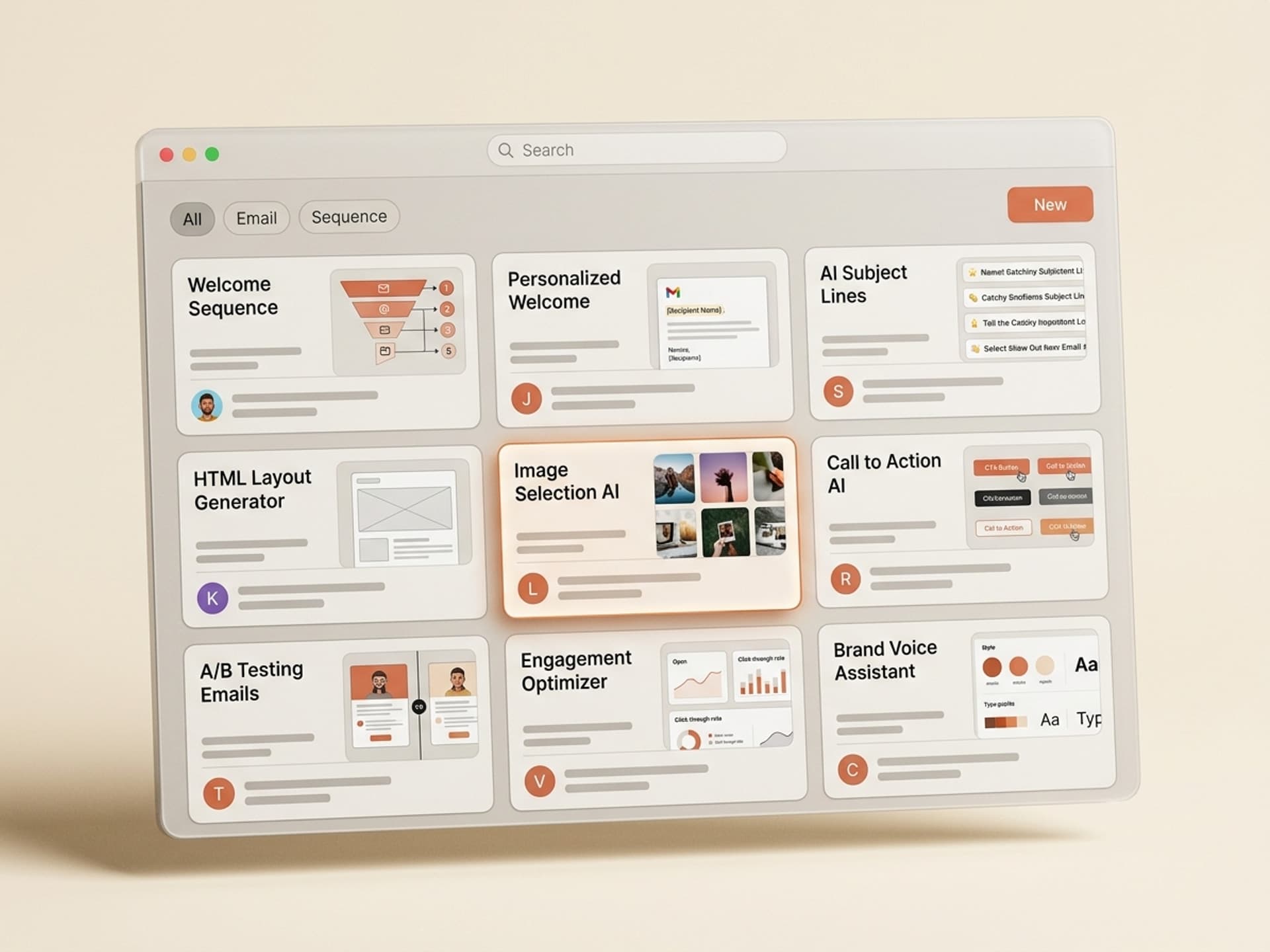
Each of these skills lives in the Email & Newsletter Design category on Vibe Skills. All ship as responsive HTML you can paste straight into Resend, Mailchimp, ConvertKit, Loops, or Customer.io.
1. SaaS Welcome Email Drip (5 emails)
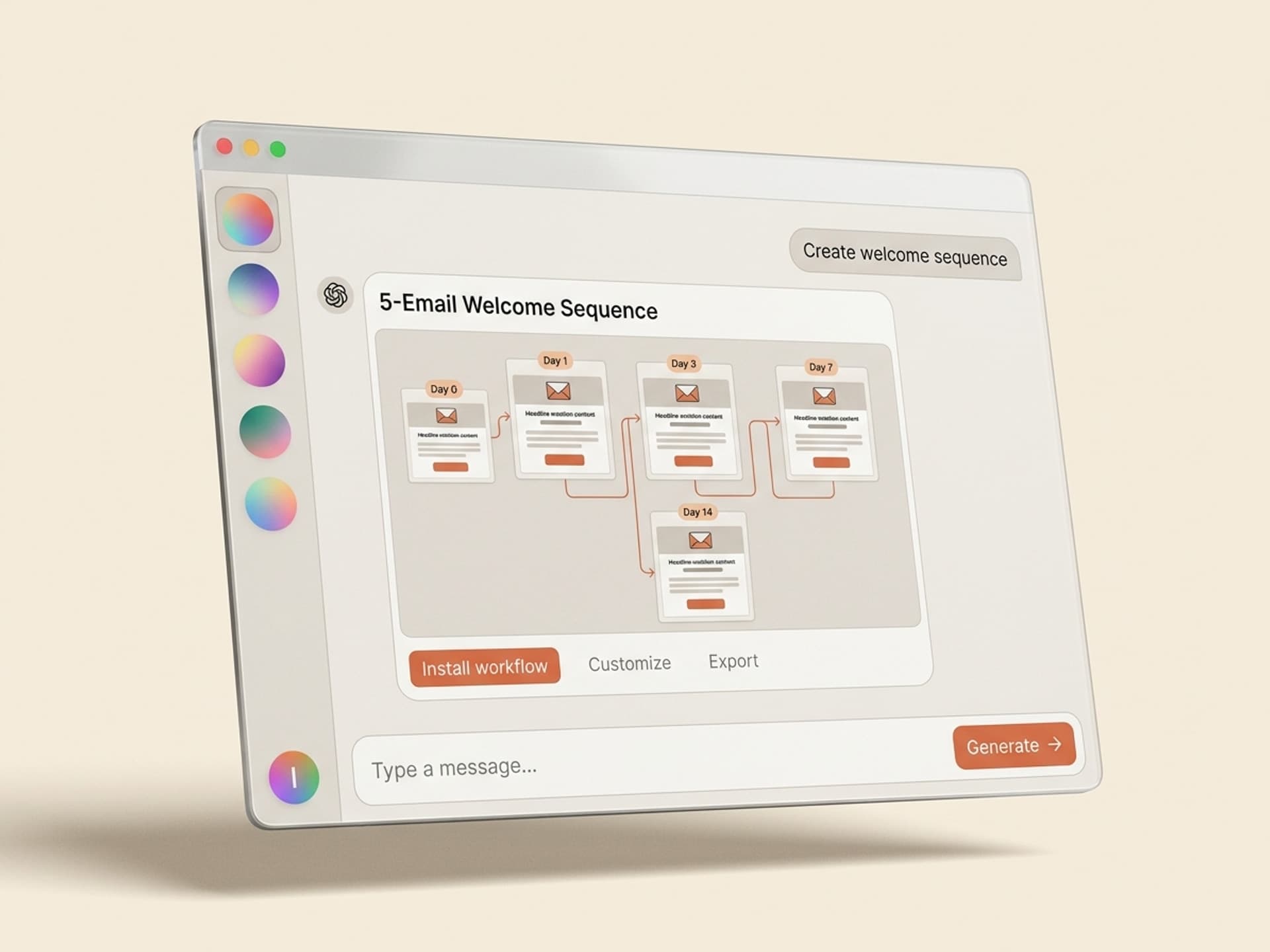
The most-installed welcome skill in the category. Generates a complete 5-email onboarding sequence: day 0 welcome, day 1 product story, day 3 key features tour, day 5 customer proof, day 7 trial-to-paid CTA. Pulls from your product description, pricing tier, and brand kit. Output is mobile-first responsive HTML plus a plain-text fallback. Used by free-tier SaaS teams to lift trial-to-paid conversion by 18 - 32%.
2. Ecom New-Customer Welcome Sequence
Built for Shopify, BigCommerce, and DTC brands. 4-email drip: welcome plus discount, brand story, bestsellers carousel, win-back if no purchase by day 7. Includes a product image grid block that auto-fits on Gmail, Outlook, and Apple Mail. The discount code variable plugs into Klaviyo, Omnisend, or Mailchimp tags directly.
3. Creator Newsletter Welcome (Single Email)
For Substack, Beehiiv, and ConvertKit creators who want a single beautiful welcome email instead of a drip. Generates a hero portrait block, a "what to expect" 3-bullet section, and a "read the most popular post" CTA. Designed to render perfectly in Substack's HTML preview and ConvertKit's editor.
4. Course / Cohort Welcome Drip
For online course launches and cohort programs. 5-email sequence: welcome plus calendar invite, instructor intro, syllabus preview, cohort community link, day-1 prep checklist. Layout includes a class schedule grid and a Zoom / Discord button block.
5. Investor / B2B Newsletter Welcome
A premium 2-email welcome for B2B newsletters and investor updates. Email 1 is a polished masthead with editor's note. Email 2 (sent day 3) is the most popular past issue as a teaser. Used by VC firms, fintech newsletters, and B2B SaaS thought-leadership programs.
Browse all email and newsletter skills →
Ship Your Welcome Sequence in Under an Hour
The full workflow from skill install to first send.
Step 1: Pick the right welcome skill on Vibe Skills
Open the Email & Newsletter Design category and pick based on signup type. SaaS trial = SaaS Welcome Drip. Newsletter = Creator Single. Online store = Ecom Sequence. Total time: 2 minutes.
Step 2: Drop in your brand kit + product description
Logo, brand colors (3 hex codes is enough), typography, founder portrait, and a 2-paragraph product description. The skill saves these once and reuses them on every future email. 5 minutes.
Step 3: The skill generates the full sequence
5 emails, each with subject line, preheader, hero block, body copy, single CTA, and footer. Output is responsive HTML plus plain-text fallback. 8 - 12 minutes.
Step 4: Review on mobile
Email opens are 62% mobile in 2026 per Litmus benchmarks. The skill outputs a mobile preview alongside desktop. Skim each email on the mobile view, fix the subject lines if needed (subject lines are the only thing that decides the open rate). 10 minutes.
Step 5: Paste into your ESP
Resend = paste the HTML into a React Email template or send via API. Mailchimp / ConvertKit / Klaviyo = paste into the HTML editor. Loops / Customer.io = paste into the campaign builder. Wire up the trigger ("new user signed up", "added to list", "completed checkout"). 15 - 20 minutes.
Step 6: Send a test, then go live
Send to your own inbox + a Litmus test if you have one. Confirm the CTA links work and the unsubscribe footer renders. Flip the campaign on. 5 minutes.
Total active time: 45 - 60 minutes for a full 5-email welcome drip. The same work in Figma plus hand-coded HTML plus QA is 30 to 50 hours.
Frequently Asked Questions
Should I send one welcome email or a full sequence?
A 5-email welcome drip converts 3.1x better than a single welcome email, and a 3-email drip converts 2.4x better. The only reason to ship a single welcome is if you're a creator with a content-only newsletter (no product to sell). For SaaS, ecom, courses, or paid newsletters, always ship a sequence. The Vibe Skills email category has skills for every length.
Should the welcome email come from the CEO or the brand?
For SaaS and B2B, a personal email from the founder or CEO outperforms a branded send by 22 - 40% in Klaviyo 2024 - 2025 testing. For ecom and consumer brands, branded sends with a clean masthead win because the visual shopping experience matters more than the personal touch. AI skills on Vibe Skills support both: pick the "founder voice" or "brand voice" toggle when you generate.
How long should a welcome email be?
150 to 300 words for the body copy, 4 sections max (hello, value, CTA, footer). Anything longer kills the click rate because the CTA falls below the fold on mobile. The exception is the founder-story email (email 2 of a drip) which can run 400 - 500 words because its job is connection, not conversion.
What's the best subject line for a welcome email?
"Welcome to [Brand]" still wins for open rate (62% average open) per Mailchimp 2025 data, beating cute or curiosity-driven subject lines for the first send. For follow-ups in the drip, "Quick question, [first name]?" and "Day 3: here's what's working" are top performers. AI skills generate subject lines as part of the output.
Can I use these welcome emails with Resend / Loops / Customer.io?
Yes. The HTML output from Vibe Skills email skills is standard responsive HTML with inline CSS - it works in any ESP. We've validated against Resend (React Email + raw HTML modes), Loops (drag-drop and HTML), Customer.io, ConvertKit, Klaviyo, Mailchimp, and Brevo. You paste, you wire the trigger, you send.
How do I keep the design consistent across the whole drip?
The Vibe Skills welcome drip skills enforce a shared brand kit across all 5 emails - same logo, same color palette, same typography, same footer layout. You edit it once in the skill, every email updates. This is the part that breaks most when teams hand-design a sequence in Figma.
What about deliverability - will these land in the inbox?
Welcome emails have the highest deliverability of any email because the subscriber just opted in. Standard hygiene applies: send from a real domain (not noreply@), set up SPF / DKIM / DMARC, and don't use spammy subject line words. The HTML from Vibe Skills skills is clean and lightweight (under 100KB), which keeps Gmail's clipping and Outlook's rendering issues away.
The Bottom Line
The welcome email is the highest-attention moment your brand will ever get from a new subscriber. Sending a plain-text "Thanks for signing up!" wastes a 50-86% open rate. Sending a brand-consistent visual sequence converts 3x better and pays back the design effort within the first 100 sends.
AI skills on Vibe Skills cut the design and QA from 30 - 50 hours down to under an hour, with output that matches what a freelance email designer would charge $1,500 - $4,000 for. Pick the skill that matches your signup type, drop in your brand kit, and ship the drip this week.
Browse welcome email skills on Vibe Skills →
Stop wasting the highest-open email of the relationship. Install a welcome email skill on Vibe Skills and ship your drip in under an hour.