

Tsvaga mazana ehunyanzvi hwakagadzirirwa Claude, Cursor, nezvimwe.
The Best AI Skills for Logo Reveal Animations: What Changed in 2026
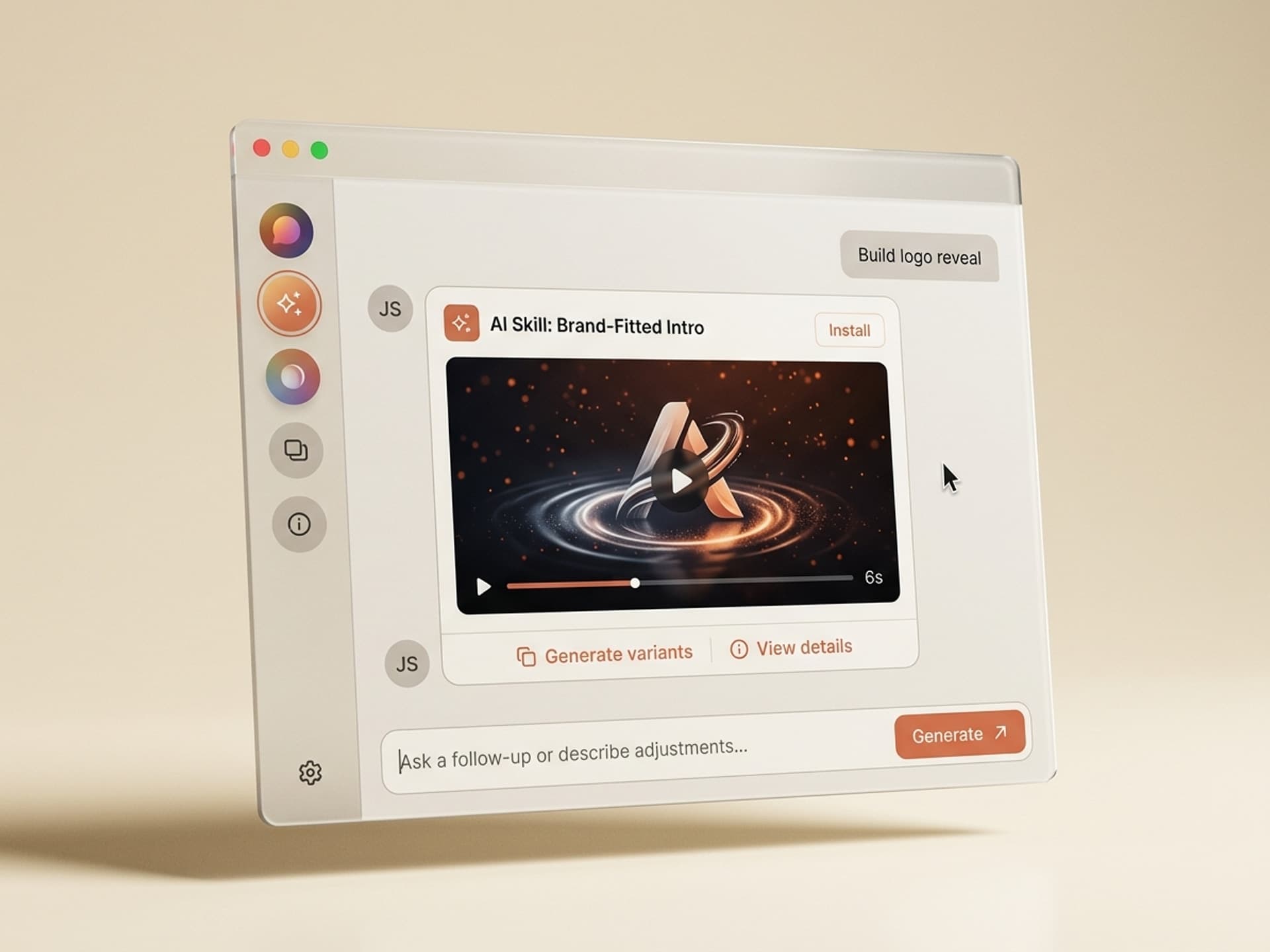
A logo reveal is the first 3 seconds of every brand film, ad, YouTube video, and explainer - and in 2026 it takes 60 seconds to generate, not 4 hours to rig. The best AI skills for logo reveal animations now ingest your SVG, brand colors, and target frame rate, then output a project-ready After Effects file with the anchor point set, the safe area honored, and the audio sting already synced.
Motion designers, YouTubers, and brand teams used to choose between two bad options: pay $20 - $50 for a static Envato or Motion Array template that everyone else also uses, or spend half a day rigging a custom reveal in After Effects. AI skills on Vibe Skills replace both: a fresh, brand-fitted reveal every time you change inputs, no per-template fee, no rig debugging.
This guide covers the 5 logo reveal skills we recommend in 2026, the reveal styles that actually work for different content types, and a 60-second workflow to ship a branded intro for your next YouTube series, ad campaign, or brand film.
Tsvaga mazana ehunyanzvi hwakagadzirirwa Claude, Cursor, nezvimwe.
Why Logo Reveals Set the Brand Tone
Viewers form their brand impression in the first 3 seconds, and the logo reveal owns that window. It is the only moment in a video that is 100% brand and 0% content, which means a weak reveal undercuts everything that comes after.
Where logo reveals show up in a typical creator or brand workflow:
- YouTube videos open with a 3 - 5 second reveal that doubles as the channel ID
- Paid ads use a closing reveal so the brand mark is the last thing the viewer sees
- Brand films use an opening reveal to set the tone (premium, energetic, playful)
- Webinars and product demos open with a reveal so the recording stands on its own
- Podcast episode videos use a reveal in the cold open and the outro
That is 5 - 8 reveals a week for a working creator and 20 - 40 reveals a quarter for a brand team running multi-channel content. At 4 hours of rigging per custom reveal, that is a part-time job nobody asked for.
The cost of a generic Envato template is also higher than the sticker price suggests. The same 5 reveal styles ship in millions of projects each year, which means the "premium" intro on your YouTube channel is the same one a competitor used last week. A brand-fitted reveal from your own logo and color tokens is the only way to keep the first 3 seconds yours.
Tsvaga mazana ehunyanzvi hwakagadzirirwa Claude, Cursor, nezvimwe.
Logo Reveal Styles That Work in 2026
Not every reveal style fits every brand. Pick the style that matches the energy of the content, then let the skill do the rigging. Here is the breakdown of the 5 styles motion designers, YouTubers, and brand teams use most in 2026:
| Style | Best for | Energy | Typical length | Manual rig time |
|---|---|---|---|---|
| Clean fade + scale | Premium brands, finance, B2B SaaS | Calm, confident | 2 - 3 seconds | 1 - 2 hours |
| Particle reveal | Tech, gaming, startups, product launches | High-energy, modern | 3 - 5 seconds | 4 - 6 hours |
| Glitch + RGB split | Music, streetwear, esports, podcasts | Edgy, fast | 1.5 - 3 seconds | 2 - 3 hours |
| Line-draw + write-on | Agencies, design studios, creative portfolios | Crafted, hand-made | 3 - 6 seconds | 3 - 5 hours |
| 3D extrude + camera move | Premium ads, brand films, hero shots | Cinematic, premium | 4 - 6 seconds | 6 - 10 hours |
The takeaway: the more cinematic the style, the higher the rig cost when built manually. AI skills collapse all 5 styles into the same 60-second generation window because the brand-fitting happens at input time, not in the comp.
A few quick rules of thumb from creator threads on r/motiondesign and r/AfterEffects:
- Under 5 seconds for YouTube intros - viewers skip anything longer
- Under 3 seconds for ad closes - the platform cuts you off otherwise
- 3 - 6 seconds for brand films and explainers where pacing has room to breathe
- Match the audio sting to the visual peak so the reveal lands on the brand mark, not before or after
5 AI Logo Reveal Skills on Vibe Skills
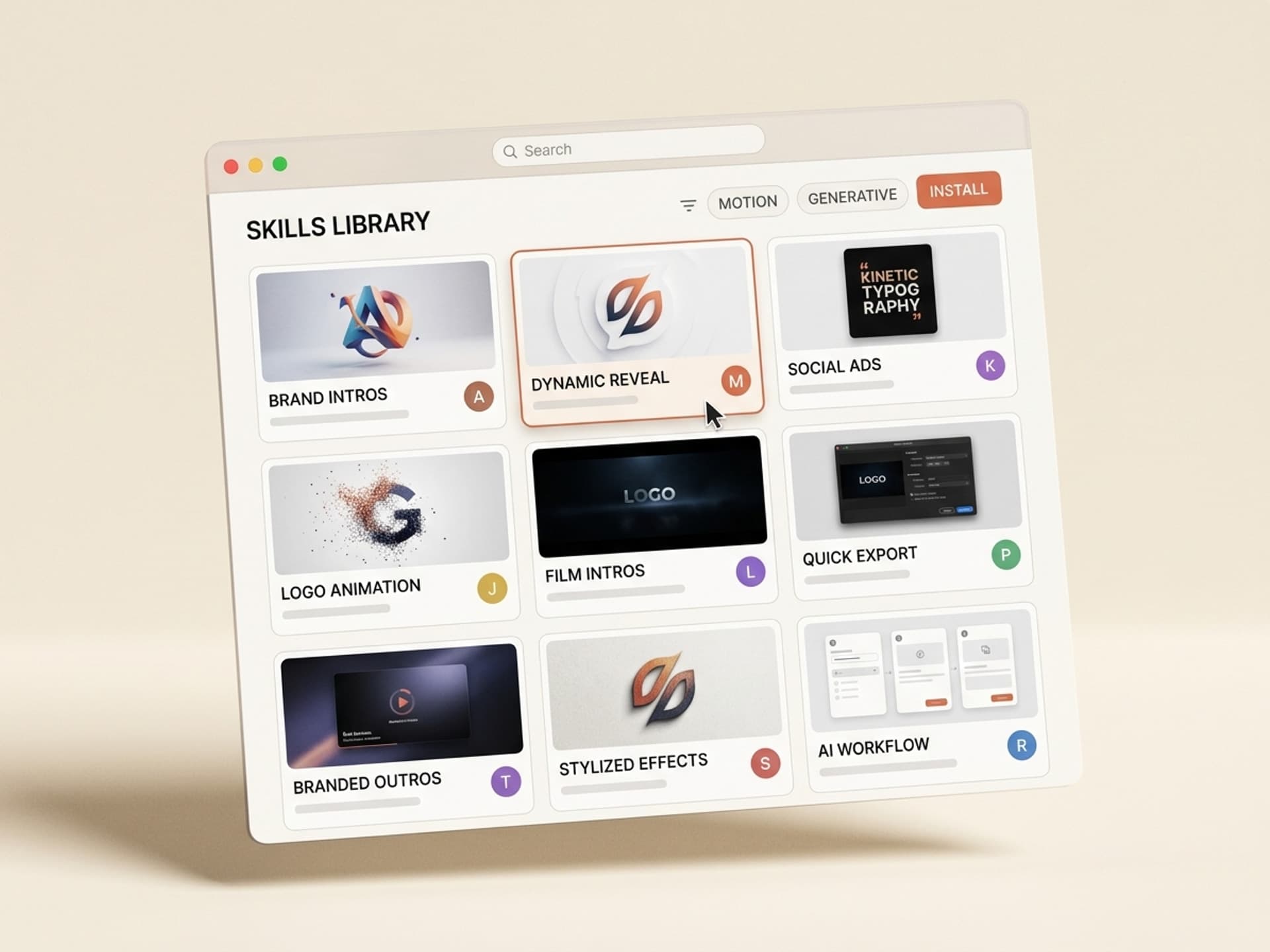
These are the 5 logo reveal skills we recommend in 2026. All of them live in the Motion Graphics & Animation category on Vibe Skills and ship with brand-token inputs, audio sting sync, and project-ready After Effects + Premiere Pro exports.
| # | Skill | Best for | What you get |
|---|---|---|---|
| 1 | Clean Brand Reveal | B2B SaaS, finance, premium brands | Fade + scale, 4 timing profiles, 4K + 1080p exports |
| 2 | Particle Logo Burst | Tech launches, gaming, startups | Particle FX, brand-color palette, 3 burst patterns |
| 3 | Glitch Intro Maker | Music, streetwear, esports | RGB split + scan lines, 6 glitch styles, beat-sync option |
| 4 | Line-Draw Reveal | Agencies, design studios, portfolios | SVG path animation, 8 stroke styles, tracing speed control |
| 5 | 3D Cinematic Reveal | Premium ads, brand films, hero shots | 3D extrude + camera move, 5 lighting setups, depth of field |
1. Clean Brand Reveal
Best for B2B SaaS, finance, and premium brands where calm and confidence outsell flash. The skill ingests your SVG logo and brand color tokens, then outputs a fade + scale reveal with 4 timing profiles (slow burn, balanced, snappy, instant). Includes a soft audio sting and renders to 4K and 1080p with the anchor point and safe area pre-set so the mark never crosses the lower-third zone.
2. Particle Logo Burst
Best for tech launches, gaming brands, and startups that want energy in the first 2 seconds. The skill drops your logo into a particle field that assembles around the mark using your brand palette. Three burst patterns (radial, swarm, dust) cover most launch and product-reveal use cases. Saves the 4 - 6 hours most motion designers spend on Trapcode Particular setup.
3. Glitch Intro Maker
Best for music videos, streetwear brands, esports teams, and edgy podcasts. The skill applies RGB split, scan lines, and frame-skip glitches in 6 different intensity styles, then locks the sync to the dominant beat of an uploaded audio file. Output ships with the audio sting baked in so the glitch peaks land on the snare.
4. Line-Draw Reveal
Best for design studios, illustrators, and creative portfolios that want a hand-made feel. The skill traces your SVG paths in sequence, with 8 stroke styles (pen, pencil, marker, brush, neon, chalk, ink, technical) and adjustable tracing speed. The reveal feels crafted because the AI respects the actual path order in your SVG instead of just masking the bitmap.
5. 3D Cinematic Reveal
Best for premium ads, brand films, and hero shots where the budget calls for a 3D look but the timeline does not. The skill extrudes your logo in 3D, applies one of 5 lighting setups (studio, golden hour, cyberpunk, soft daylight, dramatic), and adds a camera move with depth of field. Outputs to After Effects with the camera and lights as separate layers so you can finish in Cinema 4D or Octane if you need to push further.
Browse motion graphics skills on Vibe Skills →
Pre-Made Templates vs AI Skills: The Math
Most motion designers and YouTubers default to Envato Elements or Motion Array because the per-asset price feels cheap. Run the math over a year and the comparison flips:
| Workflow | Time per reveal | Brand-fitted? | Annual cost (40 reveals/year) |
|---|---|---|---|
| Envato single template | 1 - 2 hours swap | Manual | $800 - $2,000 |
| Envato Elements | 1 - 2 hours swap | Manual | $192 + 60 - 80 hours of swap work |
| Motion Array | 1 - 2 hours swap | Manual | $348 + 60 - 80 hours of swap work |
| Freelance reveal | 0 hours (you outsource) | Yes | $12,000 - $60,000 |
| Vibe Skills | 60 - 90 seconds | Yes (brand-token input) | $468, no swap work |
Two failure modes of the template route: every "swap" still takes an hour, and your brand mark sits inside a template thousands of other brands also bought. AI skills solve both. Custom freelance still has a place for hero shots and brand-identity launches - for the 90% of reveals that are recurring intro / outro / channel ID work, AI skills are 50 - 100x faster and roughly 95% cheaper.
60-Second Logo Reveal Workflow
Here is the exact workflow we recommend in 2026 for shipping a branded reveal in under a minute. Step 1 is always the same.
Step 1. Open Vibe Skills and pick the reveal skill that matches the energy of the content. Clean Brand for B2B, Particle for launches, Glitch for music / podcasts, Line-Draw for portfolios, 3D Cinematic for premium ads.
Step 2. Upload your logo as an SVG (preferred), or PNG with a transparent background as a fallback. Bitmap logos work but lose the line-draw and 3D extrude options.
Step 3. Drop in your brand color tokens (HEX or RGB) and pick a target frame rate (24, 30, or 60 fps). Match the frame rate to the project you will edit in - mixing 30fps reveals into a 24fps timeline causes visible judder.
Step 4. Choose the reveal length (2 - 6 seconds) and the audio sting style. Skip this if you have your own sting and want to lay it in manually.
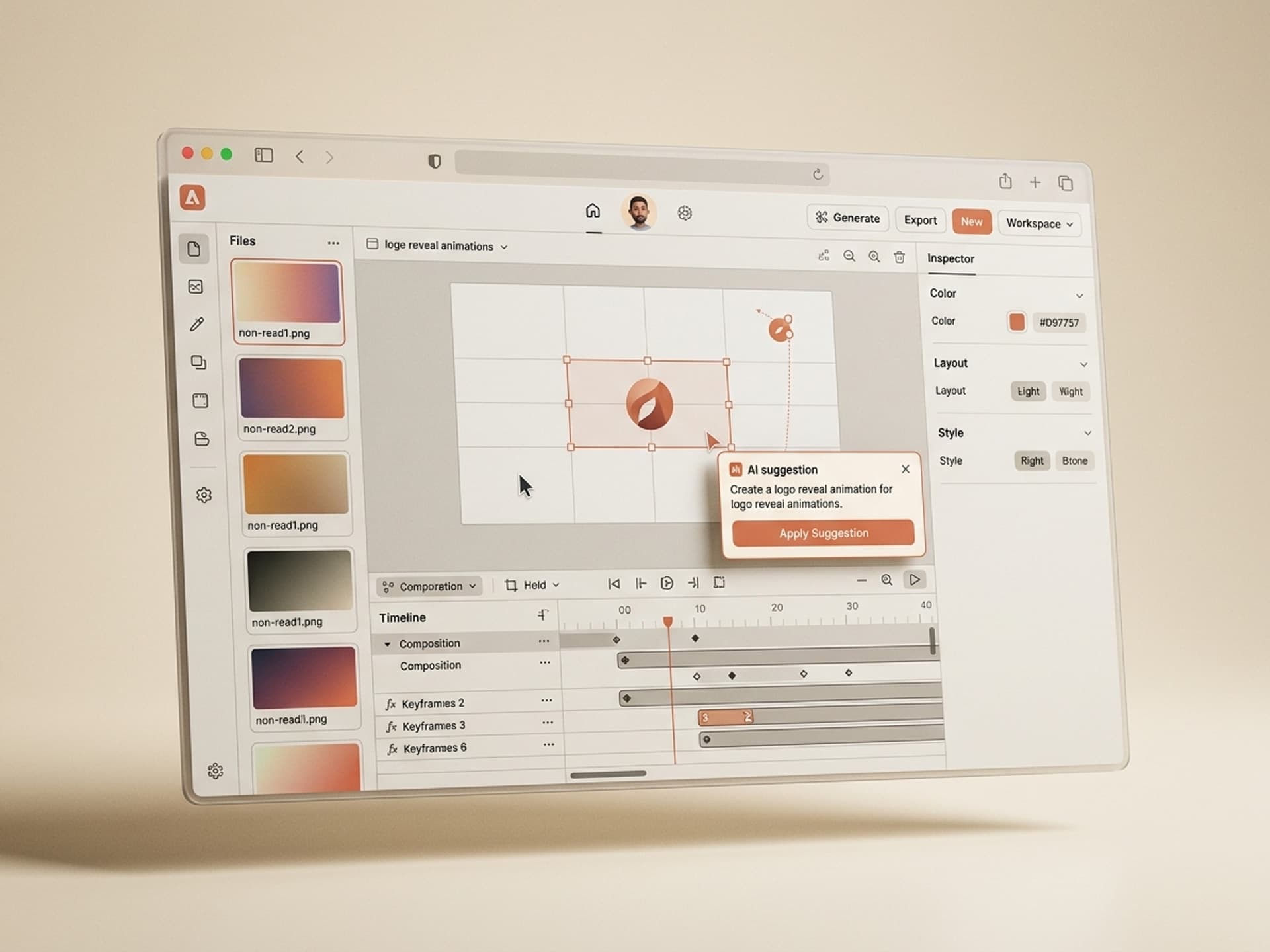
Step 5. Generate. The skill outputs a project-ready After Effects file plus pre-rendered MP4 and ProRes versions. Drop the MP4 directly into Premiere Pro for fast cuts, or open the .aep for last-mile tweaks.
Total time: 60 - 90 seconds for the generation, plus 2 - 5 minutes if you fine-tune timing in After Effects. The first time you run this you will probably re-generate twice to dial in the timing.
What Makes a Logo Reveal Convert in 2026
The best logo reveals share four traits, and they are easy to check before you ship:
- The mark is on screen for at least 1 second at full opacity. Anything shorter and viewers do not register the brand.
- The audio peak lines up with the visual peak. Sound design carries 60% of the perceived production value. Use the sting that ships with the skill, or sync your own to the final reveal frame.
- The reveal does not block the content. A 6-second reveal at the start of a 90-second YouTube video burns 6.7% of the watch time before the viewer hears a single word.
- The brand mark survives compression. YouTube and Instagram re-encode every video. Test the reveal at 720p, not just 4K - that is what most viewers see on mobile.
The skills on Vibe Skills bake all four into the default output, with full overrides available when you need them.
Frequently Asked Questions
Should the logo reveal be 3 seconds or 10 seconds?
Most reveals should be 3 - 5 seconds. Short-form (Reels, TikTok, Shorts) wants 1.5 - 3 seconds because the platform punishes pre-content delay. Long-form (YouTube, brand films, ads) can run 4 - 6 seconds when the audio sting and visual peak are tightly synced. The skills on Vibe Skills default to 3 - 4 seconds and let you override per generation.
SVG or PNG: which logo file should I upload?
SVG every time it is available. SVG gives the AI access to your logo's vector paths, which unlocks the line-draw, particle assembly, and 3D extrude options. PNG with a transparent background works as a fallback for the fade, scale, and glitch styles, but you lose path-based animation. If you only have a JPG, run it through a vector trace first or ask your designer for an SVG export.
Is the audio sting included or do I license sound separately?
Every logo reveal skill on Vibe Skills ships with 8 - 12 royalty-free audio stings pre-cleared for commercial use, including paid ads and broadcast. You can also upload your own. The skill syncs the visual peak to the audio peak automatically, so you do not need to nudge keyframes in After Effects.
Will viewers know the reveal was made by AI?
No - the reveal looks hand-rigged because the brand-fitting runs against your real logo paths, real brand colors, and real type system. The AI is doing the rigging, not the design call. Viewers see a clean, on-brand intro that matches the rest of your content - not a generic Envato template that dozens of other brands also bought.
Can I edit the After Effects file after generating?
Yes. Every skill outputs a layered After Effects file with the camera, lights, audio, logo, and FX as separate layers. Adjust timing, swap colors, or replace the audio sting in 30 - 60 seconds. Most motion designers regenerate first and only open After Effects when the regeneration is not landing the result they want.
Do I need After Effects to use these skills?
No - every skill also exports a pre-rendered MP4 and ProRes file at your chosen resolution and frame rate. Drop the MP4 straight into Premiere Pro, DaVinci Resolve, Final Cut, or CapCut. After Effects is only required if you want to do last-mile tweaks.
Is the output cleared for paid ads and YouTube monetization?
Yes - every visual asset, audio sting, and template element on Vibe Skills is licensed for commercial use, including paid ads, brand films, monetized YouTube content, and broadcast. The full commercial license is included in the standard $39/month subscription.
Stop Rigging the Same Reveal Every Quarter
If you are a motion designer running 5 - 8 reveals a week, a YouTuber refreshing your channel ID for the new season, or a brand team needing intros across 3 ad campaigns, the math is the same. The reveal does not need a half-day rig - it needs a 60-second generation against your brand inputs.
The 5 logo reveal skills on Vibe Skills ship project-ready After Effects + MP4 + ProRes files, with the audio sting synced and the brand colors locked in. The first reveal pays back the subscription. The next 39 are free.
Browse logo reveal skills on Vibe Skills →
Skip the 4-hour After Effects rig. Generate a brand-fitted logo reveal on Vibe Skills in 60 seconds.