
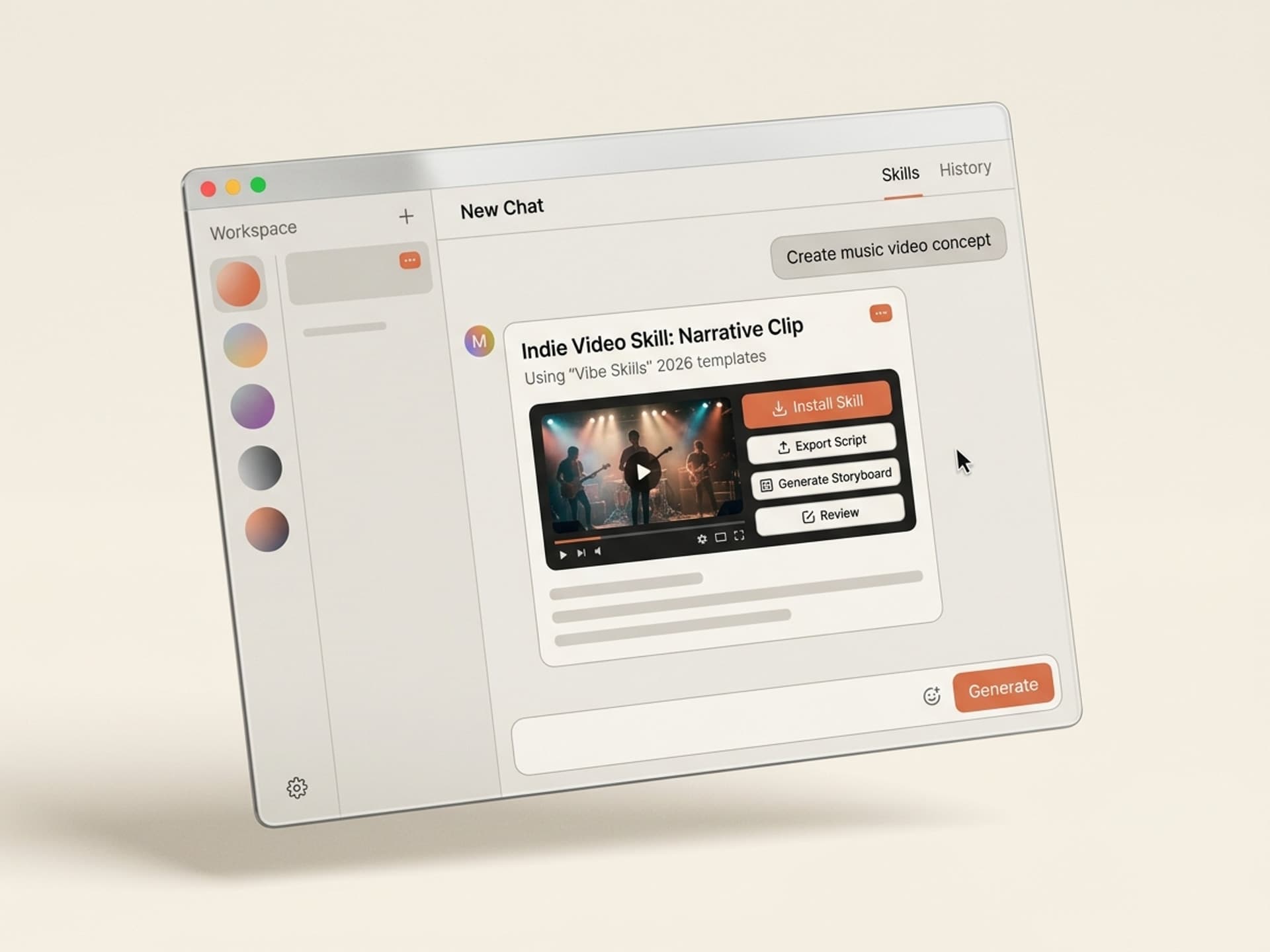

Claude, Cursor మరియు మరిన్నింటి కోసం వందలాది రెడీమేడ్ నైపుణ్యాలను బ్రౌజ్ చేయండి.
Indie Music Video Templates AI Tools Reduce a $25,000 Job to a Weekend
A traditional indie music video costs $5,000 on the low end and quickly reaches $50,000 for anything cinematic. AI tools for music video templates shorten that to a weekend, a laptop, and a Vibe Skills subscription. The tools below are available on Vibe Skills and provide the four formats that actually drive streams in 2026: lyric videos, visualizers, narrative clips, and performance edits.
Indie artists are releasing more music than ever before - over 120,000 tracks hit Spotify daily in 2025 - but the visual layer that transforms a release into a campaign is still limited by production budgets that most artists cannot afford. AI music video tools bridge that gap.
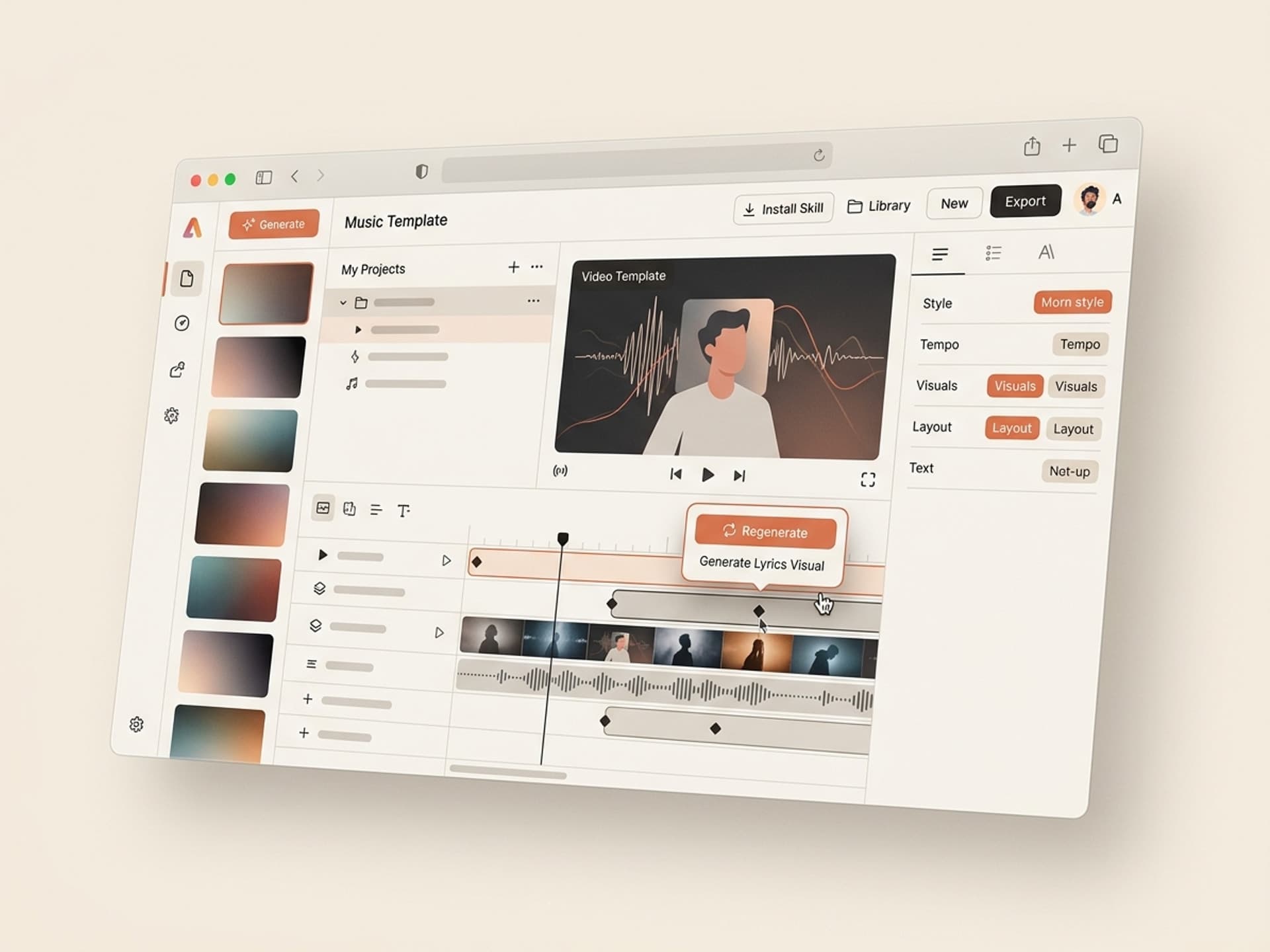
Claude, Cursor మరియు మరిన్నింటి కోసం వందలాది రెడీమేడ్ నైపుణ్యాలను బ్రౌజ్ చేయండి.
Why AI Revolutionized Music Video Production for Indies in 2026
The cost breakdown of a traditional music video is severe. Director, DP, gaffer, grip, talent, location, color, edit, VFX. Even a "DIY" indie video shot on a friend's mirrorless camera ends up costing $1,500 to $3,000 once you account for food and gas for everyone involved. A label-quality narrative video costs $25,000 to $80,000.
Three key developments occurred in late 2025:
- Runway Gen-4 and Sora 2 can maintain character and scene consistency across 8 to 12 second clips, which is long enough to stitch together into a full 3-minute video.
- Pika 2.2 introduced precise lip-sync and beat-aware motion, which was previously a deal-breaker for AI music videos.
- ElevenLabs Sound Design v3 generates synchronized foley and ambient layers that perfectly match Suno or Udio music tracks beat-for-beat.
The result is a workflow where a single artist with a Vibe Skills subscription can produce a video that would have looked like a $20,000 production 18 months ago. The bottleneck is no longer rendering quality - it's workflow knowledge.
This is precisely what an AI tool offers: the workflow, model orchestration, brand and aesthetic guidelines, and export presets. You provide your track and your story, and the tool handles the rest.
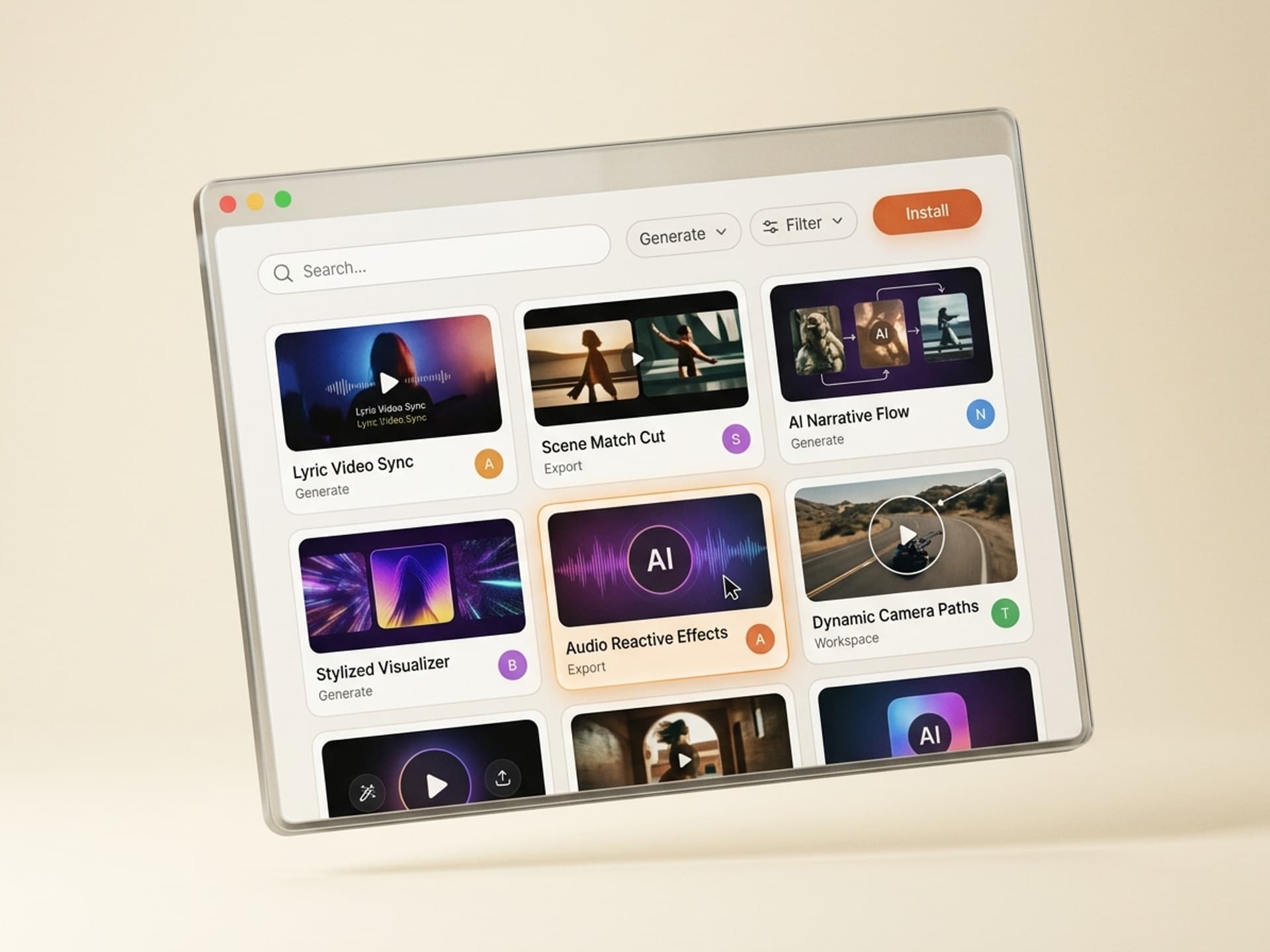
Claude, Cursor మరియు మరిన్నింటి కోసం వందలాది రెడీమేడ్ నైపుణ్యాలను బ్రౌజ్ చేయండి.
The 4 Music Video Formats Indie Artists Actually Use
Not every track requires a Beyonce-level narrative video. Indie artists who consistently grow on Spotify and YouTube use a combination of these four formats for each release.
| Format | When to use | Production time (AI tool) | Use case |
|---|---|---|---|
| Lyric video | Every single release | 30-45 minutes | YouTube SEO, Spotify Canvas-friendly, captions for muted autoplay |
| Visualizer | Album drops, EP cuts, deep tracks | 15-25 minutes | Spotify Canvas (8 second loop), TikTok background, Apple Motion artwork |
| Narrative video | Lead single, era-defining track | 4-8 hours | YouTube hero video, press coverage, festival sizzle |
| Performance edit | Live recordings, acoustic versions, behind-the-scenes | 1-2 hours | YouTube secondary content, fan engagement, algorithmic feed |
A smart release strategy involves one narrative video per single, three to five lyric videos for every other track on the project, a visualizer for each Spotify Canvas slot, and a steady stream of performance edits for YouTube Shorts and Reels. Producing this manually costs $30,000+ per album. With AI tools, it fits within a Pro subscription.
Browse video AI tools on Vibe Skills →
5 AI Music Video Tools on Vibe Skills
These five tools cover the entire indie music video production workflow. Each one comes with style references, beat-detection presets, and export profiles for YouTube, Spotify Canvas, and short-form vertical formats.
1. Lyric Video Beat Sync
Generates a complete lyric video from an audio file and lyrics. It auto-transcribes if lyrics are not provided, detects the beat of the track, and then animates lyrics in sync with vocal phrases. Outputs in 16:9, 9:16, and 1:1 with brand color and font controls.
Best for: Every single release. The default lyric video should be ready before the song is available on DSPs.
2. Spotify Canvas Loop Generator
Creates an 8-second seamless loop optimized for Spotify's Canvas specifications (9:16, 720x1280, under 8MB). It takes a single style reference image and a track section, then generates a loop that matches the beat and color-grades against the cover art. Provides 3 variants per run, allowing the artist to A/B test within Spotify for Artists.
Best for: Every track on every release. Canvas significantly boosts saves and playlist adds.
3. Narrative Music Video Director
Takes a song, a one-paragraph story brief, and a character reference, then storyboards a 3-minute narrative video into 18 to 24 shots. Generates each shot using Runway Gen-4 or Sora 2 with locked character consistency. Delivers a Premiere or DaVinci-ready bin with shots, transitions, and a beat-synced edit guide.
Best for: Lead singles and era-defining tracks where you want the YouTube hero asset to compete with major label releases.
4. Performance Visualizer
Transforms a single performance photo or short clip into a stylized visualizer with reactive elements that pulse to the beat. Includes 12 visual style presets (analog VHS, anime, dreamcore, glitch, kinetic, vintage film, and more), enabling the same tool to produce consistent visuals across an album cycle.
Best for: Album cuts and deep catalog tracks. More cost-effective to produce than a narrative video, and more engaging than a static cover image loop.
5. Live Session Cut Editor
Takes raw multi-camera footage from a live session (or a single phone clip) and edits a clean performance video in the artist's defined visual style. It auto-syncs cuts to musical phrases, applies color grading, lower thirds, and platform-specific exports. Works with lo-fi sources, so an iPhone-shot acoustic session can become a publishable Tiny Desk-style clip.
Best for: YouTube secondary content, weekly artist-channel uploads, and audience engagement between releases.
| Tool | Best for | Browse |
|---|---|---|
| Lyric Video Beat Sync | Every single, lyric SEO | /category/video |
| Spotify Canvas Loop Generator | Every track, DSP visuals | /category/video |
| Narrative Music Video Director | Lead singles, hero videos | /category/video |
| Performance Visualizer | Album cuts, deep catalog | /category/video |
| Live Session Cut Editor | Performance content, fan engagement | /category/video |
Over 30 video tools per category. All included in a Vibe Skills subscription, starting at $39/month.
Ship a Music Video in a Weekend Workflow
Here's the exact playbook indie artists use to produce a full week's worth of video assets in a single weekend.
Step 1: Choose the right tool on Vibe Skills
Go to the video category on Vibe Skills and install the four tools you need for a single release: Lyric Video Beat Sync, Spotify Canvas Loop Generator, Narrative Music Video Director, and Performance Visualizer. One subscription covers all of them.
Step 2: Define your visual identity (30 minutes)
Create a one-page brand sheet including three style references, a color palette, font choices, and a one-line tone statement (e.g., "warm 90s analog film grain," "cyberpunk neon noir," "minimalist black-and-white kinetic"). Every tool accepts this as a single brand input, ensuring your album-cycle visuals remain consistent across formats.
Step 3: Run the lyric video first (45 minutes)
The lyric video is your release-week safety net. Even if nothing else ships on time, the lyric video covers YouTube and provides something to share. Input the audio, paste the lyrics, hit run, and export in 16:9 for YouTube and 9:16 for TikTok and Reels.
Step 4: Generate Canvas loops for every track (Saturday afternoon)
If your release is a full project, batch-generate Spotify Canvas loops for every track. Each loop takes 15-25 minutes to process. An 8-track EP can be completed in under 4 hours. Upload directly through Spotify for Artists.
Step 5: Direct the narrative video (Saturday evening to Sunday morning)
For your lead single, use the Narrative Music Video Director. Write a one-paragraph story brief, attach your character reference photo, and hit run. Review the storyboard, regenerate any shots that are not satisfactory, and then export the edit-ready bin.
Step 6: Polish the narrative cut in Premiere or DaVinci (Sunday afternoon)
Even with AI handling the heavy lifting, a 30 to 60 minute pass in your preferred editor is recommended to fine-tune cuts to the beat, ensure color consistency, and add a final audio mix. The tool provides a pre-cut sequence, so this step focuses on polish, not assembly.
Step 7: Visualizers and performance edits during release week
After the release, use the Performance Visualizers for the deeper cuts and the Live Session Cut Editor for any live or acoustic recordings you have. These will serve as ongoing content for the four to six weeks following the release, keeping your presence active in the algorithm.
Total time: approximately 16 hours over a weekend. Total cost: a Vibe Skills Pro subscription at $39/month and your usual editing software.
Start with the video category on Vibe Skills →
Frequently Asked Questions
Is there a copyright issue with AI-generated music video footage?
Most major AI video models (Runway, Sora, Pika) grant commercial use rights for content generated on a paid plan. The tools on Vibe Skills utilize model APIs for which you have rights, so the output is yours to publish. The gray area is style imitation - if you direct a tool to replicate a specific copyrighted music video shot-for-shot, you assume that risk. Treat the tool like a director: provide original creative direction.
Spotify Canvas vs. full music video - which is more important for indie growth?
Both are important, for different reasons. Canvas drives DSP performance (saves, playlist adds, repeat plays within Spotify). A full music video drives YouTube discovery, press coverage, and social sharing. Canvas is non-negotiable because it is displayed with every play. A full video acts as a campaign multiplier - it generates the press hits that lead to editorial playlist placements. Use Canvas on every track, and create a full video for at least one track per release. Browse video tools on Vibe Skills to set up both.
Which music genres work best with AI music video tools?
Electronic, hyperpop, indie pop, lo-fi, ambient, and bedroom pop genres produce the cleanest AI music video output today because their visual aesthetics often lean towards the abstract, surreal, and stylized. Hip-hop and R&B work well for visualizers and lyric videos, but still benefit from human-shot performance footage in narrative formats. Folk and singer-songwriter genres are best suited for the Performance Visualizer and Live Session Cut Editor tools, where the human element remains central.
Can I maintain a consistent character throughout a full music video?
Yes. The Narrative Music Video Director tool on Vibe Skills uses character reference locking, which applies the same identity (face, hair, wardrobe, color palette) to every generated shot through Runway Gen-4 or Sora 2. You upload one reference photo at the beginning, and the tool enforces consistency across the 18 to 24 shots that constitute a 3-minute video. You can also lock a secondary character if your video features two leads.
How long does it take to produce a full narrative music video?
A weekend. Pre-production (story brief, character reference, style sheet) takes about 90 minutes. Generation using the Narrative Music Video Director takes 2 to 4 hours of compute time, mostly running in the background. Editor polish in Premiere or DaVinci takes an additional 60 to 90 minutes. Total active time is approximately 4 to 6 hours, spread across a weekend. Compare this to the 6 to 12 weeks a traditional indie music video shoot takes from concept to delivery.
Does this replace hiring a music video director?
For most indie release cycles, yes. For era-defining campaigns that require physical performance footage, choreography, or a specific physical location, a director still adds value. The common approach most artists adopt is using Vibe Skills for 80% of their release content (lyric videos, Canvas, performance visualizers) and saving budget for a director for the one or two narrative videos per album cycle that need a human creative lead. See the full video category for what you can produce without one.
Will AI music videos damage my indie credibility with fans?
Not if the visuals match the music. Fans care about creative coherence, not the production method. Artists who are criticized for "AI slop" are those who produce generic, low-effort visualizers that have no connection to the song. Artists who use AI thoughtfully (with a defined visual world, intentional aesthetic, and consistent character work) are securing placements on editorial playlists and earning press coverage. AI is a production tool, like Ableton or DaVinci. Audiences judge the final product, not the toolchain.
Stop Begging Friends to Direct Your Music Video for Free
Indie music in 2026 is a high-volume content game. Spotify pays per stream, YouTube pays per view, TikTok pays per second of watched audio. The artists who succeed are those who release more, produce more visuals per release, and maintain consistent visibility in the algorithmic feed to achieve compounding growth. None of that is feasible at $5,000 per video.
Vibe Skills consolidates the four essential music video formats for indie artists - lyric videos, Canvas loops, narrative videos, and performance edits - into a single subscription. One weekend, one $39 plan, and a full release week of video assets.
Browse music video AI tools on Vibe Skills →
Skip the $25,000 director quote. Install a music video AI tool on Vibe Skills and produce your release-week visuals this weekend.