

Authors Are Paying $1,500 for Book Cover Skills That Can Be Delivered in 45 Minutes
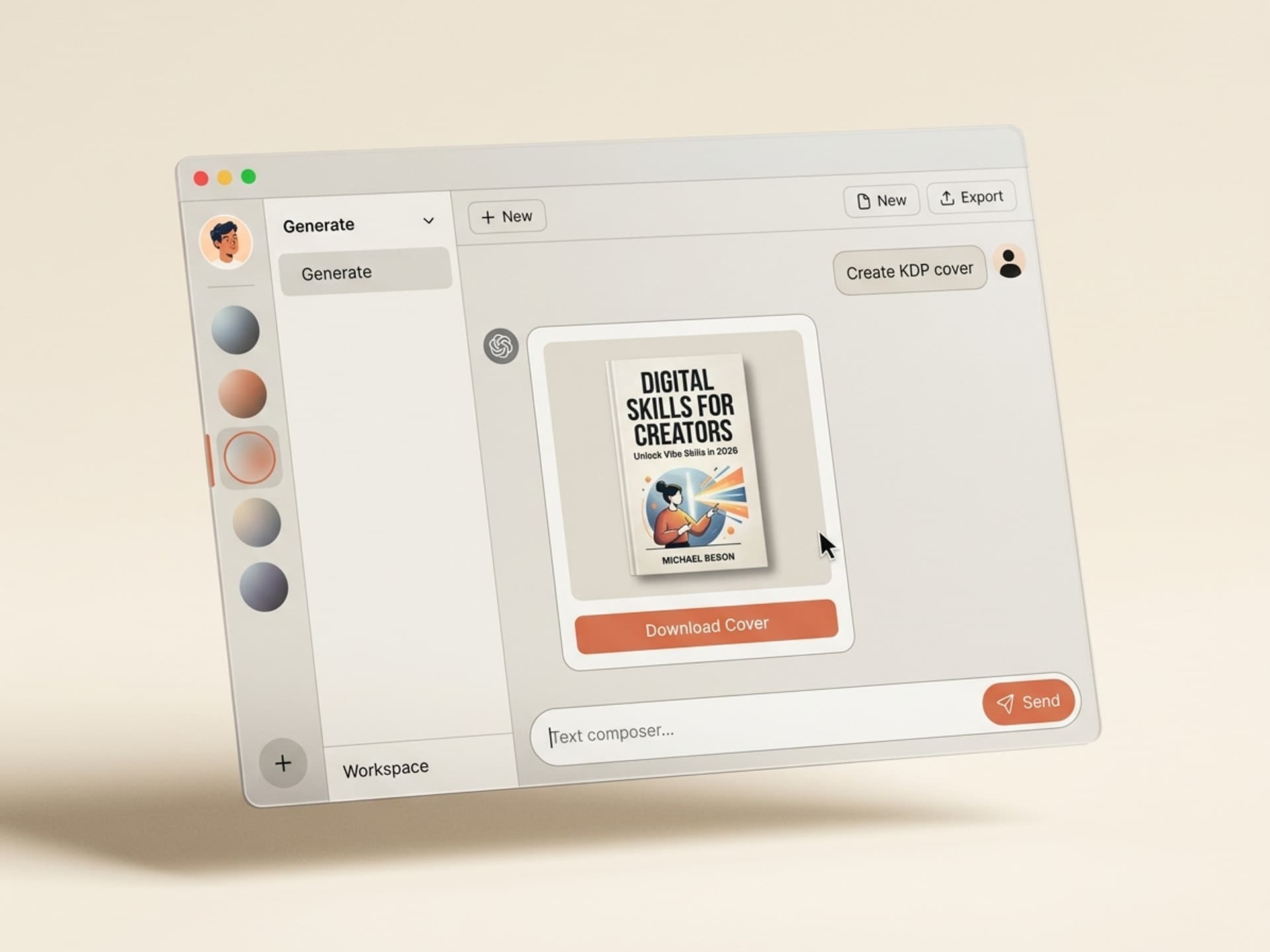
A custom book cover from a freelance designer costs $300 to $1,500 in 2026, with fully illustrated fantasy or children's covers starting at $1,500 and going over $2,000. For a Kindle Direct Publishing (KDP) launch where the average indie title earns under $1,000 in its first year, that cover budget consumes the entire profit and loss. AI book cover skills on Vibe Skills streamline the same workflow into under an hour for a flat $39/month subscription, with genre-aware layouts for thriller, romance, business, and fantasy built in.
This guide is for self-publishers using Kindle KDP, IngramSpark, Draft2Digital, or their own Shopify store. We'll cover cover anatomy by genre, the 5 AI book cover skills indie authors are currently using, and a 5-step workflow that takes a finished manuscript to a KDP-ready cover file on the same afternoon.
Why Book Covers Sell More Than Blurbs on Amazon
Amazon's Kindle store features over 100,000 new self-published titles every month. A reader scrolling the bestseller list for "thriller romance" or "business memoir" sees a grid of thumbnails roughly 200 pixels wide. Your cover has under 2 seconds to earn the click - the blurb is never read if the thumbnail fails.
Three patterns that increase click-through rate (CTR) at thumbnail size:
- Genre legibility: The cover signals the genre in the first half-second (color palette, type treatment, image style). A thriller cover that looks like a romance loses both audiences.
- Title contrast: The title is readable at 200 pixels. Thin serif fonts, low-contrast colors, and busy backgrounds hurt conversion.
- Visual hierarchy: One focal element (face, object, silhouette) plus the title plus the author name. Anything more appears cluttered.
Indie authors who treat the cover as marketing rather than art consistently outsell authors with prettier but less legible covers. The cover IS the advertisement. Genre-trained AI book cover skills incorporate these patterns so you don't have to figure them out for each launch.
Cover Anatomy by Genre: What Actually Sells
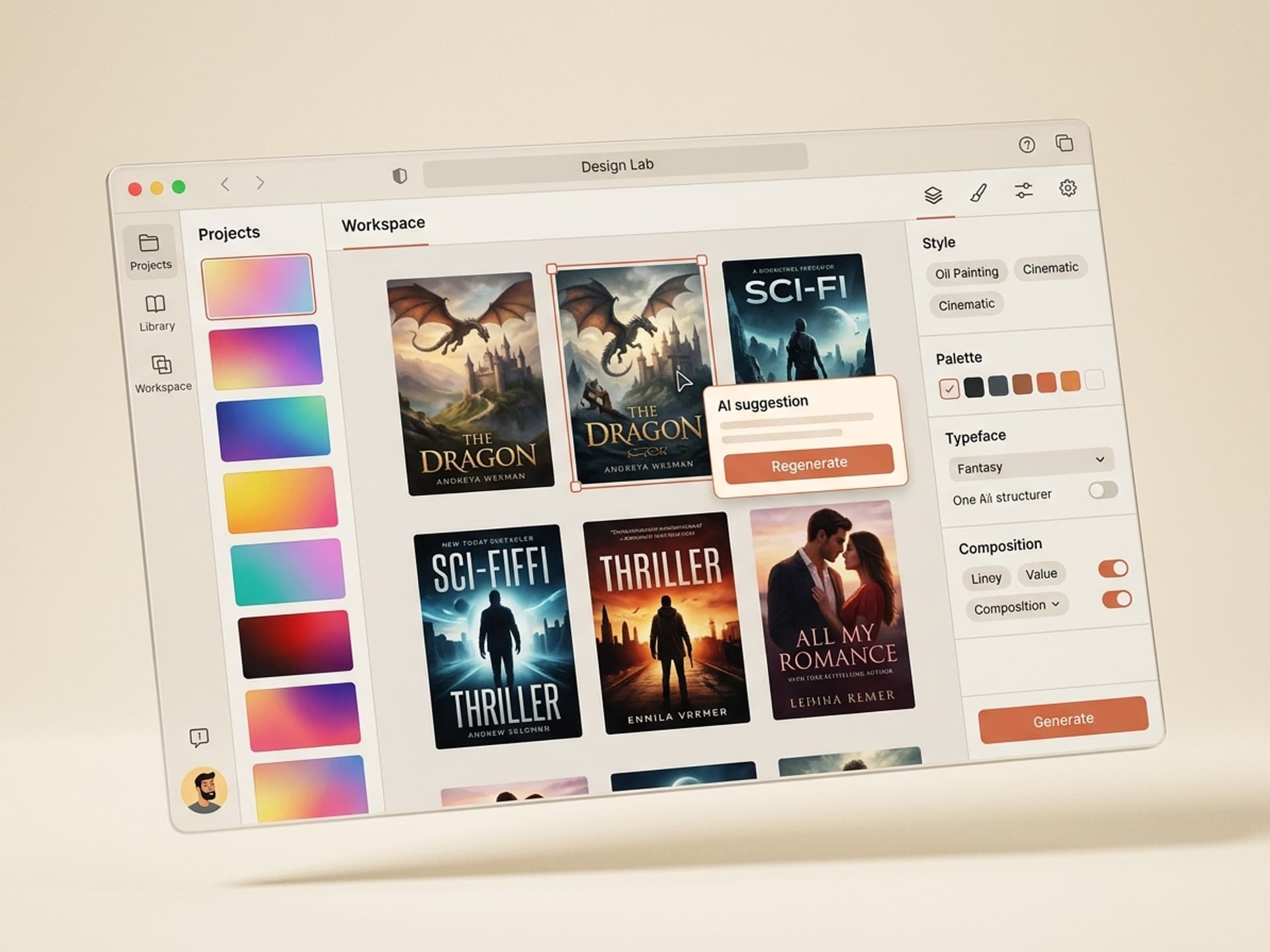
Each genre on Amazon has a visual language buyers expect. Deviate from it and you signal "amateur" before the reader reads a single word. Here's the quick guide for the four highest-volume self-publishing genres:
| Genre | Color palette | Typography | Imagery | Mood |
|---|---|---|---|---|
| Thriller / Suspense | Black, deep red, navy, cold blue, high contrast | Bold sans-serif, all caps title, thin author name | Silhouette, single object, lone figure, urban skyline at night | Tension, isolation, threat |
| Romance | Pastel pink, peach, lavender, gold accents, soft warm light | Elegant script for title, clean sans-serif author name | Couple silhouette, illustrated character, hands, florals | Warmth, longing, hope |
| Business / Self-Help | White, navy, single accent color (orange / red / yellow), clean | Heavy geometric sans-serif, often centered, large title | Single object, abstract shape, author photo, minimal icon | Authority, clarity, trust |
| Fantasy / Sci-Fi | Saturated jewel tones, gold + deep purple, fire + ice palettes | Custom serif or display, often with metallic texture | Illustrated landscape, mythic creature, weapon, hooded figure | Wonder, scale, escapism |
The mistake first-time indie authors make is choosing a cover style they personally prefer instead of one their genre's bestsellers use. A literary-style watercolor cover on a thriller will be invisible in the thriller category. AI book cover skills on Vibe Skills provide pre-tuned options per genre - you select "Thriller Series Cover" and the layout, type pairing, and palette are already appropriate.
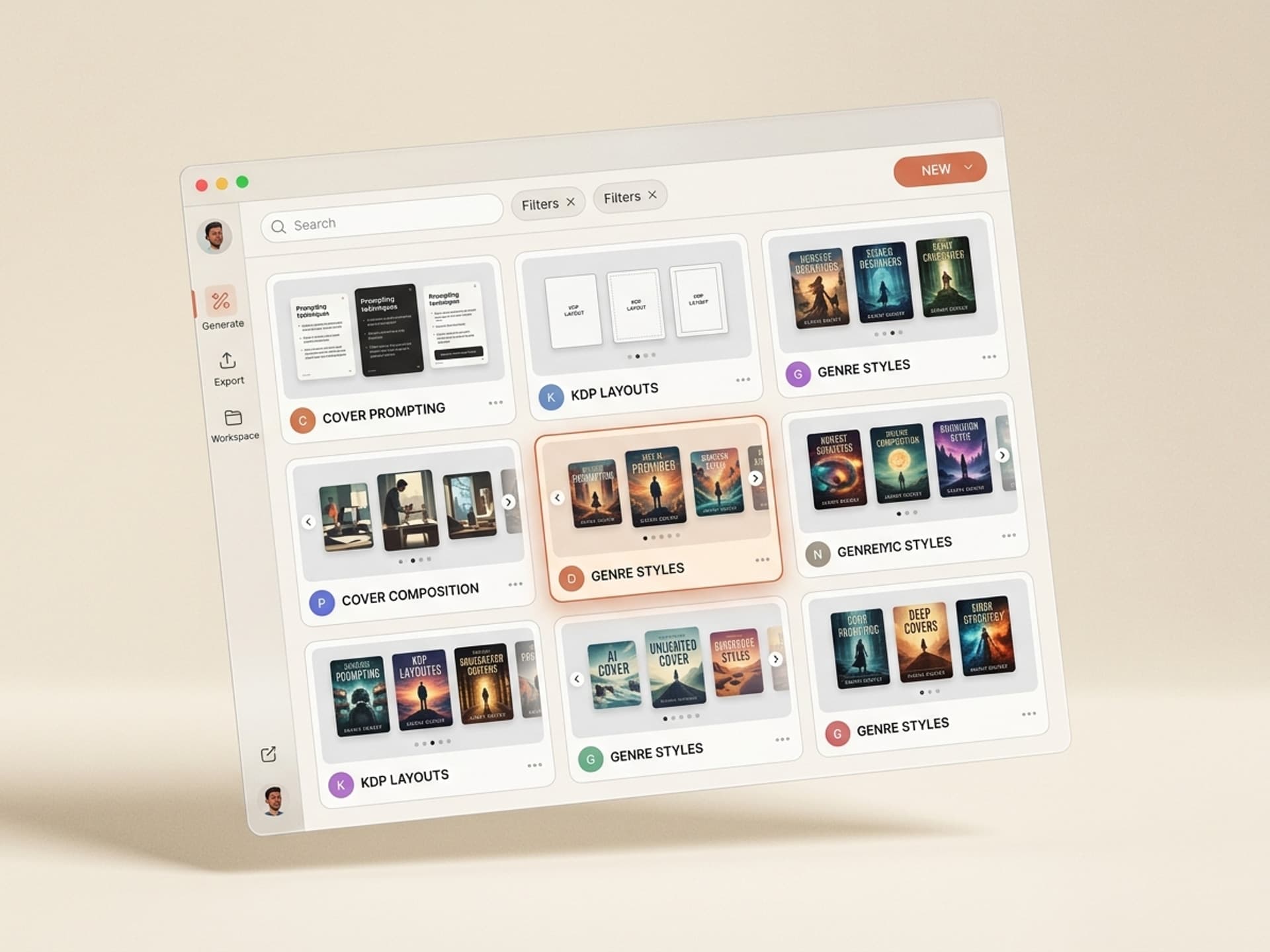
Browse the Thumbnails and Cover Art category on Vibe Skills to preview actual output across all four genres.
5 AI Book Cover Skills on Vibe Skills
The Thumbnails and Cover Art category offers 30+ skills for YouTube thumbnails, podcast covers, audiobook art, and book covers. The five most-installed skills for self-published authors right now:
1. KDP Ebook Cover Builder
Pre-set to Amazon's recommended 2,560 x 1,600 pixel ebook specification at 300 DPI in RGB. You provide the title, subtitle, author name, genre, and a one-line concept. The skill generates 4 cover variations tuned to the genre's visual language, all KDP-compliant from the start.
2. Paperback Wrap Generator (KDP + IngramSpark)
The most challenging cover task for indie authors: a print wrap with front cover, spine, back cover, barcode area, and bleed lines that match the exact trim size and page count. This skill takes your trim size (5 x 8 inch, 6 x 9 inch, etc.), page count, and paper type, then generates a print-ready PDF that integrates directly into KDP or IngramSpark without template issues.
3. Series Consistency Kit
For authors of trilogies or 5-book series. You upload Book 1's cover and the skill extracts the visual system (palette, type, layout grid, treatment) and generates matching covers for the entire series with the title swapped and the focal image varied. Crucial for series CTR - readers view series covers as a unit, not individually.
4. Genre-Specific Cover Templates
Pre-tuned starter covers per genre: Thriller, Romance, Business / Self-Help, Fantasy, Sci-Fi, Cozy Mystery, Memoir, Young Adult, Children's. Each provides the layout, palette, and type treatment used by the bestsellers in that genre. You change the title and the focal image and you're ready to publish.
5. Audiobook Cover Adapter
Audiobook covers for Audible / ACX require a square 3,200 x 3,200 pixel image. This skill takes your existing ebook cover and recomposes it into a square without losing the title, focal image, or branding. Saves the cost of a separate designer.
All 5 skills come with editable Figma + Photoshop files so you own the source and can make adjustments after generation.
Install one to start your next launch
From Manuscript to KDP-Ready Cover: A 5-Step Workflow
This is the workflow indie authors are using today to create a published cover from a finished book on the same afternoon.
Step 1: Select the right skill on Vibe Skills
Open Vibe Skills - Thumbnails and Cover Art and filter by your format (ebook, paperback, audiobook) and genre. Install the corresponding skill. Installation takes 30 seconds. If you're publishing a series, also get the Series Consistency Kit so books 2 onwards require only one click instead of a new design.
Step 2: Provide the brief
Every cover skill requests the same 6 inputs: title, subtitle (if any), author name, genre, mood (3 adjectives), and a one-line concept. Example for a thriller: "Title: The Last Witness. Author: Kira Mendes. Genre: Thriller. Mood: cold, isolated, urgent. Concept: A federal witness wakes up in a cabin with no memory and a stranger's blood on her hands."
The more specific the concept line, the more original the cover. Vague briefs ("woman in danger") result in a generic-feeling cover. Precise briefs produce something distinctive.
Step 3: Generate 4 variations and pick a winner
Every skill outputs 4 covers per run, not just 1. This is important: cover design is an iterative process, and seeing 4 directions side-by-side makes the best one obvious. Choose the strongest, then run a second pass with more specific instructions if needed ("same layout, replace focal image with a single key in the foreground").
Step 4: Test at thumbnail size before committing
Resize the cover to 200 pixels wide and view it on your phone. If the title isn't readable and the genre isn't clear in 2 seconds, send it back for revisions. This single check prevents 80% of cover mistakes before they appear on Amazon.
Step 5: Export to KDP / IngramSpark / ACX specifications
The skill automatically exports to the correct specification for each platform: KDP ebook (2,560 x 1,600 RGB JPEG), KDP paperback (PDF wrap with spine), IngramSpark (PDF/X-1a:2001 with crops and bleeds), ACX audiobook (3,200 x 3,200 square JPEG). You download the correct file and upload it to the platform. No designer back-and-forth, no template conflicts.
Total time from start to finish: 30 to 60 minutes per cover. A freelance designer's initial draft usually takes 5 to 10 business days.
Frequently Asked Questions
Are AI book covers allowed on Kindle KDP?
Yes. KDP's content guidelines do not prohibit AI-generated cover art as of April 2026. Amazon requires disclosure if AI-generated content is in the manuscript itself, but the cover is treated as marketing artwork, not literary content. The skills on Vibe Skills generate original art for each launch, so you are not reusing royalty-restricted stock either.
Will my AI cover look the same as everyone else's?
Only if you provide a generic brief. The skills on Vibe Skills generate original art for each run, not pull from a fixed template library. Two authors using the same Thriller skill with different concepts will receive visually distinct covers. The shared element is the genre language (palette, type treatment, layout) - which is precisely what you WANT shared, because that language is what makes the cover legible to thriller readers in the first place.
What is the difference between a hardcover, paperback, and ebook cover?
An ebook is a flat 2,560 x 1,600 image (RGB, 300 DPI, JPEG). A paperback is a PDF wrap that includes the front cover + spine (sized to your page count) + back cover + barcode area + bleed. A hardcover adds a dust jacket layout with flaps. The Paperback Wrap Generator skill on Vibe Skills handles all three formats from the same source so you don't need to redesign for each format.
How do I maintain visual consistency for a book series?
Use the Series Consistency Kit skill. It extracts the visual system from book 1 (palette, type pairing, layout grid, treatment, focal image style) and applies it to every subsequent book, varying the title and focal image. Series CTR depends on this - readers view the series as a unit, and a mismatched cover in the lineup signals "skip this one." Browse the category to see series sets in action.
Can I edit the cover after the AI generates it?
Yes. Every skill exports to editable Figma and Photoshop files, not flat PNGs. You own the source file and can adjust typography, change colors, or replace the focal image without re-running the AI. Most authors publish the first generation as-is for the ebook and manually adjust the paperback wrap.
How much does the Vibe Skills subscription cost compared to hiring a designer?
A Vibe Skills Pro plan is $39/month ($29/month annually) and includes unlimited use of cover skills. A single freelance book cover from a mid-range designer costs $300 to $1,200, and an illustrated fantasy cover starts at $1,500. The subscription pays for itself on the first cover, and then continues to provide covers for every future launch, every series book, and every audiobook adaptation at no additional cost.
Do I retain the rights to my cover?
Yes. The cover is yours to use commercially in perpetuity, including for KDP, IngramSpark, ACX, your website, advertising, and merchandise. Vibe Skills does not retain any rights to the output. Your subscription grants you a commercial license to everything you generate.
Stop Wasting Launch Budget on Cover Design
Indie publishing already operates on tight profit margins. A $1,200 cover can be the difference between a profitable book and a hobby project. AI book cover skills on Vibe Skills deliver genre-tuned, KDP-ready covers in under an hour for the cost of a couple of coffees per month. The covers are original, the editable source files are yours, and the workflow scales from a single launch to a 12-book series without any designer email exchanges.
If you're publishing a thriller this quarter, a romance series next year, or a business book in two months - the cover doesn't need to be the bottleneck.
Browse AI book cover skills on Vibe Skills →
Skip the $1,500 cover invoice. Install a book cover skill on Vibe Skills and publish your KDP cover this afternoon.