
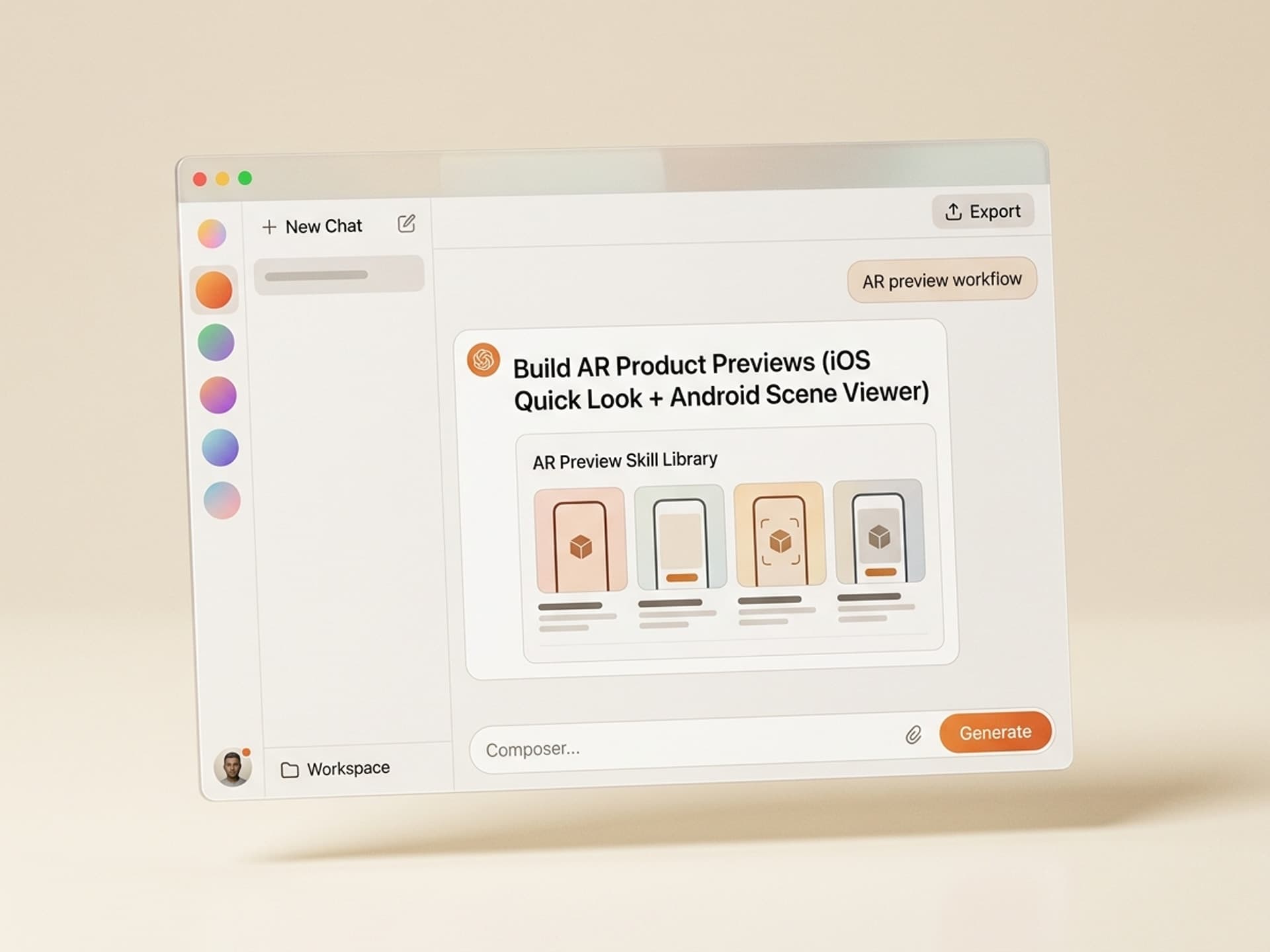

Browse hundreds of ready-made skills for Claude, Cursor, and more.
The Best AI Skills for AR Product Previews: Why 2026 Is the Tipping Point
The best AI skills for AR product previews in 2026 generate an Apple Quick Look USDZ + Android Scene Viewer GLB model from a few product photos, drop a viewer button onto your product page, and replace a $10,000 - $50,000 custom AR build. What used to be a 6-week agency project is now a Friday afternoon with a Vibe Skills subscription.
IKEA Place launched in 2017 and proved AR could move furniture. Sephora's Virtual Artist proved it could move makeup. Warby Parker proved it could move glasses. In 2026 every category that touches "fit", "scale", or "looks in your space" is moving the same way - and Apple Quick Look + Android Scene Viewer mean you no longer need an app to ship it.
This guide covers the five AR product preview skills we recommend on Vibe Skills in 2026, what each one ships, and how to put real WebAR on your product pages this week.
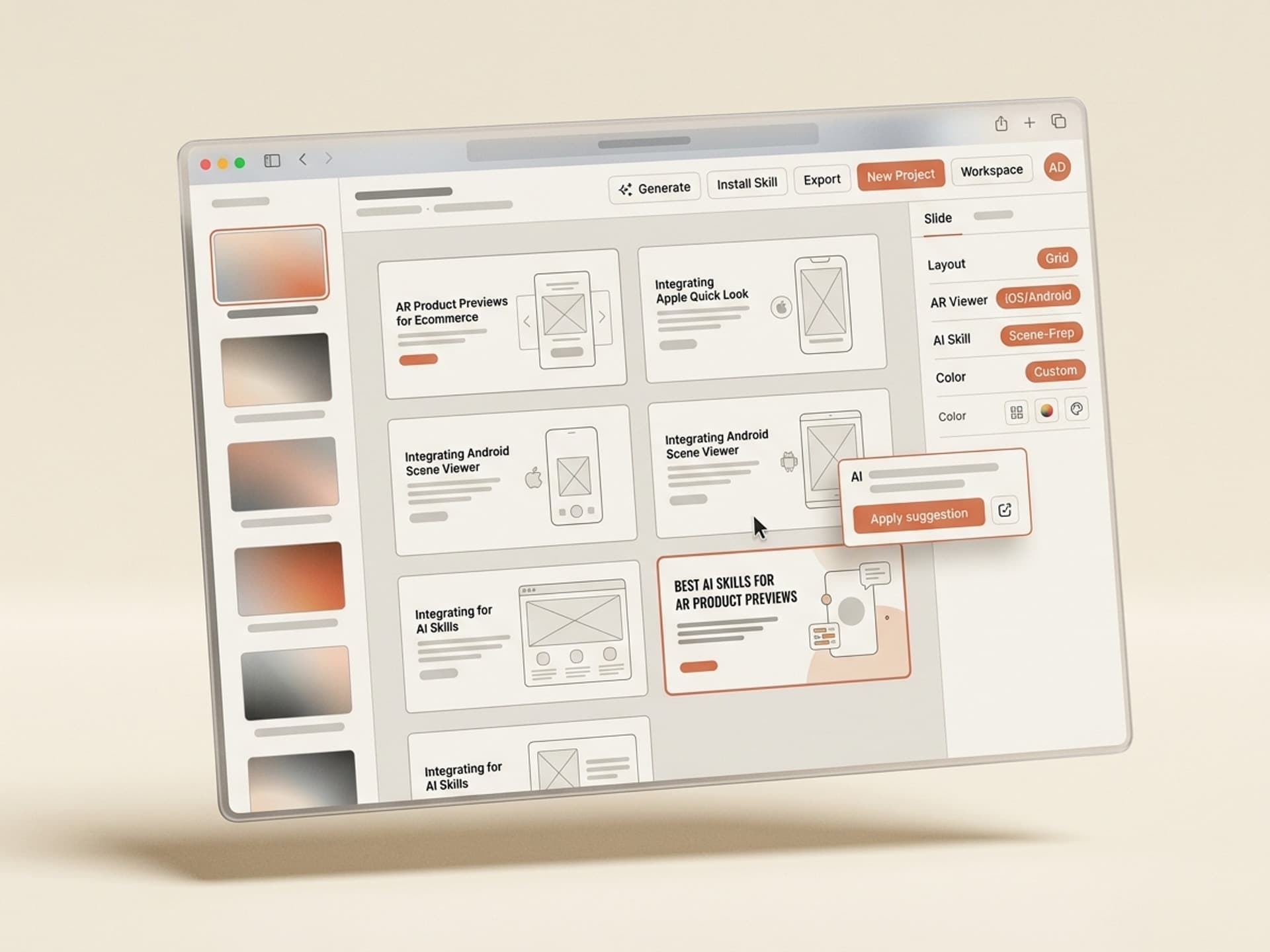
Browse hundreds of ready-made skills for Claude, Cursor, and more.
Why AR Drives Ecommerce Conversion in 2026
AR previews close the gap between "I think this fits" and "I know this fits". That gap is where most ecommerce returns come from, and returns are the single most expensive line item in DTC. The math is brutal: average return rates run 20 - 30% in fashion and 15 - 25% in furniture, and every return costs the brand $10 - $50 in shipping, restocking, and lost margin.
Brands that shipped AR previews tell a consistent story:
- IKEA Place drove 11x longer session times on AR-enabled SKUs versus flat product pages (IKEA's own 2018 case study, still cited as the reference number)
- Sephora Virtual Artist crossed 200 million try-ons in its first 18 months and is credited with double-digit lifts in beauty conversion on mobile
- Warby Parker built its entire growth model on virtual try-on, then expanded into physical retail on the back of it
- Shopify reports merchants who add AR previews see roughly 94% higher conversion on the AR-enabled product (Shopify's own 2020 commerce report)
The mechanism is simple. A flat product photo asks the buyer to imagine the product in context. An AR preview shows the buyer the product in their context, on their face, in their living room, on their kitchen counter. Imagination is friction. AR removes it.
The cost used to make this an enterprise-only feature. A custom WebAR build with a freelance 3D specialist runs $10,000 - $50,000 per SKU and takes 4 - 8 weeks. AI skills collapse that to one afternoon and one subscription, and the output works on every iPhone (Quick Look) and almost every Android (Scene Viewer) without a download.
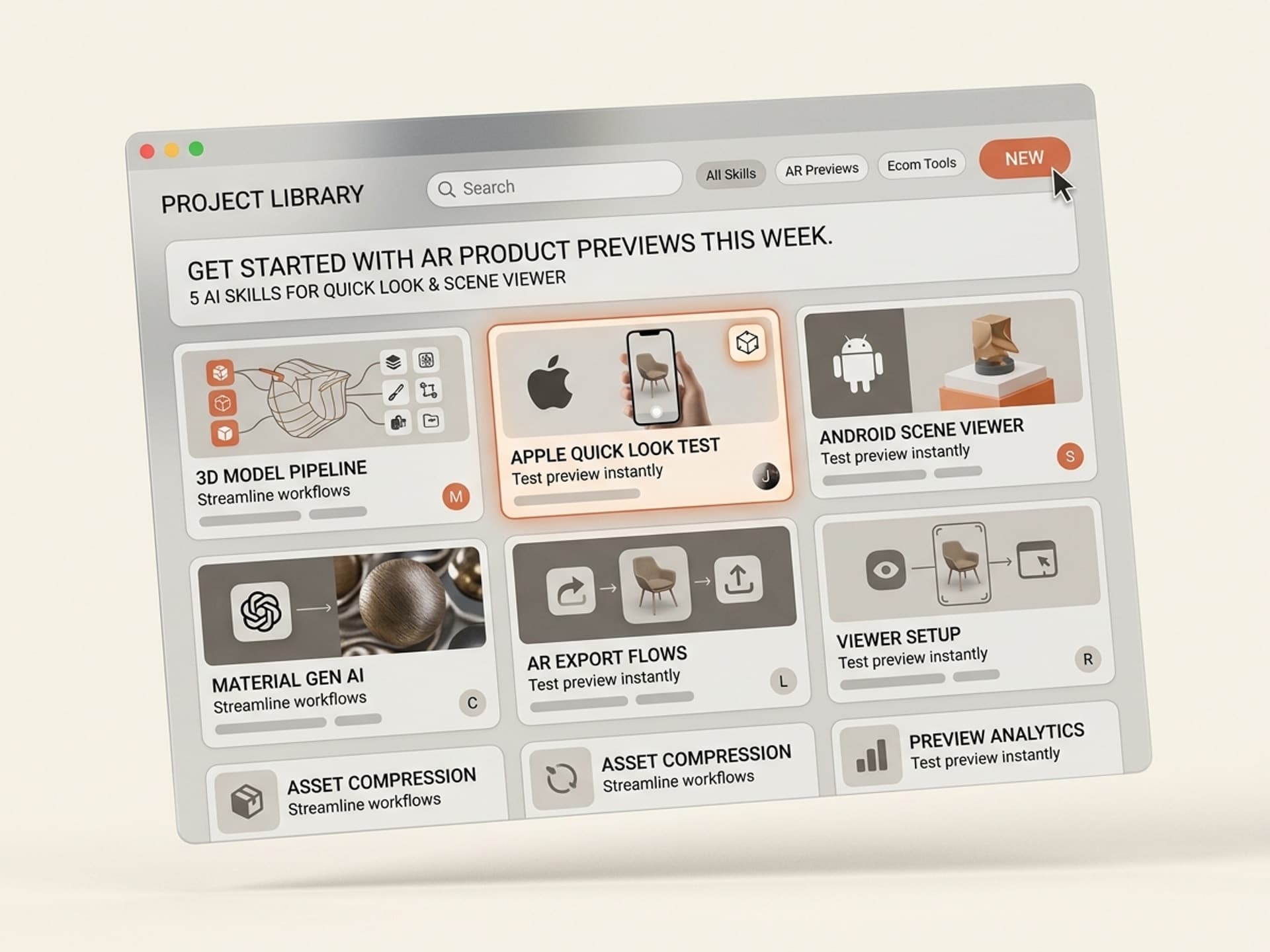
Browse hundreds of ready-made skills for Claude, Cursor, and more.
The Anatomy of a Great AR Product Preview
A working AR preview is not just "a 3D model on a page". A preview that converts ships five layers, and an AI skill needs to handle all five for the buyer to actually tap the AR button.
| Layer | What it does | Why it matters | Common mistake |
|---|---|---|---|
| 3D model | Photoreal mesh + PBR textures of the product | The hero. Has to look like the real thing. | Stock generic mesh that does not match the SKU |
| Real-world scale | Model is sized in centimeters, anchored to the ground or face | Buyer sees how big or small it really is | Wrong scale = furniture floats or sneakers look like clown shoes |
| Lighting + shadows | PBR materials + environment map + contact shadow | Sells the surface as real material in real light | Flat shading that reads as a video game asset |
| Hotspots | Tap-to-explore points on the model (color swatches, dimensions, features) | Lets the buyer interrogate the product like in-store | No hotspots, so AR is just a static viewer |
| Web fallback | Static 360 spinner for desktop + non-AR phones | 100% of traffic should see something useful | Showing "AR not supported" with no fallback |
A real AR product skill ships all five layers. A bad one ships a model and a button.
The format matters too. Apple Quick Look reads .usdz. Android Scene Viewer reads .glb. Every Vibe Skills AR skill exports both from a single source so you ship one button that just works on iOS and Android.
5 AI Skills for AR Product Previews on Vibe Skills
These are the five AR product preview skills we recommend in 2026. All live in the Interactive 3D category on Vibe Skills and ship as a <ar-button> web component (built on <model-viewer>) ready to drop into Shopify, WooCommerce, BigCommerce, Webflow, or a custom Next.js storefront.
1. Furniture-in-Room AR Skill
The IKEA Place pattern. Upload 6 - 12 product photos of a chair, sofa, table, or lamp. The skill generates a photogrammetry-grade GLB + USDZ, calibrates real-world scale from your product dimensions, and ships a "View in your room" button that opens Quick Look on iOS and Scene Viewer on Android.
Best for: furniture, lighting, decor, kitchenware, anything sized in centimeters.
Output: .usdz + .glb + Shopify-ready snippet.
Time to ship: 2 - 4 hours per SKU.
2. Glasses + Sunglasses Face-Try-On Skill
The Warby Parker pattern. Upload front + side photos of a frame. The skill generates a head-anchored GLB and uses ARKit Face Tracking on iOS + ARCore Augmented Faces on Android to lock the glasses onto the buyer's face in real time. Includes pupillary distance calibration so the buyer sees the actual fit.
Best for: eyewear brands, sunglasses, blue-light glasses. Output: face-anchored AR module + 360 fallback. Time to ship: 3 - 5 hours per frame.
3. Sneaker + Shoe On-Foot AR Skill
Foot tracking is now stable enough on iPhone 14+ and Pixel 7+ to do shoe try-on in WebAR without an app. Upload product shots, the skill generates a foot-anchored model and a "Try on your feet" button. Buyer points the phone at their feet and sees the sneaker render in real time.
Best for: sneakers, sandals, heels, boots. Output: foot-anchored AR module + brand-matched texture variants. Time to ship: 4 - 6 hours per style.
4. Beauty + Lip + Eyewear-Free Face Filter Skill
The Sephora Virtual Artist pattern. Upload a product shot of the lipstick, eyeshadow, blush, or foundation swatch. The skill builds a face-mesh shader that maps the color and finish (matte, glossy, metallic) onto the buyer's lips, eyelids, or cheeks in real time. Works in-browser, no app required.
Best for: beauty, cosmetics, skincare with visible finish. Output: face-mesh shader + shade-variant matrix. Time to ship: 2 - 3 hours per shade family.
5. Packaged Product On-Counter AR Skill
The under-rated workhorse. Drop a coffee bag, supplement bottle, candle, or fragrance on a real countertop in the buyer's home. The skill builds a small-object GLB with high-detail labels (so the buyer can read the back) and ships a tap-to-place AR button.
Best for: CPG, supplements, fragrance, candles, premium food + beverage.
Output: .usdz + .glb with high-res label baked in.
Time to ship: 90 minutes - 2 hours per SKU.
Browse all AR + Interactive 3D skills on Vibe Skills →
How to Add AR to Your Product Page in One Afternoon
Here is the exact workflow our most-shipped DTC brands use to roll AR across a catalogue. Five steps, two to four hours per SKU, no agency.
-
Pick the right AR skill on Vibe Skills. Match the skill to the product type: furniture, glasses, sneakers, beauty, or packaged goods. Each skill ships the format and tracking model the category needs. Start at the Interactive 3D category.
-
Upload your product inputs. Most skills want 6 - 12 product photos from different angles, the real-world dimensions in centimeters, and the SKU's color or finish variants. The skill handles photogrammetry, mesh cleanup, and PBR texture baking automatically.
-
Validate the output on a real device. Open the generated USDZ on an iPhone (Safari → Quick Look) and the GLB on an Android (Chrome → Scene Viewer). Check scale against a real ruler. Most AR fails in production because someone shipped without checking scale.
-
Drop the AR button on your product page. The skill ships a
<model-viewer>snippet you paste below the gallery. Shopify merchants can also use the nativemodel-viewerblock. Addarandar-modes="webxr scene-viewer quick-look"so the same button works on every device. -
Track AR engagement in your analytics. Fire a
viewed_in_arevent when the AR button is tapped. AR-tappers convert at 2 - 3x the rate of non-tappers, so this segment is gold for retargeting.
The whole loop fits in one afternoon for the first SKU, then drops to under 2 hours per SKU once the workflow is set up.
Frequently Asked Questions
Is AR product preview an iOS-only feature in 2026?
No. Apple Quick Look (.usdz) handles iOS, and Android Scene Viewer (.glb) handles Android. The <model-viewer> web component ships a single button that picks the right format per device. Every AR skill on Vibe Skills exports both formats from one source, so you ship once and it works on roughly 95% of mobile traffic.
Do I need a native app to ship AR product previews?
No. WebAR is the default in 2026 for ecommerce. Apple Quick Look and Android Scene Viewer both launch from a tap inside Safari or Chrome with no install, no SDK, and no App Store review. Native apps still make sense for huge retailers like IKEA who want loyalty + inventory + AR in one place, but for almost every DTC brand, WebAR is the right call. Browse WebAR-ready skills to ship without the native overhead.
What 3D file format do I actually need?
Two formats. .usdz for Apple Quick Look on iOS, .glb for Android Scene Viewer and <model-viewer>. They are the AR equivalent of MP4 + WEBM for video. Every Vibe Skills AR skill exports both from a single source mesh, so you do not have to maintain two pipelines. If a vendor only ships GLB, your iOS users get a broken AR button.
How do I make sure the AR scale is correct?
Always input the product dimensions in centimeters when you generate the model and always test on a real device with a real ruler before shipping. AR scale errors are the #1 reason previews get returned. Vibe Skills AR skills bake the dimensions into the GLB + USDZ metadata so Quick Look and Scene Viewer auto-anchor the model at true size.
Will an AR preview slow down my product page?
It does not have to. The <model-viewer> script is around 60 KB gzipped and loads async, and the GLB itself only downloads when the buyer taps "View in AR". Lazy-load the script with loading="lazy" and the AR button costs roughly 0 in Largest Contentful Paint. The Vibe Skills AR skills ship the lazy-load pattern by default so your Core Web Vitals stay green.
How much does an AR product preview really cost in 2026?
A custom freelance build runs $10,000 - $50,000 per SKU, takes 4 - 8 weeks, and locks you to one specialist. A Vibe Skills subscription is $39/month for unlimited downloads (see pricing), and each AR skill ships in 2 - 4 hours. For a 50-SKU catalogue, the math is roughly $500,000 freelance vs $39 subscription for the first month of output. The subscription wins on the first SKU.
Can I use AR previews on Shopify, WooCommerce, or Webflow without a developer?
Yes. The output of every Vibe Skills AR skill is a <model-viewer> snippet plus the model files. Shopify has a native 3D model block that accepts USDZ + GLB. Webflow accepts the snippet as an embed. WooCommerce + BigCommerce accept it as a custom HTML block. No developer needed for the install, only for the analytics wiring (and a dev can do that in 20 minutes).
Does AR work for products that do not need fit (mugs, candles, kitchenware)?
Yes - the on-counter AR pattern is one of the highest-converting we see, because buyers who place a mug or candle in their kitchen are signaling intent at almost the same level as a buyer adding to cart. The Packaged Product On-Counter skill in the Interactive 3D category is built for exactly this use case.
Why 2026 Is the Year to Ship AR Across Your Catalogue
The pattern is locked in: AR-enabled product pages convert at roughly 2x flat pages, AR drives session times 3 - 11x longer, and AR-enabled SKUs see lower return rates because the buyer already saw the fit. The cost has collapsed from $10,000 - $50,000 per SKU to one Vibe Skills subscription. The format is settled (USDZ + GLB). The browsers support it (Quick Look + Scene Viewer). The hardware is in 95% of buyers' pockets.
The only thing left is shipping it. The DTC brands that move first in their category own the search results, the social proof, and the conversion benchmark for the next 18 months.
Browse AR product preview skills on Vibe Skills →
Skip the 6-week agency build. Install an AR product preview skill on Vibe Skills and ship to your storefront this afternoon.