

Browse hundreds of ready-made skills for Claude, Cursor, and more.
How to Make a School Presentation Fast (When It's Due Tomorrow)
The average school presentation eats 4 to 8 hours of your weekend by the time you finish writing, designing, and rehearsing. With AI skills, you can compress that to 30 minutes without your slides looking like a 90s PowerPoint. That's the entire point of this guide. Vibe Skills packages ready-made presentation workflows so you stop fighting fonts and start finishing projects.
This is not a "skip the work" guide. You still do the thinking, research, and the actual talking. AI just handles the slide design so your ideas look as sharp as they sound.
Browse hundreds of ready-made skills for Claude, Cursor, and more.
Why Your Slides Look Boring (And Why It Actually Matters)
Most students hand in slides that look exactly like their classmates' slides: white background, Calibri font, one stock photo per slide, a chart copy-pasted from Wikipedia. Teachers see 30 of these in a row. Yours blends in.
The stakes are bigger than the grade:
- Teacher impressions carry into recommendation letters
- Project grades weigh into your GPA - which weighs into college admissions
- Science fair / debate / pitch nights sometimes lead to scholarships and prize money
- Student council and club work builds the resume you put on college apps
- Side hustles (tutoring, design gigs, content creation) need polished decks too
Slide design used to require either real money (designer) or real time (you). Both are scarce when you're a student. AI skills remove the trade-off. You get the design quality without the bill or the all-nighter.
Browse hundreds of ready-made skills for Claude, Cursor, and more.
What You Need (Free or Cheap Setup)
Here is the minimum kit to make this work:
- A laptop or Chromebook with a browser (Chrome, Safari, Edge - any work)
- An AI tool (free options like ChatGPT free tier, Claude free tier, Gemini, OR a Vibe Skills subscription at $39/month)
- A Google account (for Google Slides export) or a Microsoft account (for PowerPoint export)
- 20 minutes of focused time plus a 10-minute rehearsal
That's it. No Photoshop. No After Effects. No design degree.
Comparison: 3 ways to make the same school presentation
| Method | Time | Cost | Skill required | Result |
|---|---|---|---|---|
| From scratch in PowerPoint / Google Slides | 4 - 8 hours | Free | Manual design work | Looks average, hours wasted |
| Free template from a template site | 2 - 3 hours | Free | Some editing skills | Looks like 50 other students' decks |
| AI skill from Vibe Skills | 30 minutes | $39/month subscription | None - you give notes, the skill builds the deck | Looks designed by a pro |
A Vibe Skills subscription is $39/month for the Pro plan with unlimited downloads. That's less than Spotify Premium plus Netflix combined, and you can pause the subscription as soon as your project is done.
Browse Presentation Skills on Vibe Skills to see what shows up in the catalog.
5 AI Skills That Save Students Hours
Vibe Skills has dozens of presentation skills aimed at school and club work. Here are five that fit the most common student projects:
| Skill | Best for | Browse |
|---|---|---|
| Science Fair Presentation Generator | Lab reports, data displays, hypothesis slides | /category/presentations |
| History Project Slide Composer | Timelines, primary source layouts, historical maps | /category/presentations |
| Debate Club Argument Visualizer | Pro/con frames, rebuttal slides, evidence cards | /category/presentations |
| Class Pitch Deck Builder | Student council pitches, club proposals, fundraising | /category/presentations |
| Book Report Slide Designer | Theme analysis, character maps, plot structure | /category/presentations |
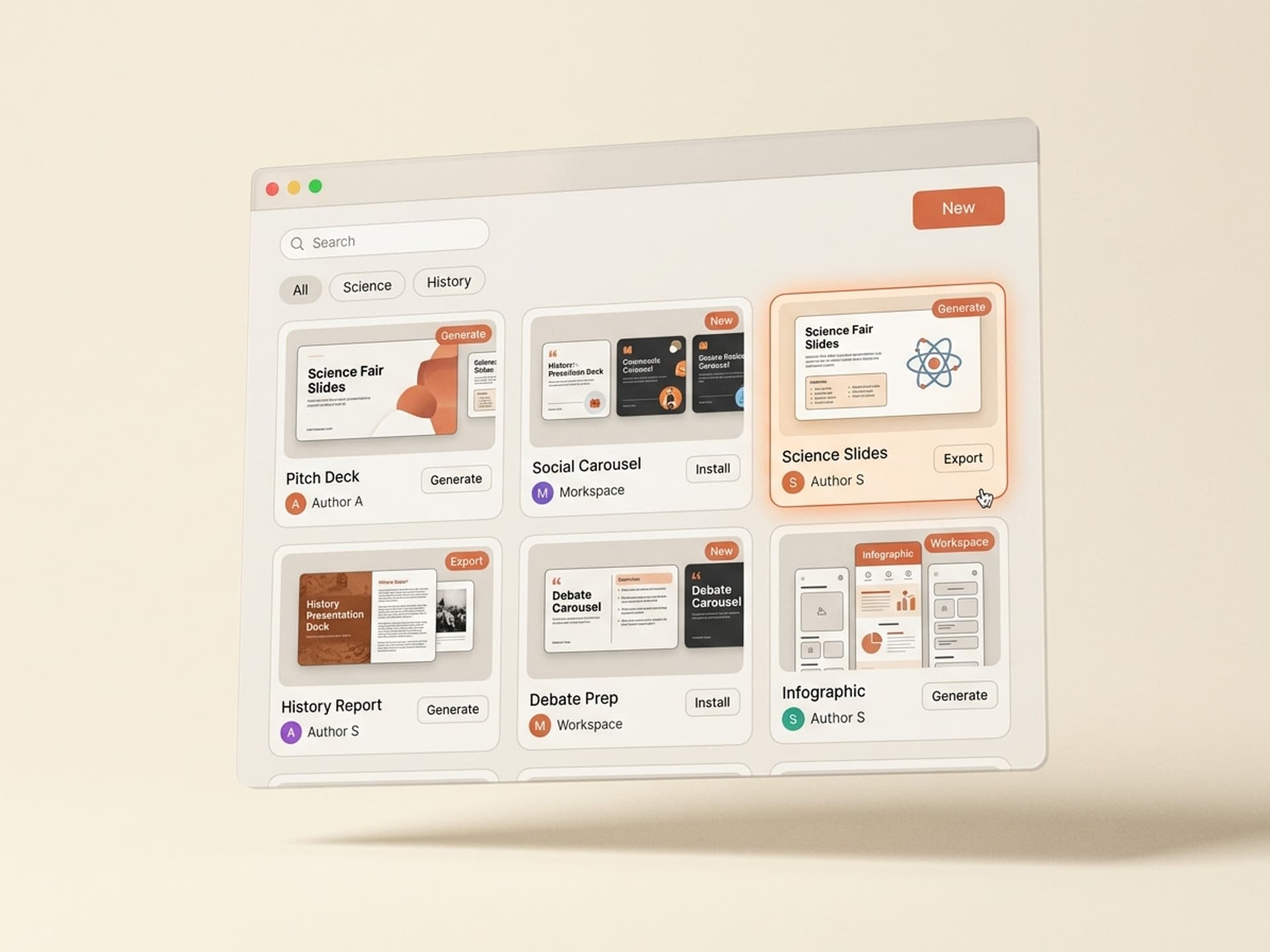
Each skill ships with the layout, font system, color palette, and slide structure already done. You feed it your notes, and it builds the deck around them.
See all Presentation Skills on Vibe Skills
The Real 30-Minute Step-by-Step
Here is the actual workflow, timed. It works for a 5 to 10 slide presentation, the most common school assignment.
Step 1: Pick the right skill on Vibe Skills (3 minutes)
Open the Presentations category and pick the skill that matches your project type. Science fair gets a different layout than a book report. Don't overthink it - pick the closest match and move on. You can swap later.
Step 2: Dump your notes, outline, and research (5 minutes)
Paste in everything you have: rough outline, bullet points, key dates, sources, quotes you want to include. Messy is fine. The skill is built to organize unstructured input into a clean slide flow. If you have a draft essay or lab report, paste that in too.
Step 3: Pick the visual style (3 - 5 minutes)
Most skills give you 3 - 5 style options: clean academic, bold and modern, photo-heavy, data-driven, magazine layout. Pick what matches your topic. A debate slide deck looks different from a book report. Don't pick the loudest one - pick the one that fits the subject.
Step 4: Generate the slides (about 5 minutes)
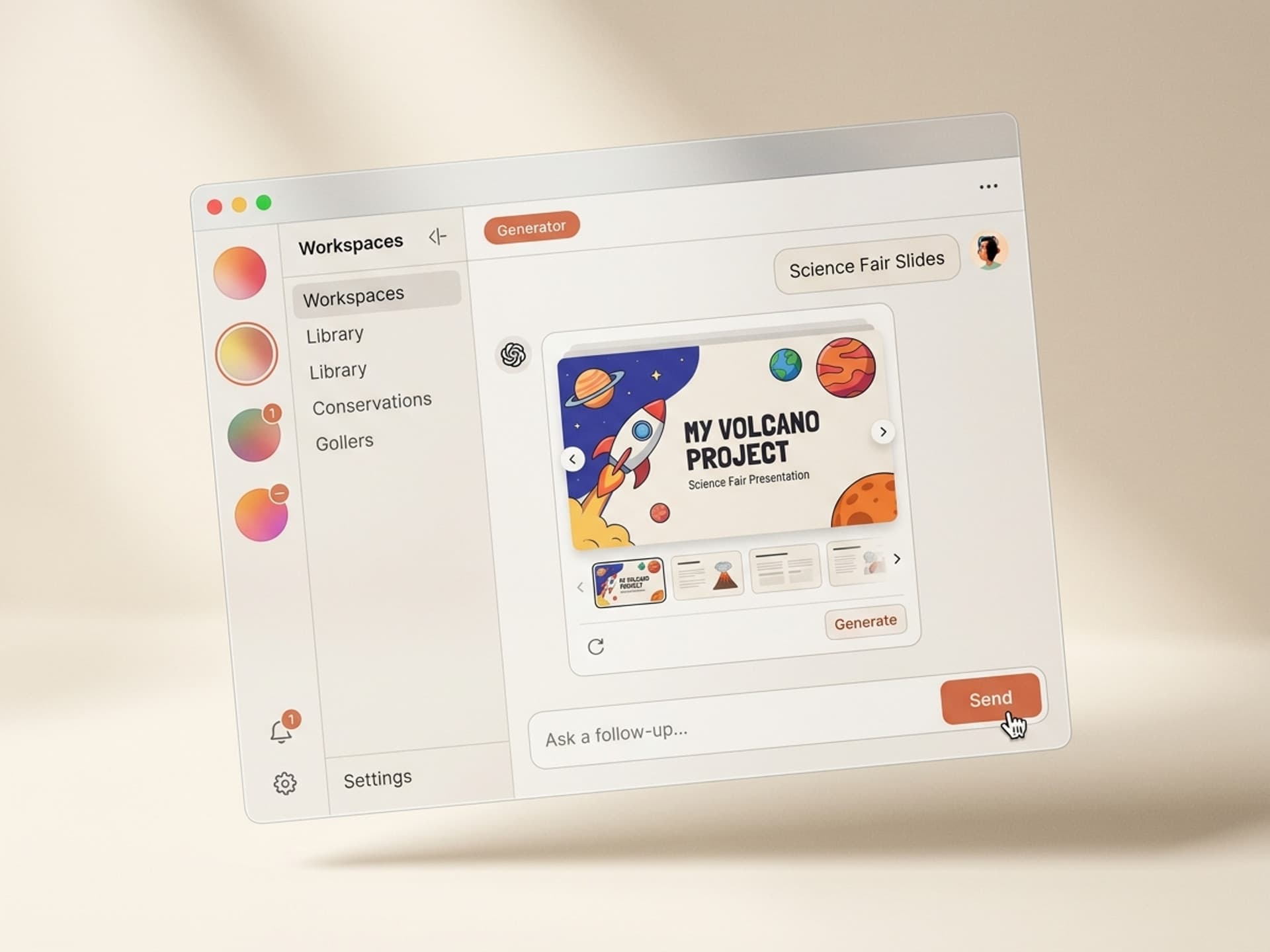
Hit generate. The skill builds the full deck: title slide, agenda, content slides, charts where they fit, citation slide, ending slide. You did not write any design code, picked any fonts, or aligned any boxes. That work is done.
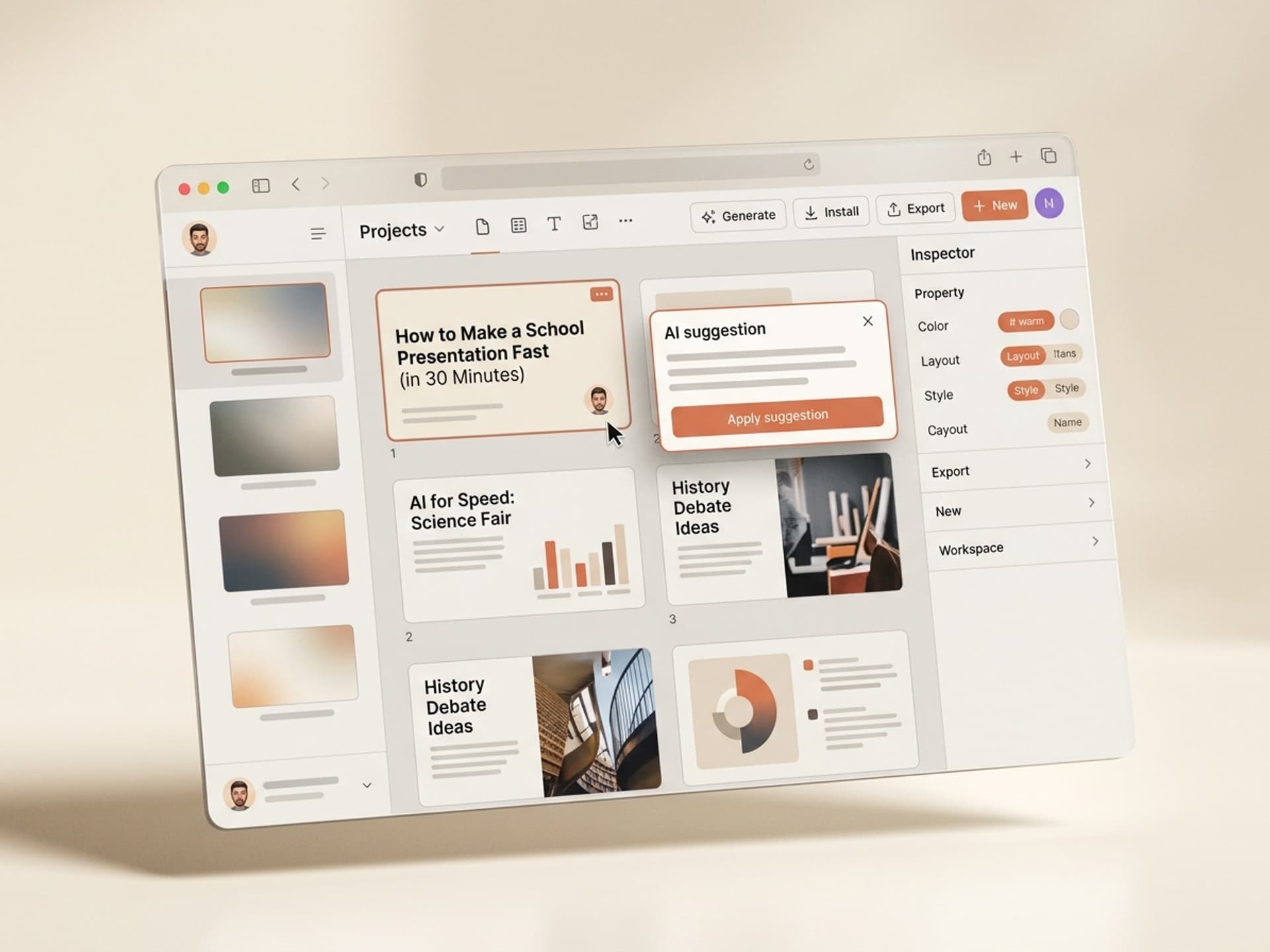
Step 5: Tweak the specific bits (about 10 minutes)
This is where you make it yours. Common tweaks:
- Swap any placeholder image for one related to your topic
- Adjust the title slide so it has your name, class, and date
- Fix any factual error the AI introduced (always double-check dates and stats - this is on you)
- Adjust the citation slide to match your school's required format (MLA, APA, Chicago)
Step 6: Export and rehearse (about 5 minutes)
Export to Google Slides, PowerPoint, or PDF depending on what your teacher wants. Practice once out loud. You're done. Total: about 30 minutes.
Frequently Asked Questions
Will my teacher know my slides were designed with AI?
They will probably know AI helped - and that is generally fine in 2026. Most schools and universities now allow AI as an assistive tool, similar to using Grammarly or a calculator. The line is whether you did the thinking. As long as your research, arguments, and analysis are yours, slide design help is in the same bucket as letting Canva pick your fonts. Always check your school's specific AI policy and disclose use if asked.
Can I use this for college admissions or scholarship presentations?
Yes, and you absolutely should. College admissions readers see thousands of decks. A polished one stands out. Vibe Skills has skills built specifically for application portfolios, scholarship pitches, and student showcase decks. Just be ready to discuss your work in person - the slides should reflect what you actually know.
Is $39/month worth it for a student who only needs one presentation?
If you only need it for one project, subscribe for one month, finish your work, then cancel. $39 is less than a textbook and saves you 4 to 6 hours per project. If you have 3 to 5 projects per semester, the math gets really good. For ongoing use, consider sharing with classmates if your school's terms allow personal subscriptions for academic work.
What if I don't have brand colors or a school theme?
You don't need any. The presentation skills on Vibe Skills ship with 3 to 5 ready color palettes per skill, all tested to look professional. Pick one. If your school wants a specific palette (like school colors), you can swap them in 30 seconds before exporting.
Can I do this on a Chromebook?
Yes. Everything runs in the browser - the AI skills, the editing, the export to Google Slides. No installs, no admin permissions, no IT tickets. This is the main reason students on school-issued Chromebooks pick web-first AI workflows over PowerPoint.
How is this different from just using ChatGPT?
ChatGPT can outline content but it does not design slides. You'd still spend hours dragging boxes in PowerPoint. AI skills bundle the design system, slide structure, and content generation into one workflow. Vibe Skills is built around this exact problem - skills run in your AI tool of choice (Claude, ChatGPT, Gemini) but ship with the visual layouts pre-built.
Will this work for a group project?
Yes. Generate the base deck with one person, export to Google Slides, then share with your group for live editing. Most skills produce a deck that's already organized into clean sections, so splitting work between teammates becomes "you take slides 3 to 5, I take 6 to 8" instead of arguing about fonts.
The Honest Bottom Line
If you have a presentation due tomorrow at 9 a.m., you have two options:
- Stay up until 2 a.m. wrestling with PowerPoint
- Spend 30 minutes with an AI skill and rehearse twice instead
The students who win science fairs, get scholarships, and look ridiculously polished in front of admissions officers are not better at design - they have better tools. Vibe Skills exists so you don't have to build a presentation from a blank slide ever again.
Browse Presentation Skills on Vibe Skills →
Stop wrestling with PowerPoint at midnight. Make your next school presentation in 30 minutes on Vibe Skills.