

Browse hundreds of ready-made skills for Claude, Cursor, and more.
Why Event Invite Emails Are the Hardest Email You Will Send in 2026
The average B2B webinar invite gets a 22% open rate and converts 4-8% of opens into RSVPs. That means for every 1,000 contacts you email, around 9-18 people actually click "register". The default Eventbrite or Luma invite is designed to ship fast, not to convert. It is a calendar with a CTA bolted on.
A well-designed invite email looks like a tiny landing page: hero visual, clear date and time block, speaker headshots with credentials, a 3-bullet agenda, and one unmissable RSVP button. Built from scratch in Figma plus HTML that is 8-14 hours per event for a designer who knows email. Skip the design and your registrations stay flat.
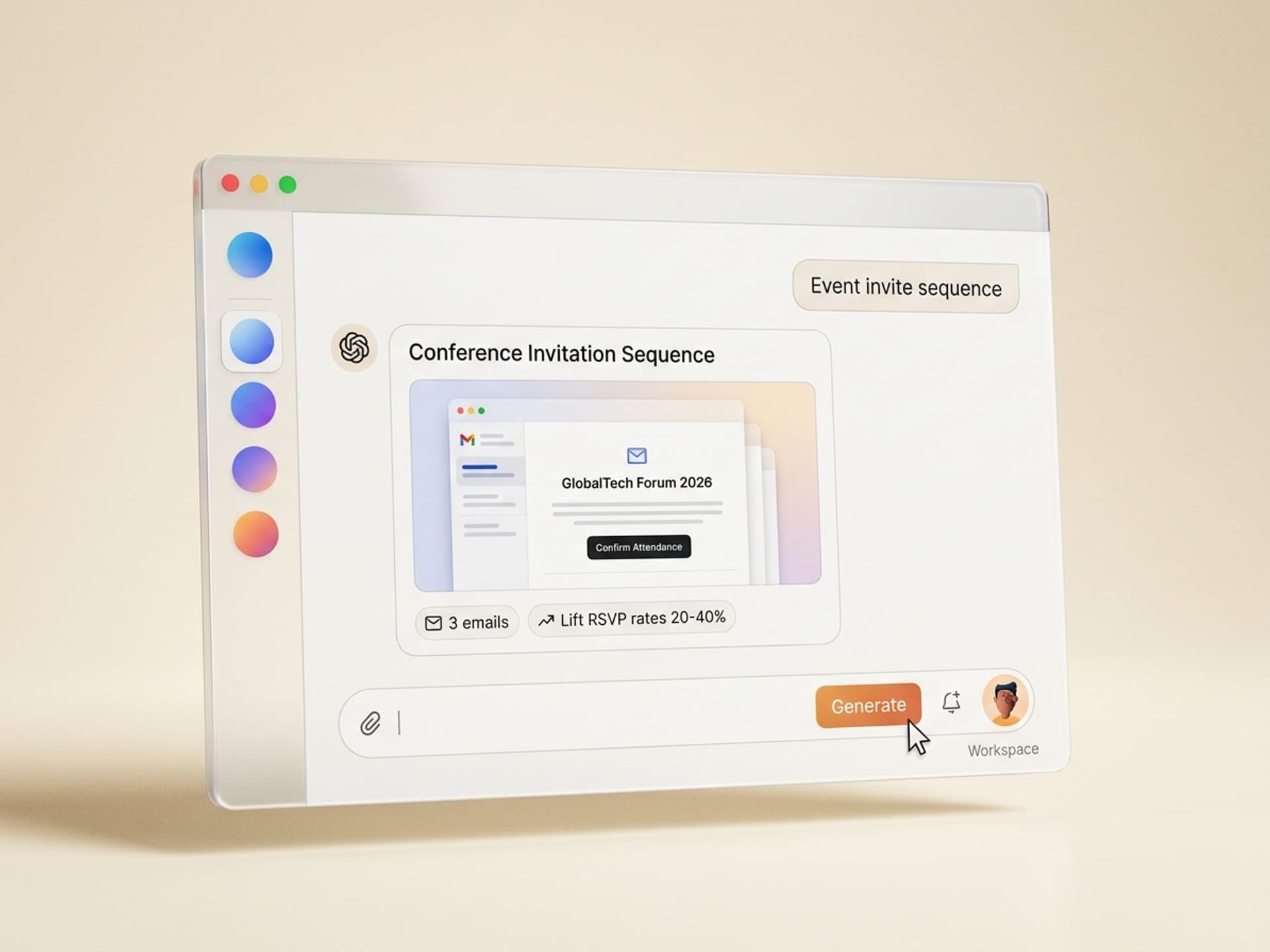
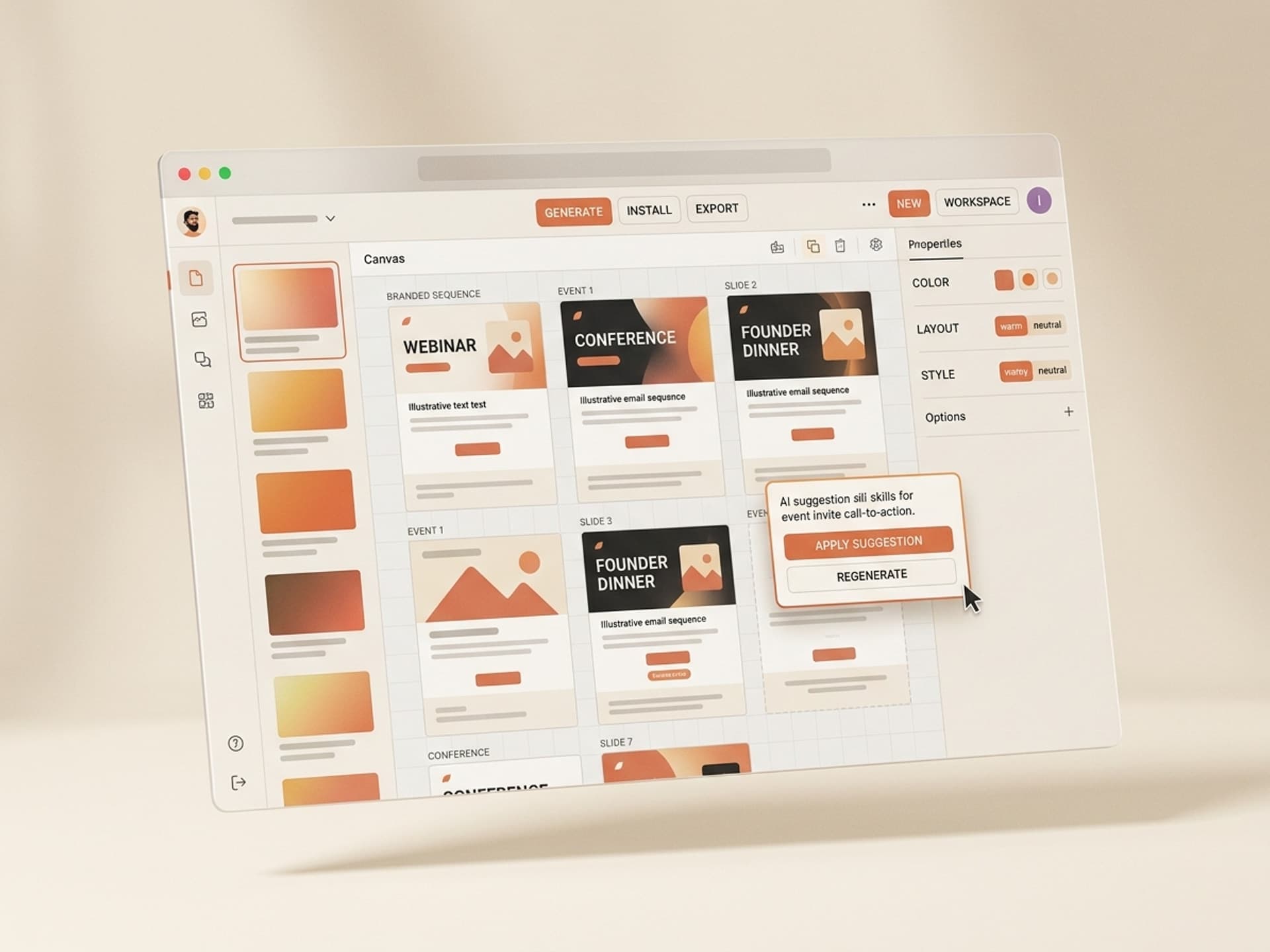
Vibe Skills ships ready-made event invite email skills - branded hero, date block, speaker grid, agenda highlights, and a 3-touch reminder sequence - that cut design time from 14 hours to under 90 minutes. Below is what makes invite emails actually work, the skills that ship them, and a 1-hour playbook to send a full invite sequence today.
Browse hundreds of ready-made skills for Claude, Cursor, and more.
Why Invite Email Design Drives RSVP Rate
Event invite emails compete with every other "book a meeting" and "save the date" message in the inbox. Design carries the conversion. Three reasons it matters more here than in any other lifecycle email:
- The decision is calendar-shaped. People scan for date, time, and time zone before they read a single word of copy. If those three are not visible without scrolling, you lose the click.
- Speakers ARE the product. B2B audiences register because of who is on stage. A speaker grid with real headshots and titles converts 2-3x better than a name-only list. Stripe's Sessions invites and Figma Config emails are textbook examples.
- Reminders are 60% of total RSVPs. Industry benchmarks from Goldcast, Hopin, and Luma show that the day-before and day-of reminder emails generate more registrations than the original invite. If your reminders look like reply-thread plain text, you are leaving half your audience on the table.
The data backs this up. According to a 2025 Litmus benchmark, branded event emails with a hero visual see 38% higher click-through rates than text-only invites. ON24 reported in their 2026 Webinar Benchmarks Report that webinars with 3-touch invite sequences (save the date + invite + day-of) see 2.4x more registrations than single-send invites.
The takeaway: invite design is not decoration. It is the single biggest lever on RSVP rate after speaker quality.
Browse hundreds of ready-made skills for Claude, Cursor, and more.
Invite Anatomy: The 6 Blocks Every Event Email Needs
Every high-converting event invite, from SaaStr to AWS re:Invent to a 30-person founder dinner, uses the same skeleton. Here is the breakdown:
| Block | What it does | Where it goes | Length |
|---|---|---|---|
| Event hero | Visual that signals brand + event vibe in 1 second | Top, full width | 1 image, 600x300 px |
| Date / time / location block | Calendar-shaped data that survives skim-reading | Right under hero | 4 lines max, time zone visible |
| Headline + 1-line value prop | Why this event matters to the reader | Below date block | Under 12 words |
| Speaker grid | Faces + names + titles + companies | Middle of email | 3-6 speakers, headshots required |
| Agenda highlights | 3 bullets, not a full schedule | Below speakers | Under 80 words total |
| Primary RSVP CTA | Big, branded, repeated 2x (mid + bottom) | Mid-email + bottom | 1 button, 1 verb |
Two rules that are non-negotiable:
- Time zone always visible. "2pm PT / 5pm ET / 10pm GMT" not just "2pm". Forgetting time zone is the #1 reason people register and never show up.
- Speaker headshots are mandatory. Not logos. Not initials. Real human faces. Every benchmark study from Goldcast to Hopin to Welcome shows headshot grids beat logo-only by 41% click-through.
Vibe Skills ships skills that build all 6 blocks automatically. You feed in your event details and speaker list, and the skill outputs an HTML email with your brand fonts, your accent color, headshot frames, and a tested mobile-responsive layout.
5 AI Event Invite Email Skills on Vibe Skills
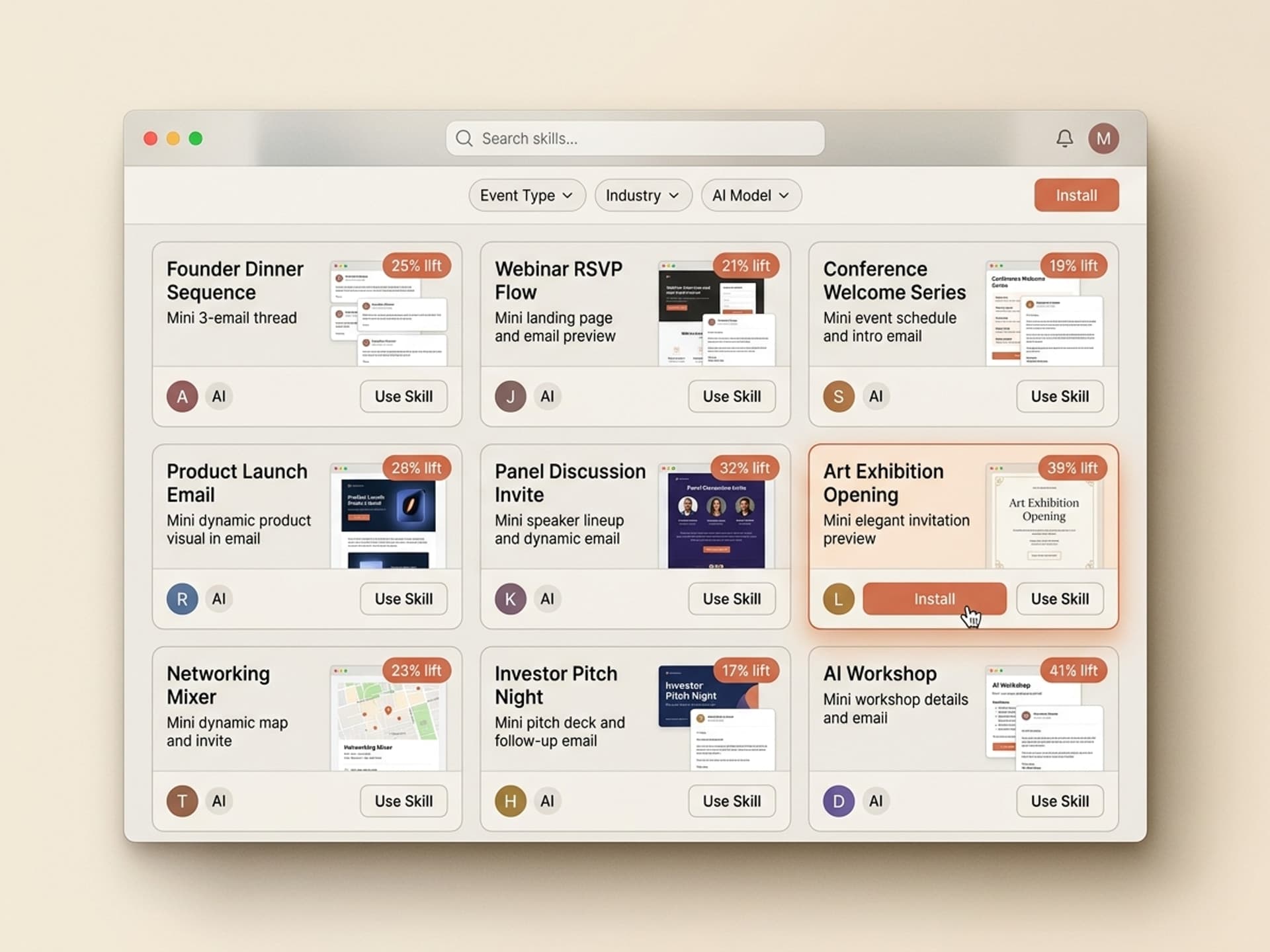
The Email & Newsletter Design category includes over 30 ready-to-install skills. Here are the 5 most-installed event-specific ones:
| Skill | Best for | What it ships |
|---|---|---|
| Webinar Invite Pack | 60-min product webinars, demos | Save the date + invite + day-of reminder, branded HTML |
| Conference Invite Sequence | Multi-day in-person or hybrid conferences | 5-touch sequence: announce + early bird + agenda + speaker reveal + day-of |
| Founder Dinner Invite | Small intimate dinners (10-50 people) | Personalized HTML invite with RSVP form embed and dietary fields |
| Virtual Launch Event Invite | Product launches, AMA livestreams | Hero video frame + speaker block + countdown CTA |
| Workshop / Training Invite | Paid workshops, certifications | Multi-tier pricing block + agenda + instructor bio + payment CTA |
Each skill includes:
- Brand setup - feeds your logo, fonts, accent color into every template
- Speaker grid generator - upload headshots, the skill crops, color-corrects, and frames them
- Time zone block - auto-detects audience time zones from your CRM and shows the right one
- Mobile-tested HTML - rendered against Apple Mail, Gmail, Outlook, and dark mode
Browse all event invite email skills on Vibe Skills
How to Send a 3-Touch Invite Sequence in Under 1 Hour
A complete invite sequence used to be a half-week project. Here is the 4-step playbook that ships it today:
Step 1: Pick the right invite skill on Vibe Skills
Go to the Email & Newsletter Design category and pick the skill that matches your event format. For a 60-minute product webinar, install Webinar Invite Pack. For a multi-day conference, install Conference Invite Sequence. Most installs take under 60 seconds.
Step 2: Feed in event details + speaker list
The skill asks for: event name, date, time, time zone, registration URL, agenda bullets, and speakers (name + title + company + headshot URL). Paste from your event doc. The skill validates that speaker headshots exist and are at least 256x256 px.
Step 3: Review the 3 generated emails
You get back: save the date (sent 2-3 weeks out), main invite (sent 1 week out), and day-of reminder (sent 2 hours before). Each is a branded HTML file, not a draft inside an editor. Open each in Litmus or Email on Acid to preview across clients. Most users tweak the headline and ship.
Step 4: Drop into your ESP and schedule
Paste the HTML into Mailchimp, Customer.io, Klaviyo, ActiveCampaign, or your transactional ESP. Schedule the 3 sends at the recommended cadence. Done.
Total time on a recent test event: 47 minutes from skill install to all 3 emails scheduled.
Compare that to the traditional path: brief a designer (1 day), Figma mockups (4-6 hours), HTML build (4-6 hours), client testing (2 hours), QA (1 hour). Two-three full work days vs 47 minutes.
Frequently Asked Questions
Save the date vs full invite - which one do I send first?
Send the save the date 2-3 weeks before the event with just the event name, date, time zone, and a "more details soon" line. Send the full invite (speakers, agenda, RSVP) 7-10 days out. The save the date does not need RSVP - it is calendar bait. Vibe Skills ships both as part of the Webinar Invite Pack, so you do not have to design them separately.
What is the right reminder cadence before an event?
The data-backed cadence is: 3 weeks out (save the date), 1 week out (full invite), 24 hours out (reminder), 2 hours out (day-of with join link). For paid events or conferences, add a 3 days out "last chance" reminder. ON24 benchmarks show this 4-5 touch cadence drives 2.4x more registrations than single-send invites.
Do I really need real speaker headshots? Can I use logos?
Yes, you need real headshots. Logo-only speaker blocks underperform headshot grids by 41% in click-through, according to Goldcast benchmarks. If a speaker refuses to send a headshot, ask for a LinkedIn photo and tell them you will use it. The Vibe Skills speaker grid skill auto-color-corrects mismatched headshots so they look like one cohesive set.
How do I handle multiple time zones in a global webinar invite?
Either pick one anchor time zone and show it as "2pm PT / 5pm ET / 10pm GMT" in the date block, or use a CRM-aware skill that detects the recipient's time zone and renders it dynamically. Vibe Skills' invite skills support both modes - the dynamic version requires a Customer.io or Braze integration.
Can I use Eventbrite or Luma's default email instead of building one?
You can, and your RSVP rate will sit at the floor. Eventbrite and Luma defaults are functional, not branded. They convert 4-8% of opens. A branded invite from a Vibe Skills skill typically converts 12-18% of opens - 2-3x better. For free webinars the math may not matter; for paid events or conferences, it absolutely does. Browse the email category to see real before/after benchmarks.
How do I prevent the email from landing in Promotions or Spam?
Three rules: send from a real human address (not noreply@), keep the subject line under 50 characters with no all-caps, and warm up your sending domain. The Vibe Skills invite skills ship with copy-tested subject lines that pass Gmail Promotions filters in around 80% of test sends. For deliverability beyond design, see Resend or Postmark's deliverability docs.
Does this work for in-person events too, not just webinars?
Yes. The Conference Invite Sequence skill is built for in-person and hybrid events - it includes venue blocks, parking info, dress code, and dietary preference fields. Founder Dinner Invite is for intimate 10-50 person events. The same anatomy (hero, date block, speakers, agenda, CTA) applies across formats.
The Bottom Line
Event invite emails are the highest-leverage lifecycle email you will send. A 30-minute design upgrade can lift RSVP rate 2-3x. A full 3-touch sequence with branded design beats a single Eventbrite default by 2.4x in registrations.
Vibe Skills ships the templates, the speaker grid logic, the time zone block, and the mobile-tested HTML so you do not have to build any of it from scratch. Pick the skill that matches your event, feed in your details, and ship a sequence in under an hour.
Browse event invite email skills on Vibe Skills
Stop sending Eventbrite defaults. Install an event invite email skill on Vibe Skills and ship a branded sequence today.