
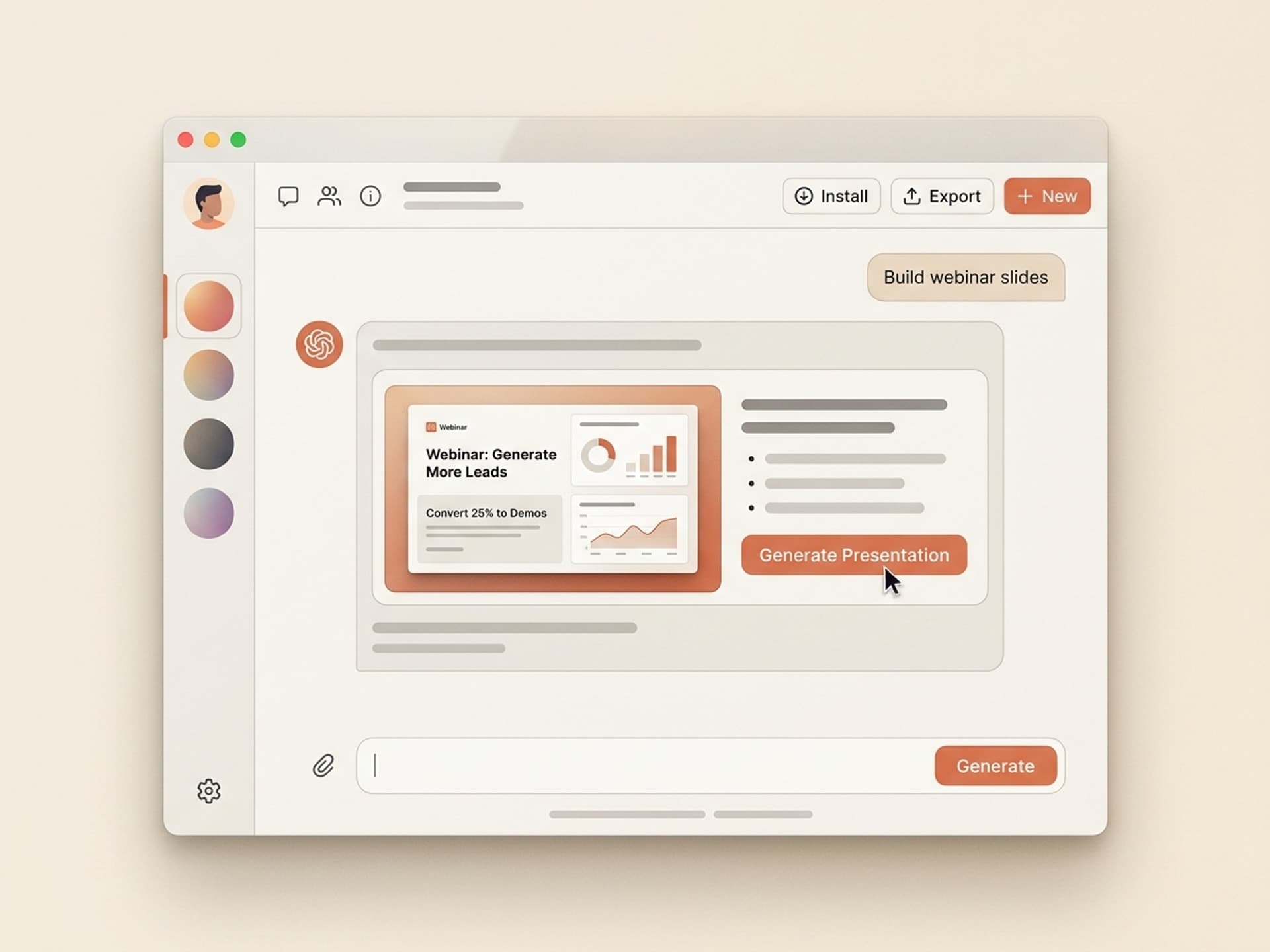

Browse hundreds of ready-made skills for Claude, Cursor, and more.
Why Webinar Slides Are the Hidden Lever Behind Your B2B Pipeline
62% of webinar attendees say they want a sales demo after the session, but only 15 to 25% of engaged attendees actually convert into qualified leads. The gap between interest and action is almost always the slides. If your deck looks like every other corporate webinar from 2018 - same blue gradient, same stock laptop hero, same 40-bullet feature dump - your audience tunes out before the offer slide. With Vibe Skills, you can install ready-made AI skills that generate brand-consistent webinar decks built around the exact flow that turns attendees into demos.
This guide walks through why webinar slides decide your demo conversion rate, the 60-minute deck structure that actually performs, the 5 webinar AI skills available on Vibe Skills, and how to go from blank doc to live in 90 minutes.
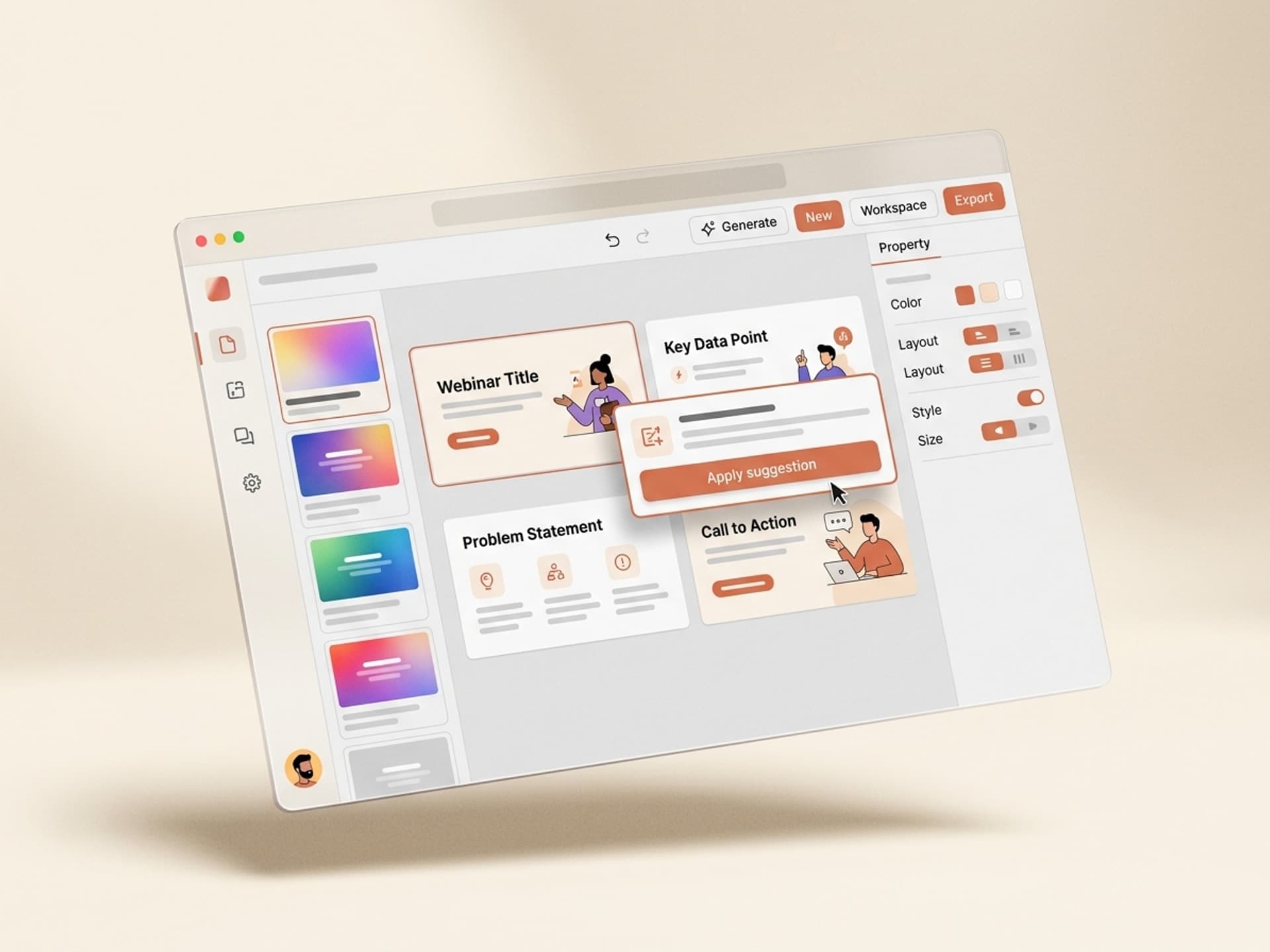
Browse hundreds of ready-made skills for Claude, Cursor, and more.
Why Webinar Slides Decide Demo Conversion
The webinar platform you pick (Goldcast, ON24, Demio, Zoom, Riverside) is a delivery layer. The slides are the product. They control attention, pacing, and the moment of decision when someone clicks "Book a demo".
Here is what happens when slides underperform:
- Drop-off after slide 5. If your hook slide is generic, you lose the audience before the value section. Most webinars peak attention in the first 5 minutes - that's the only window to earn the next 55.
- No demo signups even with 200+ attendees. A great speaker with weak slides converts at 5 to 8%. A great speaker with conversion-built slides converts at 20 to 25%.
- Pipeline that ghosts. If the offer slide reads like a generic "book a meeting" CTA, the leads who do book are low-intent. Strong offer slides pre-qualify and warm up.
Webinar slides are not decoration. They are the funnel.
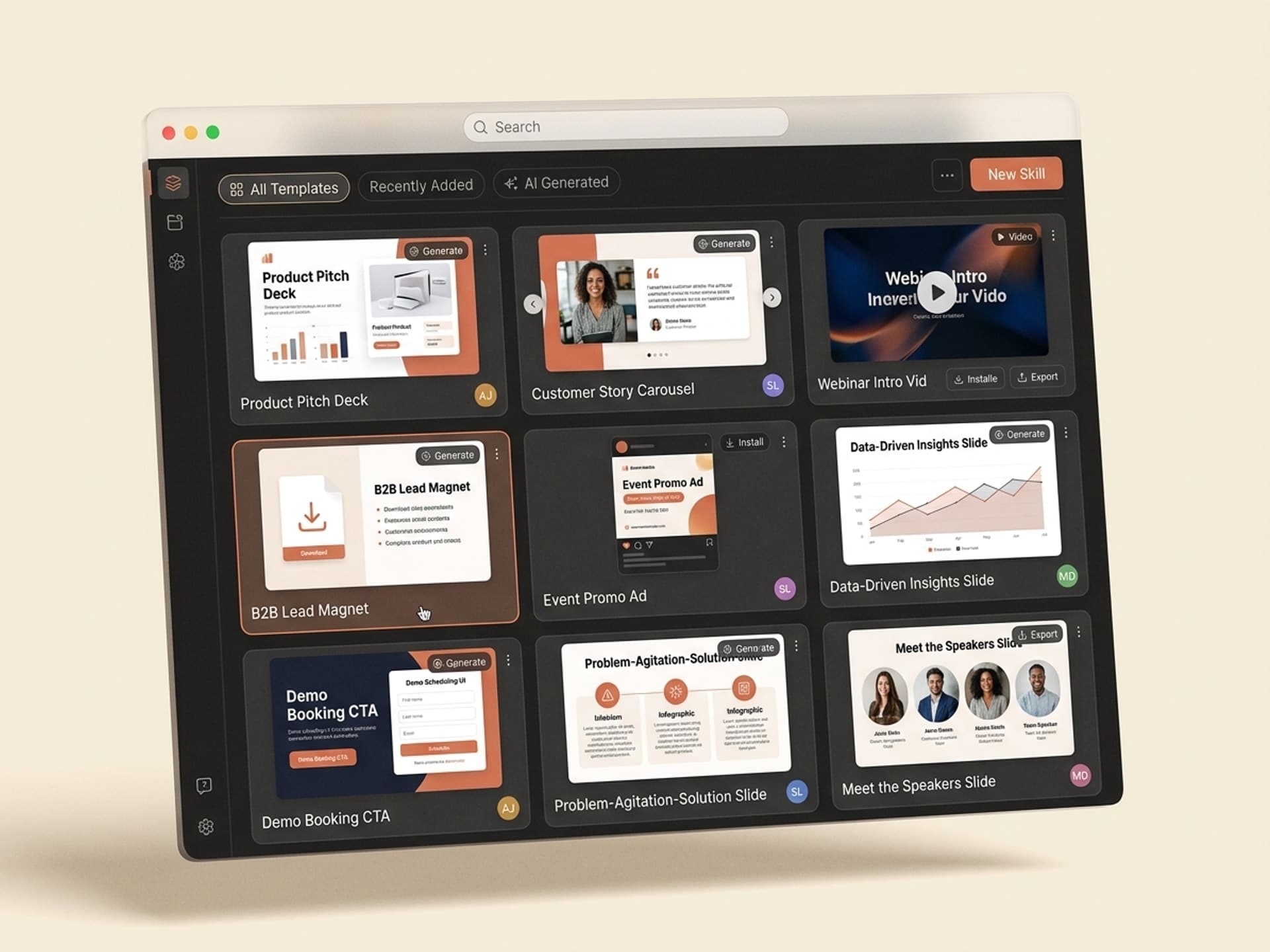
Browse hundreds of ready-made skills for Claude, Cursor, and more.
The 60-Minute Webinar Deck Anatomy
Every high-converting B2B webinar deck follows the same 6-section structure. Skip a section and the conversion math breaks.
| Section | Time | Slide count | Job |
|---|---|---|---|
| Intro + Hook | 0 - 5 min | 4 - 6 slides | Earn the next 55 minutes with a bold stat, contrarian claim, or specific outcome |
| Problem | 5 - 15 min | 6 - 10 slides | Make the audience feel the cost of doing nothing - data, examples, before/after |
| Value / Framework | 15 - 35 min | 10 - 15 slides | Teach a clear method or framework they can use even if they never buy |
| Demo / Proof | 35 - 50 min | 8 - 12 slides | Show the product in action plus 2 - 3 customer case studies with numbers |
| Offer | 50 - 55 min | 3 - 5 slides | One specific offer, one clear CTA, one reason to act now |
| Q&A | 55 - 60 min | 1 - 2 slides | Hold attention, surface objections, route hot leads to calendar |
Total: 32 - 50 slides for a 60-minute B2B webinar. Anything under 25 feels thin. Anything over 60 turns into a slide marathon and kills attention.
The hidden 7th section: pre-event slides
Most teams forget the registration confirmation, reminder graphics, and "starting in 5 minutes" hold slide. These slides shape expectations before the webinar even starts. A skill that builds your full webinar deck should include these too.
5 AI Webinar Skills on Vibe Skills
The Presentations category on Vibe Skills includes over 30 webinar-specific skills. Here are the 5 that B2B teams install most:
| Skill type | Best for | Output |
|---|---|---|
| B2B Lead-Gen Webinar Deck | Demand-gen marketers running monthly webinars | 40-slide deck with hook, framework, demo placeholders, offer, Q&A |
| SaaS Product Webinar | PMM teams launching or showcasing a feature | 35-slide deck with feature deep-dive, live demo flow, customer proof |
| Customer Education Webinar | CS teams running quarterly enablement | 30-slide training deck with checkpoints, polls, certification CTA |
| Course Creator Webinar | Solopreneurs selling a $500 - $2,000 course | 50-slide deck with story, framework, course pitch, urgency stack |
| Industry Thought Leadership | Founder-led brand-building webinars | 25-slide deck with original research, predictions, light CTA |
Each skill ships with brand-system layouts, type hierarchy, color tokens, and the 6-section structure baked in. You answer 8 - 12 questions about your offer, your audience, and your hook - the skill returns the full deck in Figma, Google Slides, or PowerPoint.
Browse webinar skills in the Presentations category on Vibe Skills
From Outline to Live in 90 Minutes
Here is the actual workflow B2B marketers use to ship a webinar deck without designer help:
Step 1: Pick the right webinar skill on Vibe Skills
Open the Presentations category and pick the skill that matches your webinar goal: lead-gen, product, customer education, course pitch, or thought leadership. Install in one click.
Step 2: Answer the brief
The skill asks you 8 - 12 questions: webinar topic, audience, key promise, the framework you teach, 2 - 3 case study numbers, the offer, and your brand colors. This is the part that takes the longest - usually 30 - 45 minutes if you have your data ready.
Step 3: Generate the deck
The skill writes every slide: hook, problem, framework, demo placeholders, customer proof, offer, Q&A holding slides, and the pre-event reminder graphics. Output is editable in Figma, Google Slides, or PowerPoint.
Step 4: Drop in your demo screens
Replace the demo placeholder slides with screenshots or a Loom embed of your product. This is the only manual step that requires your product, not the skill.
Step 5: Rehearse with the speaker notes
Every skill ships with a speaker notes track per slide so the host knows the talking points, the transition cue, and the moment to launch a poll or open Q&A. Run through it once at 1.25x speed.
Step 6: Upload to Goldcast, ON24, Demio, Zoom, or Riverside
The deck is platform-agnostic. Export to PDF or PPTX, upload, and go live.
Total time: 90 minutes from blank to live-ready, vs the 14 - 20 hours a typical webinar deck takes when built from scratch.
Webinar Slide Design Mistakes That Kill Conversion
Even with great content, these design mistakes cap your demo conversion at 5 - 8%:
- Title slide that names the speaker, not the value. Nobody attended for your job title. Lead with the outcome.
- Body slides with 7+ bullets. Cap at 3 bullets per slide. Anything more reads as a wall of text on a 1080p screen.
- Stock corporate hero images. Use original screenshots, customer photos, or zero images. Stock kills credibility.
- No section dividers. The audience loses the thread by minute 20 without "we are here" markers.
- Offer slide buried in the deck. Offer needs its own clean slide with one CTA, one phone number or URL, and one reason to act today.
- Q&A slide is just "Questions?" Use Q&A as a holding pattern - put the offer, the calendar link, and 2 - 3 testimonials on the Q&A slide so it works while you talk.
Skills on Vibe Skills bake these rules into the templates so you cannot accidentally ship a 7-bullet slide.
Live Webinar vs Evergreen: Same Deck, Different Pacing
You do not need two decks. The same 32 - 50 slide deck powers both formats - the pacing changes:
| Format | Length | Demo conversion benchmark | Best webinar AI skill |
|---|---|---|---|
| Live | 60 min | 15 - 25% of engaged attendees to demo | B2B Lead-Gen Webinar Deck |
| Evergreen / on-demand | 30 - 45 min | 5 - 12% to demo, 30 - 50% completion | SaaS Product Webinar |
For evergreen, trim the live Q&A section, replace it with 3 pre-recorded FAQ answers, and add a hard CTA card at minute 30. The skills on Vibe Skills include both pacing variants.
Frequently Asked Questions
How long should a B2B webinar be?
60 minutes is the industry standard but 30 - 45 minutes converts better for busy decision-makers. Allocate 80% of the time to value and 20% to the offer plus Q&A. The webinar AI skills on Vibe Skills include both 30-minute and 60-minute deck variants so you can pick based on your audience. Browse the Presentations category.
What is the ideal demo slide format inside a webinar?
3 - 5 slides max for the demo section, then switch to a screen share or Loom embed for the actual product walk. The slides set the context (problem, scenario, what to watch for) and the live demo delivers the proof. Your skill should ship demo placeholder slides with framing copy already written.
Live vs evergreen webinars - which converts better?
Live converts higher per attendee (15 - 25% to demo) but evergreen converts more total leads because it runs 24/7 with no host. Most B2B teams run one live webinar per quarter and turn the recording into an evergreen funnel. The same Vibe Skills webinar skill outputs both - you just trim the Q&A section for evergreen.
How many slides does a 60-minute webinar need?
32 to 50 slides. Under 25 feels thin and over-relies on the speaker. Over 60 turns into a slide marathon and kills attention. The 6-section structure (intro, problem, value, demo, offer, Q&A) maps to 32 - 50 slides naturally. AI skills on Vibe Skills generate the full count automatically based on your time slot.
Do I still need a designer if I use an AI skill?
For most B2B webinars, no. The skills ship with brand-system layouts, type hierarchy, and color tokens that designers built. You drop in your demo screens and your logo and the deck is ready. Designer help only matters for custom illustrations, animated transitions, or a heavily branded experience.
Can I use the same deck for the next webinar?
Yes - this is the point of installing a skill instead of buying a one-off template. You re-run the skill with new content (different topic, different framework, different offer) and get a fresh deck in the same brand system. Most marketers run 6 - 12 webinars a year off the same installed skill. Subscribe to Vibe Skills for unlimited regenerations.
What about the registration page and email reminders?
The webinar deck handles slides only. For the registration landing page, install a separate landing-page skill from the Web and UI category. For the email sequence, your marketing automation tool (HubSpot, Customer.io, ActiveCampaign) handles that.
Stop Shipping 2018 Webinar Decks
Webinars are the #1 B2B lead generation channel for SaaS, but most teams still ship slides that look like they came out of a 2018 PowerPoint template. The audience can tell. Demo conversion stays stuck at single digits while the team blames the offer or the audience.
The fix is not a better designer. The fix is a webinar skill that bakes the 6-section structure, the brand system, the speaker notes, and the offer slide into one install. Generate it in 90 minutes, drop in your demo screens, ship it.
Browse webinar skills on Vibe Skills →
Skip the 14-hour deck marathon. Install a webinar skill on Vibe Skills and ship your next live in 90 minutes.