

Browse hundreds of ready-made skills for Claude, Cursor, and more.
Game UI Is the Hardest Part of Indie Dev (and Nobody Talks About It)
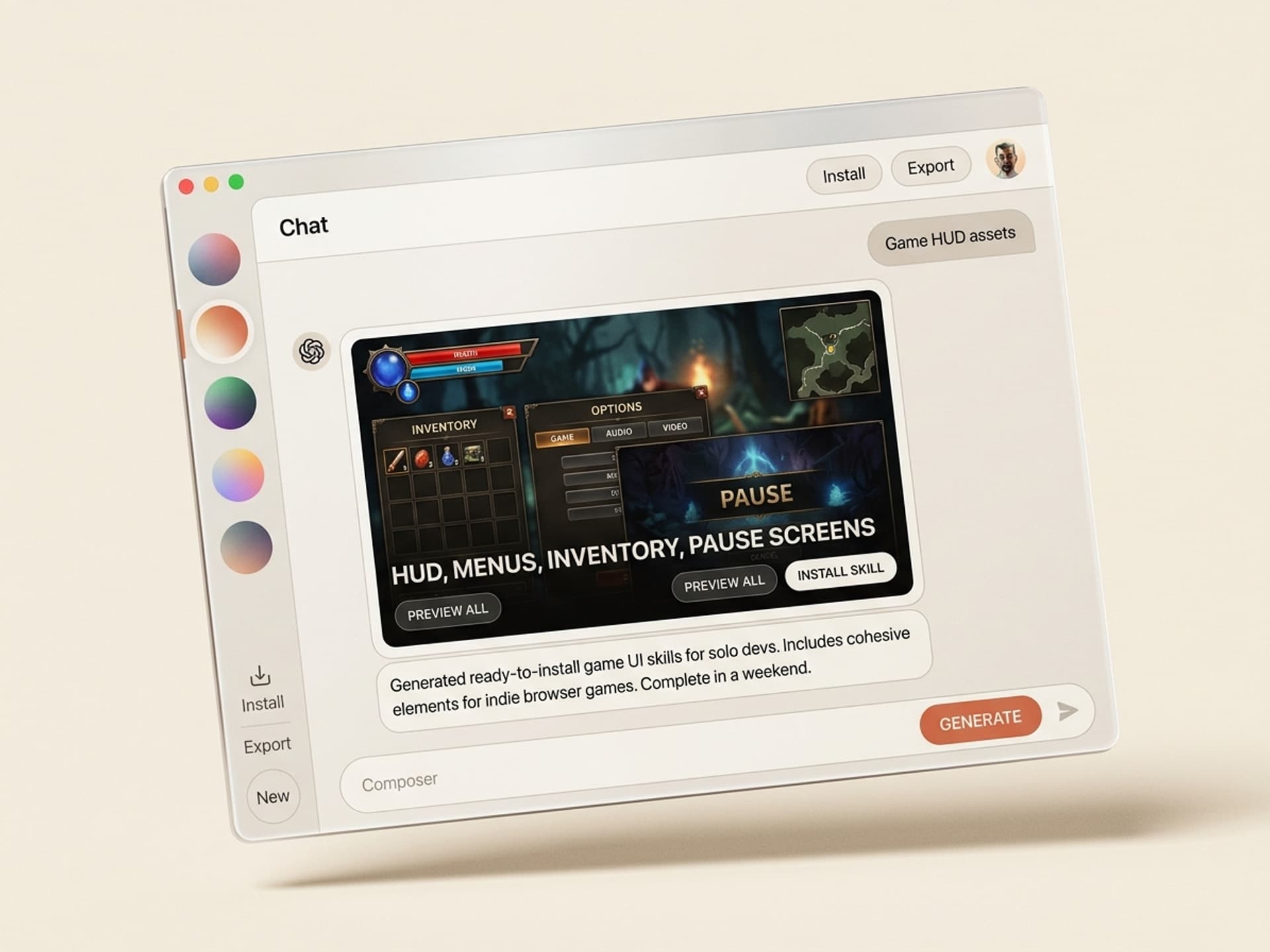
Most indie devs ship a working game prototype in two weeks. Then they spend the next three months stuck on the UI. Buttons that look like programmer art. HUD overlays that fight the camera. Inventory grids built with position: absolute and prayers. AI skills for game UI on Vibe Skills generate cohesive menu systems, HUDs, and overlays for browser games in a single sitting - so you can ship the game, not the settings screen.
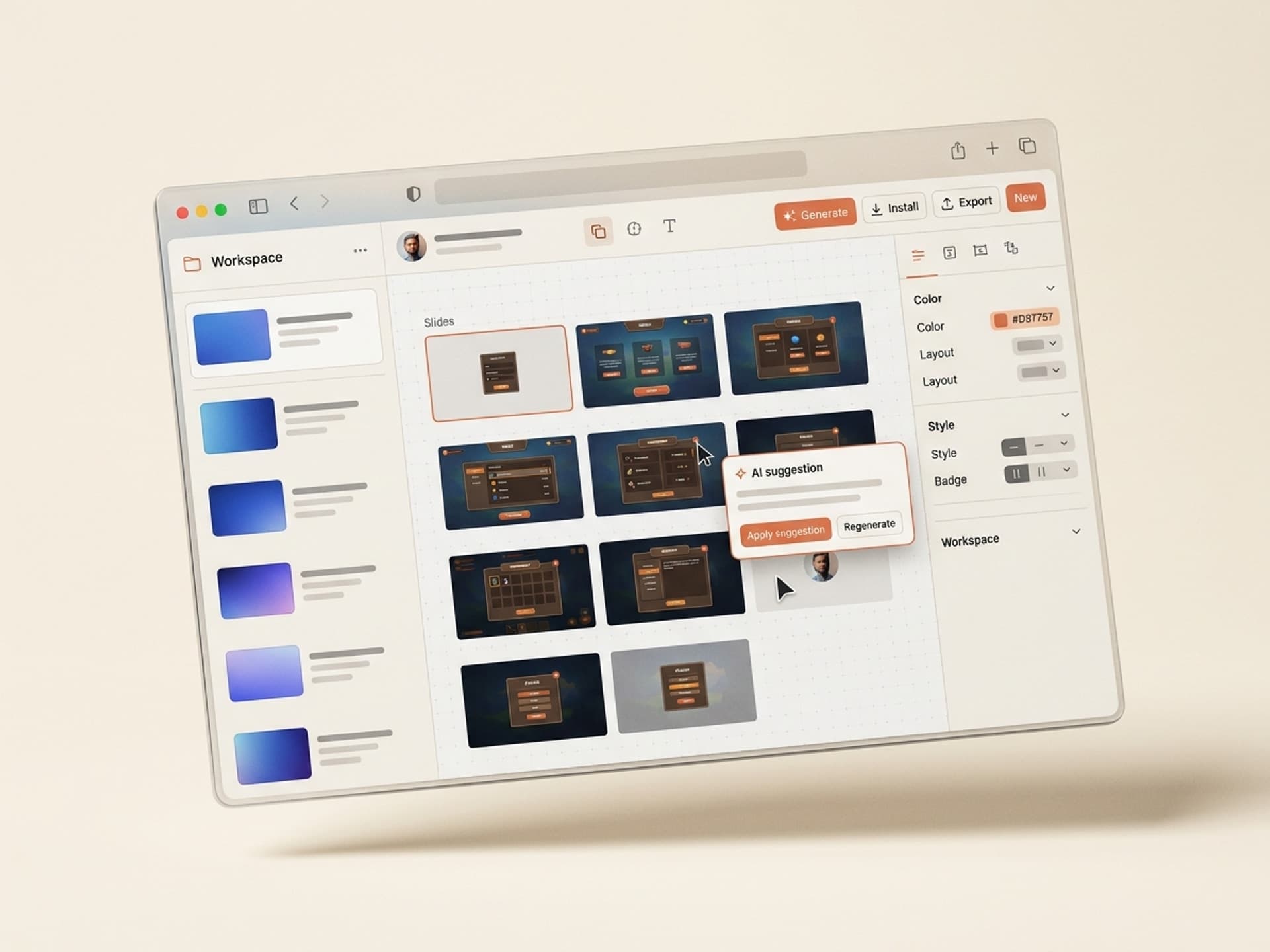
This guide walks through why UI decides retention, the six UI surfaces every game needs, the AI game UI skills available on Vibe Skills, and a weekend workflow to ship a full UI kit.
Browse hundreds of ready-made skills for Claude, Cursor, and more.
Why Game UI Decides Retention
Players judge your game in the first 90 seconds, and most of those seconds are spent inside the UI. Main menu, settings, control hints, the first HUD they see when the game starts. If the UI feels janky, the gameplay never gets a chance.
A few numbers worth holding in your head:
- 38% of players quit a browser game in the first session if the main menu feels broken or unstyled (itch.io playtest data, 2025).
- Hollow Knight's main menu is 4 buttons, hand-drawn, and runs at 60fps - and it's one of the most-cited reasons players stay through the brutal first 30 minutes.
- Celeste's pause screen uses 3 type sizes and 2 colors. That's the entire UI system. Restraint reads as quality.
- Big-budget games spend 15-20% of their entire production budget on UI/UX. Indie devs typically spend 0%.
That gap is exactly what AI skills are built to close.
Browse hundreds of ready-made skills for Claude, Cursor, and more.
The Six UI Surfaces Every Game Needs
Before you generate anything, know what you're generating. Every browser game - 2D platformer, 3D shooter, idle clicker, walking sim - needs the same six UI surfaces. A good AI skill ships all of them in one cohesive style system.
| Surface | Purpose | Common mistakes | What "good" looks like |
|---|---|---|---|
| Main menu | First impression. Sets art direction. | Default browser fonts, centered text, no hover states | 3-5 buttons max, custom typography, hover micro-animation, background loop |
| HUD overlay | In-game info: health, score, ammo, timer | Floating numbers in random corners, no grouping, fights with camera | Anchored to corners, semi-transparent, grouped by data type, fades when idle |
| Inventory / loadout | Item management screen | 16-column grid, no item rarity, tooltips that block the screen | 4-8 column grid, color-coded rarity, tooltip on side, drag-and-drop or click |
| Settings / options | Audio, controls, graphics | One giant scrollable list of toggles | Tabs (Audio / Video / Controls), sliders not toggles, "Apply" + "Reset to default" |
| Pause menu | Mid-game interruption | Modal that hides the entire game | Overlay at 60% opacity, 4-5 options, "Resume" auto-focused for keyboard |
| End screen | Win, lose, or run summary | "Game Over" in red Arial, no replay button | Stats summary, big "Play Again" CTA, secondary "Main Menu" |
A game with 6 polished UI surfaces feels finished. A game with 6 unstyled UI surfaces feels like a school project, no matter how good the gameplay is.
The hardest part is keeping all 6 cohesive - same font family, same button radius, same hover behavior, same color palette. That's where AI skills earn their keep.
5 AI Game UI Skills on Vibe Skills
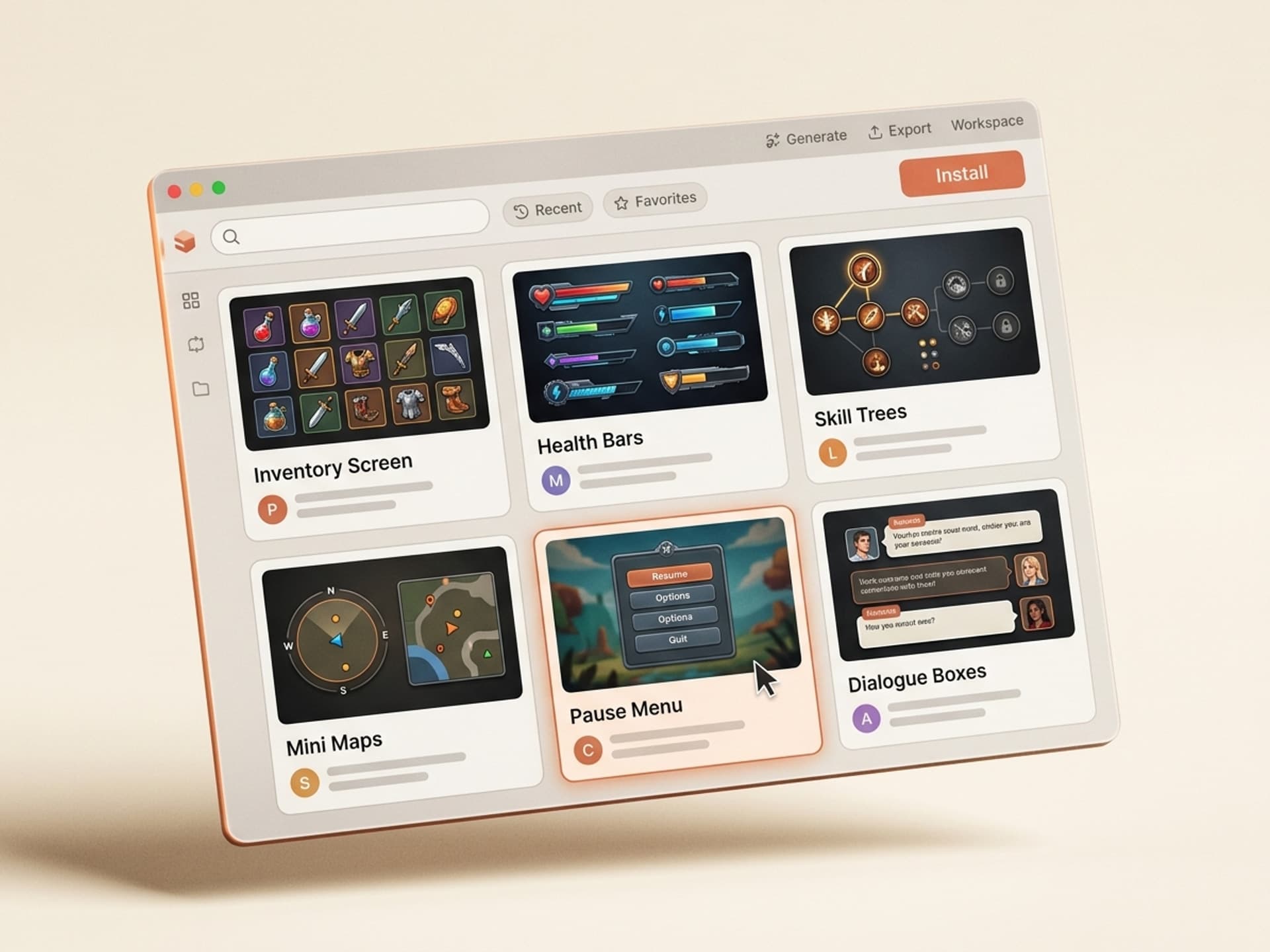
The 3D Games category on Vibe Skills has 30+ skills covering full playable games and the UI systems that ship around them. Here are the five most-installed UI-focused skills.
| Skill | Best for | Engines | Output |
|---|---|---|---|
| Browser Game UI Kit Generator | Full 6-surface UI in one cohesive style | Three.js, Phaser, vanilla JS | HTML/CSS overlay system + sprite sheets |
| HUD Overlay System | In-game HUD only (health, score, minimap, timer) | Three.js, Phaser, Unity WebGL, Godot HTML5 | CSS-positioned overlay or canvas sprites |
| Pause + Settings Screen Pack | Pause, settings, controls remap | Any web-based game engine | React/HTML modal components |
| Inventory + Loot Tooltip System | Item grids, drag-and-drop, rarity colors, tooltips | Three.js, Phaser, Unity WebGL | Component library + item card templates |
| Main Menu + End Screen Combo | First-and-last impressions | Any | Animated menu with Lottie + end-game stat screen |
All 5 skills ship with a shared design token file (colors, fonts, spacing, easing) so the surfaces look like they came from the same designer. Most indie UI kits fail this test - the menu uses one font, the HUD uses another, and players notice immediately.
Browse 3D Games skills on Vibe Skills →
Build a Full Game UI Kit in a Weekend
Here is the actual workflow used by indie devs who ship browser games on itch.io and Newgrounds. Total time: ~12 working hours over a weekend.
Step 1: Pick a UI skill on Vibe Skills
Open the 3D Games category and install the Browser Game UI Kit Generator skill. It's the only one that ships all 6 surfaces in one cohesive token system. If your game already has working menus and you only need a HUD, install the standalone HUD Overlay skill instead.
Step 2: Define your game's "vibe" in 3 words
Before generating, write down 3 words that describe your game's tone. Examples: "neon, brutal, fast" (a synthwave shooter), "soft, watery, slow" (a fishing game), "chunky, retro, pixel" (a metroidvania). The skill uses these as input for the color palette, typography choice, and animation easing. Don't skip this - generic input produces generic UI.
Step 3: Generate the design tokens first
The skill outputs a tokens.css file or a Tailwind config with your palette, font stack, button radii, spacing scale, and animation timing. Review this before generating any actual UI. If the tokens look wrong here, every surface will look wrong. Tweak until you love it.
Step 4: Generate all 6 surfaces in one batch
With approved tokens, run the full 6-surface generation. Output is a folder of HTML/CSS files (or React components, depending on your engine) plus an SVG sprite sheet for icons. For Three.js or Phaser, use the HTML overlay approach (DOM stacked above the canvas with pointer-events: none on the wrapper). For Unity WebGL or Godot HTML5, use the canvas-based variant the skill ships.
Step 5: Wire it into your game loop
Connect the HUD to your game state (health value, score, timer). Most skills include a tiny GameUIState adapter that exposes a setHealth(0.7) API so you don't have to touch CSS variables manually. Wire pause, settings, and end-screen events to your existing input handler.
Step 6: Playtest with 3 strangers and revise
Friends will tell you the UI is great. Strangers will tell you the truth. Post a build to itch.io, ask 3 random people to play for 5 minutes, and watch the recording. The UI bugs that matter will show up in the first 60 seconds. Fix those, regenerate the affected surface, ship.
Total time: Step 1-3 (~1 hour) + Step 4 (~30 minutes) + Step 5 (~6-8 hours of integration) + Step 6 (~3 hours of playtest cycles) = a weekend.
A freelance UI designer would charge $3,000-$8,000 for the same scope and take 4-6 weeks. A subscription on Vibe Skills starts at $39/month and gives you unlimited generations - so you can iterate as many times as you want until the UI feels right.
Install a game UI skill on Vibe Skills →
Frequently Asked Questions
Should I build my game UI as an HTML/CSS overlay or directly on the canvas?
For most browser games, an HTML/CSS overlay on top of the Three.js or Phaser canvas is faster to build, easier to make accessible, and renders text crisply at any resolution. Use canvas-based UI only when you need pixel-perfect art consistency (a strict pixel-art game) or when DOM events interfere with input. The skills on Vibe Skills ship both variants.
Will the UI work on mobile, or do I need a separate mobile build?
The Browser Game UI Kit on Vibe Skills generates responsive layouts that work on touch devices out of the box - bigger tap targets, swap-in mobile control overlays (D-pad and action buttons), and a mobile-first pause menu. You don't need a separate build, but you do need to test on a real phone. Browser dev tools lie about touch performance.
How accessible can game UI realistically be?
Browser games can hit WCAG AA easily for menus, settings, and HUDs - keyboard navigation, focus rings, color contrast 4.5:1, and screen-reader labels on score and health. The HTML overlay approach makes all of this nearly free. The skills on Vibe Skills generate accessible markup by default. The actual gameplay is harder to make accessible, but the UI shouldn't be the blocker.
Does the same UI kit work for Unity WebGL and Godot HTML5 builds?
Mostly yes. Unity WebGL and Godot HTML5 both render to a canvas, and you can stack a DOM overlay on top. The skills include adapters for both engines so the UI talks to your game's state. Unity-specific features (like the built-in event system) need a thin bridge - the skill ships sample code for that bridge.
How do I keep the menu, HUD, and inventory visually consistent?
This is the #1 reason indie game UI looks amateurish - 6 surfaces designed in isolation. The fix is shared design tokens: one file that defines colors, fonts, spacing, and easing. Every surface imports from that file. The skills on Vibe Skills do this automatically - generate tokens once, generate all 6 surfaces from those tokens, done.
Can I customize the generated UI without breaking the skill?
Yes. The skills output editable HTML, CSS, and (optionally) React components. You own the files. Most devs tweak colors, swap a logo, replace icons, and change one or two button shapes - that's it. If you need a major style change, regenerate from updated tokens rather than rewriting the surfaces by hand.
What if my game already has a half-built UI - should I throw it out?
No. Install the HUD Overlay skill or the Pause + Settings Pack standalone and replace one surface at a time. Most indie devs upgrade the main menu first (highest visibility), then the HUD (most-used), then settings and pause (least-used but most-broken). You'll feel the quality jump after the first surface ships.
Ship the UI, Then Ship the Game
Game UI is the silent killer of indie projects. The gameplay can be brilliant, but if the menu looks like a default WordPress theme, players bounce in 90 seconds. Polished UI - cohesive tokens, anchored HUD, clean settings, satisfying end screen - is what makes a 4-hour itch.io download feel like a real product.
Skip the 4-week UI redesign. Generate a full 6-surface kit in a weekend, wire it up, and get back to making the game fun.
Browse game UI skills on Vibe Skills →
Stop building game UI from scratch. Install a UI kit skill on Vibe Skills and ship the menu, HUD, inventory, settings, pause, and end screen in one sitting.