

Browse hundreds of ready-made skills for Claude, Cursor, and more.
The Best AI Skills for Reels Covers: Why Covers Decide Click-Through
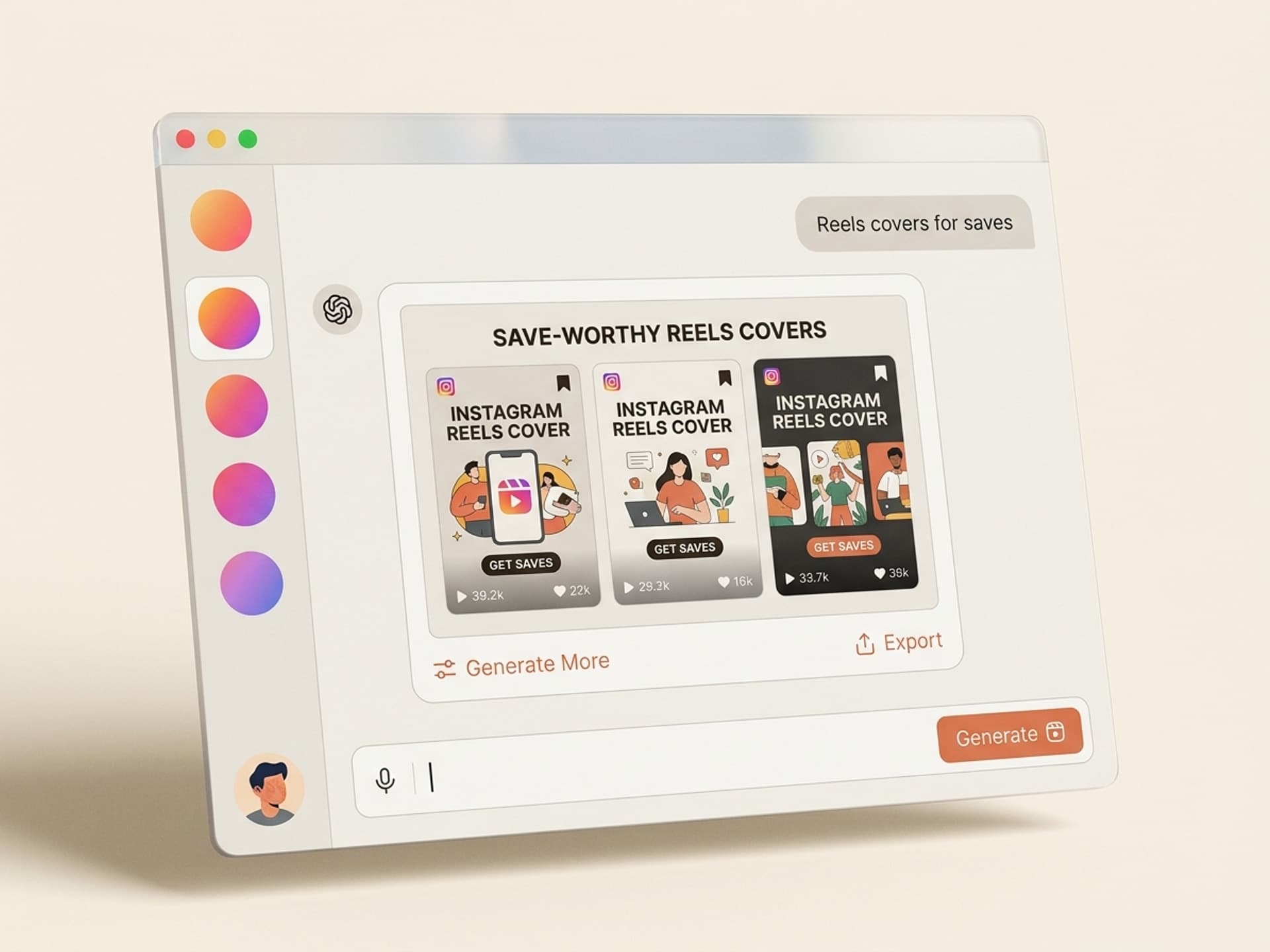
The best AI skills for Instagram Reels covers in 2026 generate 6 to 10 cover variants per Reel in under 5 minutes, each one matched to your brand kit and the Reel's hook. The cover is the single most ignored asset in most content calendars, and that's exactly why fixing it is the easiest engagement win you can ship this week.
Most creators upload a Reel, let Instagram auto-pick a frame, and move on. That auto-frame is usually a blurry mid-blink shot of your face. Reels with custom covers see 38% higher click-through from the grid and Reels tab compared to auto-frame covers, based on 2025 - 2026 data from Hootsuite, Later, and Metricool.
If you publish 4 to 12 Reels a week, you're leaving the easiest reach gain on the table. AI skills on Vibe Skills generate cover variants in batches, matching the Reel's hook word, your brand colors, and your face crop, so every Reel ships with a grid-ready cover without opening Photoshop.
This guide covers the five Reels cover skills we recommend on Vibe Skills in 2026, the cover anatomy that drives saves and CTR, and the 5-minute workflow that turns covers from a chore into an automated step.
Browse hundreds of ready-made skills for Claude, Cursor, and more.
Why Most Creators Skip Cover Design (And Why That's a Mistake)
80% of Reels uploaded to Instagram in 2026 use the auto-generated cover frame, according to Metricool's State of Social. The reason is simple: covers feel optional, and "good enough" beats "another 10 minutes in Canva" when you're shipping 8 Reels a week.
Three things break when you skip the cover:
- Grid coherence collapses. Your profile grid is the second touchpoint a new follower sees after your latest Reel. Auto-frame covers create a chaotic, unprofessional grid that loses 22% of profile-to-follow conversions.
- Reels tab CTR drops. The Reels tab shows 9 covers per screen on mobile. Without a clear hook word + face, your thumbnail blends into the noise and gets swiped past.
- Saves and shares die. Saves happen when a viewer wants to come back to a specific Reel. If the cover doesn't make the topic obvious, the Reel never gets re-found.
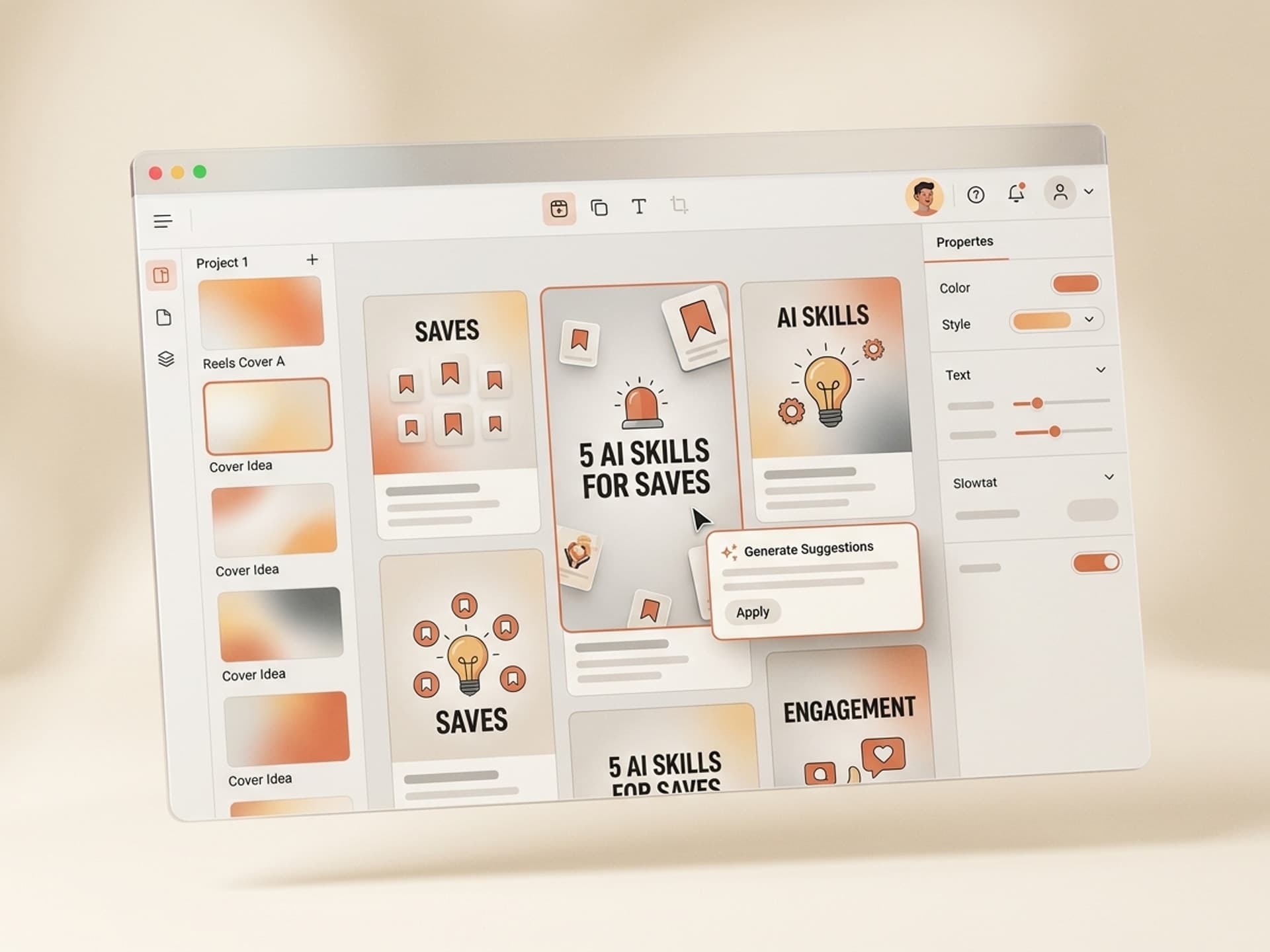
The catch is that cover design is a real design job. You need a hook word in 4 - 6 characters, a face crop or product shot, brand colors, and consistent typography across 30+ Reels. Most SMMs don't have time for that, and most creators don't have the design skills.
This is the gap AI skills fill. A Reels cover AI skill on Vibe Skills runs in 3 minutes per cover, generates 6 - 10 variants, and keeps your brand kit locked across every Reel. The result: a grid that converts, covers that get clicks, and zero design hours per week.
Browse hundreds of ready-made skills for Claude, Cursor, and more.
Reels Cover Anatomy: The 3-Second Decision
A Reels cover has 3 seconds to make someone tap. That's it. The viewer is scrolling the Reels tab or your grid, and the brain decides "tap or skip" before they read more than one word.
The covers that win all share the same three layers, in this exact priority order:
| Layer | Purpose | What it must do | Time on screen |
|---|---|---|---|
| Hook word | Stop the scroll | 1 - 4 words, biggest type, top third or center | First 0.5 seconds |
| Face or object | Build trust + context | Eyes visible, expressive, not blurry | Next 1 second |
| Brand mark | Anchor the grid | Logo, color, font - tiny but consistent | Last 1.5 seconds |
If you nail all three, the viewer taps. If you miss the hook word, you lose the cold viewer. If you miss the face, you lose the trust. If you miss the brand mark, you win the click but lose the follow.
This is why generic Canva templates underperform. They give you a layout but no hook-word logic, no face-crop guidance, and no brand consistency. AI skills on Vibe Skills bake all three layers into one workflow.
The 5 Best AI Skills for Reels Covers on Vibe Skills
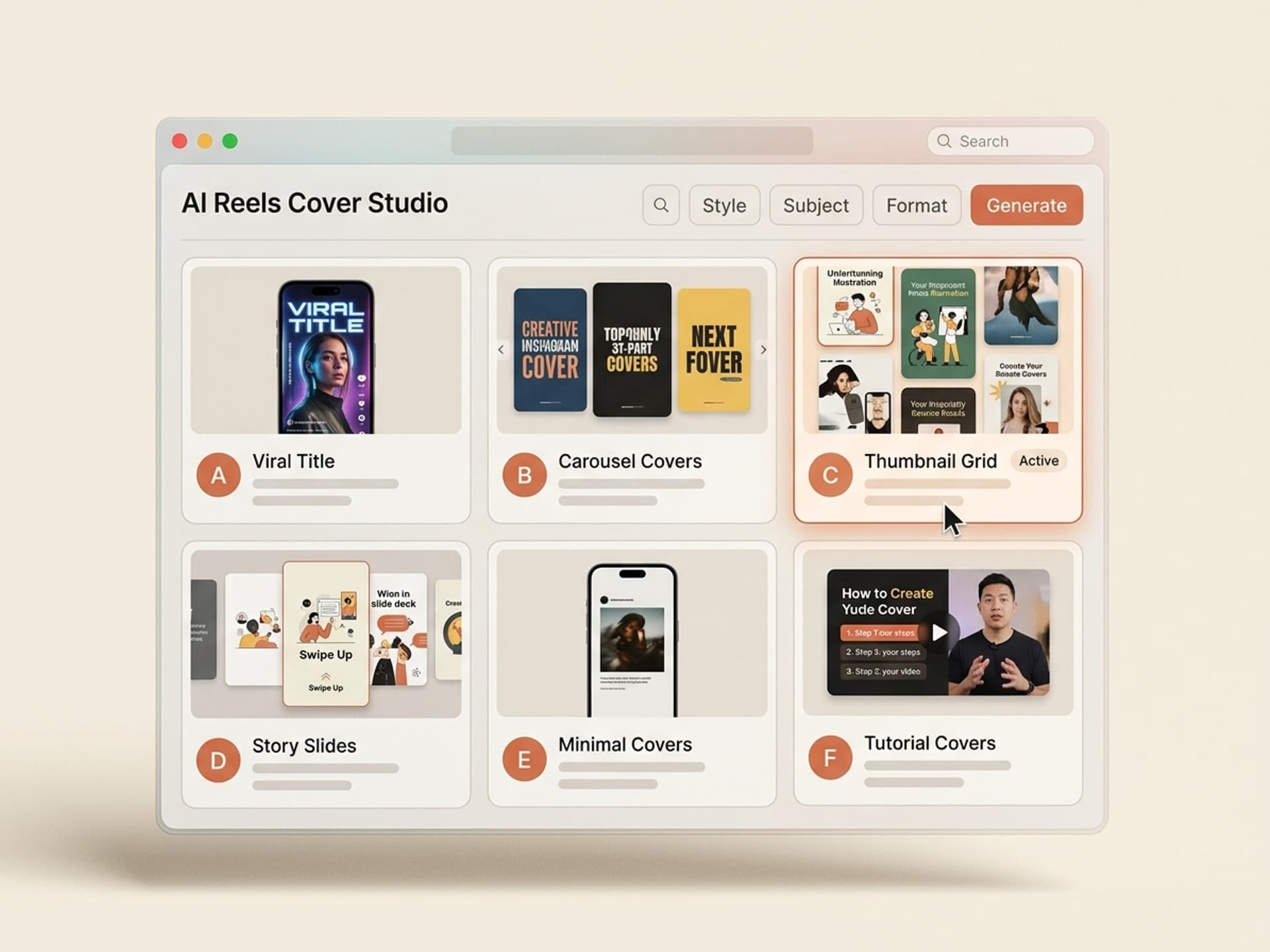
Vibe Skills has over 30 social media visual skills, and the 5 below are the ones SMMs and creators install most for Reels covers in 2026. Each one ships with a hook-word generator, brand-kit lock, face-crop logic, and PNG export at 1080x1920 (Reels native) plus 1080x1350 (grid-ready).
| Skill | Best for | Output per run | Browse |
|---|---|---|---|
| Reels Cover Pack | Daily creators, 4 - 12 Reels/week | 8 cover variants per Reel | Social Media Visuals |
| Brand Grid Cover System | Brands building a coherent profile grid | 30-cover monthly batch | Social Media Visuals |
| Hook Word Cover Generator | Educational + tutorial creators | 6 hook variants per Reel | Social Media Visuals |
| Face Crop Cover Builder | Personal brands, talking-head Reels | 5 face-crop covers per Reel | Social Media Visuals |
| Product Reels Cover Studio | Ecom + DTC brands | 8 product covers per Reel | Social Media Visuals |
Each skill exports to PNG, JPG, and a Figma file so you own the editable source. Over 30 skills in this category. All included in a Vibe Skills subscription starting at $39/month.
Browse Reels cover skills on Vibe Skills →
What Each Skill Actually Does
Reels Cover Pack
The Reels Cover Pack generates 8 cover variants from one Reel topic in 90 seconds. You paste the Reel hook (e.g. "3 mistakes that kill Instagram growth"), upload one face shot, lock your brand kit, and the skill returns 8 covers with different hook-word emphasis, face placement, and color treatments.
Best for daily creators who need cover variety without thinking. Ship the variant that fits the grid that day.
Brand Grid Cover System
This skill builds a 30-cover monthly batch designed as a coherent grid. You give it your brand kit + a list of 30 Reel topics. It returns covers that follow a 9-square grid pattern, so when a new follower lands on your profile, the grid reads as one designed system, not 30 random thumbnails.
Used by Notion, Linear, and Vercel social teams since late 2025 for the visual cohesion alone.
Hook Word Cover Generator
Returns 6 hook-word variants for the same Reel. If your Reel is about "AI tools for editors", the skill returns 6 covers with different hook words: "AI for editors", "Editor stack", "5 AI editors", "Stop editing", "AI saved my edit", "1-click editor". Pick the one that matches your audience's pain.
Designed for educational creators where the hook word does 80% of the click-through work.
Face Crop Cover Builder
Generates 5 covers from one face shot, with 5 different crops + 5 different hook positions. For talking-head Reels, the eyes have to be visible above the fold and the hook word can't cover the face. This skill solves that with face-detection logic baked in.
Personal brand creators use this to keep their face front-and-center across the grid without manual cropping in Figma.
Product Reels Cover Studio
For ecom Reels (unboxing, hauls, demos), this skill generates 8 product-focused covers. Upload a product hero shot + the Reel hook, and the skill returns covers that feature the product on a clean background with the hook overlaid. No more product shots that look like Amazon listings.
DTC brands like Glossier-style indie brands ship this for every product Reel.
The 5-Minute Reels Cover Workflow
The full workflow from Reel upload to ship-ready cover takes under 5 minutes per Reel. Here's the exact flow we use across the Vibe Skills team.
Step 1: Pick the right skill on Vibe Skills
Browse /category/social-media-visuals and install one of the five skills above based on your content type. Personal brand = Face Crop Cover Builder. Educational = Hook Word Cover Generator. Ecom = Product Reels Cover Studio.
You install once, then run it for every Reel from then on.
Step 2: Lock your brand kit
Paste your hex codes (primary, secondary, accent), upload your logo PNG, and pick 2 fonts (heading + body). The skill saves this as your default brand kit, so every cover you generate from now on stays on-brand without re-entering anything.
This is the step that makes the grid look designed instead of random.
Step 3: Paste the Reel hook
Type the 1-sentence hook of your Reel. Example: "Why 80% of Reels die in the first 3 seconds." The skill extracts the hook word ("3 seconds"), the topic ("Reels"), and the emotional angle ("die") and uses all three in the layout.
You don't need to write copy. The skill writes it from the hook.
Step 4: Generate variants + pick
Hit run. The skill returns 6 - 10 covers in 60 - 90 seconds. Scan the grid view, pick the variant that matches the day's grid energy, and download as PNG. The skill exports both 1080x1920 (Reels native) and 1080x1350 (grid-ready) so you can upload the right size to Instagram.
If you don't love any variant, change the hook word and regenerate. Each regeneration takes 30 seconds.
Step 5: Upload to Instagram + publish
Open the Reel draft in the Instagram app, tap "Cover", upload the PNG you just downloaded. Publish.
That's the entire workflow. 5 minutes per cover, batched if you want to do 30 covers in one sitting at the start of the month.
Start with a Reels cover skill on Vibe Skills →
Frequently Asked Questions
Should I make a cover for the Reel only or for the grid too?
Make both, in one cover. The Reels cover skills on Vibe Skills export at 1080x1920 (Reels native, 9:16) AND 1080x1350 (grid, 4:5). The grid version crops the safe area so your hook word and face stay visible in the square preview. Skipping the grid version is what makes profiles look messy.
Do I have to use my face on the cover?
No, but if you have a personal brand, yes. Face covers see 1.7x higher click-through than text-only covers in 2026. For ecom and B2B brands, a clean product shot or branded illustration works better. The Face Crop Cover Builder skill on Vibe Skills handles personal-brand creators; the Product Reels Cover Studio handles product-led brands.
How do I keep covers consistent across 100+ Reels?
Use the Brand Grid Cover System skill on Vibe Skills. It locks your brand kit (colors, fonts, logo placement, hook-word style) and applies it to every cover automatically. Brands like Linear and Notion ship 30 covers a month with this skill and the grid reads as one designed system, not 30 random thumbnails.
Will the cover I make replace the Reel's auto-generated thumbnail?
Yes. When you upload a Reel in the Instagram app, tap "Cover" before publishing and select your custom image. Instagram replaces the auto-generated frame with your uploaded cover everywhere: the Reels tab, your profile grid, Explore, and shared previews. You can also replace the cover after publishing without deleting the Reel.
Can I batch-generate covers for a whole month at once?
Yes. The Brand Grid Cover System skill on Vibe Skills takes a list of 30 Reel topics and returns 30 cover-ready PNGs in one run, designed as a coherent grid. Most SMM teams batch this on the 1st of the month, drop the PNGs in a Notion content calendar, and stop thinking about covers for 30 days.
How is this different from a Canva template?
Canva templates give you a layout but no hook-word logic, no brand-kit lock, and no face-crop intelligence. You still spend 15 - 20 minutes per cover tweaking text, colors, and crops. AI skills on Vibe Skills automate all three layers and return 6 - 10 variants in 90 seconds. The Canva template wins on free; the AI skill wins on speed and consistency.
How much does a Reels cover skill cost?
A Vibe Skills subscription starts at $39/month and includes unlimited Reels cover skills (plus all 30+ social media visual skills, carousels, Stories, and the rest of the visual catalog). Compared to a freelance designer ($30 - $80 per cover) or hiring a junior designer ($1,200+/month), one Reel cover pays back the subscription on the first batch.
Stop Letting the Auto-Frame Decide Your CTR
Custom Reels covers are the single highest-ROI design upgrade you can ship this week. No new content. No new creators. No new ad spend. Just a custom cover on every Reel you publish, generated in 5 minutes by an AI skill that already knows your brand.
Most creators won't do it because covers feel optional. The ones who do see 38% higher click-through from the grid, 22% better profile-to-follow conversion, and a Reels tab presence that actually compounds.
Browse Reels cover skills on Vibe Skills →
Pick your skill, lock your brand kit, and ship a custom cover on the next Reel you upload. Your grid will thank you in 30 days.
Stop letting Instagram auto-pick a blurry mid-blink frame. Install a Reels cover skill on Vibe Skills and ship covers that get saves.