

Browse hundreds of ready-made skills for Claude, Cursor, and more.
The Best AI Skills for Lower Thirds in 2026: 3 Hours to 2 Minutes
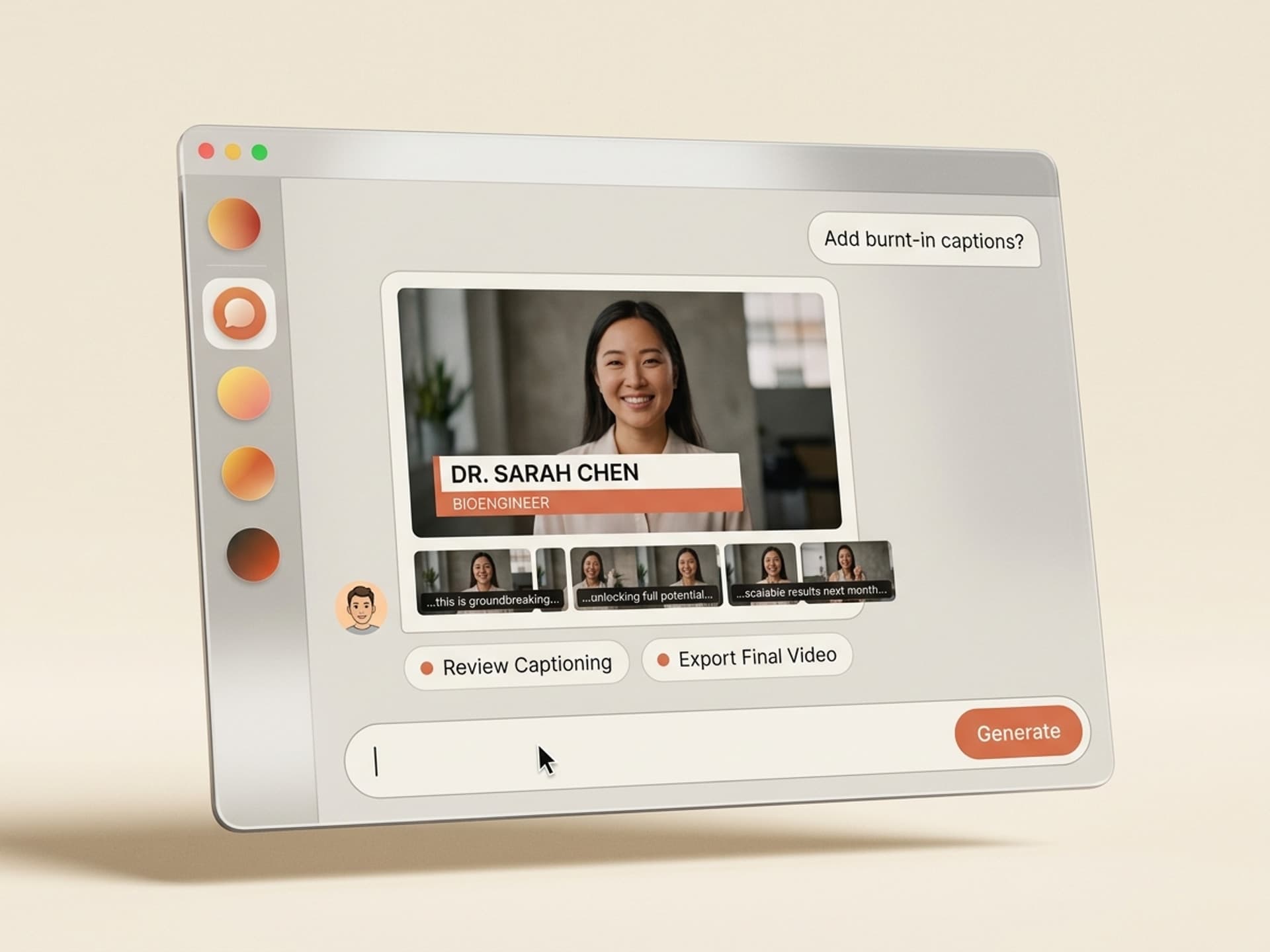
The best AI skills for lower thirds and captions in 2026 turn a 2 - 3 hour After Effects setup into a 2 minute generate-and-export. They ship the project file already wired to your brand colors, your safe areas, your frame rate, and your guest list. The lower third (the name + title overlay you see during interviews and podcasts) used to be the editor's tax for every guest in the season. AI skills make that tax disappear.
Editors using After Effects, Premiere Pro, DaVinci Resolve, and CapCut typically lose 3 - 6 hours per episode to lower-third rigging and caption pass cleanup. For a 12-episode podcast season with rotating guests, that is a full work week of the editor's time spent on overlays the audience watches for 4 seconds.
This guide covers the five lower-third and caption skills we recommend on Vibe Skills in 2026, what each one is built for, and the 2 minute workflow that replaces the manual rigging session entirely.
Browse hundreds of ready-made skills for Claude, Cursor, and more.
Why Lower Thirds Eat Editor Time
Lower thirds look like a 30-second job and turn into a 3 hour job every time. Threads on r/Editors, r/AfterEffects, and r/VideoEditing in 2025 - 2026 land on the same pattern: editors quote one hour, the project stretches to four, the client gets billed for two, and the editor eats the difference.
Where the hours actually go on a typical lower third for a single guest:
- 45 - 60 minutes building the base template with brand-locked colors, the right typeface pair, the safe-area buffer for broadcast and social crops, and a logo lockup that does not sit on the speaker's chin
- 30 - 45 minutes rigging the in / out animation with expressions so the duration auto-adjusts to text length (a 6-letter name and a 38-character title cannot share the same swipe-in timing)
- 30 - 60 minutes building the per-guest variants for an episode (you would not believe how often "Dr." breaks the kerning)
- 20 - 30 minutes exporting the alpha layer cleanly, dropping it into the edit, nudging the position so it does not collide with the speaker's lavalier wire
That is 2 - 3 hours per episode before you have touched a caption. Caption pass adds another 2 - 4 hours for a 30 minute video if you are doing burn-in work with brand-correct typography rather than auto-generated white-on-black SRT.
The math gets brutal at scale. A weekly podcast with two guests per episode means 6 - 9 hours of pure overlay work every week. Over a year that is 300 - 450 hours the editor never bills for at full creative rate, because it reads as "production".
Freelance pricing reinforces the squeeze. Lower-third design quotes on Upwork and Fiverr in 2026 sit at $80 - $300 per template for one variant, and $15 - $40 per episode for variant swaps after that. Hire an in-house motion designer and the loaded rate runs $65 - $120/hour for what is fundamentally repeat work.
Browse hundreds of ready-made skills for Claude, Cursor, and more.
Anatomy of a Production-Grade Lower Third
A working lower third is not "name and title in a box". It is a five-layer system where any layer breaking causes the whole thing to look amateur. AI skills win because they handle every layer at once - manual builds usually nail two or three and ship the rest broken.
| Layer | What it does | Manual time | Why it breaks |
|---|---|---|---|
| Name + title typography | Carries the speaker identity | 20 - 40 min | Brand font missing, kerning collapses on long titles |
| Brand color bar / accent | Anchors the lockup to the show identity | 10 - 20 min | Hex value drifts between episodes, lighting differs |
| Logo / show mark | Reinforces the channel | 15 - 30 min | Wrong safe-area offset, sits over speaker face on vertical crop |
| In / out animation | Cues the audience without distracting | 30 - 60 min | Duration hard-coded so long names get clipped mid-swipe |
| Caption-safe positioning | Avoids broadcast cutoff and social-platform UI | 10 - 20 min | Overlaps Instagram caption tray, YouTube progress bar |
A skill that ships only the typography is a template. A skill that ships all five layers, brand-locked, frame-rate-correct, and aware of which platform the export targets is what gets called an AI skill on Vibe Skills.
5 AI Lower Third and Caption Skills on Vibe Skills
Vibe Skills has over 30 motion graphics skills built specifically for editors who do not want to rig anything from scratch. Here are the five we recommend for lower thirds and captions in 2026.
1. Per-Guest Lower Third Generator
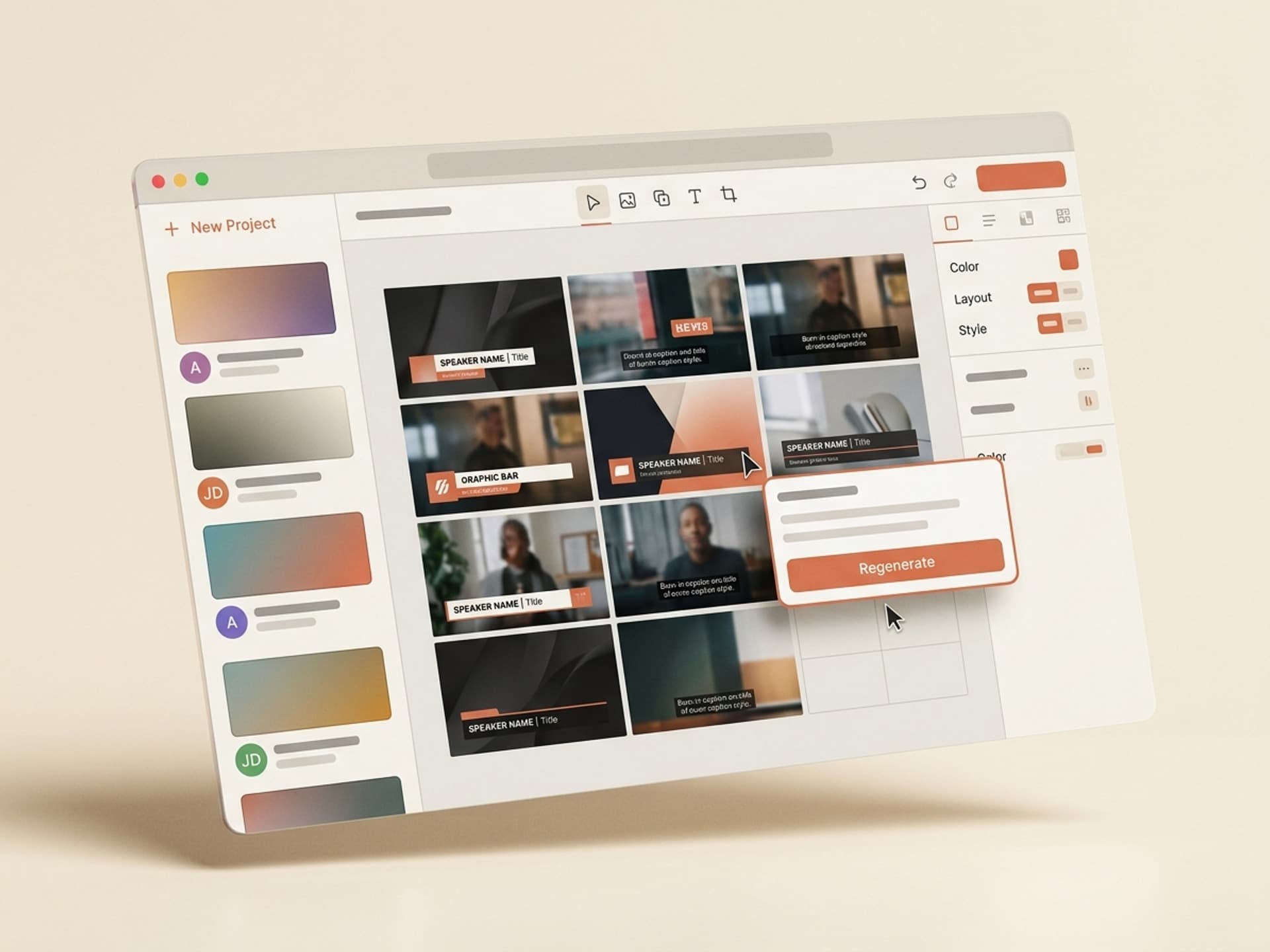
Built for podcast and interview editors. Feed it a CSV of guest names + titles + role line and your brand kit, and it ships a project file with one fully animated lower third per guest. The animation in / out timing auto-scales to text length, the brand bar matches your show palette, and the alpha export is ready to drop on top of the edit. Average build time per 12-guest season: under 4 minutes.
2. Broadcast-Safe Caption Generator
For long-form interviews and documentary cuts that need burn-in captions with brand typography (not lazy auto-captions). Generates a styled caption pass with safe-area buffer for YouTube, broadcast, Instagram, and TikTok crops. Custom caption box, typeface, drop-shadow on / off, max line length. Replaces 2 - 4 hours of manual subtitle styling work.
3. Multi-Platform Lower Third Pack
The same lower-third design auto-rendered at five aspect ratios: 16:9 for YouTube, 9:16 for Reels and TikTok, 1:1 for Instagram feed, 4:5 for LinkedIn, and a vertical safe-area variant for stories. One generation, five clean exports. Built for SMM teams cutting one guest interview into a week of multi-platform content.
4. Brand-Locked Title Card Builder
Sister skill to lower thirds. Builds the opening title card, episode number card, and section divider cards in the same brand system as the lower thirds, so the entire visual language stays consistent across the episode. Especially useful for editorial channels and documentary-style YouTube series.
5. Caption + Lower Third Combo Pass
The full overlay pass in a single skill. Burn-in captions plus per-guest lower thirds, exported as one alpha layer ready to composite over the edit. Built for editors who want to hand off a complete overlay pass without juggling 18 separate render queues.
| Skill | Best for | Saves vs manual |
|---|---|---|
| Per-Guest Lower Third Generator | Podcast / interview editors | 2 - 3 hr per episode |
| Broadcast-Safe Caption Generator | Documentary / long-form | 2 - 4 hr per 30 min cut |
| Multi-Platform Lower Third Pack | SMM teams cutting cross-platform | 4 - 6 hr per episode |
| Brand-Locked Title Card Builder | Editorial / YouTube series | 1 - 2 hr per episode |
| Caption + Lower Third Combo Pass | Solo editors handing off full overlay pass | 4 - 6 hr per episode |
Over 30 motion graphics skills total. All included in a Vibe Skills subscription, no per-skill purchases.
Browse motion graphics skills on Vibe Skills →
The 2-Minute Lower Third Workflow
Here is the actual end-to-end flow that replaces the 2 - 3 hour manual build.
Step 1: Pick the right skill on Vibe Skills
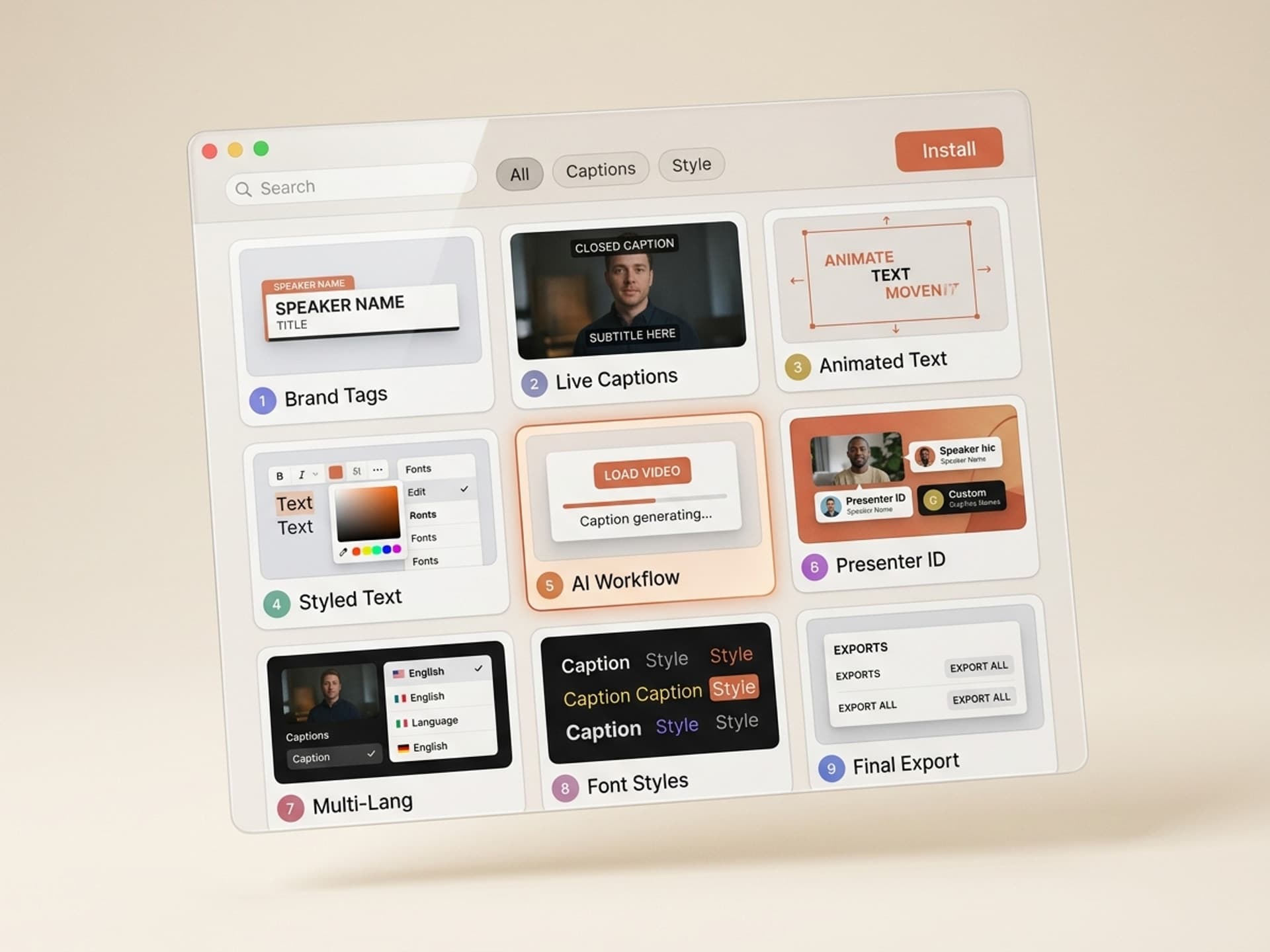
Open the motion graphics category and pick Per-Guest Lower Third Generator for podcasts, or Multi-Platform Lower Third Pack for SMM use. Install with one click, no config.
Step 2: Drop in your brand kit
Upload your brand colors (hex values), your two typefaces (heading + body), your show logo, and your aspect ratios. The skill saves this as a profile so step 2 is one click on every future episode.
Step 3: Paste your guest list
CSV or one-per-line. For an episode with 4 guests:
Sarah Chen, Founder at Northwind Labs, Episode 47
Marcus Rivera, Head of Design at Helix, Episode 47
Priya Shah, Author of Skill Stack, Episode 47
James Carter, Engineering Lead at Vibe Skills, Episode 47
Step 4: Generate
The skill ships an After Effects, Premiere Pro, or DaVinci Resolve project with one fully rigged lower third per guest plus alpha exports. Generation runs in 90 - 120 seconds.
Step 5: Drop into the edit
Drag the alpha layer onto the timeline at the speaker change. Done. No expression debugging, no kerning fixes, no per-guest rebuild.
Total time: under 2 minutes for a 4-guest episode, down from a 2 - 3 hour manual build. For a 12-episode season the math is 24 - 36 hours saved per season.
Frequently Asked Questions
Premiere Pro vs After Effects: which one do I export to?
Both, plus DaVinci Resolve and CapCut. Skills on Vibe Skills ship the source project file plus the rendered alpha layer (PNG sequence + ProRes 4444 with alpha), so you can either keep editing the rig in After Effects or drag the rendered layer straight into Premiere or Resolve. Pick whichever matches your edit suite.
Are these skills good for podcast video?
Yes - podcast video is the highest ROI use case. A weekly podcast with rotating guests is the exact pain point the Per-Guest Lower Third Generator solves. Editors switching from manual rigging to AI skills typically save 6 - 9 hours per episode on the overlay pass alone. Browse the motion graphics category to find the skill built for podcast workflows.
What is the difference between captions and lower thirds?
A caption is the spoken-word text overlay (subtitle), usually at the bottom of the frame. A lower third is the speaker identity overlay (name + title + show mark), usually shown for 4 - 6 seconds when a new speaker enters. Captions run continuously, lower thirds only at speaker changes. Vibe Skills has separate skills for each, plus a combo pass that handles both in one generation.
Will the lower third match my brand colors and fonts?
Yes. Every motion graphics skill on Vibe Skills takes a brand kit input - hex values, typeface names (the skill checks Google Fonts and your local install), logo file, and safe-area preferences. The output ships brand-locked from the first generation, no manual color matching. If your brand kit changes, update the profile once and re-generate.
Can I edit the result after generating?
Yes. Every skill exports the source project file (After Effects .aep, Premiere .prproj, or DaVinci .drp) plus the rendered alpha. You own the file fully and can tweak any layer - timing, position, color, typography. Most editors generate, ship 90% as-is, and tweak only the timing on guests with extra-long titles.
What about live captions vs burn-in captions?
Vibe Skills focuses on burn-in captions with brand-correct typography (designed and rendered into the video). For live event captioning, use a real-time service like Otter or Rev. The Broadcast-Safe Caption Generator on Vibe Skills is for finished video where you want the caption to look like part of the show, not generic Auto-Captions.
How does pricing work?
Vibe Skills runs on a flat subscription, not per-skill purchases. Pro is $39/month (1 seat, unlimited downloads), Premium is $79/month (adds early access and premium skills like games and AI personas), Business is $300/month (up to 20 seats for agency teams). All plans include unlimited motion graphics skill downloads. Cancel anytime. No free trial - signup is free, subscription starts when you pick a plan.
Skip the 3-Hour Lower Third Build
Lower thirds and captions are the highest-volume, lowest-creativity work in the editor's week. They are also what the audience uses to judge whether the show looks professional. AI skills let you ship broadcast-grade overlays without burning a day on rigging.
The five skills above cover the full overlay surface for podcasts, interviews, courses, and editorial video. They ship brand-locked, frame-rate-correct, and ready to drop into Premiere Pro, After Effects, DaVinci Resolve, or CapCut.
Browse motion graphics skills on Vibe Skills →
Stop billing your editor for rig work. Install a lower third skill on Vibe Skills and ship the overlay pass in 2 minutes.