
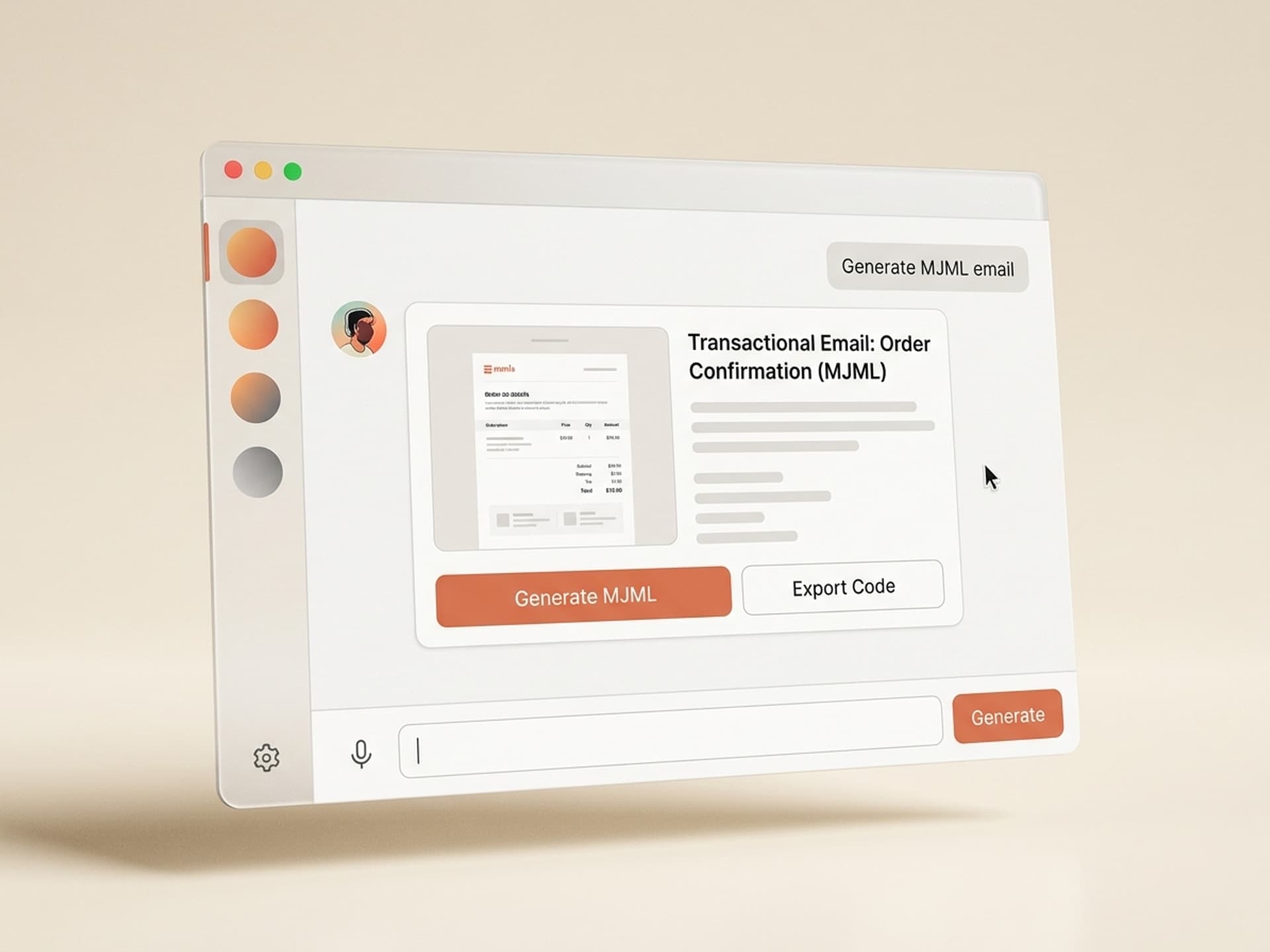

Browse hundreds of ready-made skills for Claude, Cursor, and more.
The Best AI Skills for Transactional Email Design in 2026
Transactional emails get opened at 80 - 85% open rates - four times higher than any marketing email you will ever send, and most of them still look like a 2010 Mailchimp template with a centered logo and a blue underlined link. The best AI skills for transactional email design in 2026 fix that in one install: they generate fully branded React Email or MJML templates for every system message your SaaS sends - signup, receipt, password reset, magic link, notification - in the same visual language as your product.
A SaaS sending 5,000 transactional emails a day is producing the most-read pixel in the entire stack. Treating that pixel like an afterthought wastes the highest-attention surface area you have. This guide covers the five transactional email skills we recommend on Vibe Skills in 2026, what each one is best at, and how to ship a full template set in 30 minutes.
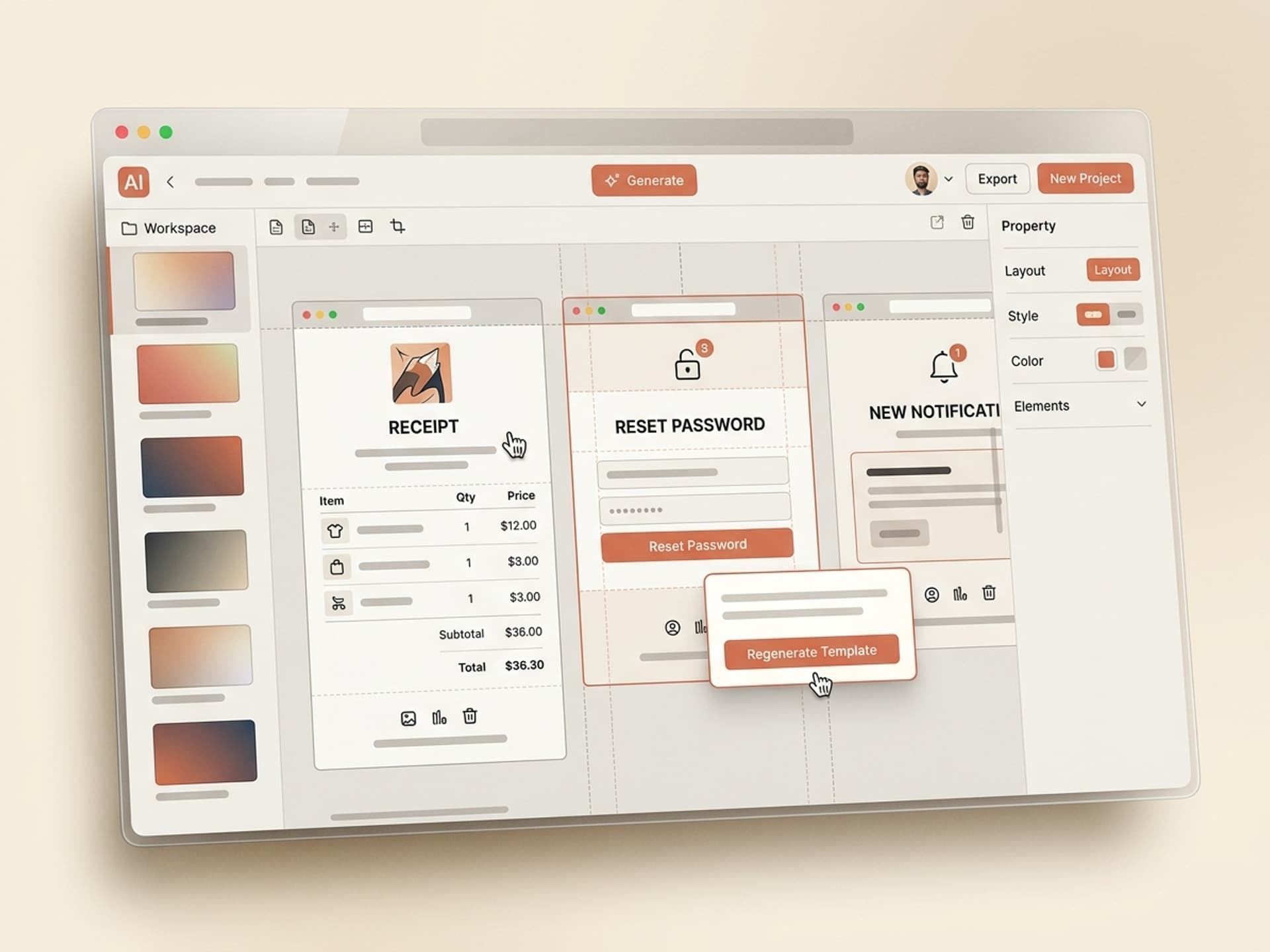
Browse hundreds of ready-made skills for Claude, Cursor, and more.
Why Transactional Emails Are Your Most Untapped Brand Surface
Transactional emails average an 80 - 85% open rate according to Postmark's 2024 deliverability report. Compare that to marketing emails, which sit at 20 - 25% on a good day, and abandoned-cart sequences, which top out around 45%. Every receipt, reset link, and "your invoice is ready" hits the inbox with intent attached - the user is actively waiting for it.
In that window three things compound:
- Brand trust. A polished receipt builds the same impression as a polished onboarding screen. A bare-bones one tells the user the product is held together with duct tape.
- Cross-sell room. A receipt with a clean footer and one related-product card converts at 6 - 8%. A receipt with no design converts at 0%.
- Support deflection. A magic-link email with a clearly labeled CTA, expiry time, and "didn't request this?" line cuts password-reset support tickets by 30 - 50%.
Most SaaS teams write transactional emails the same way they write database migrations - quickly, in the dev console, with whatever HTML the email library shipped with. Not because they don't care. Because designing 12 system templates that match the product is a separate job from building the product. An AI transactional email skill already knows the layout system; your job is the brand inputs and the copy.
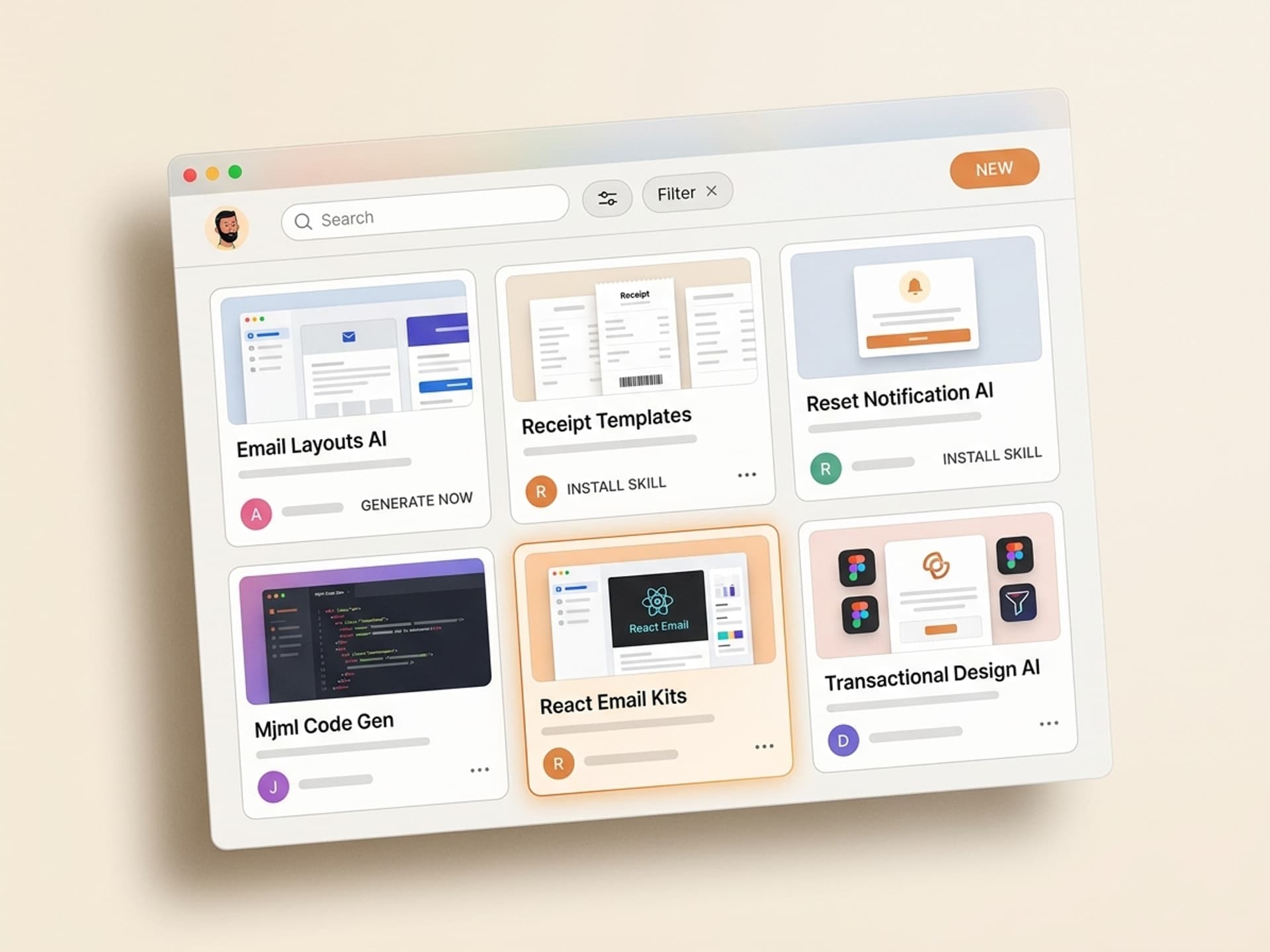
Browse hundreds of ready-made skills for Claude, Cursor, and more.
Transactional Email Anatomy: The 5 Templates Every SaaS Needs
Transactional email is not one artifact. Most SaaS apps send 5 - 12 distinct system messages, and each has a different anatomy. Here is the minimum set:
| Template type | Trigger | Anatomy | Typical AI skill |
|---|---|---|---|
| Welcome | New signup | Header logo, greeting, 2 - 3 next steps, CTA, footer | Welcome Email Designer |
| Receipt / invoice | Payment success (Stripe) | Header, line items table, totals, billing info, support link | Stripe Receipt Email |
| Password reset | Reset requested | Header, reset CTA button, expiry note, "ignore this" line | Password Reset Template |
| Magic link | Passwordless login | Header, sign-in CTA, device + IP context, expiry | Magic Link Email Skill |
| In-app notification | Comment, mention, status change | Header, who-did-what summary, deep link CTA, mute settings | Notification Email Skill |
Trying to ship one "generic transactional template" and reuse it across all five doesn't work. A receipt needs a line-items table. A magic link needs a giant CTA button and an expiry. A notification needs a quote block and a mute link. AI skills on Vibe Skills solve this by being purpose-built per template type, not "one email layout with variants".
Every layout the skills generate ships with the inbox compatibility matrix already covered: Apple Mail, Gmail web, Outlook 365, Outlook desktop, Yahoo, Spark, dark mode and light mode. No more "looks great in Apple Mail, broken in Outlook 2019" surprises.
5 AI Transactional Email Skills on Vibe Skills
These are the five skills we recommend in the Email & Newsletter Design category for any SaaS shipping system emails in 2026.
1. Welcome Email Designer
The first email a new user opens, and the highest-leverage one. Generates a React Email component that includes a header logo, personalized greeting, 2 - 3 numbered next steps with mini icons, a primary CTA to the dashboard, and a "reply to this email if you need anything" line that lifts replies by 4x.
Best for: SaaS founders setting up the first version of an onboarding flow, or replacing a Resend default template that ships with the boilerplate.
2. Stripe Receipt Email
A drop-in replacement for the default Stripe receipt. Generates a React Email template with proper line items, tax breakdowns, billing address, plan upgrade options, and a footer that links to the customer portal. Pre-wired to consume a Stripe invoice.payment_succeeded webhook payload.
Best for: SaaS founders selling subscriptions through Stripe who want to stop sending the un-branded auto-receipt and start using the receipt as a brand surface.
3. Password Reset & Magic Link Templates
Two of the most-clicked emails in any product, and the easiest to mess up. Generates both templates with a giant well-labeled button (Outlook-friendly bulletproof button markup), an expiry timestamp, the requesting device + approximate location, and a "if this wasn't you, ignore this email" reassurance line.
Best for: any product offering passwordless auth, magic links, or password reset - which is now most products.
4. Notification Email Skill
For activity-driven products: comments, mentions, assignments, status changes. Generates a notification template with the actor's avatar, a quote block of what was said or changed, a deep link CTA into the exact view, and a one-click "mute this thread" link in the footer that respects RFC 8058 one-click unsubscribe.
Best for: collaborative SaaS products (project management, design tools, dev tools) that send dozens of notification emails per user per week.
5. System Status & Failure Email
The forgotten email. Generates a template for "your export is ready", "your import failed", "your scheduled job ran" - the operational messages that never get design love. Includes a status badge (green / yellow / red), a one-line summary, the relevant link, and a retry CTA where applicable.
Best for: data-heavy products, analytics tools, and anything with background jobs, exports, or batch operations.
Over 30 transactional and lifecycle email skills are live in the category. All included in a Vibe Skills subscription.
Browse Email & Newsletter skills on Vibe Skills →
React Email vs MJML: What the Skills Output and Why
Every skill in the category exports to one of two formats - or both. Here is when to pick which.
| Format | Best for | Output | Editable in |
|---|---|---|---|
| React Email | TypeScript / Next.js stacks, Resend users | .tsx components | VS Code, any IDE |
| MJML | Postmark, SendGrid, Mailgun, no-code tools | .mjml markup → compiled HTML | Postmark template editor, MJML playground |
| Compiled HTML | Drop into any ESP that takes raw HTML | Inlined CSS, table-based | Any HTML editor |
Pick React Email if your stack is TypeScript and you ship transactional through Resend. The components live in your repo, get type-checked, and preview locally with pnpm email:dev. Every skill that targets Resend ships React Email by default.
Pick MJML if your stack uses Postmark, SendGrid, or a no-code email tool. MJML compiles to bulletproof HTML that survives Outlook 2019 and Lotus Notes. The skill output drops straight into the Postmark template editor.
Most teams end up using both: React Email for product-driven transactional, MJML for marketing or operational templates managed by non-developers.
The 30-Minute Template Workflow
Here is the exact flow for shipping a full transactional template set on Vibe Skills in one sitting.
Step 1: Pick the skill on Vibe Skills
Browse the Email & Newsletter category and pick the templates you need. A new SaaS shipping the first transactional set picks Welcome Email Designer + Stripe Receipt + Password Reset as the core three. A more mature product adds Notification Email + System Status.
Step 2: Paste your brand inputs
Every transactional email skill asks for the same core brand inputs:
- Product name + one-line tagline
- Logo (SVG or PNG, transparent background)
- Brand color hex (primary + 1 accent)
- Font preference (system font stack, Google Font, or "match my dashboard")
- Sender name + reply-to address
- Footer address (CAN-SPAM and GDPR compliance)
- Support URL or email
- Unsubscribe / preferences URL (for non-receipt emails)
The skill picks safe inbox-compatible defaults if you skip a field.
Step 3: The skill generates v1
The skill runs your inputs through Claude or GPT (the skill author picks the right model for the layout) and produces a complete template per type with:
- Bulletproof CTA buttons that render in Outlook 365 and Outlook desktop
- Dark mode and light mode color tokens
- Mobile-first single-column layout that scales to 600px desktop
- Inline CSS for ESPs that strip
<style>blocks - Plain-text fallback (auto-generated, deliverability-friendly)
- Preheader text for the inbox preview line
Step 4: Test in Litmus, Email on Acid, or Postmark
Open the file in your email testing tool of choice and verify rendering across Apple Mail, Gmail, Outlook 365, Outlook desktop, Yahoo, and Samsung Mail. Most skills hit 95%+ green out of the box.
Step 5: Wire to your ESP
For React Email: drop the .tsx files into emails/ in your Next.js or Node project, install @react-email/components, and call <EmailTemplate /> from your Resend send() call. For MJML: paste the markup into the Postmark template editor, save, and call the template ID from your Postmark API call.
You now have a fully branded transactional email set in production in under 30 minutes per template.
Frequently Asked Questions
React Email vs MJML - which one should I pick?
If your stack is Next.js, React, or any TypeScript framework, and you send through Resend, pick React Email - the components live in your repo and ship with type safety. If you use Postmark, SendGrid, Mailgun, or want non-developers to edit templates, pick MJML - it compiles to bulletproof HTML that survives every legacy email client. Most Vibe Skills email skills export both formats.
Should I use my brand color in transactional emails?
Yes - on the CTA button, the logo background, and one or two accent elements (a header bar, a status badge). Don't paint the whole email in your brand color. Transactional emails are read in 4 - 6 seconds; a high-contrast white background with one strong accent reads faster than a fully branded color block. Every skill on Vibe Skills uses brand color sparingly by default.
Can I include a CTA in a receipt email?
One soft CTA, yes. Two or more, no. The receipt is a transactional email under CAN-SPAM and GDPR, which means promotional content is restricted. A "view in browser" or "manage subscription" link is fine. A "buy our other product" banner is not. The Stripe Receipt skill on Vibe Skills caps cross-sell at one tasteful product card in the footer, which keeps you compliant.
How do I make sure these emails don't go to spam?
Three things: a verified sending domain with SPF, DKIM, and DMARC records (your ESP shows you the DNS records to add), a clear from-name and from-address (use noreply@ only as a last resort - prefer team@ or a real person), and a healthy text-to-image ratio (at least 60% text). Every transactional email skill on Vibe Skills ships with these defaults baked in.
What about dark mode support?
Every skill in the Email & Newsletter category ships with dark mode color tokens that activate via @media (prefers-color-scheme: dark). Apple Mail and most modern clients respect it. Outlook desktop overrides colors automatically (you can't fully control it), so the skills ship with neutral backgrounds that survive Outlook's color inversion.
Do these templates work with my existing Resend or Postmark setup?
Yes. React Email skills export .tsx components that drop into any Resend or Nodemailer setup with zero config. MJML skills export markup that pastes directly into the Postmark template editor or compiles to HTML for SendGrid, Mailgun, and Amazon SES. No vendor lock-in.
How long does it take to ship a full transactional set?
A core set of 3 templates (welcome, receipt, password reset) takes 60 - 90 minutes from skill install to production-ready code, including testing across email clients. A full 8-template set with notifications and system status emails takes a half-day. Compare that to a freelance email designer ($1,500 - $4,000 for the same set, 2 - 3 weeks turnaround) and the math is obvious.
Stop Sending 2010 Emails in 2026
Your transactional emails get more attention than your homepage. They are read by every paying customer, every signup, every password reset request - all at attention rates 4x higher than any marketing channel you have. The cheapest, highest-leverage upgrade you can ship this quarter is making them look like they belong to your product.
The five skills above cover the full system-email surface area: welcome, receipt, password reset, magic link, notification, and operational. Each one ships in React Email or MJML, compiles to bulletproof HTML, and respects your brand without requiring a designer.
Browse transactional email skills on Vibe Skills →
Stop sending 2010 plain-text receipts. Install a transactional email skill on Vibe Skills and ship a fully branded inbox in an afternoon.