
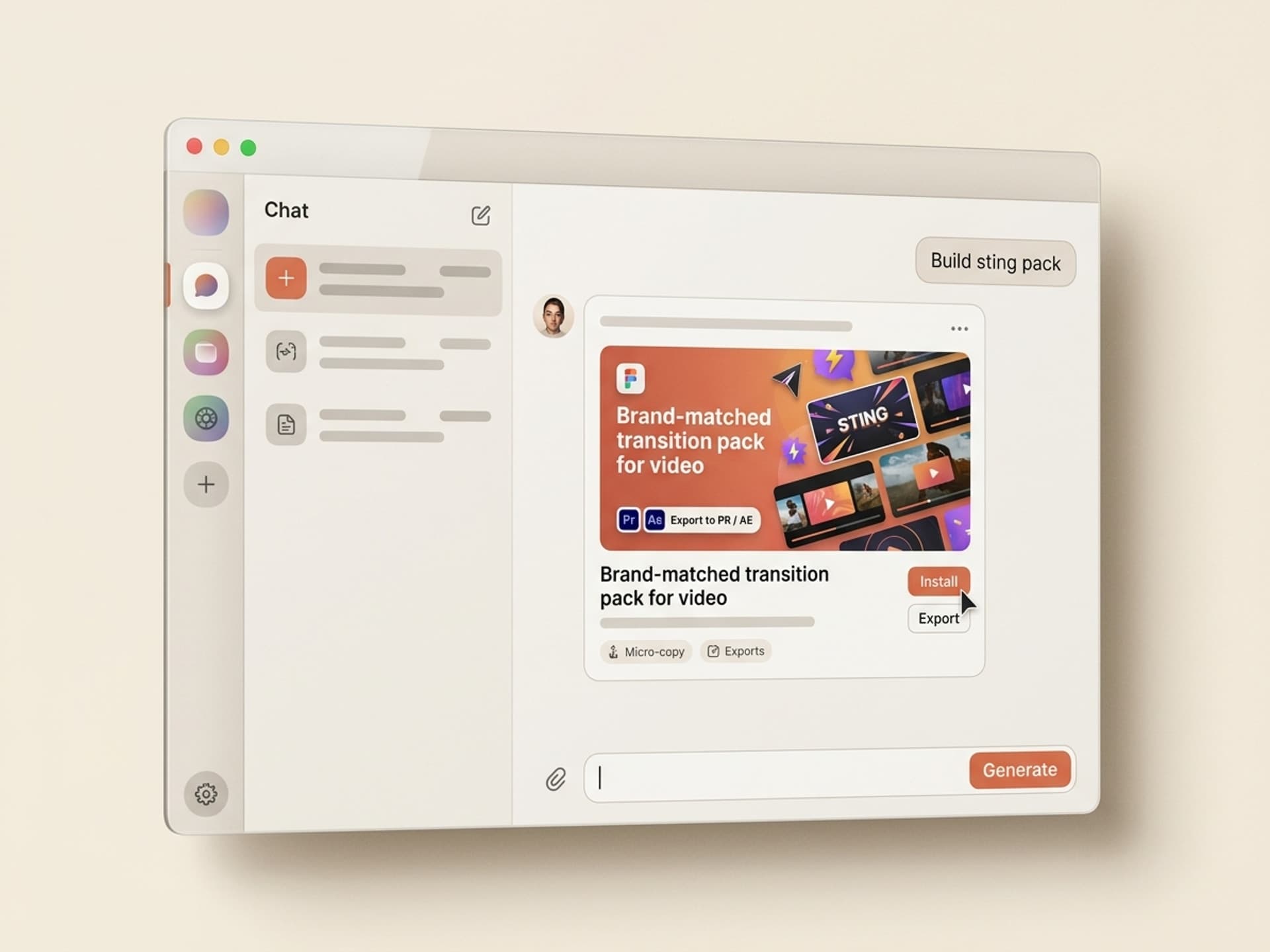

Browse hundreds of ready-made skills for Claude, Cursor, and more.
The Best AI Skills for Video Transitions: What Changed in 2026
The best AI skills for video transitions in 2026 generate a full brand-matched transition pack in 6 - 10 minutes, instead of the 6 - 8 hours editors lost building one from scratch in After Effects. They ship the pack already wired to your color grade, frame rate, codec, and the editor you actually open every day - Premiere Pro, DaVinci Resolve, Final Cut, or CapCut.
Editors burn an enormous slice of their week on transitions and stings: cuts that need to feel like the brand, swipes that match a YouTube channel's tempo, glitches that hit on the music drop, idents that play before every Reel. The off-the-shelf packs on Envato and VideoHive cost $16 - $69 each, and a Motion Array subscription runs $249.99/year ($20/month) for templates (Motion Array pricing). Both work, but neither knows your brand. AI skills do.
This guide covers the 7 video transition skills we recommend on Vibe Skills in 2026, the four transition families they cover, and how to ship a 25-piece branded pack in a single session.
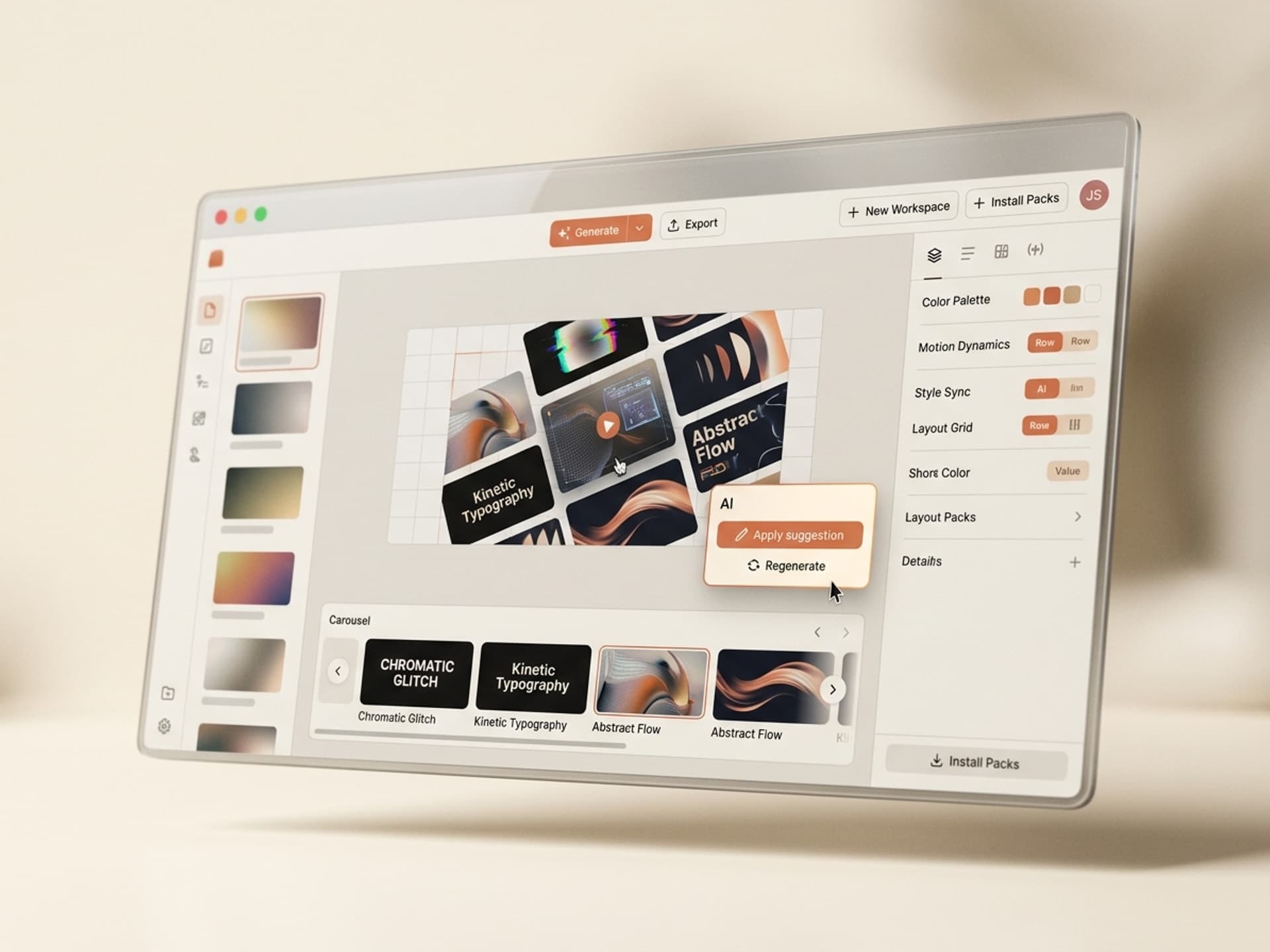
Browse hundreds of ready-made skills for Claude, Cursor, and more.
Why Editors Lose 6+ Hours a Week to Transitions
Most of an editor's transition time is not creative. It is rebuild work. Threads on r/Editors, r/premiere, and r/VideoEditing through 2025 - 2026 land on the same friction: every new client, channel, or campaign needs its own transition look, and pre-built packs always feel borrowed.
Where the hours actually go on a recurring channel or client:
- 2 - 3 hours building a custom whip-pan transition wired to a brand color flash on the keyframe
- 1 - 2 hours retiming a glitch transition pack so the audio sting hits on the cut, not after it
- 45 - 90 minutes per ident or sting that opens a YouTube video, podcast clip, or Reel
- 30 - 60 minutes hunting down a "matching" wipe in a paid pack that ships in the wrong color
- 20 - 40 minutes per export because the transition pack ships in 4K ProRes and your delivery is 1080p H.264
That's 6 - 8 hours per channel per month spent on transitions alone, before a single second of actual edit decision happens. According to Speckyboy's 2026 Premiere transition pack roundup, most paid packs ship 50 - 200 transitions, but editors typically use 3 - 7 of them per project because the rest do not match the brand. The ratio is brutal: pay for 200 assets, use 4.
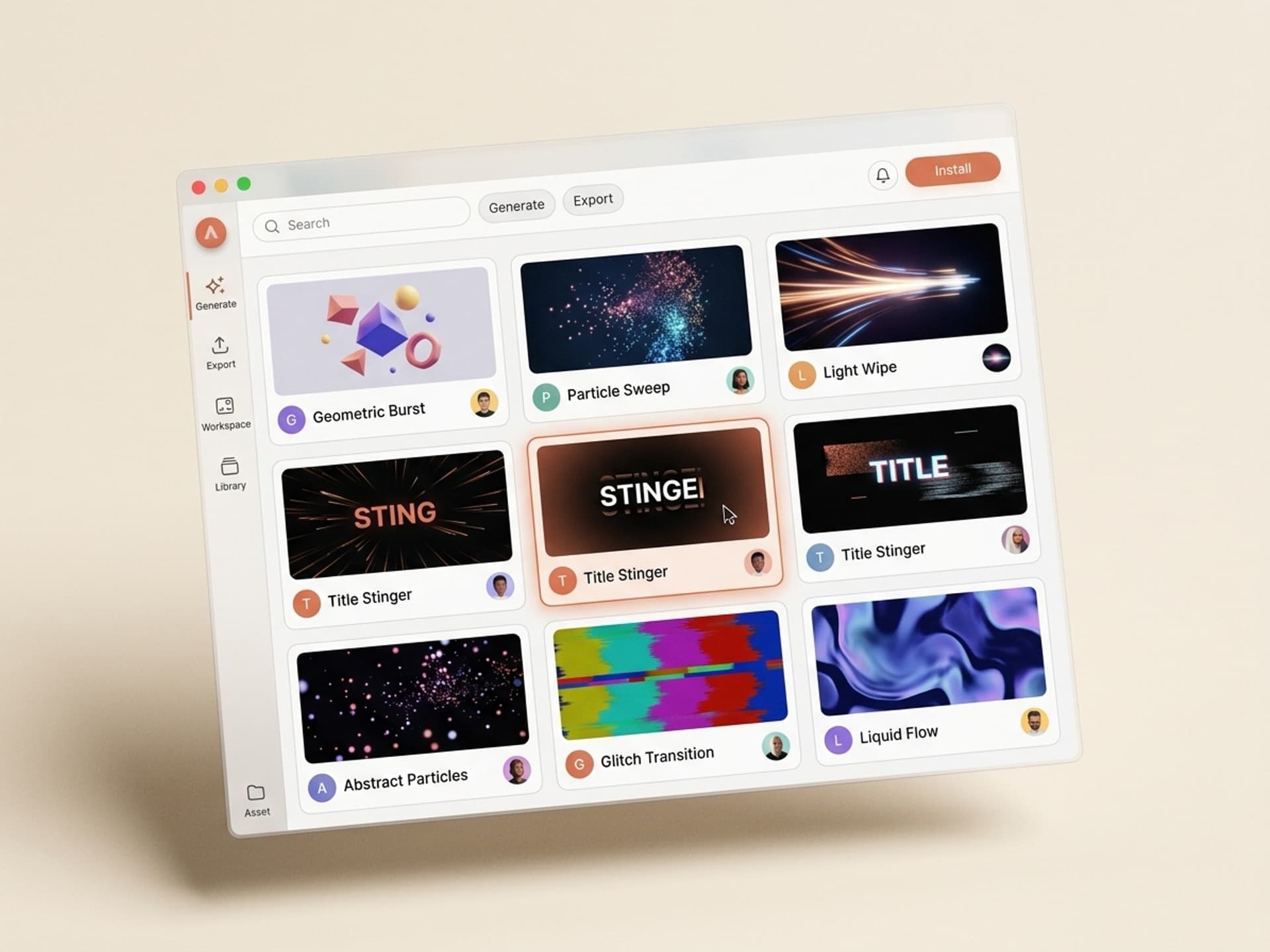
Browse hundreds of ready-made skills for Claude, Cursor, and more.
Transition Anatomy: The Four Families You Actually Need
Not every transition is the same job. AI transition skills cluster output into four families, and the right skill for the job depends on what the cut is trying to say. Use this table to map your edit need to the correct skill type.
| Family | What it does | Where it shines | Typical length |
|---|---|---|---|
| Cuts and pacing transitions | J-cuts, L-cuts, match cuts, jump cut accelerators | Talking head edits, podcasts, vlogs | 4 - 12 frames |
| Wipes and pans | Whip pans, light wipes, masked wipes, paper-tear wipes | YouTube, lifestyle, travel, branded explainers | 6 - 18 frames |
| Glitch and impact transitions | RGB splits, datamosh, zoom-blur impacts, shake cuts | Music videos, sports, gaming, hype reels | 4 - 10 frames |
| Stings and idents | Logo reveals between scenes, channel idents, lower-third bumps | Recurring shows, podcast segments, course chapters | 1 - 4 seconds |
A clean transition pack for a single brand should ship 15 - 30 transitions across all four families, all sharing one color grade, font system, and audio palette. That is the unit of work an AI skill produces in one session. Browse the Motion Graphics category on Vibe Skills to see real examples in each family.
What an AI Transition Skill Actually Generates
A video transition skill takes brand inputs and outputs an editor-ready pack, then you drop it on the timeline the same way you always have. The skill replaces the building stage, not the editing stage.
Inputs the skill needs:
- Brand color grade (LUT, hex codes, or 3 reference frames)
- Frame rate target (24, 25, 30, 60 fps)
- Editor of choice (Premiere
.prproj, DaVinci.drp, After Effects.aep, Final Cut.fcpxml, CapCut template) - Delivery codec (ProRes, DNxHR, H.264, H.265)
- Optional: brand SFX library or beat reference track for sting timing
Outputs the skill produces:
- 15 - 30 transitions covering all four families above
- Native project file for your editor (no transcoding, no missing media)
- Matching audio stings rendered at the right sample rate
- A preview MP4 of every transition (so you pick before you load)
- An adjustment layer with brand color flash baked in
According to the Descript 2026 transitions guide, the gap between "good transition" and "viewer flinches" is rarely the look. It is the timing and the audio sting matching the cut by a single frame. AI skills handle that frame-accurate timing automatically because the pack ships pre-aligned to the host project's frame rate.
7 AI Transition and Sting Skills on Vibe Skills
Each of these skills lives in the Motion Graphics category on Vibe Skills. All produce native project files for the major NLEs.
| Skill | Best for | Output | Time saved |
|---|---|---|---|
| YouTube Channel Transition Pack | Recurring YouTube creators, channel rebrands | 25 transitions + ident + 3 stings, Premiere or DaVinci | ~7 hours |
| Brand Whip Pan Pack | Lifestyle, travel, vlogs, branded explainers | 12 whip pans with color flash on keyframe | ~3 hours |
| Glitch and Impact Pack | Music, sports, gaming, hype reels | 18 glitch and impact transitions, audio synced | ~5 hours |
| Podcast Sting and Bumper Pack | Podcast clips, video podcasts, course chapters | 6 stings, 3 idents, lower-third bumps | ~4 hours |
| CapCut Transition Pack for Shorts | TikTok, Reels, Shorts editors | 20 mobile-first transitions in CapCut format | ~6 hours |
| Course Chapter Transition Set | Online course makers, edu YouTubers | Chapter cards, section dividers, subtle wipes | ~5 hours |
| Brand Ident Generator | Agencies serving multiple clients, freelancers | One 1.5s ident per brand, ships in 5 codecs | ~2 hours per brand |
All seven skills ship project-ready files for Premiere Pro, DaVinci Resolve, After Effects, Final Cut, and CapCut. No transcoding step. Browse the full Motion Graphics category to preview the actual output of each skill.
The 10-Minute Branded Transition Pack Workflow
Here is the workflow editors use to ship a complete brand-matched pack in a single sitting. Total time from kickoff to timeline-ready: about 10 minutes.
Step 1: Pick the right skill on Vibe Skills
Open Vibe Skills Motion Graphics and pick the skill that matches your output. YouTube creator? Grab the YouTube Channel Transition Pack. Music edit? Glitch and Impact Pack. Mobile-first? CapCut Transition Pack for Shorts. Each skill page shows real preview MP4s so you see exactly what you'll get before you install.
Step 2: Drop in the brand inputs (2 minutes)
Paste your brand color hex codes, upload a 1080p reference frame for the look, pick your frame rate (24, 25, 30, or 60 fps), and select your editor. Optional: upload a 10-second beat reference if you want stings synced to a tempo.
Step 3: Generate the pack (4 - 6 minutes)
The skill produces all 15 - 30 transitions plus matching audio stings. While it runs, queue up the project file you'll drop them into.
Step 4: Preview, then keep what works (2 minutes)
Every transition ships with a preview MP4. Watch them in the order they generated, mark the 6 - 10 you want for this project, archive the rest. The full pack stays in your library so you can pull a different transition for the next edit.
Step 5: Drop on the timeline
Open the project file, drag the chosen transitions onto your cuts, and trim. The pack ships pre-aligned to your frame rate so no time-stretch artifacts. Done.
A workflow that used to take 6 - 8 hours per channel collapses to one sitting. The pack lives in your skill library forever, so the next month's edit doesn't restart from zero.
Why "AI Skills" Beat Buying Pre-Made Packs Each Time
Pre-made transition packs from VideoHive ($16 - $69 each), Envato Elements ($16.50/month), Motion Array ($20 - $30/month), and ACIDBITE ship hundreds of transitions, but they all share one problem: they don't know your brand. You spend an hour retiming, recoloring, and removing the ones that don't fit, and end up using 3 - 7 of the 200 you paid for.
| Pre-made pack | AI skill on Vibe Skills | |
|---|---|---|
| Brand match | Generic | Wired to your color grade |
| Frame rate | Whatever the pack ships in | Native to your project |
| Audio stings | Generic library SFX | Synced to your tempo or LUFS target |
| Editor compatibility | Often Premiere only | Premiere, DaVinci, AE, Final Cut, CapCut |
| Reuse for new brand | Need to buy again or recolor | Re-run the skill with new inputs |
| Subscription cost | $20 - $30/month per platform | $39/month covers every category |
A Vibe Skills Pro subscription is $39/month and includes unlimited downloads of every skill in every category, not just transitions. Premium skills (games, web apps, AI personas) unlock at $79/month. Teams of up to 20 get Business at $300/month, which is roughly $15/seat at full fill. See the full pricing breakdown for the complete comparison.
Frequently Asked Questions
Do these AI skills include the audio stings or just the visual transitions?
Both. Every transition skill on Vibe Skills ships paired audio stings rendered at the right sample rate (44.1 kHz or 48 kHz) and LUFS target for the platform. The Glitch and Impact Pack and the Podcast Sting and Bumper Pack are sting-first by design, so the audio side is treated as a primary deliverable, not an afterthought.
Will a transition built for Premiere Pro work in DaVinci Resolve or Final Cut?
Yes. Every skill ships in 5 native formats: Premiere .prproj, DaVinci .drp, After Effects .aep, Final Cut .fcpxml, and CapCut. You pick your editor at generation time and the skill exports the right project file with no transcoding step. If you change editors mid-project, just re-run the skill with the same inputs and pick the new format.
How is this different from buying a pack on VideoHive or Envato?
Pre-made packs are generic and ship 50 - 200 transitions you partially use. An AI skill on Vibe Skills takes your brand color grade, frame rate, and codec as inputs and ships 15 - 30 transitions wired to those specifics. The output feels like the brand because it was built around the brand, not retrofitted to it. Browse the category to compare side by side.
Can I use the transitions for client work and commercial projects?
Yes. The Pro and Premium plans cover commercial use for solo creators and freelancers. The Business plan adds an extended commercial license for agencies and teams of up to 20. Full license terms are on each skill page and in the Vibe Skills pricing page. Questions on a specific use case go to team@vibeaiskills.com.
Are the stings and idents long enough for a YouTube channel intro?
The Brand Ident Generator and Podcast Sting and Bumper Pack ship 1 - 4 second idents that work as scene-to-scene stings or as channel intros. For a longer 5 - 8 second hero intro, pair the Brand Ident Generator output with the Logo Reveal Animation skill from the same category. Both ship native files for After Effects and DaVinci Resolve.
What if my brand doesn't have a color grade or LUT yet?
Upload 3 reference frames from any past video that captures the look you want. The skill extracts the color information automatically, including shadow tone, midtone bias, and highlight rolloff. You can also paste hex codes for primary, secondary, and accent colors. The skill works with whichever input you have. See examples on the category page.
Can the same skill produce both a sting and a full transition pack?
Yes for two of the seven: the YouTube Channel Transition Pack and the Podcast Sting and Bumper Pack both ship the visual transitions and the matching stings as one bundle. The other five are family-specific. If you want both, run two skills back to back with the same brand inputs - the outputs will share the color grade and frame rate.
Stop Rebuilding Transitions for Every Channel
The math on transitions is brutal: 6 - 8 hours per channel per month, 50 - 200 assets in every paid pack but only 3 - 7 used per project, $20 - $30/month across multiple subscription platforms. AI skills compress all of that into one workflow that ships in a single sitting and learns your brand the first time.
Whether you edit a single YouTube channel, freelance for 5 clients, or run a creator studio, the value is the same: stop rebuilding the transition layer from scratch. Build it once with the right skill, ship it brand-matched, reuse forever.
Browse the Motion Graphics category on Vibe Skills →
Editing 5 channels a week shouldn't mean 30 hours of transition rebuilds. Install a video transition skill on Vibe Skills and ship your next edit with a brand-matched pack.