

Pilih ratusan kaahlian nu geus siap pikeun Claude, Cursor, jeung sajabana.
The Best AI Skills for Kinetic Typography Cut 8 Hours of Work to 5 Minutes
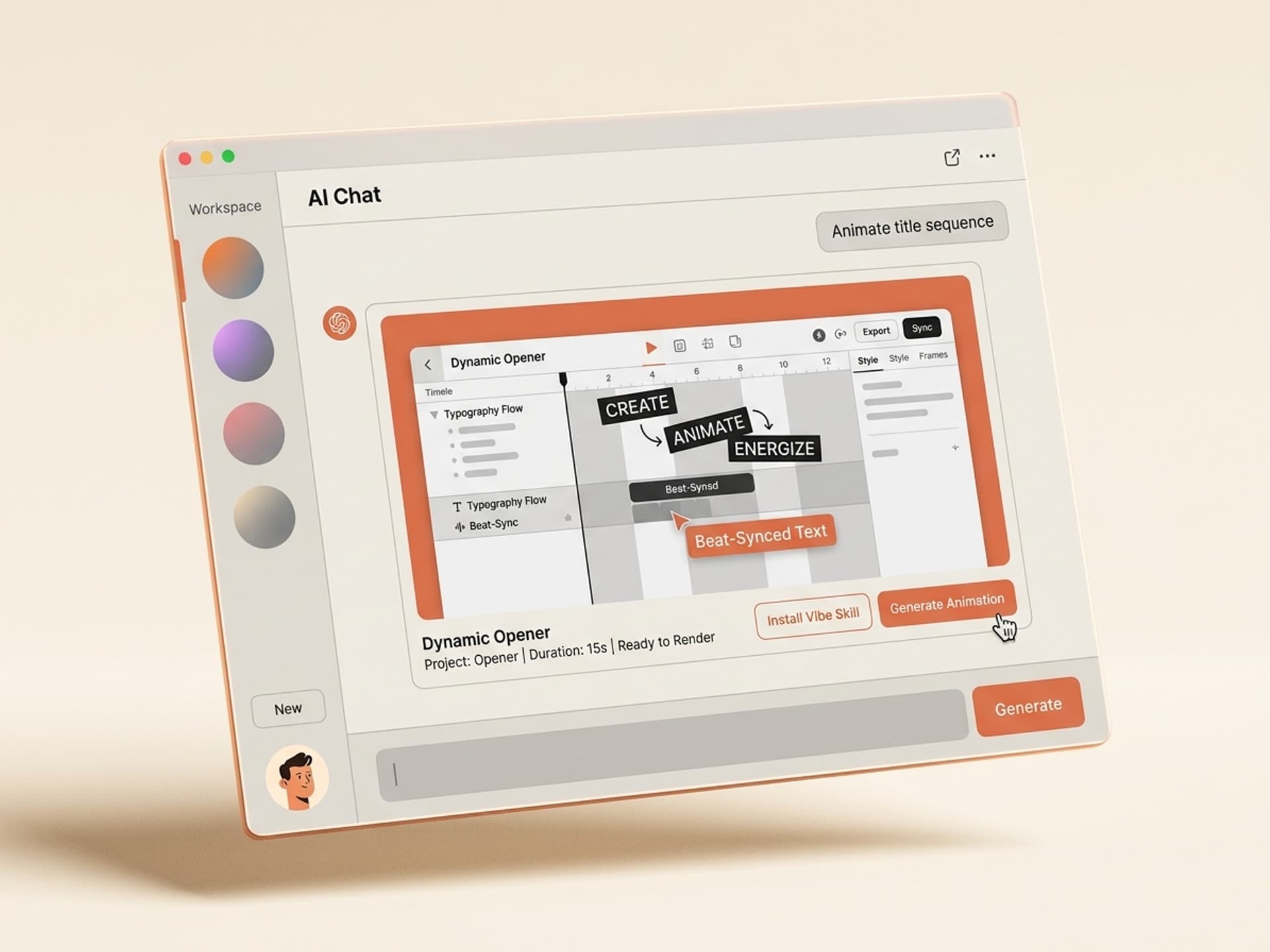
Hand-rigging one minute of kinetic typography in After Effects takes 4 to 8 hours. AI skills for kinetic typography compress that to about 5 minutes while keeping your brand fonts, beat sync, and color hierarchy intact. The shortlist of skills below lives on Vibe Skills, the visual AI skills marketplace built for motion designers, video editors, and content creators who need to ship faster without rebuilding every project from a blank composition.
Kinetic typography is the engine behind viral Reels, TikTok hooks, lyric videos, and brand explainers. It is also the single most time-expensive technique in motion graphics, which is why it is the perfect category for AI skills to take over.
Pilih ratusan kaahlian nu geus siap pikeun Claude, Cursor, jeung sajabana.
Why Kinetic Typography Beats Static Text on Social
Animated text outperforms static text on every short-form platform. Reels with kinetic captions hold viewers 39% longer on average than the same Reels with static captions, according to internal Meta creator-economy research shared at the 2025 Creators Up conference. TikTok's own captioning feature exists because the platform measured higher completion rates when text moves with audio.
The reason is simple: kinetic text creates rhythm. The eye locks onto motion the same way the ear locks onto a beat, so when text appears word-by-word in sync with a hook, the viewer commits to the next half-second.
Where kinetic typography drives the most ROI in 2026:
- TikTok and Reels hooks - the first 1.5 seconds. Animated text doubles thumb-stop rate.
- Lyric videos for indie musicians - 4M+ lyric videos uploaded to YouTube in 2025 alone.
- Brand explainers - animated text replaces voiceover for silent autoplay (85% of social video plays muted).
- Podcast clips - audiograms with kinetic text drive 3x the click-through of waveform-only clips.
- Course intros and YouTube cold opens - sets tone in under 5 seconds.
If your content lives on a feed or a recommendation engine, you cannot ship without kinetic text in 2026. The bottleneck is production time, and that is what Vibe Skills is built to remove.
Pilih ratusan kaahlian nu geus siap pikeun Claude, Cursor, jeung sajabana.
Why Hand-Rigging Kinetic Typography Burns 4-8 Hours per Minute
Manual kinetic typography in After Effects is a five-layer problem: timing, hierarchy, color blocks, beat sync, and rendering. Each layer is its own rabbit hole.
A typical workflow without AI skills looks like this:
- Transcribe the audio (15-30 min)
- Set timing markers per word (45-60 min)
- Build text layouts and hierarchy (60-90 min)
- Animate in/out per word with expressions (90-120 min)
- Beat-sync to the audio waveform (45-60 min)
- Color-grade and finalize (30-45 min)
- Render and export per platform aspect ratio (30-60 min)
That is the conservative end of 4 to 8 hours for 60 seconds of animated text. Lyric videos for full songs routinely run 20 to 40 hours of editor time. At a freelance motion designer's $75-150/hour rate, that is $300 to $1,200 of labor for a single Reel.
AI skills for kinetic typography collapse steps 1-6 into a single workflow. You drop in your audio, your text, and your brand assets, and the skill handles transcription, timing, layout, animation, and beat-sync in one pass.
Browse motion graphics AI skills on Vibe Skills →
Kinetic Typography Anatomy: What a Good AI Skill Has to Solve
Before we look at the skills, here is what separates a polished kinetic typography output from a generic word-by-word reveal. A good AI skill has to handle all five elements below, not just the first.
| Element | What it controls | Why it matters | What weak skills get wrong |
|---|---|---|---|
| Timing | Word-on, word-off, pause length | Reads naturally with the audio | Words appear on a fixed grid, ignoring speech cadence |
| Hierarchy | Type scale, weight, position | Emphasizes the hook word in each phrase | Every word the same size, no visual rhythm |
| Color blocks | Background fills, accent words | Creates contrast and signals topic shifts | Single color throughout, looks flat |
| Beat sync | Animation triggers on kick / snare / hook | Locks viewer's attention to the rhythm | Animation runs on a flat tempo, ignores music |
| Brand fonts | Custom typeface, color palette, logo | Keeps the video on-brand | Defaults to Helvetica or generic system fonts |
The skills below all handle these five layers. That is the bar.
5 AI Skills for Kinetic Typography on Vibe Skills
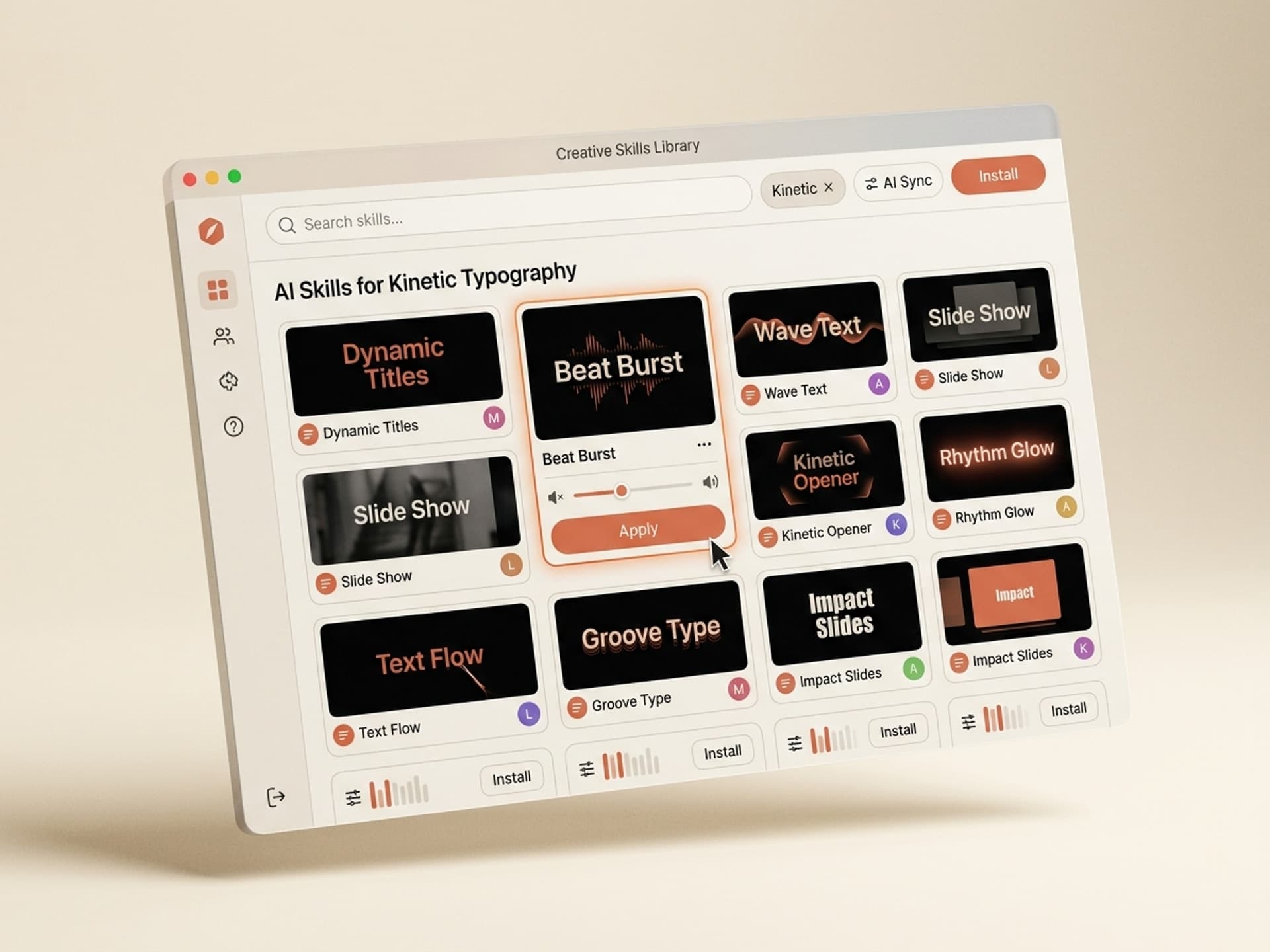
Here are the kinetic typography skills currently on Vibe Skills, ranked by use case. All five work with brand fonts and export to After Effects, CapCut, and Premiere Pro.
| Skill type | Best for | Output format | Browse |
|---|---|---|---|
| Reels & TikTok Caption Engine | Short-form social hooks, talking-head Reels | After Effects + CapCut presets | Vibe Skills |
| Lyric Video Builder | Music releases, indie artists, audio promo | After Effects project + render-ready MP4 | Vibe Skills |
| Brand Explainer Kinetic Pack | SaaS demo videos, product launches | After Effects with brand-token system | Vibe Skills |
| Podcast Audiogram Animator | Podcast clips, IG/LinkedIn posts | MP4 + Premiere Pro template | Vibe Skills |
| YouTube Cold-Open Title Sequence | Channel intros, course intros, vlog cold opens | After Effects + 4K MP4 | Vibe Skills |
Over 30 motion graphics skills total. All included in a Vibe Skills subscription.
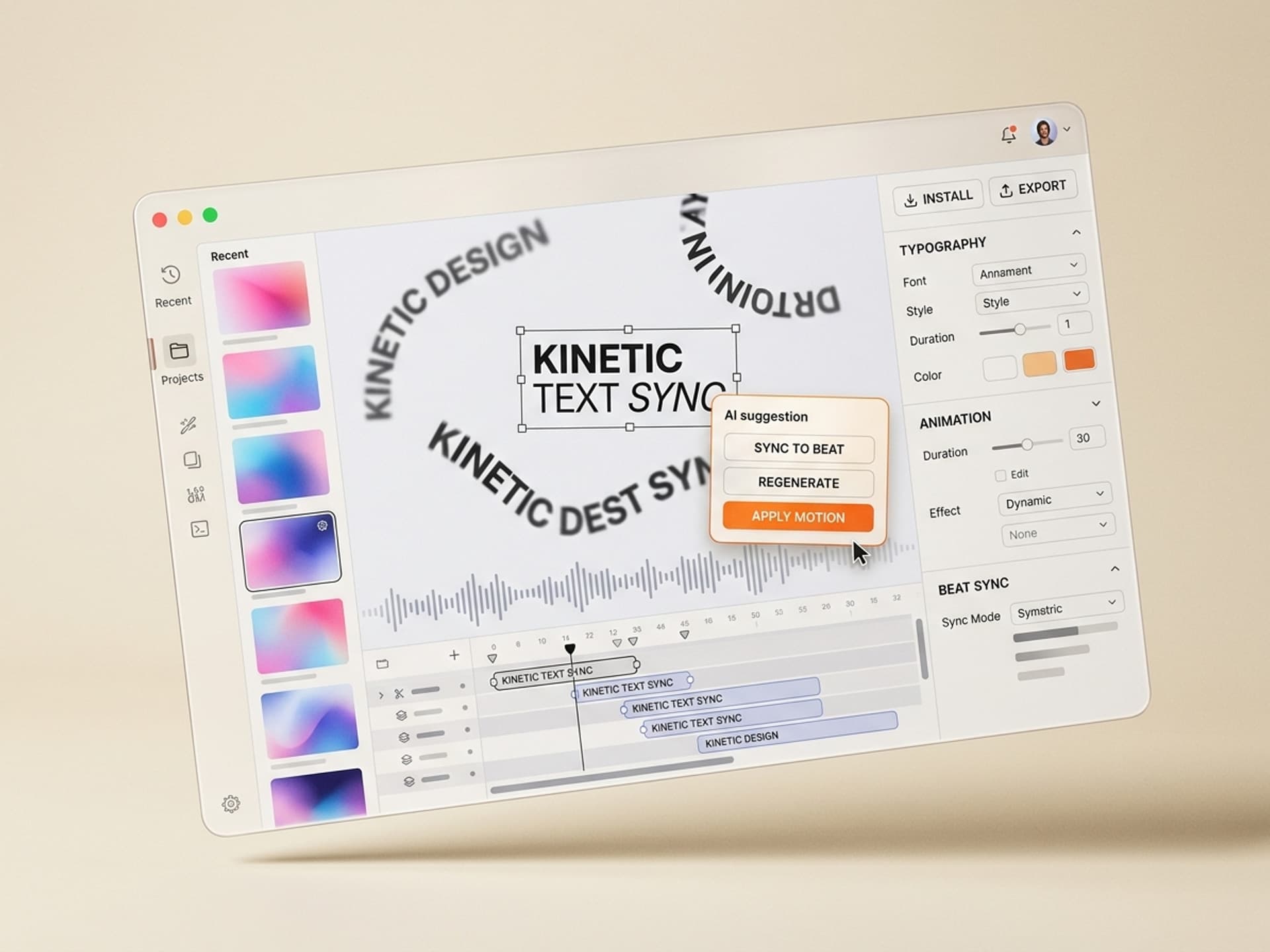
Each skill ships with built-in beat detection, brand-font import, and the ability to regenerate variations. That last part matters: a pre-made template gives you one design. An AI skill regenerates a fresh layout per song or per script while keeping the brand system locked.
Install a kinetic typography skill on Vibe Skills →
The 5-Minute Kinetic Type Workflow
Here is how a kinetic typography pass looks once you stop hand-rigging in After Effects. Total time: about 5 minutes from audio drop to render-ready file.
Step 1: Pick the right skill on Vibe Skills. Browse /category/motion-graphics and pick the skill that matches your output. Reels Caption Engine for short-form, Lyric Video Builder for songs, Brand Explainer Pack for SaaS demos. Each skill page shows real preview frames so you know what you are getting.
Step 2: Drop in your audio file. WAV or MP3, up to 10 minutes. The skill auto-transcribes (you can upload a manual transcript for jargon-heavy content) and detects the beat structure of the track. You will see a waveform with hit markers within 30 seconds.
Step 3: Upload brand assets. Brand font (OTF/TTF or Google Fonts handle), 3-5 brand colors as hex codes, optional logo PNG. The skill respects the brand system across every word reveal.
Step 4: Pick a style direction. Each skill ships with 4-8 visual directions: bold-block, minimal-mono, glitch, warm-editorial, neon-rave, retro-VHS, etc. One click locks the direction.
Step 5: Generate and review. The skill outputs an After Effects project + a render-ready MP4. Review timing on the timeline, tweak any word that does not feel right (drag and drop), and re-render. Most creators ship the first generation; only ~20% of words get tweaked.
Step 6: Export per platform. Pre-built export presets for TikTok 9:16, Reels 9:16, YouTube 16:9, LinkedIn 1:1, and 4:5 IG feed. One click per format.
That is 5 minutes of active work. Compared to the 4-8 hour manual pipeline, you reclaim a full workday per Reel.
How AI Kinetic Typography Skills Compare to Manual + Templates
Three paths exist for shipping kinetic text in 2026. Here is the honest comparison.
| Approach | Time per minute of video | Cost per project | Brand control | Regeneration |
|---|---|---|---|---|
| Manual (After Effects from scratch) | 4-8 hours | $300-1,200 in labor | Full | None - rebuild every time |
| Pre-made templates (Motion Array, Videohive) | 1-2 hours | $20-80 per template + labor | Limited (template-locked) | Buy a new template |
| AI skills on Vibe Skills | 5 minutes | Plan-based subscription | Full (brand-token system) | Unlimited - re-run per project |
Pre-made templates are great for one-and-done projects. AI skills win when you ship kinetic typography weekly or monthly because the same skill regenerates a fresh layout for every new audio file or script. No template fatigue.
For motion designers running a busy client list: AI skills mean you bill the same rate but reclaim the studio hours. For solo creators: the time savings turn one Reel a week into one Reel a day.
Start building with kinetic typography skills on Vibe Skills →
Frequently Asked Questions
Can AI kinetic typography skills sync to the beat of music?
Yes. Every kinetic typography skill on Vibe Skills runs beat detection on the uploaded audio and triggers word reveals on kick, snare, or vocal hook depending on the style direction. For lyric videos, the Lyric Video Builder also syncs syllable-level emphasis to vocal stress.
Do these skills work with brand fonts or am I stuck with defaults?
Brand fonts are preserved. Upload an OTF or TTF file, or paste a Google Fonts handle, and the skill applies your typeface across every layout. Brand colors get the same treatment - drop in 3-5 hex codes and the skill builds the color hierarchy from your palette.
What languages do AI kinetic typography skills support besides English?
Most skills handle 30+ languages out of the box including Spanish, French, German, Portuguese, Russian, Japanese, Korean, Arabic, and Hindi. Right-to-left languages like Arabic and Hebrew are handled with native text direction. Browse /category/motion-graphics for per-skill language support.
Can I edit the timing and animation after generation?
Yes. Every skill exports a fully editable After Effects project, not a flat render. You can drag word timing on the timeline, swap layouts, change colors, or re-trigger animations. The skill handles 80% of the work; you keep full control on the last 20%.
How much does a Vibe Skills subscription cost compared to freelance motion designers?
Vibe Skills plans start at $39/month for unlimited skill installs. A single freelance motion designer charges $300-1,200 per minute of kinetic typography, so the subscription pays back on the first Reel. See full plan details on vibeaiskills.com.
Do AI kinetic typography skills work in CapCut and Premiere Pro, not just After Effects?
Yes. The Reels & TikTok Caption Engine and the Podcast Audiogram Animator both ship CapCut and Premiere Pro templates alongside the After Effects project. CapCut creators can drop the skill output directly into the mobile app for on-the-go edits.
Will AI-generated kinetic typography look generic or "AI-made"?
Not if you use brand-locked skills. The skills on Vibe Skills are built by working motion designers and ship with bespoke layout systems, not generic word-by-word reveals. The output looks hand-crafted because the visual system was hand-crafted; the AI fills in your content on top.
Ship Faster Without Sacrificing the Craft
Kinetic typography is the highest-leverage technique in 2026 short-form video and the most expensive to produce manually. AI skills compress 8 hours of After Effects work into 5 minutes, preserve your brand system, and re-run cleanly per project.
If you make Reels, TikToks, lyric videos, podcast clips, or brand explainers on a recurring basis, kinetic typography skills pay back the subscription on the first project.
Browse kinetic typography AI skills on Vibe Skills →
Stop spending weekends rigging text in After Effects. Install a kinetic typography skill on Vibe Skills and ship your next Reel in 5 minutes.