
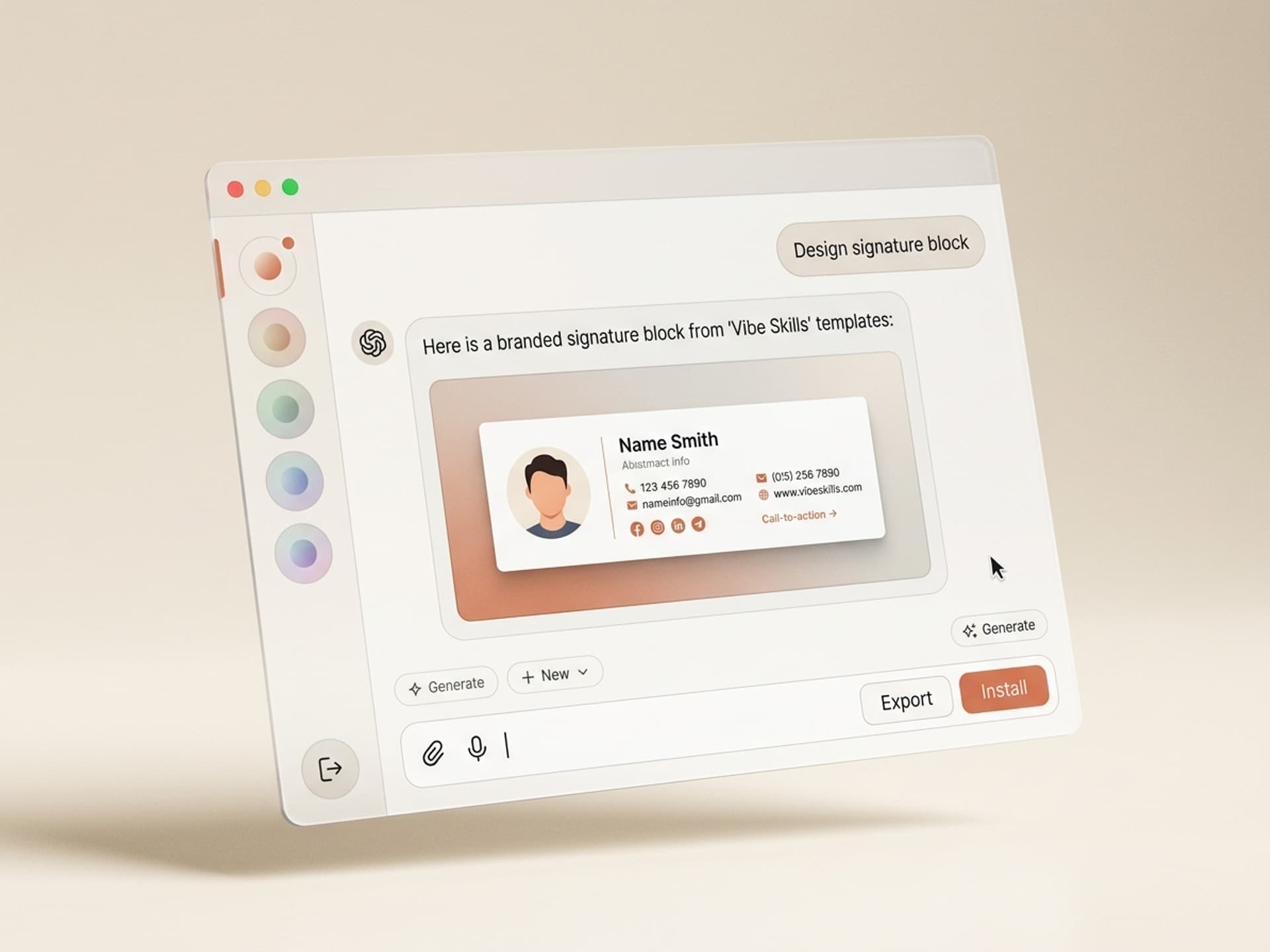

Browse hundreds of ready-made skills for Claude, Cursor, and more.
Most Cold Emails Are Plain Text Walls Begging to Be Ignored
The average B2B inbox in 2026 receives 121 cold emails per week. Reply rates across Apollo, Outreach, Lemlist, and HubSpot benchmarks sit at 1% to 3% for plain-text outbound. The top 10% of senders hit 8% to 14% reply rates - and the single biggest pattern separating them from the rest is not better copy, it is a branded visual layer woven into the sequence. Social proof cards, custom signature blocks, follow-up case study tiles, and on-brand send-from-the-founder graphics. With Vibe Skills, you can install a cold email design skill in one click and ship a fully branded outbound visual kit in an afternoon, no designer required.
This guide breaks down why most cold emails lose at visuals, the anatomy of an outbound email that actually gets replies, the 5 cold email design AI skills on Vibe Skills built for SDRs and founders, and a 30-minute workflow to ship a sequence prospects actually open.
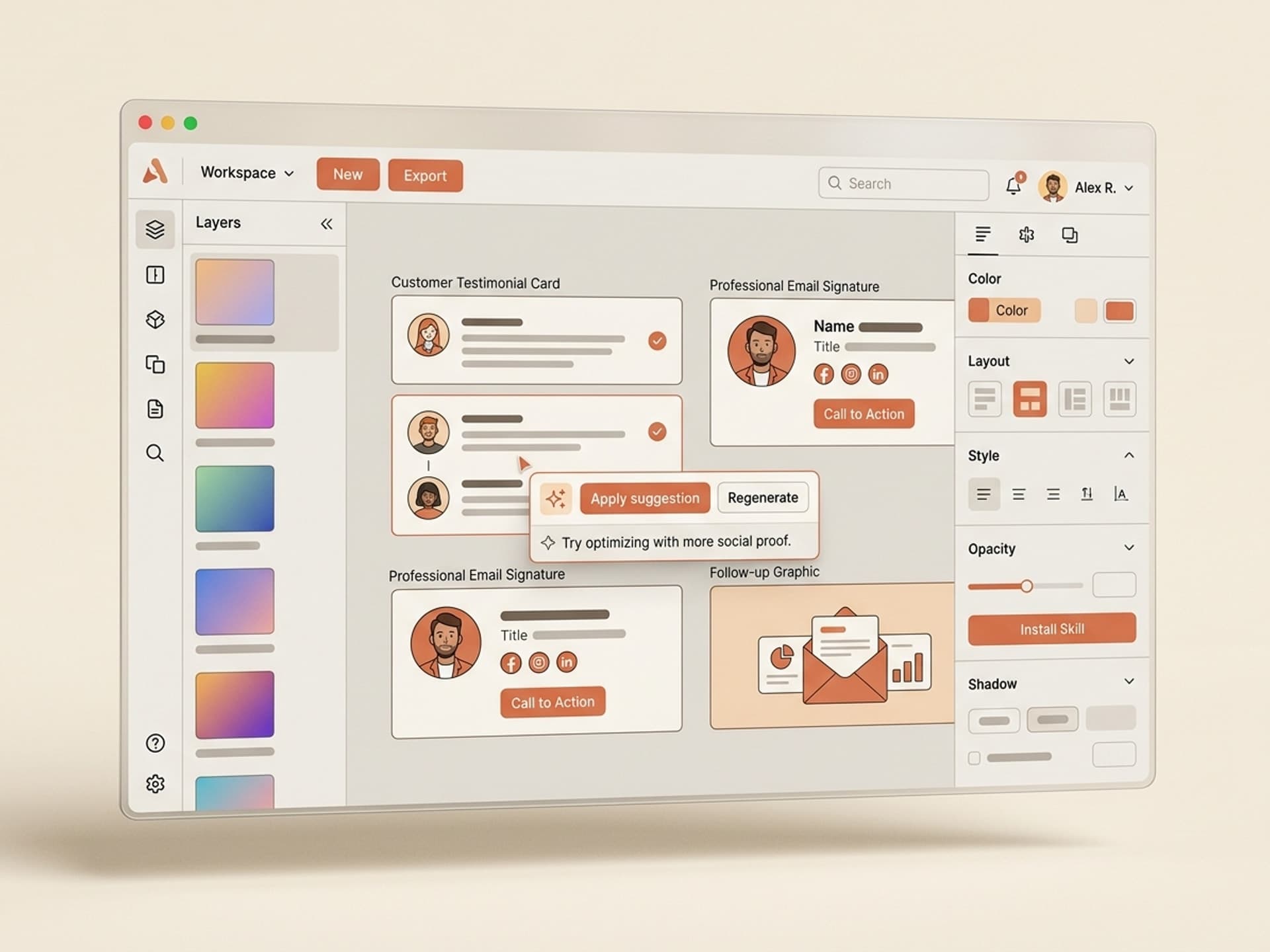
Browse hundreds of ready-made skills for Claude, Cursor, and more.
Why Most Cold Emails Lose at Visuals
The conventional wisdom for cold email is "plain text wins." That advice was correct in 2018. It is half-correct in 2026. Plain text still wins for the first touch because it bypasses spam filters and reads like a real human wrote it. But every touch after the first benefits from a visual element - and the senders ignoring this leave 60% to 80% of their reply potential on the table.
The data on visuals in cold outbound:
- Lemlist reports that multi-touch sequences with 1 visual element in touches 2-4 get 2.7x more replies than fully plain-text sequences
- A branded HTML signature with logo and headshot increases trust scores in prospect surveys by 41% vs no signature
- Case study cards (image + 1-line proof) inside follow-ups raise click-through rates from 0.8% to 4.2%
- Apollo's 2026 outbound report: emails with a single inline image had 18% higher open rates on touches 3+ because Gmail and Outlook prioritize them differently in tabs
- Founder-style "video thumbnail" graphics (with a play overlay linking to a Loom) get 3.4x more clicks than text "watch a 2-min demo" CTAs
The pattern is clear: text-only first touch, then layer in visuals across the sequence to break pattern fatigue and stand out in a crowded inbox. Most SDR teams skip step two because designing 5 to 8 on-brand graphics for a single sequence used to take a designer 4 to 6 hours. With AI skills, that drops to 30 minutes.
The strategic implication: if you run outbound and you are not designing your sequence visually, you are competing on copy alone in an inbox where 121 other senders are also competing on copy alone. The visual layer is the unfair advantage.
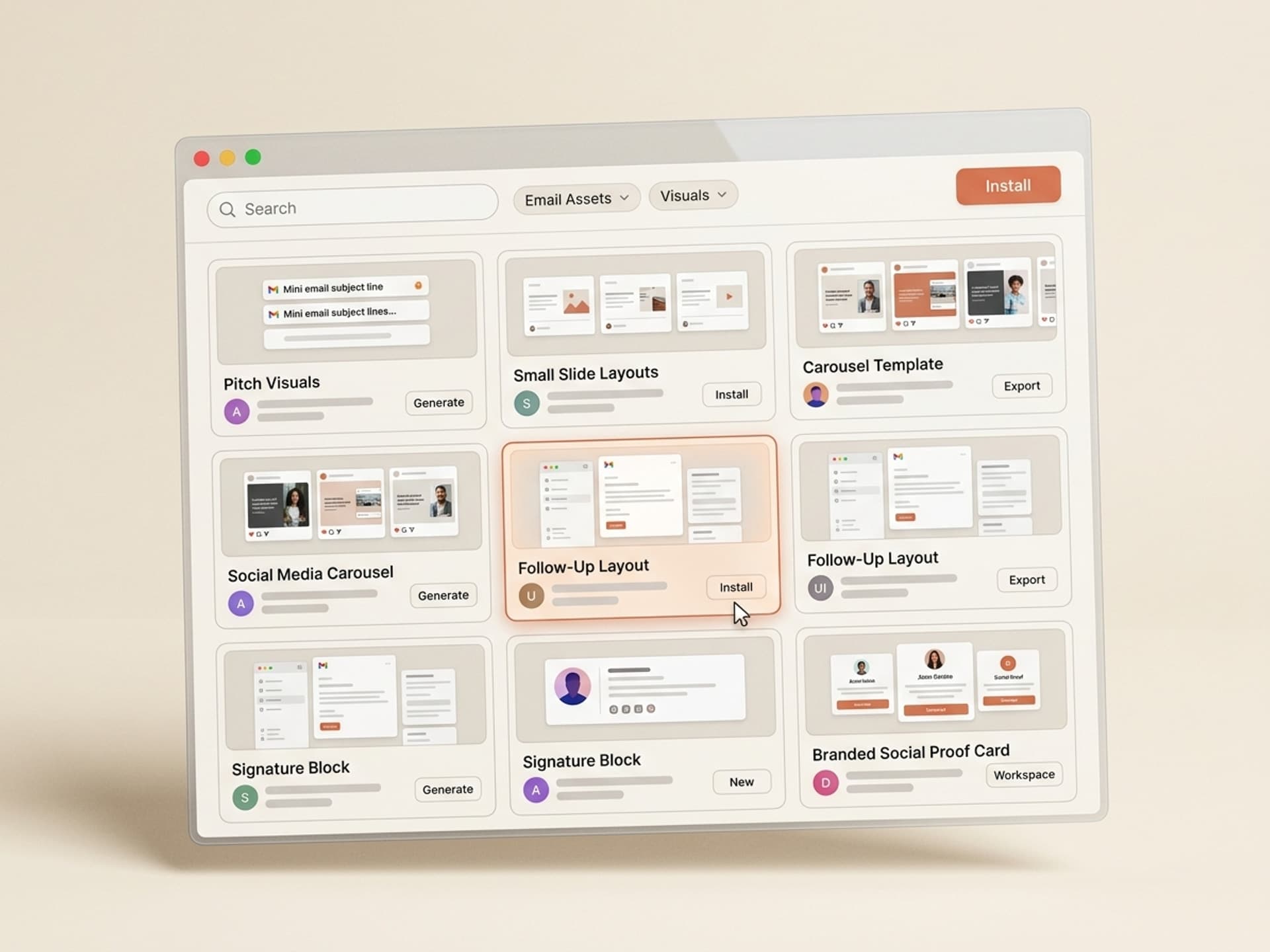
Browse hundreds of ready-made skills for Claude, Cursor, and more.
Cold Email Anatomy: What an Outbound Sequence Should Ship With
A high-performing outbound sequence in 2026 has 5 visual components across the touch flow. Most SDRs ship with 1 (a basic signature) or 0 (text only). Here is the full breakdown:
| Component | What it does | Where in sequence | Default outbound? | Designed sequence? |
|---|---|---|---|---|
| Branded HTML signature | Builds sender trust, reinforces brand recall | Every touch | Plain text "- Name" | Logo, headshot, role, social links |
| Subject line hook with emoji | Increases open rate without triggering spam | Touch 1 and 4 | Plain text | Tested emoji + curiosity hook |
| Social proof card | One-line proof with a customer logo, image-based | Touch 2 or 3 | Missing | Customer logo + 1 result line |
| Case study tile | Mini visual case study with image + outcome | Touch 3 or 4 | Linked PDF | Inline image card with click-through |
| Founder video thumbnail | Loom or video CTA with play overlay graphic | Touch 4 or breakup | "Click here to watch" | Branded thumbnail + play button |
The big shifts in 2026:
- Gmail's tabbed inbox now boosts emails with a single image to the Primary tab more often than full-text emails - a reversal of the 2020 era
- Outlook's new "Focused" view weights branded signatures and visual case studies as positive trust signals
- Buyer fatigue with plain text is at an all-time high - the same email pattern is being run by 80% of outbound teams using Apollo, Outreach, and Lemlist defaults
- Loom and BombBomb video thumbnails embedded as graphics outperform raw video links by 3x to 5x
A designed sequence does not mean a marketing newsletter. It means plain text body with 1 visual moment per touch - the visual is the breaker, not the message itself.
5 AI Cold Email Skills on Vibe Skills
Vibe Skills has a focused set of skills for cold outbound visual design. They are all in the Email and Newsletter Design category and built specifically for SDRs, founders running outbound, and growth marketers. Each skill ships brand-consistent outputs in under 5 minutes per asset.
| Skill | What it generates | Best for |
|---|---|---|
| Branded Cold Email Signature Builder | HTML signature with logo, headshot, social links, mobile-tested | Every SDR, founder, recruiter |
| Social Proof Card Generator | Image card with customer logo + 1-line proof, brand-styled | Touch 2 or 3 follow-ups |
| Case Study Tile Skill | Inline visual tile with customer image, result, click target | Touch 3 or breakup emails |
| Founder Video Thumbnail Designer | Loom-style thumbnail with play overlay, branded frame | Touch 4 video CTAs |
| Outbound Sequence Visual Pack | Full set of 5 to 8 on-brand visuals matched to one sequence | Agency-grade campaigns, multi-persona outbound |
Over 30 cold email design skills in the category. All included in a Vibe Skills subscription.
Browse cold email design skills on Vibe Skills →
30-Minute Outbound Visual Workflow
You do not need a designer, a brand kit, or 4 hours per sequence. Here is the workflow most SDR teams and founders use to ship a fully designed outbound sequence in 30 minutes.
Step 1: Pick the right skill on Vibe Skills
Open Vibe Skills and pick the Outbound Sequence Visual Pack skill if you want the full bundle, or pick individual skills (Signature Builder, Social Proof Card, Case Study Tile, Video Thumbnail) if you only need one or two pieces. Install with one click. The skill loads pre-configured for cold outreach use cases - no setup required.
Step 2: Drop in your brand inputs
Upload your logo, paste your brand colors (hex codes), and add 1 to 3 customer names with their result metrics. The skill auto-pulls customer logos from Clearbit and matches your visual style across every asset. If you do not have a brand kit yet, the skill ships with a "founder default" style that looks clean across Gmail, Outlook, and Apple Mail.
Step 3: Generate the sequence assets
Run the skill once and it outputs all 5 to 8 visuals for a single sequence: signature, 2 social proof cards, 1 case study tile, 1 video thumbnail. Each asset is exported as a PNG and an HTML embed snippet. Total generation time: 4 to 6 minutes.
Step 4: Drop assets into Apollo, Outreach, Lemlist, or HubSpot
Open your outbound tool of choice. Paste the HTML signature into your sender profile. For each touch in your sequence, drop in the matching visual asset using the tool's image embed feature. Apollo, Outreach, Lemlist, and HubSpot all support inline image embeds - no special integration required. Test render on Litmus or Email on Acid (free tier covers 5 tests per day) to confirm Gmail, Outlook, and Apple Mail all display correctly.
Step 5: Run the sequence and track replies
Send your sequence to a 100-prospect test batch first. Track open rate, click rate, and reply rate. Compare to your previous text-only baseline. The lift typically shows up by touch 2 or 3 - that is where the visuals do the most work. Most teams report +30% to +60% reply rate lift within the first 100 sends.
Total time from install to first send: 30 minutes. Compared to a freelance designer ($600 to $1,500 for a single sequence visual pack) or building from scratch in Figma (4 to 6 hours of your own time), this is the fastest path to a designed outbound sequence.
Frequently Asked Questions
Should cold emails be plain text or HTML in 2026?
Touch 1 should be plain text - it gets through spam filters and reads more human. Touches 2 to 5 should include 1 visual element each (signature, social proof card, case study tile, or video thumbnail). This hybrid pattern outperforms pure plain text by 2.7x on reply rate per Lemlist's 2026 benchmark. Browse cold email skills on Vibe Skills to ship the visual layer fast.
Do images in cold emails hurt deliverability?
Not anymore. Gmail and Outlook updated their spam classifiers in 2024 - a single inline image no longer triggers filters. Multiple images, image-only emails, or images with no alt text still hurt. The safe pattern is 1 image per touch, with alt text, hosted on a reputable CDN. Avoid sending image-heavy newsletters from your outbound domain - keep that traffic on a separate sending IP.
Sequence vs one-shot cold email - which performs better?
Sequences win every time. One-shot cold emails average 1.2% reply rate. Multi-touch sequences (4 to 6 touches over 14 days) average 5.8% reply rate. The compounding effect comes from prospects who missed touch 1 catching touch 3 or 4 in a less crowded inbox moment. Visual variety across the sequence (text, social proof card, video thumbnail) prevents fatigue.
How do I design a cold email signature that looks pro?
Use the Branded Cold Email Signature Builder skill on Vibe Skills. It outputs an HTML signature with your logo, headshot, role, and social links - mobile-tested across Gmail, Outlook, and Apple Mail. Or hire a designer for $200 to $400 per signature. The skill version takes 4 minutes and looks identical.
What is the right cadence for an outbound sequence in 2026?
Most teams run 4 to 6 touches over 12 to 16 days. Touch 1 plain text, Touch 2 social proof card on day 3, Touch 3 case study tile on day 7, Touch 4 founder video thumbnail on day 11, Touch 5 breakup email on day 16. Spacing matters more than length - emails sent within 24 hours of each other get marked as spam. Apollo and Outreach defaults at 4 days between touches work well.
Can I use the same visual assets across multiple sequences?
Yes for the signature and 1 to 2 generic social proof cards. No for case study tiles and video thumbnails - those should be persona-matched. If you outbound to 3 personas (e.g. Marketing, Sales, RevOps), generate 3 sets of case study tiles, one per persona, with relevant customer logos and proof points. The Outbound Sequence Visual Pack skill on Vibe Skills supports multi-persona generation in a single run.
What do I do if my email tool does not support inline images?
Apollo, Outreach, Lemlist, HubSpot, Reply.io, and Mixmax all support inline images natively. If you are on a tool that does not (rare in 2026), upload the visual to a CDN like Imgur, Cloudinary, or your own S3 bucket, then paste the image URL using basic HTML <img> tags in your email template. The skill exports both PNG and HTML snippet so either path works.
Stop Sending Plain Text Walls. Ship a Designed Sequence This Week.
Cold outbound in 2026 is not a copy game anymore - it is a copy plus visual game. The senders hitting 8% to 14% reply rates are running designed sequences. The senders stuck at 1% to 3% are running text-only defaults. The gap is widening every quarter as inboxes get more crowded.
You do not need a designer. You do not need 4 hours per sequence. You need an AI skill that ships brand-consistent cold email visuals in 30 minutes.
Browse cold email design skills on Vibe Skills →
Stop competing on copy alone. Install a cold email design skill on Vibe Skills and ship a designed sequence by Friday.