

Browse hundreds of ready-made skills for Claude, Cursor, and more.
Motion Array vs Videohive vs Vibe Skills: Which One Should You Actually Pay For in 2026?
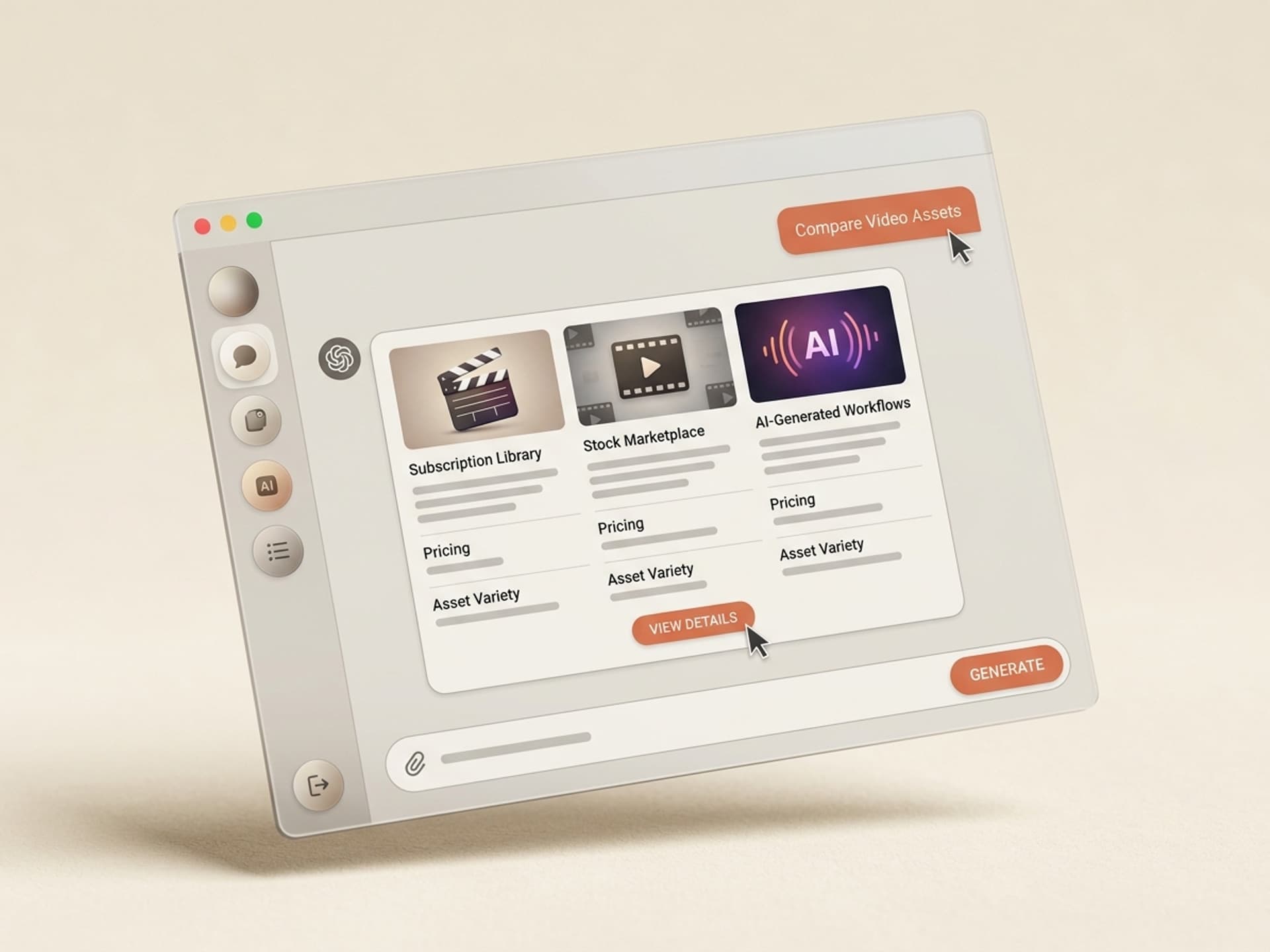
Short answer: Motion Array and Videohive sell pre-made templates - one design, downloaded by thousands of editors. Vibe Skills sells AI skills that generate fresh visuals against your brand every time. They are not the same product. The right pick depends on whether you need a polished template once, or unique, brand-fit visuals across many projects.
This is a non-defensive comparison. Vibe Skills is one of the three options on the table, but if you only need a single After Effects template for a one-off video, Videohive is probably faster than us. If you live inside Premiere Pro every day, Motion Array's 8K footage library is real leverage. We win on different axes - regeneration, brand-fit, and unlimited fresh outputs across 10 visual categories. Browse the full Vibe Skills catalog at vibeaiskills.com before you decide.
| Marketplace | Pricing | What you get | Best for |
|---|---|---|---|
| Motion Array | $24.99/mo annual (Everything) | 60K+ video templates, 8K footage, 50+ plugins | Working video editors in After Effects / Premiere |
| Videohive (Envato Market) | $15 - $40 per item | 461K+ templates, lifetime per-purchase license | One-off premium project assets |
| Vibe Skills | $39/mo Pro | 10 visual categories of AI skills, regenerate per project | Brand-consistent visuals across many projects |
Browse hundreds of ready-made skills for Claude, Cursor, and more.
How These Three Actually Differ (It's Not Apples-to-Apples)
Motion Array and Videohive are template marketplaces. You browse a catalog, download a .aep or .mogrt file, drop in your text and footage, and ship. The asset itself was hand-crafted by a motion designer. You are buying their finished work.
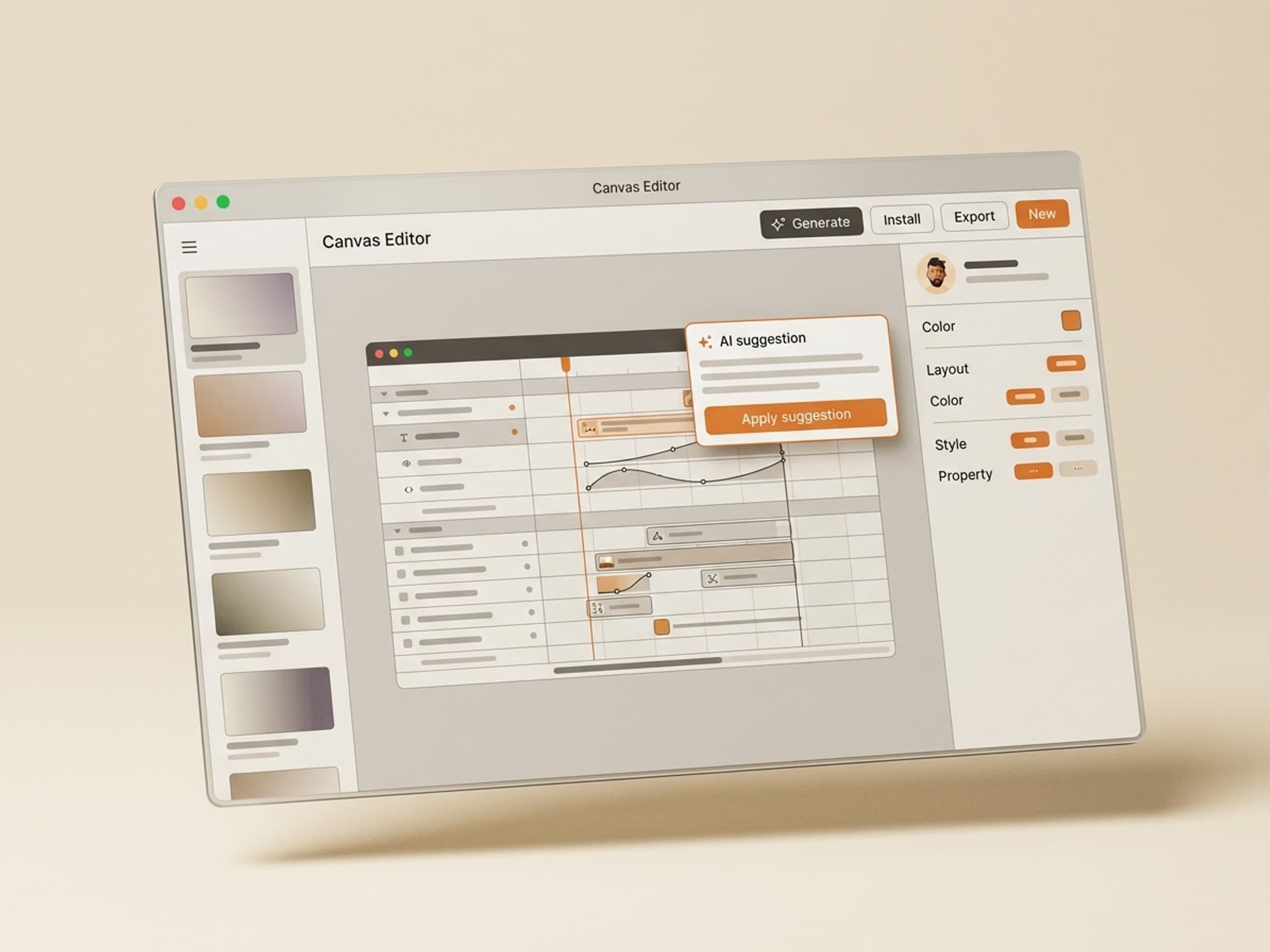
Vibe Skills is an AI skill marketplace. You install a skill once, then it generates a fresh visual every time you run it - tuned to your brand colors, your fonts, your tone, your client. Same skill, different output for every project.
The key practical difference:
- Templates: One asset, used by thousands of other creators. You customize the text and a few colors.
- AI skills: Infinite outputs, one per project. The skill workflow is the asset, not the file.
If your output is "I need this exact After Effects logo reveal that 4,000 other people also bought," templates win. If your output is "I need 30 carousel posts this month, all on-brand for 5 different clients," AI skills win. Most pro creators end up using both.
Browse hundreds of ready-made skills for Claude, Cursor, and more.
Motion Array: The Premiere Pro Workhorse
Motion Array is the strongest single-vendor subscription for working video editors. $24.99/month on the annual Everything plan unlocks 60,000+ video templates, 700K+ stock footage clips (up to 8K), 50+ video editing plugins, sound effects, music, and AI voiceover credits. (Source: Motion Array pricing page)
Where Motion Array genuinely wins
- 8K footage - Envato caps at 4K, so for high-end deliverables Motion Array is the better library
- Specialized video editing plugins - 50+ tools that plug directly into Premiere Pro and DaVinci Resolve
- Curated quality - tighter editorial control than Envato Elements; templates ship clean and don't usually need rework
- Cross-NLE coverage - works with After Effects, Premiere Pro, DaVinci Resolve, Final Cut Pro, and Premiere Rush from one subscription
- Project-locked license - assets registered to a project stay licensed forever, even after you cancel
Where Motion Array struggles
- Same template, many users - if a Motion Array logo reveal trends, you'll see it on 200 YouTube channels next month
- Quality is inconsistent across the long tail - Trustpilot rating sits at 3.9 across 1,078 reviews
- Some After Effects templates require paid plugins - Trapcode Particular ($999) or Element 3D ($199) are common dependencies that aren't included
- AI tooling is thin - only AI voiceover, no AI image or AI video generation in the subscription
Best for: full-time video editors and motion designers who live in Premiere Pro or After Effects and ship enough work that $25/month pays back on day one.
Videohive: The Premium Per-Asset Marketplace
Videohive is the largest single template library on the market. Owned by Envato, it operates on a per-item model - you pay $15 to $40 per template, get a lifetime license, and never have to renew. (Source: VideoHive plans)
Worth noting: Envato also runs Envato Elements as a separate subscription ($16.50/mo Core, $39/mo Plus annual). Elements gives you many Videohive items as part of the unlimited subscription, but the highest-end Videohive premium templates are still per-purchase only. (Source: Envato Elements pricing)
Where Videohive genuinely wins
- Highest-end production templates - the top of the long tail is often Videohive premium ($40+ items by senior designers)
- No subscription commitment - one payment, lifetime license, perfect for agencies that only buy 2 - 3 templates per year
- Massive library - 461,000+ video templates across After Effects, Premiere Pro, Apple Motion, DaVinci Resolve
- Mature ecosystem - 15+ years of community, ratings, reviews, designer reputations - you know what you're buying
Where Videohive struggles
- Per-asset cost adds up fast - five projects a month at $30 each = $150/mo, way above Motion Array's flat fee
- Quality varies wildly - the same long-tail catalog problem at scale - 461K items can't all be hits
- Dated UI and discovery - browsing feels like Envato in 2014, not 2026
- One-template-many-users - same brand-uniqueness problem as Motion Array
Best for: agencies and freelancers who buy a small number of premium templates a year, or anyone who wants a single high-end asset without committing to a subscription.
Vibe Skills: AI Skills, Fresh Output Per Project
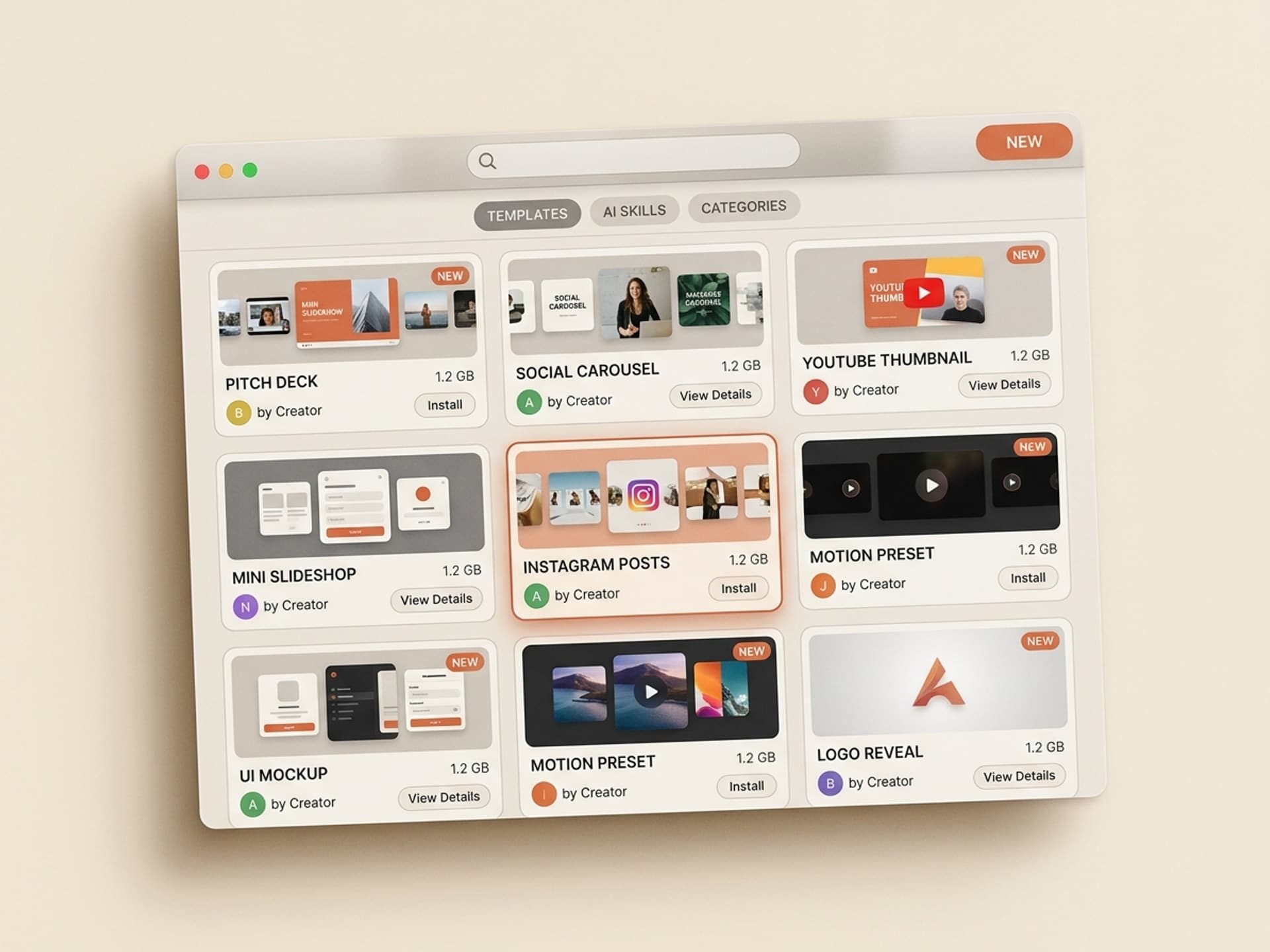
Vibe Skills is a marketplace of installable AI skills that generate visuals on demand. $39/month Pro unlocks every skill across 10 visual categories - presentations, social media visuals, video templates, thumbnails, motion graphics, web and UI design, email design, browser games, AI personas, and interactive 3D. Generate as many outputs as you want, all unique, all brand-tuned. See pricing at vibeaiskills.com/pricing.
Where Vibe Skills genuinely wins
- Brand-fit by default - skills ingest your colors, fonts, logo, and tone, then bake them into every output
- Fresh visuals every run - no two outputs are identical, no clash with other creators using the same template
- Multi-category coverage in one subscription - $39/mo for everything from pitch decks to YouTube thumbnails to Instagram carousels
- No per-asset fee - generate 5 or 500, the price is the same
- Built for non-technical creators - skills install in one click, no After Effects expression debugging
- Creators earn an ongoing share - every skill author gets 30% of gross subscription revenue paid monthly via a download pool, so the best designers and creative pros keep building for the platform
Where Vibe Skills loses (honest)
- Different model from a pre-made template library - if you want to scroll a giant grid of finished
.aepfiles, Envato's the bigger fish for that experience - Less "pixel-perfect" than premium hand-crafted Videohive items - AI output is excellent for 90% of use cases, but a $40 senior-designer Videohive template will still beat us on a hero film title sequence
- Requires comfort with AI tools - if you hate Claude / Cursor / ChatGPT and just want a
.aepfile, templates are the simpler buy - Newer ecosystem - we launched recently, so review history and reputation depth don't match Envato's 15+ years yet
Best for: non-technical creators, founders, marketers, content teams, and creative agencies who need brand-consistent visuals across many channels and projects, faster than templates allow.
Side-by-Side Feature Matrix
The TL;DR table covered the basics. This is the granular look.
| Feature | Motion Array | Videohive | Vibe Skills |
|---|---|---|---|
| Pricing model | Subscription | Per asset | Subscription |
| Entry price | $15.99/mo (Templates only) | $15 - $40 per item | $39/mo (Pro) |
| All-in price | $24.99/mo (Everything) | Pay per item | $39 Pro / $79 Premium / $300 Business |
| Catalog model | Pre-made template library | Per-asset template marketplace | Curated AI skill library, 10 visual categories, growing weekly |
| Asset uniqueness | Same template, many users | Same template, many users | Fresh output per project |
| Brand integration | Manual | Manual | Native (colors, fonts, logo) |
| AI generation | AI voiceover only | None | All output is AI-generated |
| Customization depth | Edit text + color in NLE | Edit text + color in NLE | Regenerate from scratch with new brief |
| Software needed | Premiere, AE, DaVinci, FCP | Premiere, AE, Apple Motion | Browser + AI tool of choice |
| License type | Project-locked, lifetime once registered | Per-item lifetime | Subscription-based commercial |
| Refund policy | 14-day money back (annual) | Item-by-item via Envato | 14-day money back |
| Best ROI scenario | 5+ projects/month | 1 - 3 premium items/year | Multi-channel brand work |
| Worst-fit scenario | Solo creator who ships 1 video/month | High-volume editor | Single one-off video |
Which Should You Pick?
There's no universal winner. Match your situation to the row.
| Your situation | Pick this |
|---|---|
| You ship one video per month and want a polished template you own forever | Videohive (per-item) |
| You're a working motion designer in After Effects every day | Motion Array (Everything plan) |
| You shoot a lot of footage and need 8K stock + plugins in one subscription | Motion Array |
| You run a brand or agency and need consistent visuals across 4+ channels | Vibe Skills |
| You're non-technical and want to skip the After Effects learning curve | Vibe Skills |
| You need a one-off premium hero animation and budget isn't an issue | Videohive premium ($30 - $40/item) |
| You produce social content (Instagram, LinkedIn, YouTube thumbnails) at volume | Vibe Skills (social media visuals + thumbnails) |
| You want pitch decks, sales decks, and investor materials on tap | Vibe Skills (presentations category) |
| You build websites, dashboards, or app UI mockups | Vibe Skills (web and UI design) |
| You make playable browser games or 3D experiences | Vibe Skills (3D games) |
The honest meta-answer: most pro creators run two of the three in parallel. Motion Array or Videohive for the polished one-off template, Vibe Skills for everything that needs to scale across projects with brand consistency.
Where Vibe Skills Fits in Your Stack (Use All Three)
Vibe Skills isn't a replacement for Motion Array or Videohive. It's a different layer of the visual production stack. Here's how they coexist in practice.
| Use Vibe Skills for | Use Motion Array / Videohive for |
|---|---|
| Pitch decks, sales decks, investor decks | Hero film title sequences |
| Instagram carousels, LinkedIn docs, Reels covers | Premium logo reveals (one-time) |
| YouTube thumbnails, podcast covers, channel art | Lower thirds packs, transitions |
| Web and UI mockups, landing pages, dashboards | Stock footage, B-roll, music tracks |
| Email and newsletter design | Sound effects libraries |
| Browser games, interactive 3D scenes | After Effects plugins (Trapcode, Element 3D) |
| AI personas and identity kits | Premiere Pro presets and LUTs |
The 10 Vibe Skills categories at a glance
| Category | Example skills | Browse |
|---|---|---|
| Presentations | Investor Pitch Deck, Sales Deck, Board Update | /category/presentations |
| Social Media Visuals | Instagram Carousel, LinkedIn Doc, Reels Cover | /category/social-media-visuals |
| Video Content | YouTube Storyboard, Shorts Template, Demo Script | /category/video |
| Thumbnails and Cover Art | YouTube Thumbnails, Podcast Covers, Course Covers | /category/thumbnails-covers |
| Motion Graphics | Logo Reveals, Lower Thirds, Kinetic Typography | /category/motion-graphics |
| Web and UI Design | Landing Pages, App Screens, Dashboards | /category/web-ui |
| Email and Newsletter Design | Transactional Email, Newsletter Layouts | /category/email-newsletters |
| 3D Games | Playable browser games via Three.js | /category/3d-games |
| AI Influencers | Identity kits with face, voice, content pillars | /category/social-media-visuals |
| Interactive 3D | Product configurators, 3D heroes | /category/interactive-3d |
Every category in one Vibe Skills subscription. Catalog growing weekly.
Browse the full Vibe Skills catalog →
Frequently Asked Questions
Is Motion Array dying or losing ground to Envato?
No. Motion Array still grows by ~50,000 new assets per month and stays the top choice for video editors who need 8K footage and specialized Premiere Pro plugins. Envato Elements has the larger total library, but Motion Array's editorial curation produces fewer dud templates per search. Both are healthy in 2026.
Is Vibe Skills cheaper than Motion Array plus Videohive combined?
Depends on volume. Vibe Skills Pro is $39/month for unlimited generations across 10 visual categories. Motion Array Everything is $24.99/month, and Videohive averages $20 - $30 per item. If you'd buy even 2 - 3 Videohive items a month, Vibe Skills usually comes out ahead - and the output is brand-tuned, not generic. Compare plans at vibeaiskills.com.
Can I cancel Motion Array anytime?
Yes. Motion Array offers monthly and annual billing with a 14-day money-back guarantee. Annual saves about 37% versus monthly. Project-registered assets stay licensed even after cancellation, which is a real differentiator versus most subscription stock sites.
Do I need to be a designer to use Vibe Skills?
No - that's the whole point. Vibe Skills is built for non-technical creators: marketers, founders, content teams, freelancers. You install a skill, give it a brief, and the AI handles layout, typography, color, and composition. No After Effects expressions, no Photoshop layers. Browse beginner-friendly categories to see how it works.
What does Envato actually own, and is Videohive separate?
Envato owns Envato Market (which includes Videohive, AudioJungle, GraphicRiver, ThemeForest, etc.) and a separate subscription called Envato Elements. Videohive itself is per-item purchase only. Envato Elements gives you a curated subset of Videohive items in its unlimited subscription, but the top-tier Videohive premium templates remain per-purchase.
Can I sell my own work on all three?
All three accept creator submissions. Motion Array and Envato have multi-year contributor programs with established reviewers. Vibe Skills is newer but pays creators 30% of gross subscription revenue, distributed monthly via a download-pool model. Non-exclusive everywhere - you can sell the same skill on Vibe Skills and elsewhere simultaneously.
Does Vibe Skills work with Premiere Pro and After Effects?
Vibe Skills outputs work with the tools you already use. Motion graphics skills export to After Effects-compatible formats; presentation skills export to PowerPoint, Keynote, and Google Slides; web and UI skills export to Figma. The skill itself runs in your AI tool of choice (Claude, Cursor, etc.) and produces files you import into your normal NLE or design app.
The Final Verdict (Depends on User Type)
There is no single winner here. Three honest recommendations:
- You are a working video editor in After Effects or Premiere all day → Motion Array Everything plan at $24.99/month is the best single-vendor subscription on the market. The 8K footage and 50+ plugins make it pay back fast.
- You buy 1 - 3 hero templates per year and hate subscriptions → Videohive per-item is the right call. You own the asset forever, no recurring fee, and the premium tier still beats most AI output for top-of-funnel hero work.
- You produce visuals across multiple channels and need brand consistency at scale → Vibe Skills Pro at $39/month covers 10 visual categories with AI skills that regenerate per project, ingest your brand, and never produce the same output twice.
Most working creators end up using two of the three. That's the right answer. Templates and AI skills aren't competitors - they're different tools for different jobs.
Start with Vibe Skills today on vibeaiskills.com →
Three marketplaces, three different jobs. Pick the one that fits your workflow on vibeaiskills.com and skip the months of testing.