
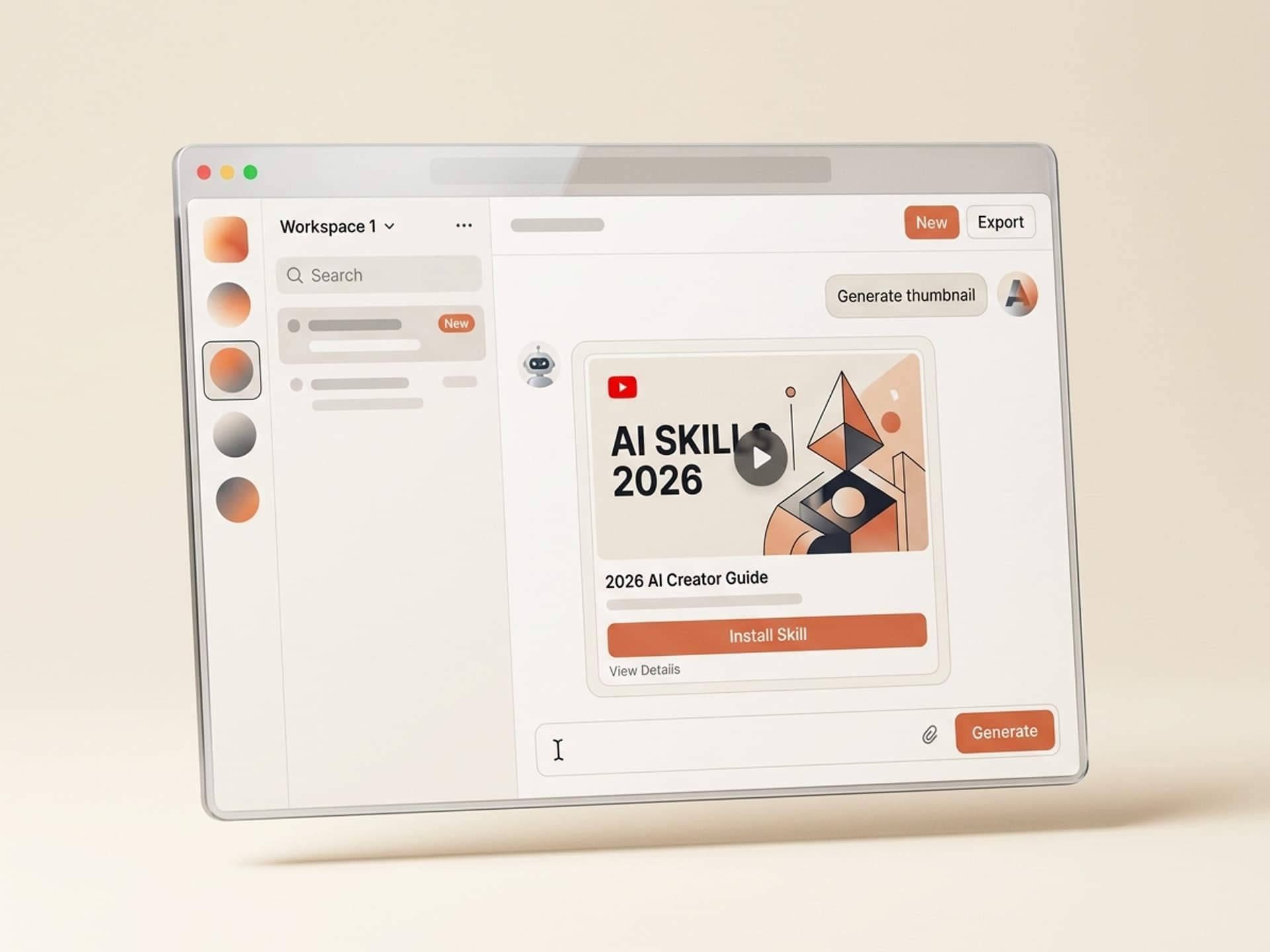

Browse hundreds of ready-made skills for Claude, Cursor, and more.
What Is an AI Skill? The Short Answer
An AI skill is a pre-built workflow that wraps an AI model (Claude, GPT, Gemini) with a specific visual output, a set of editorial rules, and a one-click install. Unlike a raw AI tool, an AI skill already knows what good looks like for a specific use case, so a non-technical creator installs it once and ships a finished artifact in minutes.
Think of it like the difference between a blank Photoshop canvas and a Motion Array template. The canvas is powerful. The template already solves a concrete job.
Vibe Skills is a marketplace for visual AI skills. We cover 10 categories (pitch decks, social carousels, thumbnails, motion graphics, web and UI design, 3D games, AI influencer kits, and more) with over 30 skills per category.
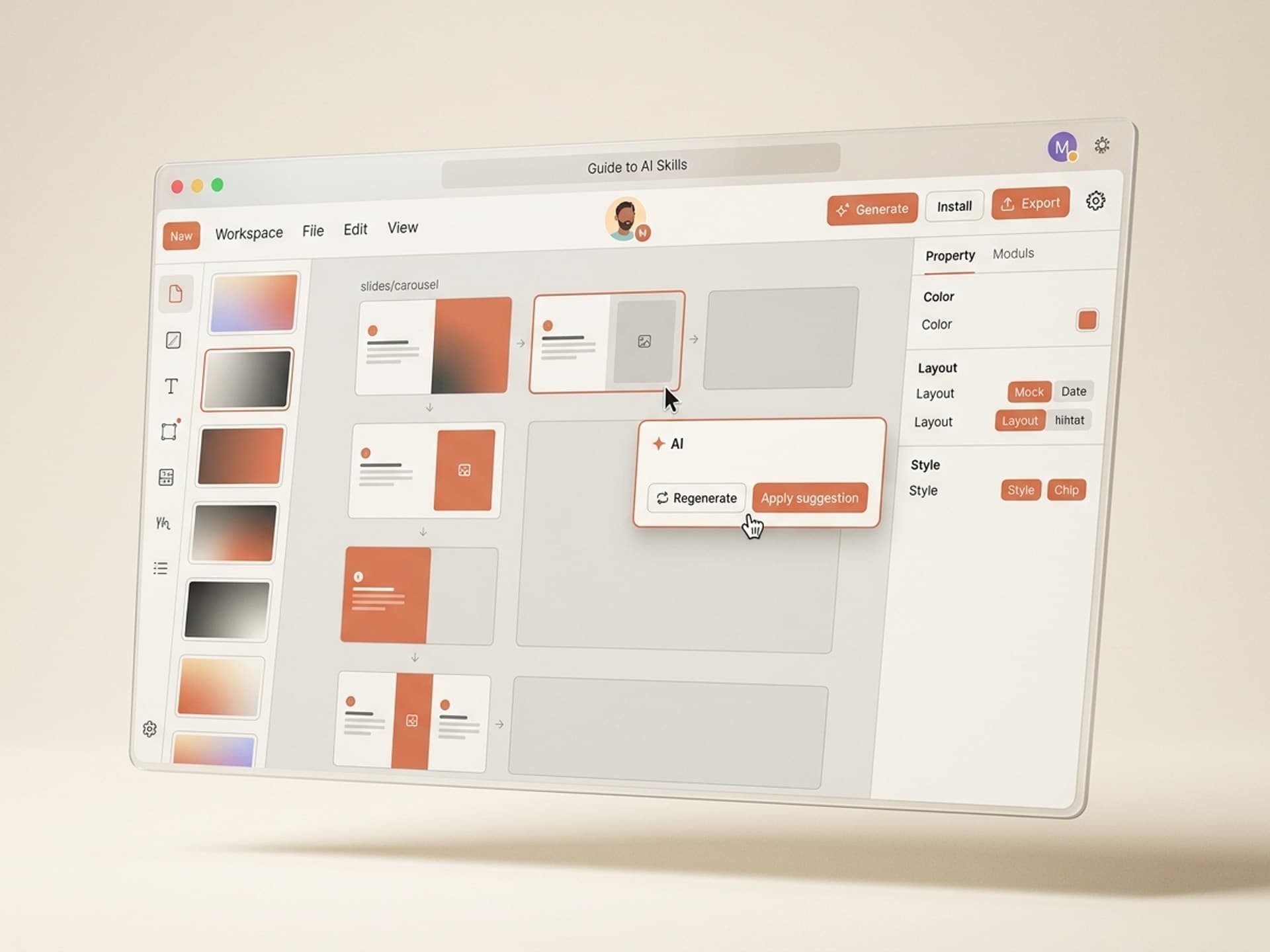
Browse hundreds of ready-made skills for Claude, Cursor, and more.
Why Non-Technical Creators Hit a Wall With Raw AI
Raw AI tools are engineering tools disguised as creative tools. A blank ChatGPT window is a thousand good answers hiding behind knowing what to ask. Most creators don't have two hours to iterate on phrasing until the output stops looking generic.
The result is a creative vs time trade-off that usually breaks one of three ways:
- Give up. The creator defaults to Canva templates and ships something mediocre.
- Hack through. They spend 3 - 10 hours fighting ChatGPT, and the final output still needs heavy editing.
- Pay a freelancer. A one-off deck, reel edit, or landing page starts at $400 and takes 5 - 14 days.
AI skills sit in the gap between these three bad options. They deliver template-level speed with AI-level customization, so the output is yours, not a stock asset.
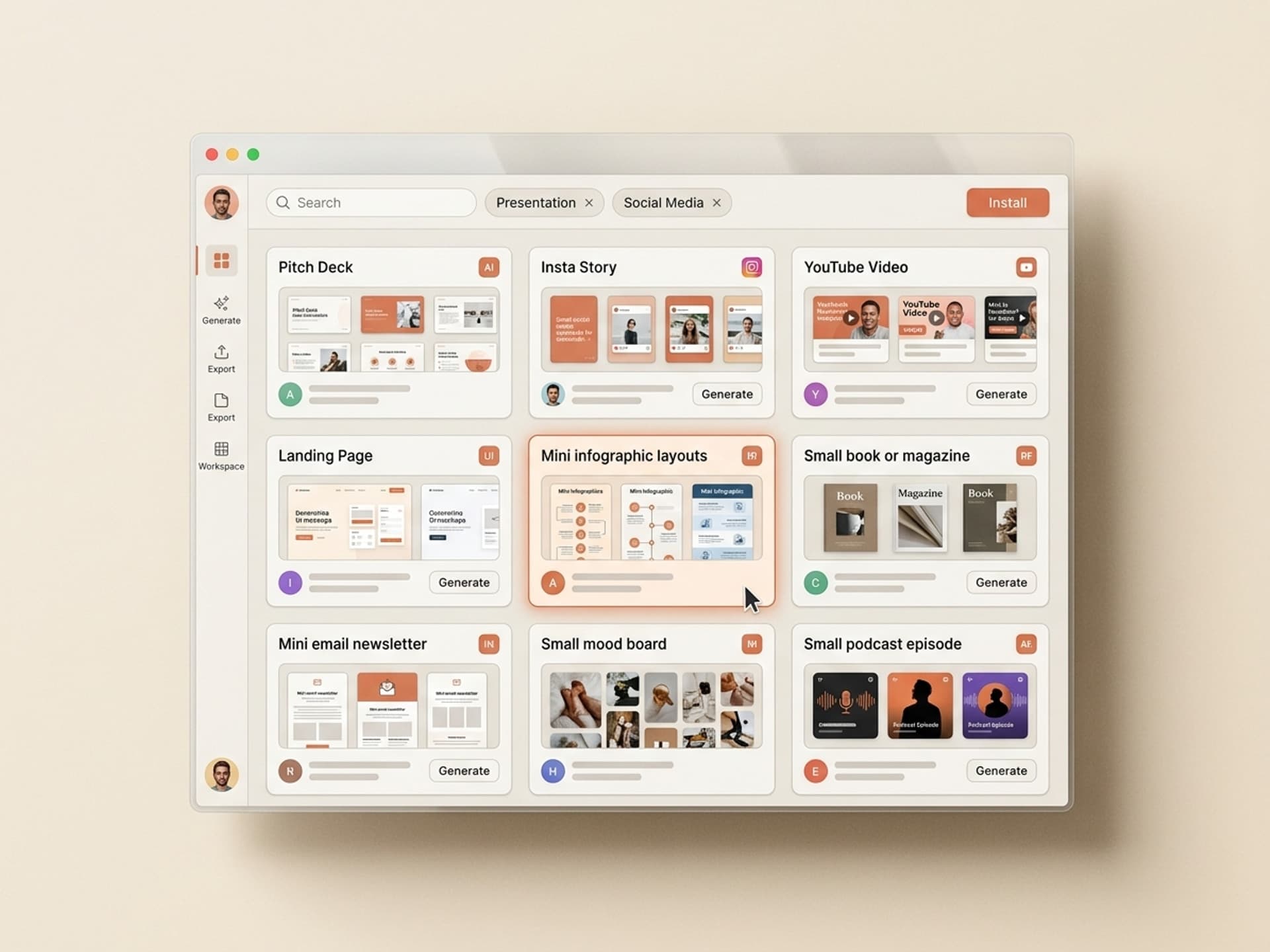
Browse hundreds of ready-made skills for Claude, Cursor, and more.
What Qualifies as an AI Skill (vs a Tool, Template, or Asset Pack)
An AI skill is a specific thing. It is not a tool, a template, or an asset pack. Here's how to tell them apart:
| Artifact | What it is | What you still have to do |
|---|---|---|
| AI tool (ChatGPT, Claude, Midjourney) | A general-purpose model | Figure out the entire workflow, write instructions, iterate, do the design work |
| Template (PowerPoint deck, Figma file, Canva layout) | A blank design | Fill in every single slide, text block, and image |
| Asset pack (icon set, video overlays, music library) | A bundle of raw ingredients | Know how to compose them into a finished output |
| AI skill | An opinionated workflow that drives an AI tool toward a specific visual outcome | Install it, paste your input, export the output |
An AI skill bundles the workflow, the visual system, the editorial rules, and the AI calls into a single install. It is the difference between a recipe and a chef.
The 10 Categories of Visual AI Skills
Not all AI skills are visual. On Vibe Skills we only cover visual outputs - things you can see, share, and use in a creative project. Here are the 10 categories we publish under:
| Category | What you ship | Browse |
|---|---|---|
| Presentations | Pitch decks, board decks, sales decks, keynotes | /category/presentations |
| Social Media Visuals | Instagram carousels, LinkedIn docs, Reels covers | /category/social-media-visuals |
| Video Content | YouTube storyboards, shorts scripts, demo videos | /category/video |
| Thumbnails & Covers | YouTube thumbnails, podcast covers, book covers | /category/thumbnails-covers |
| Motion Graphics & Animation | Logo reveals, lower thirds, transitions | /category/motion-graphics |
| Web & UI Design | Landing pages, dashboards, app mockups | /category/web-ui |
| Email & Newsletter Design | Transactional emails, nurture sequences, promo blasts | /category/email-newsletters |
| 3D Games | Browser-playable 3D games via Three.js | /category/3d-games |
| AI Influencers | Consistent-face identity kits, content pillars | /category/social-media-visuals |
| Interactive 3D | 3D heroes, configurators, product showcases | /category/interactive-3d |
Over 30 ready-made skills per category. One subscription covers all of them.
How AI Skills Actually Work
An AI skill runs in three steps: install, input, output. No coding. No figuring out which model to use. No writing a 2,000-word instruction to get a usable result.
Here is what happens when you install and run a skill on Vibe Skills:
Step 1: Install the skill
Pick a skill from the marketplace (e.g. Series A Pitch Deck). One click installs it into your Vibe Skills workspace. No model setup, no API keys, no tooling to configure.
Step 2: Paste your input
Each skill defines exactly what it needs. For a pitch deck skill, that might be your company name, the problem you solve, traction numbers, and your ask. For a YouTube thumbnail skill, a video title and a hero photo.
The skill handles everything else: layout, typography, visual treatment, narrative flow, export format.
Step 3: Export the output
The skill produces a finished artifact. A pitch deck exports to Figma, PowerPoint, or Google Slides. A motion graphic brief exports as a timing-specced After Effects project. A 3D hero exports as a drop-in React component.
The output is yours to edit, ship, or iterate on. Most creators tweak 10 - 20% of the result; the rest ships as-is.
How Non-Technical Creators Benefit From AI Skills
AI skills shift the creator's bottleneck from production to ideas. Here is what typically changes:
- Output time drops from days to minutes. A pitch deck that took 14 hours takes 30.
- Quality floor rises. A mid-skill creator now ships work that looks like it came from a senior designer.
- Iteration gets cheap. Generating a v2, v3, and v4 of the same asset costs the same as v1, so creators stop being precious about first drafts.
- Cross-format work becomes trivial. The same creator now ships a deck, a carousel, a video storyboard, and a landing page in one afternoon.
For founders, this means shipping investor decks on the flight to SF. For content creators, it means ending the week with 5 days of video prepped instead of 2. For designers, it means using AI skills as a starting point and spending their time on the 20% that matters.
How to Pick the Right AI Skill for Your Project
Match the skill to the output, not to the tool. Creators often ask "should I use ChatGPT or Claude?" That is the wrong question. The right question is "what are you trying to ship?"
Use this 4-step filter:
- Define the output: a pitch deck, an IG carousel, a thumbnail, a motion brief. Be specific about the file format and the platform it lives on.
- Check the category: browse the relevant category on Vibe Skills. Each skill description states exactly what you get.
- Check the author: every skill is built by a specialist (pitch deck skills by DeckCraft, thumbnails by ThumbForge, etc.). Click into the author profile to see their other work.
- Install and run once: AI skills are fast to evaluate. Install, generate a v1 with sample input, see if the output matches your bar. If yes, keep it. If no, try the next one.
This loop takes 10 - 15 minutes per skill, which is faster than watching one tutorial on YouTube.
AI Skills vs Raw AI Tools: The Honest Comparison
| Dimension | Raw AI tool (ChatGPT / Claude direct) | AI skill (Vibe Skills) |
|---|---|---|
| Setup time | 0 min | 30 sec (install) |
| Time to first usable output | 1 - 3 hours | 5 - 15 min |
| Skill-builder expertise needed | High (you ARE the skill builder) | None (someone else already built it) |
| Output consistency across runs | Low | High (skill enforces structure) |
| Cost per output | API / subscription | Flat subscription |
| Works for non-technical users | Technically yes, practically no | Yes |
| Customizability | Unlimited but hard | Good - every skill exposes input fields |
| Source-of-truth quality | Model-dependent | Tested by skill author before publish |
For most creators, the AI skill model wins on every dimension except "I want to do everything myself from scratch". If that is the goal, raw AI is the better fit.
Frequently Asked Questions
What's the difference between an AI tool and an AI skill?
An AI tool is a general-purpose model (ChatGPT, Claude, Gemini). An AI skill is a specific workflow built on top of a tool that delivers a finished visual output for a specific job. Tools are powerful but unopinionated. Skills are opinionated and ship-ready. Browse skills at vibeaiskills.com.
Do I need to know how to code to use AI skills?
No. AI skills are built for non-technical creators: marketers, founders, designers, content creators, YouTubers. Every skill on Vibe Skills runs through a web UI with clear input fields. No API keys, no command line, no setup.
Can I customize an AI skill after running it?
Yes. Every skill exports to editable files (Figma, PowerPoint, Google Slides, PNG, MP4, React code). You own the output and can edit freely. Most creators tweak 10 - 20% after running; the rest ships as-is.
Which AI platforms do Vibe Skills support?
Skills on Vibe Skills run on Claude, GPT, and Gemini depending on what each skill needs. You don't have to pick a model; the skill author already chose the right one. Your Vibe Skills subscription covers model usage, so there are no separate API bills.
How much do AI skills cost?
A Vibe Skills subscription starts at $29/month on annual billing and includes unlimited skill installs across every category. There is no per-skill fee and no metering. See the full pricing page for Pro, Premium, and Business tiers.
Is there a free trial?
Vibe Skills does not offer a free trial. Every plan bills from signup, and you can cancel anytime (see pricing). If the first skill doesn't deliver, cancel in under a minute; your subscription pauses immediately.
Who makes the AI skills on Vibe Skills?
Every skill is built by an independent creator with a track record in their category. Pitch deck skills are built by DeckCraft and SlideStudio. Thumbnails are built by ThumbForge. Browse any author profile to see the full skill catalog under their name.
Ready to Ship 10x Faster?
AI skills collapse the creator's worst trade-off: quality vs speed. With one subscription you ship pitch decks in 30 minutes, carousels in 15, thumbnails in 5. The output is yours, it looks custom, and you stop paying freelancers for every one-off asset.
Browse skills on vibeaiskills.com →
Stop fighting raw AI tools. Install a ready-made visual AI skill on Vibe Skills and ship v1 in 30 minutes.